Go to section
Spotlight SureThing.io - "OpenClaw" for BeginnersTask automation
The front page of AI.Used by 90M+ humans.

TAAFT Tutorial
Generate image
Tasks
Generate text
Free mode
Trending
Leaderboard
Characters
 Mini tools
New
Featured
Lists
Agents
Requests
Jobs
Map
Newsletter
Starter pack
Free tools
Speech to text
Text translator
Remove background
Settings
Edit profile
My tools
Gallery
Dashboard
Inbox
Get featured
Contact TAAFT
For you
Popular
Job impact index
Most saved
Affiliate program
Submit AI tool
Notification preferences
Glossary
Home
Timeline
My profile
Create tool
Deals
Companies
Models
Robots
Papers
Fundraises
Repositories
Devices
Organizations
Events
Prompt Pack
Merchendise
APIs
Features
Tools
Countries
Collections
Videos
Mini tools
New
Featured
Lists
Agents
Requests
Jobs
Map
Newsletter
Starter pack
Free tools
Speech to text
Text translator
Remove background
Settings
Edit profile
My tools
Gallery
Dashboard
Inbox
Get featured
Contact TAAFT
For you
Popular
Job impact index
Most saved
Affiliate program
Submit AI tool
Notification preferences
Glossary
Home
Timeline
My profile
Create tool
Deals
Companies
Models
Robots
Papers
Fundraises
Repositories
Devices
Organizations
Events
Prompt Pack
Merchendise
APIs
Features
Tools
Countries
Collections
Videos
Mini tools
New
Featured
Lists
Agents
Requests
Jobs
Map
Newsletter
Starter pack
Free tools
Speech to text
Text translator
Remove background
Settings
Edit profile
My tools
Gallery
Dashboard
Inbox
Get featured
Contact TAAFT
For you
Popular
Job impact index
Most saved
Affiliate program
Submit AI tool
Notification preferences
Glossary
Home
Timeline
My profile
Create tool
Deals
Companies
Models
Robots
Papers
Fundraises
Repositories
Devices
Organizations
Events
Prompt Pack
Merchendise
APIs
Features
Tools
Countries
Collections
Videos

▼ Latest
Business documents
Free mode
100% free
Freemium
Free Trial
Featured matches
-
-
-
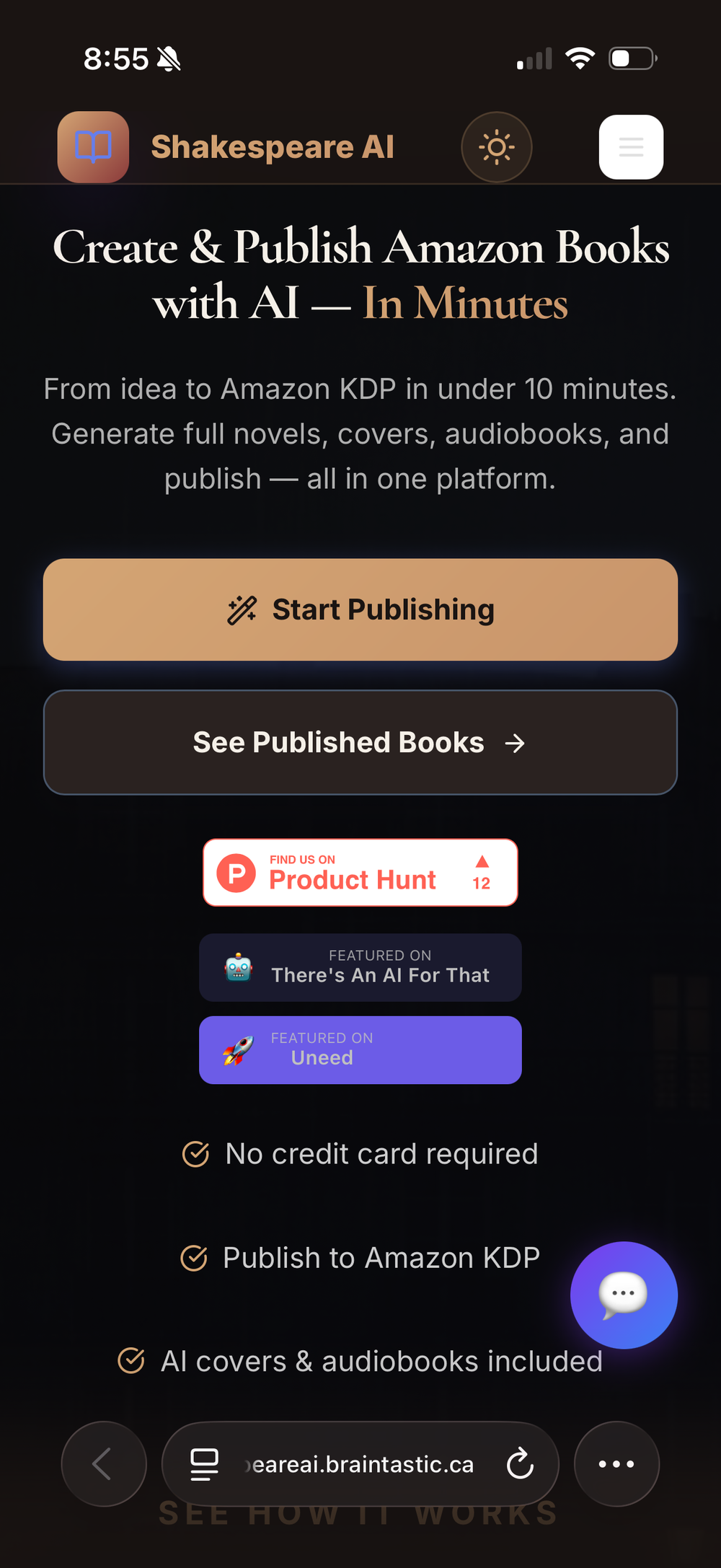 Maria Cristina Martinelli🙏 2 karmaApr 24, 2026@ShakespeareAII love ShakespeareAi. After trying other products I landed on their website and it’s the best thing that ever happened to me. At first there were a few problems, but the team has been efficient and very quick in solving them for me, even accepting suggestiona from me.
 -
-

-
-
-
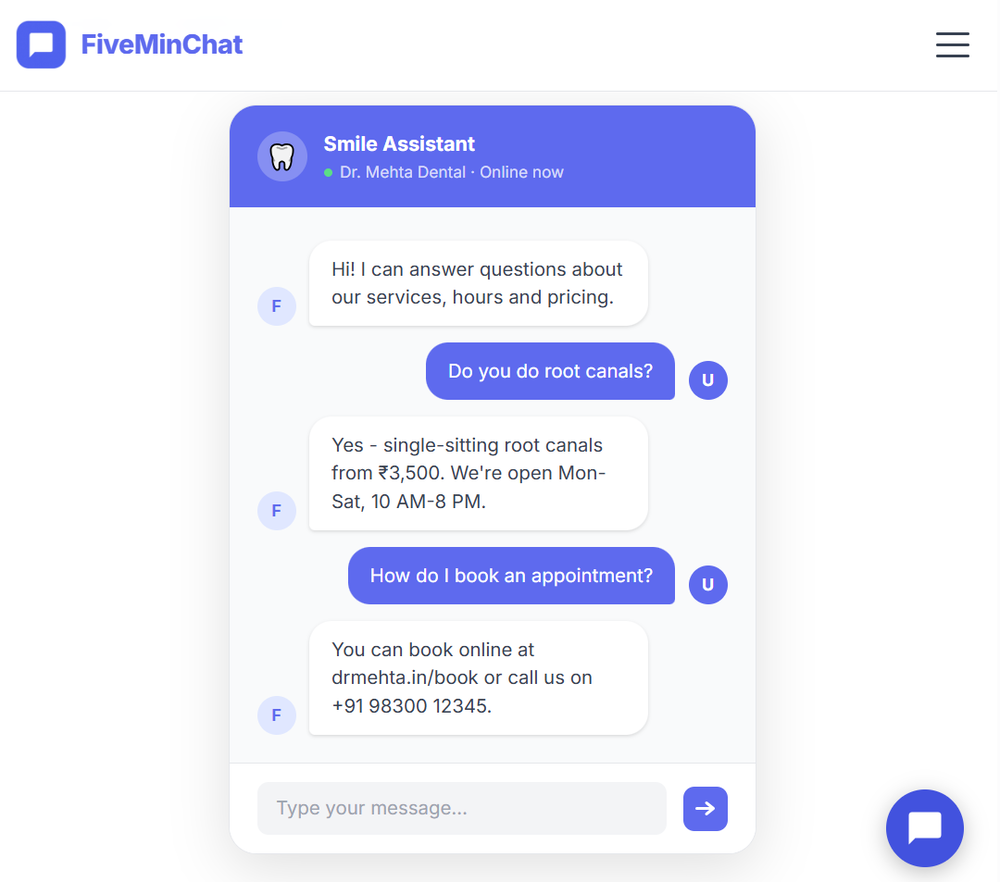 FiveMinChat has been a fantastic addition to any website. The AI chatbot was easy to set up and customize, and it started providing helpful answers almost immediately after training. It feels like having an extra team member available 24/7 to assist visitors and capture leads. Highly recommended for businesses that want to improve customer support and engagement without complexity.
 -
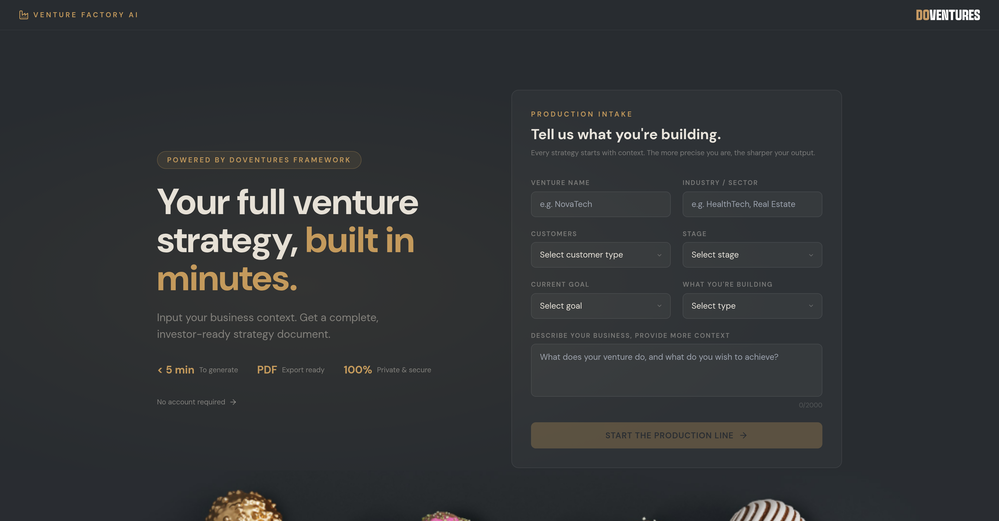 I just generated a strategy for my idea. I’ve never seen such a clear document. It’s non-generic and very creative. I don’t know what the recipe is behind it, but it’s very well written. Thank you, Elena!
 -








Verified tools
- SpotlightSureThing.io - "OpenClaw" for BeginnersTask automation
-
Data extraction is accurate and incredibly efficient. Plus, it's super easy to use - no setup, no onboarding forms, perfectly simple UI. We started using it right away. The bank statements feature quickly imports, categorizes, and matches transactions. Their automatic categorization and matching process fully automates the reconciliation flow in our team.
-
 They owe you money. We send the attorney demand letter that collects.OpenNew from Bloodhound.law: get an attorney demand letter sent on law firm letterhead for $200. Most debts settle right there. If they don't, we collect — and our fee comes out of the recovery.
 -
I would say this is the best document and researsh creation assistant, but it's more than an Assistant it basically does all the work while you comfortably instruct it.
-
 AI-native OCR platform, 95%+ accuracy, zero prompt engineering, flags uncertain fields.OpenWe are a team of founders who worked before in data extraction, with traditional manual review of each document to check accuracy / errors. We are so excited about AI and the new LLM models because we have created DeepRead using those and the accuracy is 95% and we flag uncertain fields so no one has to manually review entire documents (whew), only the exceptions! We hope you try it out and please share your review, comments and feedback. Looking forward to hearing from users!
 -














Other tools
-
It is free and provides decent summery and advice I wish it could do an entire pass of a text it can only examine a limited selection so if you have a large text you want to run through you have to do a lot of Copy & Paste then confirm every time your a human. Still it is a free tool and works well for what its designed to do.
-
 AI-powered legal document analysis for rapid insightsOpen
 - Didn't find the AI you were looking for?
-
Had several issues with app, beginning with a refresh needed to find the upload (figured out while waiting for help desk). Relatively straightforward conversion, rearranged fields, merged integer and text field. Conversion was Ok on first 30 lines and 2 pages, second 25 lines needed more manual editing. Was going to rate lower, tried Parseur was even worse.
-
-
Not operating, you can just join a waitlist with 5000 queue as of May 27
-
This is the finest PDF translation service I have utilized, with exceptional preservation of document formatting.
-
 Open
Open -
 Expert in resolving Business Formation and Legal queries.Open
 -
 Open
Open -
 Precise multilingual translator for technical documents and user manuals.Open
 -
 Startup document generator for Florida entrepreneurs.Open