

 Mini tools
 Extract data from documents with AI
 Lido Document Processing
 Molku
Molku
 Parser by bix-tech.com
 TextMine
 SuperAI
 Parsio
 Parseur
 Base64
 Cradl
Cradl
 FormX
FormX
 CambioML
 Skymerse
 Extracta
 Parchment
 OCR Best
 Botminds
 ReadyData - AI Data Extraction
 ImageToTable.ai
 KlearStack
 iKapture
 GetSpiced
 CleeAI
 Starnus
 Activepieces
 Avataar's GenAI Creator
 Olivya
 Abstra
 Pipefy
 DoubleO
 Neferdata
 Quixl
Quixl
 Cubeo
Cubeo
 Sema4.ai
 Ridvay
 Tray.io
 Cognition by Mindcorp
 GoodWork
 Mr David
 UiPath
 Super Amplify
 genset
 Chat4Data
 DescribeThat
 Airparser
 Bitskout
 HappyRobot
 Extend
 Midship
 Snippai
 GMapsScraper.io
 TinyFish
 Jsonify
 Batch Script
 GMapsScraper AI
 Happy Oyster
 simple web scrape

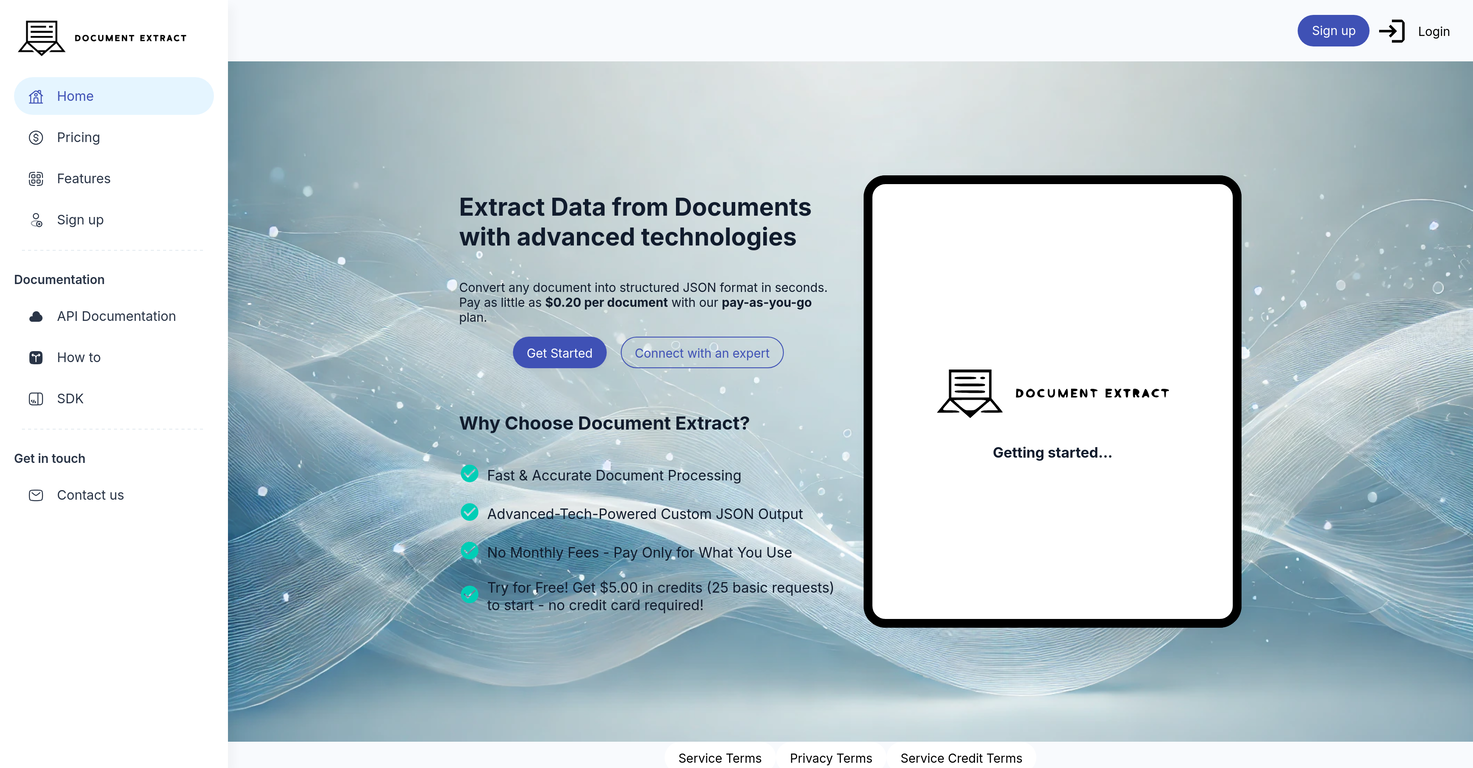
Document Extract






Overview
Document Extract is an Artificial Intelligence-based tool designed to help in the extraction of data from various types of documents. Leveraging advanced AI capabilities, the tool automates the process of pulling out pertinent information from the documents and organizes it efficiently to enhance accessibility.
It is capable of handling a range of document formats, including pdfs, word documents, spreadsheets, and other text-based documents. The main functionality of Document Extract extends to multiple applications such as data analysis, information retrieval, record keeping, and more.
The AI system is designed to identify key data by understanding the context and nuances of the information embedded in the document, thereby reducing manual effort and increasing accuracy.
Furthermore, the tool can be integrated into different systems to modify and optimise existing workflows, ensuring adaptability and flexibility for various types of businesses and industries.
It also includes features for managing and storing the extracted data, along with a user-friendly interface that is suitable for users with various levels of technical expertise.
Document Extract provides an effective solution for anyone needing to manage large amounts of data spread across multiple document formats, thereby increasing operational efficiency, reducing errors and saving valuable time.
Releases

Pricing
Top alternatives
-
 Automate PDF data extraction with AI
 Tarang🙏 20 karmaDec 18, 2024@Lido Document ProcessingHighly recommend it for anyone dealing with high-volume document processing. Simplifies the process of extracting data from multiple PDFs into clean, accurate spreadsheets.
 -
 Autofill PDFs & Sheets instantly from any document.
 -
 Extract data from any document automatically with AI.The tool worked really well for us. It was easy to upload our first PDFs and set up an automated flow through the API
 -
 AI-powered knowledge base for critical business documents.
 -
 Automate complex document processing with AI
 -
 Extract data from emails and documents instantly.Had several issues with app, beginning with a refresh needed to find the upload (figured out while waiting for help desk). Relatively straightforward conversion, rearranged fields, merged integer and text field. Conversion was Ok on first 30 lines and 2 pages, second 25 lines needed more manual editing. Was going to rate lower, tried Parseur was even worse.








