Go to section
Spotlight SureThing.io - "OpenClaw" for BeginnersTask automation
The front page of AI.Used by 90M+ humans.

Generate image
Tasks
Generate text
Free mode
Trending
Leaderboard
Characters
 Mini tools
New
Featured
Lists
Agents
Requests
Jobs
Map
Newsletter
Starter pack
Free tools
Speech to text
Text translator
Remove background
Settings
Edit profile
My tools
Gallery
Dashboard
Inbox
Get featured
Contact TAAFT
For you
Popular
Job impact index
Most saved
Affiliate program
Submit AI tool
Notification preferences
Glossary
Home
Timeline
My profile
Create tool
Deals
Companies
Models
Robots
Papers
Fundraises
Repositories
Devices
Organizations
Events
Prompt Pack
Merchendise
APIs
Features
Tools
Countries
Collections
Videos
Mini tools
New
Featured
Lists
Agents
Requests
Jobs
Map
Newsletter
Starter pack
Free tools
Speech to text
Text translator
Remove background
Settings
Edit profile
My tools
Gallery
Dashboard
Inbox
Get featured
Contact TAAFT
For you
Popular
Job impact index
Most saved
Affiliate program
Submit AI tool
Notification preferences
Glossary
Home
Timeline
My profile
Create tool
Deals
Companies
Models
Robots
Papers
Fundraises
Repositories
Devices
Organizations
Events
Prompt Pack
Merchendise
APIs
Features
Tools
Countries
Collections
Videos
Mini tools
New
Featured
Lists
Agents
Requests
Jobs
Map
Newsletter
Starter pack
Free tools
Speech to text
Text translator
Remove background
Settings
Edit profile
My tools
Gallery
Dashboard
Inbox
Get featured
Contact TAAFT
For you
Popular
Job impact index
Most saved
Affiliate program
Submit AI tool
Notification preferences
Glossary
Home
Timeline
My profile
Create tool
Deals
Companies
Models
Robots
Papers
Fundraises
Repositories
Devices
Organizations
Events
Prompt Pack
Merchendise
APIs
Features
Tools
Countries
Collections
Videos

▼ Latest
Code summary generation
Free mode
100% free
Freemium
Free Trial
Featured matches
-
-
-
 Turn notes into perfect infographics from 500+ designs.Open
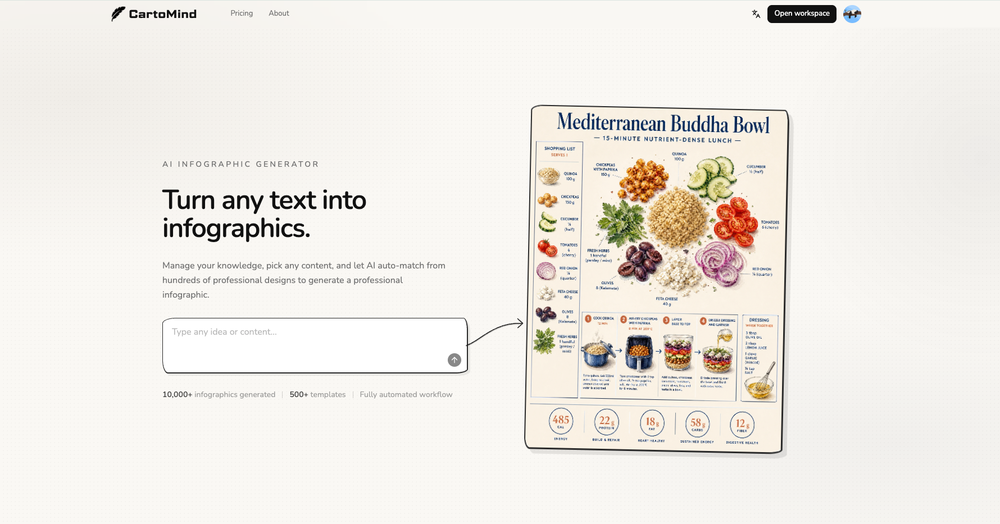 Henry🛠️ 2 tools 🙏 9 karmaMay 11, 2026@AI Infographic Generator - CartoMindHi TAAFT! I'm Henry, the founder of CartoMind. CartoMind offers a fully automated AI workflow to help you quickly organize text content and generate the perfect infographics to match. 【Why did I build this?】 When creating infographics with AI today, users are often forced to choose between two extremes. You either use generic AI image SaaS tools that trap you in complex prompt engineering and steep design learning curves with zero knowledge management, or you use products like NotebookLM. While they are fantastic for knowledge management, their infographic generation is just an afterthought, lacking design freedom and rich templates. 【Here is where CartoMind stands out:】 1. Lightweight knowledge & note management: We support uploading multiple file formats and automatically parsing text, allowing you to freely select the exact knowledge snippets you want to visualize. 2. Fully automated workflow: Based on your selected content, our AI automatically distills the key text elements and instantly matches you with the ideal infographic design from over 500 professional combinations. 3. Massive template library: A rich selection of infographic templates offering a true what-you-see-is-what-you-get experience. 【Who is using it?】 Marketers, educators, social media creators... In fact, anyone who needs to make their domain knowledge "visible" and loves to share it will find it incredibly useful. 【I can't wait for you all to try it out!】
 -
 This feels like one of those tools that removes a super annoying workflow people just accepted for years.
 -
-
 I’m really sorry for your bad experience. At that time we had an unusual load of users and support emails, and yours may have been missed that’s on us. I’ve checked and your payments have been fully refunded.
 -
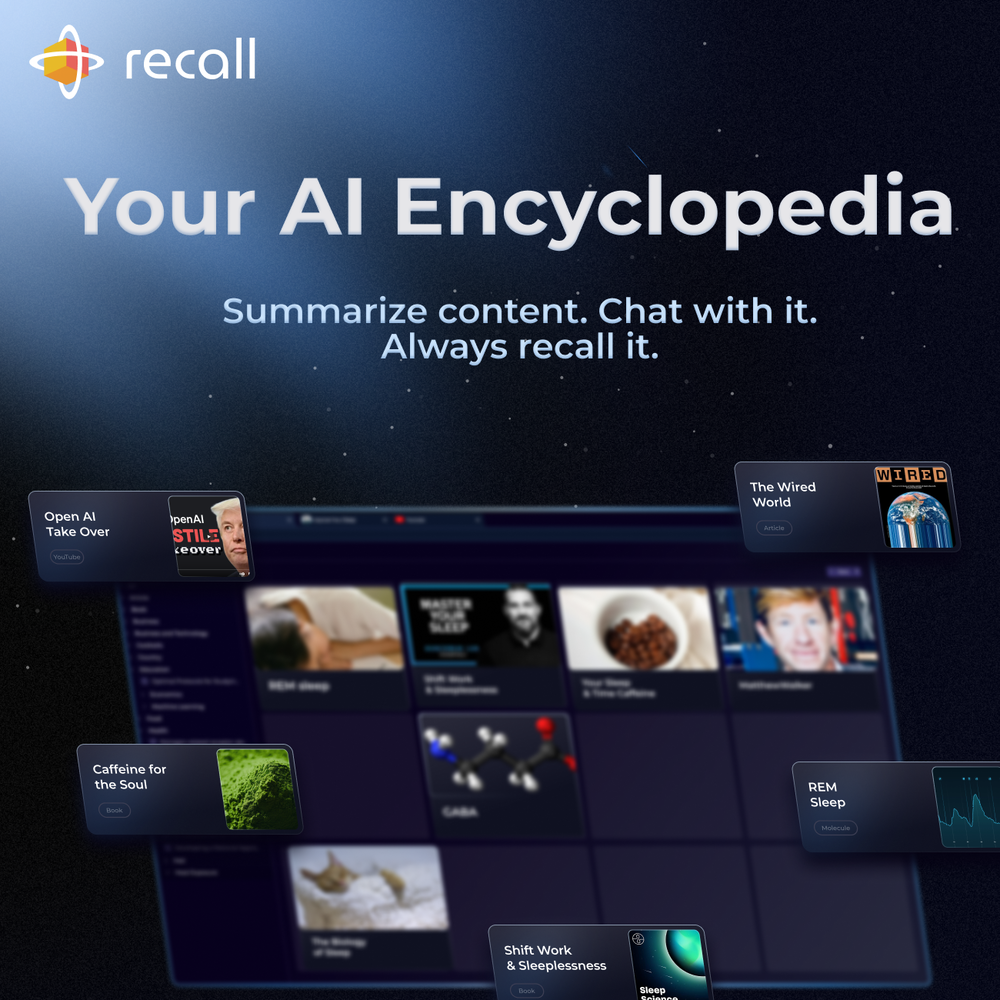 Really like how it finds connection in the content that I save. I don't think any other tool can do that.
 -
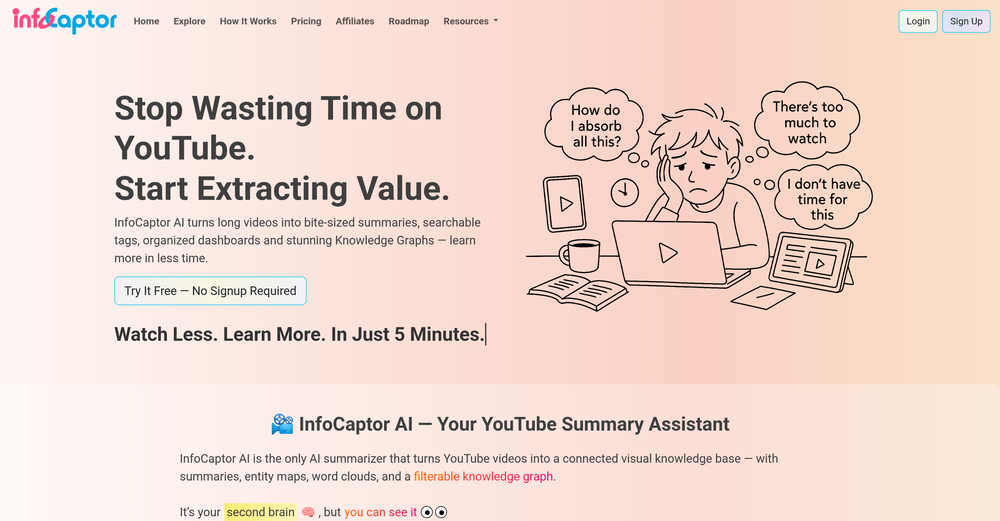
-
 Process YouTube playlists faster — extract signal without watching every minuteOpen
 TubeYakker matches how I already use YouTube. Saving things for later and processing them bit by bit. The UI is pretty minimal, which I like, though it took me a minute to understand the intended workflow. Keep it up ;-)






Verified tools
-
 AI-powered project management connecting data, teams and decisions.Open
 -
 Legal docs simplified w/ plain language definitions.Open
 - SpotlightSureThing.io - "OpenClaw" for BeginnersTask automation
-
 Transform your codebase into comprehensive, beautiful documentation automatically.Open


Other tools
-
-
- Didn't find the AI you were looking for?
-
Handles long texts really well. Super useful if you’re into detailed content but want the quick version without losing key info.
-
Code varies from run to run. Still it is a helpful app. You can specify coding languages that are not in the dropdown menu.
-
It seems to be working fine right now. Maybe try again and double check if you’re using the book’s original or most recognized title. That might make a difference.
-
-
Free version is limited to 5 pages for PDFs. I could not find a file short enough to even test this product. I give up.
-
I paid 10.00 and on the same day I cancelled my subscription. After providing me with a summary of a specific book, it also gives me the 10 main quotes from the book. I purchased the book from Kindle, so I tried to match the quotes given by booknotes with the Kindle book, and none of the quotes are on the book. In other words, booknotes created the quotes... If the quotes are fabricated by AI, what else in the summary is also not accurate? I still want to give this site the benefit that they will get it right, but right now, I cannot recommend it as a reliable tool.
-
Really simple approach - you select the part of the page you want the summary to be inserted, add a question to the article or it just sticks to the prompt you defined (even the standard prompt is a fun inspiration - never thought about letting the AI read an article from the angle of my professional background or let it build fun analogies for even the darkest articles). I use it to send articles from website directly to my Kindle - so you can basically read AI summarized articles on Kindle. Of course it could be extended but with the basic features it does the job.
-
 Expert in European Law, focusing on precise legal references.Open