
 Mini tools
▼ Popular
Content creation tool
Free mode
100% free
Freemium
Free Trial
Featured matches
-
 Open
Open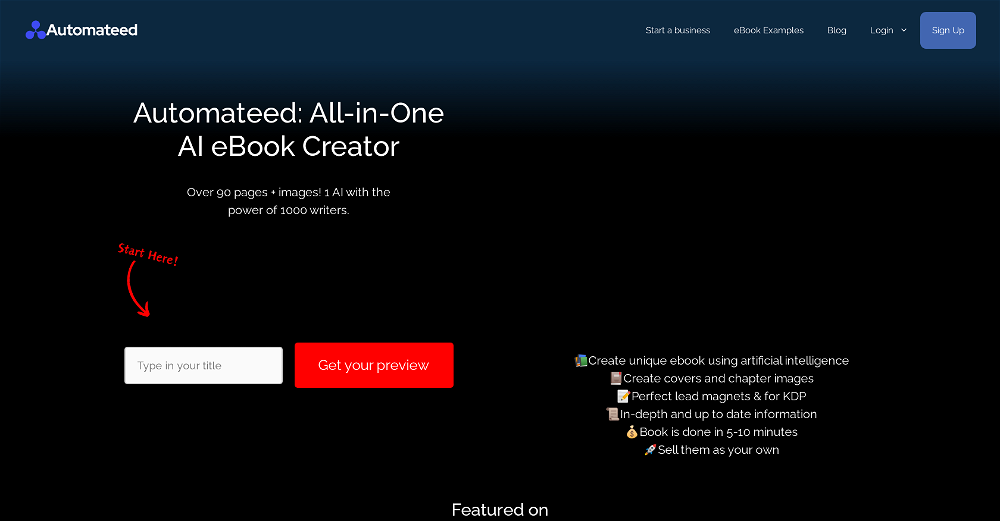 Bilal Ashraf🙏 103 karmaMar 7, 2025@AutomateedThis tool i found is super cool, I created 5 books from this tool to sell them online, which gives me great profit. I am creating more valuable books to spread knowledge, and earn some bucks as well 🤑.
 -
 Open
Open I love this extension, mobile app and desktop software! I use it everyday and everywhere. Generated text are amazing. Well done to the team and continue your incredible work! For me, Voilà is the best AI assistant, copilot and AI writer on the market. I stopped my ChatGPT plus subscription since I discoverer it.
 -
 Open
Open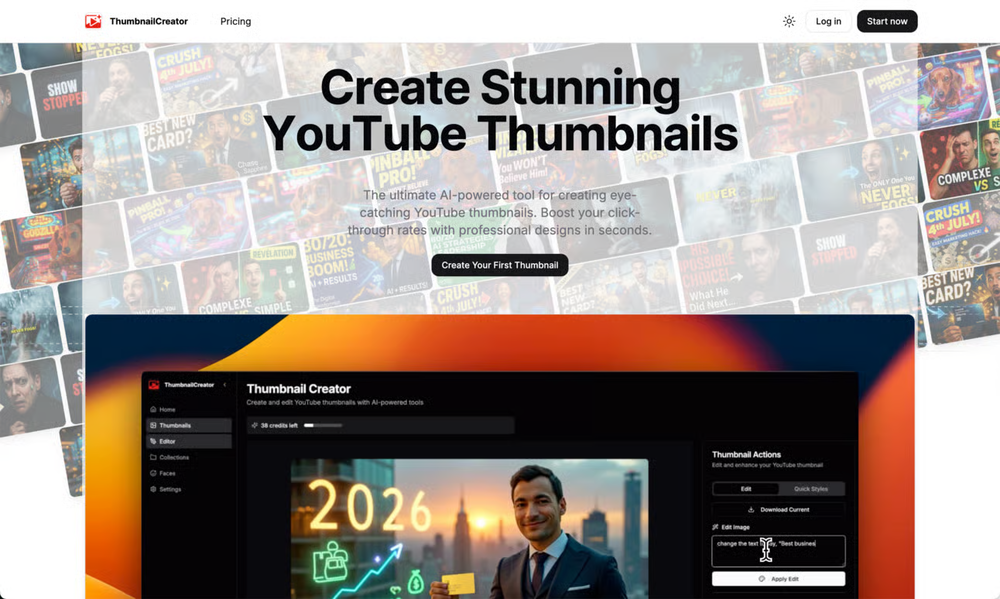 ThumbnailCreator lets you generate YouTube Thumbnails using AI! 🚀
 -
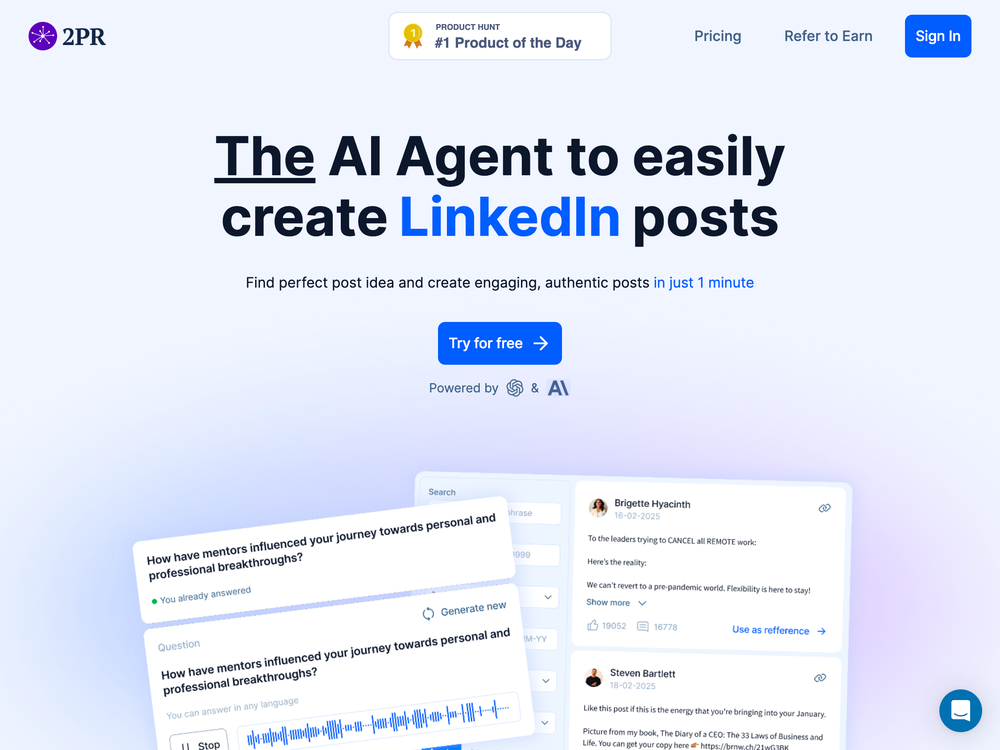 I'm using it to significantly reduce time to make high-quality post. it works much better that regular chatgpt/claude
 -
 Have been trial running this tool and am very impressed by what I've seen. Would recommend for persons in need of a reliable, cost-effective and SEO optimized writing solution.
 -
 illumi 1.1.0: Collaborate from anywhere, turn raw input into outcomes with AI 10x faster! 🧩 Open Intake: Collect ideas from anyone, instantly Generate a share link and let anyone submit input. Each response drops directly into your board, neatly organized into sections. No accounts registration. Just structured input flowing in. 🔍 Board Search (Cmd/Ctrl + K): Find anything, fast Big canvas? No problem. Search across your entire board and jump straight to the right card or section. No more zooming out, squinting, and pretending you remember where things are. 👀 Live Collaboration Panel Know exactly who’s in the room. See active collaborators in real time and stay aligned during workshops or async work. 💬 Stickers + Comments: Feedback without friction Not everything needs a paragraph. Drop stickers anywhere for quick reactions, or use threaded comments inside cards for deeper discussion. Viewers can comment. Editors can resolve. Clean and controlled. Plus! You can select multiple stickers to get all the raw content in a AI-ready Note! 🤖 Multi-Model AI (Side-by-Side) Run the same context across different models and compare outputs: GPT-5.4 Claude Sonnet 4.6 Gemini 3.1 Pro ⚡ Faster setup, smoother workflow We’ve streamlined how boards start and flow: Faster board creation “Connect to AI” replaces “Ask AI” (because it’s not just Q&A anymore) Smoother navigation and scrolling Cleaner UI across the board 📐 Resizable Sections: Frameworks that scale with you Your board grows as your thinking grows. Sections now expand dynamically, whether you’re running a 5-person brainstorm or a 50-person workshop. 🎯 Why this matters Most AI tools generate answers. illumi helps teams structure messy input into usable outputs. From scattered notes → organized context → AI-powered deliverables.
 -
-
 Strong benchmark performance across GAIA, DRACO, and BrowserComp signals real progress in agent capability. If the execution matches the benchmarks, it could significantly streamline how teams build and ship digital products.
 -
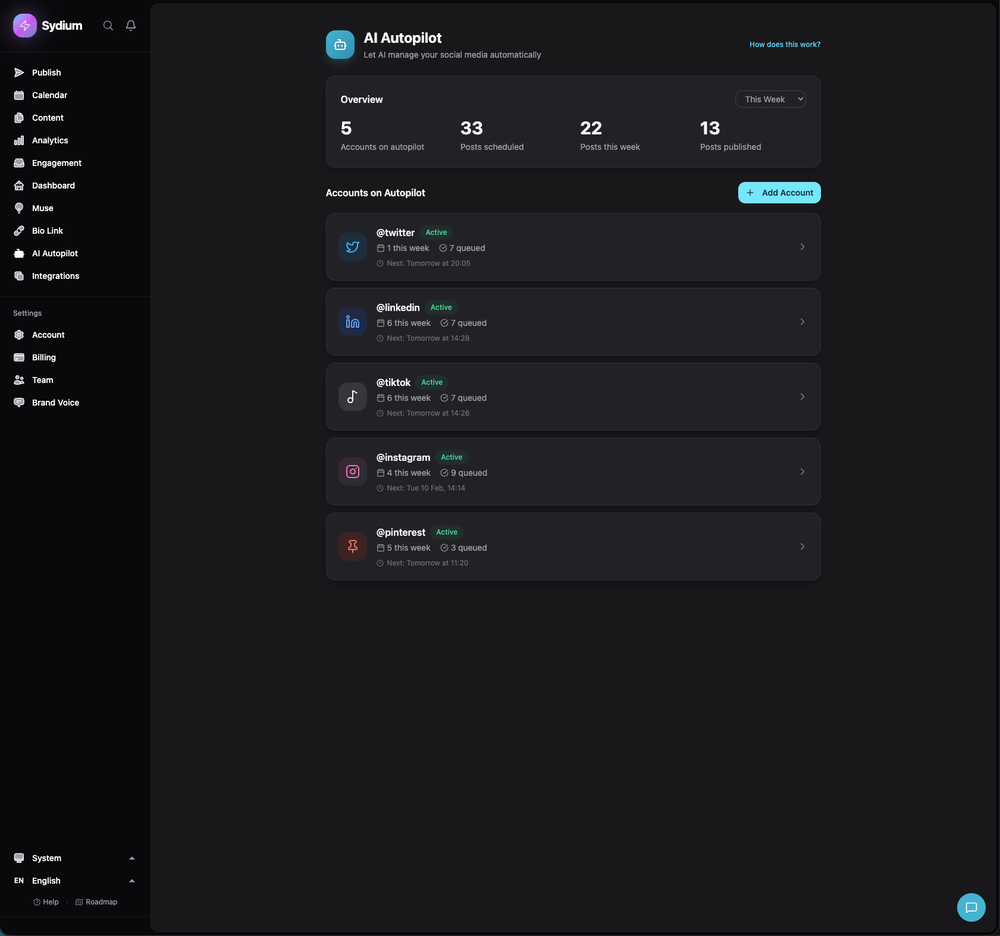 - Claude AI: Anthropic Claude alongside GPT-4o for smarter content generation - Voice Demo: Try the brand voice AI on our homepage before signing up - Autopilot in 60 seconds: Paste your website URL, get a trained voice and preview posts instantly - Content Atomizer: Turn one idea into platform-specific posts that match your voice - Autopilot feedback loop: The AI now learns from your edits and improves over time - TikTok Brand Insights: Native analytics dashboard - Giveaway Picker: Pick random winners from Instagram/Facebook post comments - Smart Paste: Paste content, auto-split into cards, drag to reorder - Agency onboarding: 60-second client setup wizard - 6 languages: Full platform now available in English, Spanish, French, Portuguese, German, Italian - 50+ bug fixes and performance improvements
 -














Other tools
-
I recently started using Napkin AI, and I couldn't be more impressed! This tool is incredibly user-friendly and intuitive, making it easy to generate clear visual representations from text. Moreover, the interface is clean and visually appealing, which enhances the overall user experience. Napkin AI is a fantastic companion. Highly recommended for anyone looking to elevate their creative process!
-
-
It's a fun tool to play around with. They start you with 70 credits, enough to make a model, images, and, a video.
-
 Create and download your digital clone to live forever. Interact with others.Open
 - Sponsor
 Rocket - Think it. Type it. Launch it.
 -
Used it for PPT generation and performed extremely well, especially the numbers and data part.
-
-
The ability to create a short video as a demo of the output is great. It had good imagery and it created a good script.
-
-
- Didn't find the AI you were looking for?
-
-
Personal top 5 most convenient tools for creating content for website or social media. Writing text and generating images immediately
-
-
-
Sorry for inconvenience, Its up and running now
-
 OpenEasily saves me an hour every day - I no longer have to type long winded “professional” sounding email replies to my colleagues, I just speak roughly with minimal effort 👏
 -
This has got a super-positive future. After creating just one video, I could see that there would be a large use-case for most industries, including mine with Online Marketing. One thing I did notice was that assets that appear on screen often overlap each other. The same was apparent on most of the other videos in their showcase. Once they get over this hurdle, it'll be worth paying for, for sure.
-
very slow , no help and you did not have any feedbck on what happened also It deducts points even without providing any videos or photos.
-
You're able to input your website and it will create posts for you to use right away
-
-
Been using CloneViral for my UGC ad campaigns and it's honestly a game-changer. The Agent Mode feature is what sold me - you basically describe what you want, and their AI agents collaborate to handle everything from scripting to final video. No more jumping between 5 different tools. The UGC Ads generator is surprisingly good. I can create authentic-looking user testimonials and product demos in minutes instead of hiring creators or spending days editing. Quality is solid enough that my clients can't tell the difference. Not perfect, but for the price and time it saves me, it's become essential in my workflow. If you're doing any kind of social media marketing or content creation at scale, worth trying out.
-
I really like the generated PDF and the content. It would be great if you had a way or add some instructions on how to use it on my website. Thank you.
-
I handle a large number of tasks simultaneously through VoooAI to complete my creative work, thereby accomplishing the workload equivalent to one month in one day
-
This is truly a wonderful experience that brings joy and delight.
-
This is simply amazing. I used Nodu AI to create an employer branding video for our Talent Acquisition team to promote one of our key roles. Very impressed by the high-quality visuals it has generated, including the voiceover based on my brief. I like the way it has so nicely incorporated the brand logo and call to action messaging. My video looks like a professional production. Highly recommend!
-
-
Thanks! So happy to hear you're liking FlowPost.
-
 OpenHey, Zeeshaan here, co-founder of The Influencer AI. I genuinely hope this service enables people to do things that were not possible before. Our goal is to help anyone create pro-level visuals for all needs in minutes. Happy to answer any questions, and open to all feedback. Appreciate the community!
 -
Maybe you don’t have a subscription, so there are no credits on your account, and a lot of features require credits to use.
-
 Improve Your Productivity with Copilot–Your AI-Powered ChatAssistantOpenCopilot on mobile keeps me sharp during sales calls. I use it to quickly draft follow up emails right after meetings or pull contract language on the fly. Voice input works smooth and it formats responses professionally.
 -
I mean, it does it's job. It's good, i tend to switch tools but i really want to use it more.
-
 SCORM-compliant, Interactive course builder, personalized learning, tools instructional designers, Teacher toolsOpenI’ve been using Mexty for a few weeks now and it honestly makes lesson creation so much easier. The interface is clean, and I can build interactive content in minutes without needing to code. It’s been super helpful for saving time and still getting professional results.
 -
Thanks for the feedback. We would love to know more about your issue. Could you please provide more details at [email protected] ?
-
So right away, when you go to their site, it allows you to create a video. I punched in a short sentence about Hannahbelle And Tami, 2 women in pink ski masks that rob a bank and get away in a pink dodge charger, a recurring theme in many of my AI Generated tests. I didnt expect too much but i have to say, while I would have liked to have more control over the voiceover, and perhaps some of the images used, it wasnt bad for just going to the site and really without even signing up, getting a demo of what the site is capable of. The features are...few...but there is potential. No free tier, but you do get one free video. With little to no editing or manipulation available, the prices seem high. Also, not sure if you can change this, but the voiceover is auto-captioned inside the video.
-
Apologies for the delayed response. Let me clarify our free tier benefits: 1.Daily Quick Credits: Free users receive 2 quick generation credits every day. 2.Unlimited Standard Generation: You can generate an unlimited number of images daily. Please note that during peak usage times, generation speeds may be slower to accommodate high traffic. 3.Advanced Features: Free users also have access to our excellent face-swap feature. 4.Our platform features the leading Nanobanana series models, supports various LoRA effects, and includes tools for background removal and image outpainting/expansion. 5.We welcome you to try them out! Regarding your question about pricing: The core features mentioned above are genuinely free. The 'pricing' structure you saw likely refers to optional paid plans for users who need faster speeds during peak times, higher priority, or additional commercial features. It is not 'free after you pay,' but rather a free base service with optional upgrades. We hope this clears up any confusion!"
-
Using Meloflow felt almost magical—it instantly turned my rough ideas into music that sounded alive, polished, and truly my own.
-
-
 OpenTried it with one photo and was surprised how natural the video looked — lots of effects and models to play with too
 -
Well, what can I say, I managed to create quite a few books quickly and with good quality ;)
-
 From idea to launch: professional AI-generated content in one place.OpenHi everyone! I am Adnan, the author of MakerSuite.AI. I am a content creator as well as a software engineer (16+ years of experience). MakerSuite has been created firstly for my own needs with a goal to help me organize content creation workflow (from YouTube scripts to blog and social media posts). The application covers a lifecycle from idea generation to complete script, thumbnail, description, and all the necessary things to prepare you for video recording or to provide you with a script that you can use on your blog or social media platforms. MakerSuite is a result of continuous work from more than 6 months of active day-night and weekend hard work on it. In the end I decided to share it with the world so other people could benefit from it, and also in return I can pay off the hard work and support the platform's future development and maintenance costs. As the models and infrastructure cost a lot. I am open to any form of suggestions or comments; even negative ones are always welcome. The platform has a lot of planned future developments that have to be added to make it even better. Please share your thoughts and feedback in the comments section, as it will help me improve it more! Thanks, everyone! Best, Adnan
 -
The workflow is straightforward, the output quality is clean, and it’s especially useful for marketing videos, product demos, and social media content. Overall, it’s a solid AI video generator that saves a lot of time. Highly recommended.
-
 Your AI partner for effortless social media content, planning, and scheduling.OpenI used Simbli.ai as a beta user and found it really useful. The tool helped me save a lot of time by automating repetitive tasks and organizing my workflow better. It feels smooth, fast, and genuinely improves productivity. What I liked most is that Simbli doesn’t just complete tasks — it understands the context and helps plan things in a smarter way. Within a few days, I could clearly see the difference in how I managed my daily work. Overall, it’s a great AI productivity assistant and definitely worth trying if you want to simplify your work and get more done in less time.
 -
 OpenHey everyone, I’m Evaldas, co-founder of Guideless, the fastest way to turn any browser workflow into a polished, AI-narrated video guide in minutes. No screen recording. No tedious editing. Just turn on the extension, click through your process as you normally would, and instantly get a share-ready guide. We recently shipped a major update: a sleeker UX and new high-quality AI voiceover characters — making guides sound and feel more vibrant than ever. Give Guideless a try and see how effortless creating high-quality tutorials can be 🪄
 -
 AI-powered whiteboard for marketers to create winning content fast.Open
 -
I’ve been an entrepreneur since my early 20s so I don’t often give low ratings even if I don’t like a product as it’s never my intention to potentially hurt a small company that’s just starting out but I’ve got to say that this is beyond worthless as a tool. The promise of street interviews Sounds like an excellent way to promote a product, but after paying you find out that it has a limitation of eight seconds. Barely enough time for an extremely simple question and a one sentence answer at best. It was only 10 bucks to find out but for this to be viable there needs to be an option to extend up to at least 20 or 30 seconds. I’d happily pay the 10 bucks for 1 32nd St. interview that could be solid for marketing than 5 videos of 8 seconds each that are just useless. Also, just a quick update. The first video I generated took maybe five minutes. The next two attempts are still processing after almost a half an hour. I think with something like this, it needs to be made much clearer that the interview is limited to eight seconds. But in my opinion, that’s besides the point as that kind of time limitation is just way too short for any kind of “interview”.
-
-
 OpenHonestly, the kissing effect on Viyou is remarkably fluid—way better than other AI tools I’ve tried. The preset scenes are a great touch and super fun to play with. My only tip? The default prompts could be a bit more polished to get even better details, but the results are already top-tier. Definitely worth checking out!
 -
been using this for a bit and the songs it makes are honestly pretty good, way better than i thought. love the clean design too, makes it easy to use. only thing i wish is there was some kind of playlist feature so i can organize all the songs i made, gets hard to find stuff after a while. but yeah solid app overall
-
 Your AI presentation agent for instant professional slides.OpenA great AI presentation maker
 -
-
Easy to use, good visuals and good price to videos ratio. Made a few with 10k views.
-
 Open
Open -
 Edit smarter, faster and easier with Filmora’s powerful AI video tools.Open
 -
-
 Turn baby photos into talking podcast videos.OpenWow, The AI tool is so interesting for the AI talking baby podcast. I like it. Thank you for the AI
 -
 Turn text into studio-quality illustrations in seconds. No design skills required.OpenLook great, good luck with the launch!
 -
needed broll for a travel vlog and didn't have footage of certain locations. generated some establishing shots with this and they blend in perfectly. not replacing my camera but great for filling gaps
-
I tested a few AI presentation tools and this one works smoothly inside Google Slides.
-
pretty clean tool, i tried a couple product images fast and the controls make sense. model picks, image-to-image and quick batch runs are handy for ad shots or thumbnails. the free tier is tiny at 2 credits, so it's more of a taste test than real use.
-
Good tool. I've tested a bunch of these over the past 6 months. Supawrite is on the expensive side for what you get, but granted it produces great articles (and has a cute mascot). Casper Content is a little bit cheaper and is just as good in terms of keyword/topic research and the quality of articles written. Outrank is probably bottom of the list for article quality and consistancy.
-
The free version of ViralPulseAI works just as expected – it generates text for posts. While it doesn’t track news or trends, it’s still a solid starting point for basic content generation. It’s a useful tool for anyone needing quick text posts without much customization. As a free option, it offers just enough to get by. But for more advanced features, you’ll need to consider upgrading to the premium option. The premium version, which I tried for a month, is where this tool really shines. All I had to do was input a few details about my business, industry, and product, and within 24 hours, I was receiving high-quality Reels, Carousels, and posts with images—all automated. It’s a game-changer for anyone who needs to streamline social media management. No intervention needed on my part, and that’s exactly what I was looking for. Kudos to the developer for creating something so efficient!
-
Protaige really made my life easier in creating Campaign across different platforms in a single click just by providing my Briefs. Thank you! Awesome Time Saving AI Tool. Really loved using it.
-
Great tool for experimenting with paint effects. It's like an AI-powered version of microsoft paint. Also made a video on it https://youtu.be/ZWOP1M7pgSE
-
I think I've learned a valable lesson here. I'm never going to use or ever bother to purchase a subscription if the inintial logo is this lousy. I guest AI does not do quality control.
-
Great platform to increase your productivity. The infographic generator is my favorite tool.
-
 Modular & Cross-Platform Vibe Coding Editor and Workflow Automation on Any DeviceOpengood!A different kind of AI tool that has been very helpful for my work!
 -
made a presentation for my site with just 1 prompt, lol how did the AI get so much information out of my website lol
-
It's super easy to use, and the humanizer works. I tried a sample text, and it could pass ZEROGPT and GPTZERO (as a human). Recommended.
-
I tried using stuvio, but honestly the experience was disappointing. The platform looks promising at first, but many features feel unfinished and confusing. The interface is not very user-friendly, and it takes a lot of time to understand how things actually work.
-
-
Used this for a eulogy I had to write and I'm not gonna lie, it helped me find the right words when I was completely stuck. Sometimes you just need that push to express what you're feeling. Surprisingly thoughtful tool
-
 Turn any idea or face photo into polished square icons instantly.Open
 -
 AI browser assistant for intelligent automation.Open
 -
Hi TAAFT! I'm the founder of Librida.com, and will be happy to answer any questions! Librida was created with the vision to democratize storytelling, lowering the bar so that anyone can write a book from a simple idea. While the tool evolved, it has proven to be a fun and creative tool, where you can exchange stories between your friends. Or as a parent to write your own bedtime stories with your children as characters. Librida is also a social platform, where readers can create their own version of a book as a community edition, and for example change the ending or swap characters. I'm continously adding features to the platform, so stay tuned for updates!
-
Just paste content in, layout will automatically be desigend
-
If SEO drives traffic but not conversion, you’re scaling vanity metrics -> ~30% revenue leak. How much of your traffic actually converts?
-
-
Use it every day! Best AI support for work
-
Scrollsequence is a game-changer for interactive storytelling! Smooth animations, intuitive setup, and impressive control over scrolling sequences make it perfect for engaging web experiences. Highly recommend for designers and developers looking to elevate their sites. 🙌
-
This is a great tool. I gave it some instructions and it followed it to the T! I was even able to add a URL for branding consistency.
-
I paid for the subscription and the video generation has failed. I found no way to access support and the site says no refunds allowed. Hoping to find some help on here with this and I revisit my review
-
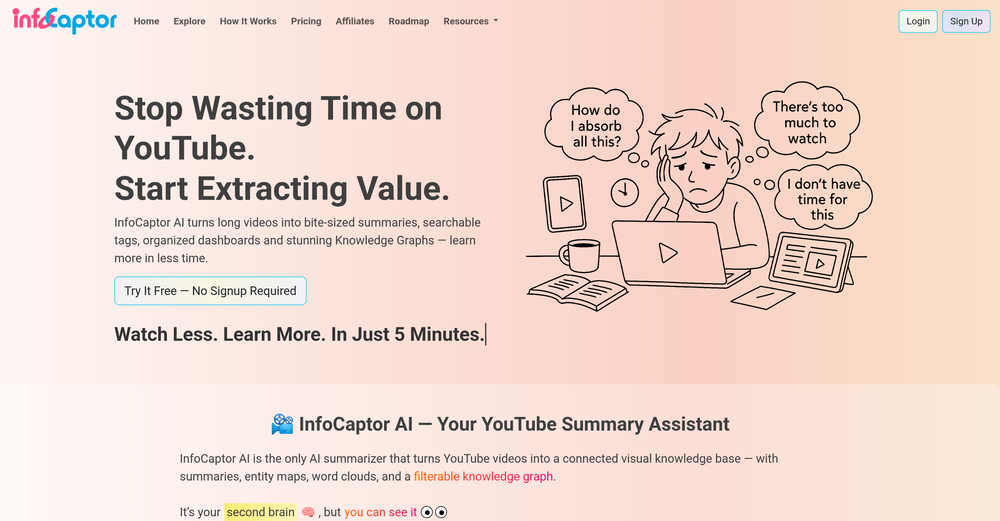
 Convert YouTube videos to text with 99% accuracy.Open
 -
Honestly SurfSense is amazing, I use it almost every morning to get an mp3/podcast of my Gmail, Gcal and urgent Linear tickets so I know exactly what's going on that day. It's also insane for board games because I just throw the rulebooks in and share it with my friends so we can chat with the AI together to figure out how to play. And it is scarily good at untangling and explaining really complex rules when we encounter some weird situation!
-
Complete rebuild of how websites get created. WebZum now uses a conversational AI interface — describe your business, answer a few questions, and get a fully built website in under 5 minutes. New in this release: AI-generated images custom to your trade (3–8 per site), custom logo generation, hero image creation, competitor and market research before build, global CDN hosting, SSL, custom domain setup, and mobile-optimized multi-page sites with working navigation. Now open to any business — no existing online presence required.
-
 Instantly analyze YouTube community sentiment and generate audience insights.OpenMost YouTube analytics tools track views and retention, but sentiment analysis could reveal why audiences react the way they do. Are creators mainly using it for content strategy or for brand monitoring?
 -
 Make Better Decisions with Data-Driven Charts, Clear Explanations, and Insightful AnalysisOpen
 -
It's suitable for beginners like me. I think it is simple and comprehensive, which can solve music creation problems. The creation speed is also prettey fast. And I hope it can keep improving, so we can create better music together.
-
I use Coolo to remove bass from the song. By isolating the bass track, I can hear every single note and nuance. It’s also been great for making backing tracks to practice my guitar solos over. Very nice!!
-
 Open
Open -
This was impressive. From just one picture and a few details, it made a really good, professional video. Amazing quality!
-
-
Hey TAAFT community 👋 We’ve just rolled out two new features on Uramaki Studio AI: ✨ Enhanced Brand Kit You can now define your Tone of Voice, branding guidelines, and typography to keep your content fully consistent and on-brand. 🚀 More for free users We’ve increased the limit — free users can now create up to 2 Instagram campaigns per month, each with 3-image carousels. Would love to hear your feedback and see what you create with it!
-
-
I think it delivers on all of its claims, specially the transcription and Blogs.
-
The infographic maker lets you use it once for free without signing in. This infographic maker is simple and easy to use, even more so than Canva or Venngage. However, the available styles and templates are still limited. I hope they add more design options and customization in future updates. Overall, a good choice for quickly creating infographics.
-
I’ve tried almost every AI slide generator out there, and Tosea is in a league of its own. Most tools just scrape the surface, but Tosea actually digs into my research PDFs. It captures the nuance and logical flow of the original document without the usual AI hallucinations. The slides it produced for my last project were surprisingly deep and well-structured. Plus, being able to export directly to PPTX and make my own tweaks is a lifesaver. It’s easily saved me hours of manual formatting this week.














































































































































































Post





