TAAFT Tutorial
Generate image
Tasks
Generate text
Free mode
Trending
Leaderboard
Characters
 Mini tools
New
Featured
Lists
Agents
Requests
Jobs
Map
Newsletter
Starter pack
Free tools
Speech to text
Text translator
Remove background
Settings
Edit profile
My tools
Gallery
Dashboard
Inbox
Get featured
Contact TAAFT
For you
Popular
Job impact index
Most saved
Affiliate program
Submit AI tool
Notification preferences
Glossary
Home
Timeline
My profile
Create tool
Deals
Companies
Models
Robots
Papers
Fundraises
Repositories
Devices
Organizations
Events
Prompt Pack
Merchendise
APIs
Features
Tools
Countries
Collections
Videos
Mini tools
New
Featured
Lists
Agents
Requests
Jobs
Map
Newsletter
Starter pack
Free tools
Speech to text
Text translator
Remove background
Settings
Edit profile
My tools
Gallery
Dashboard
Inbox
Get featured
Contact TAAFT
For you
Popular
Job impact index
Most saved
Affiliate program
Submit AI tool
Notification preferences
Glossary
Home
Timeline
My profile
Create tool
Deals
Companies
Models
Robots
Papers
Fundraises
Repositories
Devices
Organizations
Events
Prompt Pack
Merchendise
APIs
Features
Tools
Countries
Collections
Videos
Mini tools
New
Featured
Lists
Agents
Requests
Jobs
Map
Newsletter
Starter pack
Free tools
Speech to text
Text translator
Remove background
Settings
Edit profile
My tools
Gallery
Dashboard
Inbox
Get featured
Contact TAAFT
For you
Popular
Job impact index
Most saved
Affiliate program
Submit AI tool
Notification preferences
Glossary
Home
Timeline
My profile
Create tool
Deals
Companies
Models
Robots
Papers
Fundraises
Repositories
Devices
Organizations
Events
Prompt Pack
Merchendise
APIs
Features
Tools
Countries
Collections
Videos

▼ Most saved
Design consulting
Free mode
100% free
Freemium
Free Trial
Featured matches
-
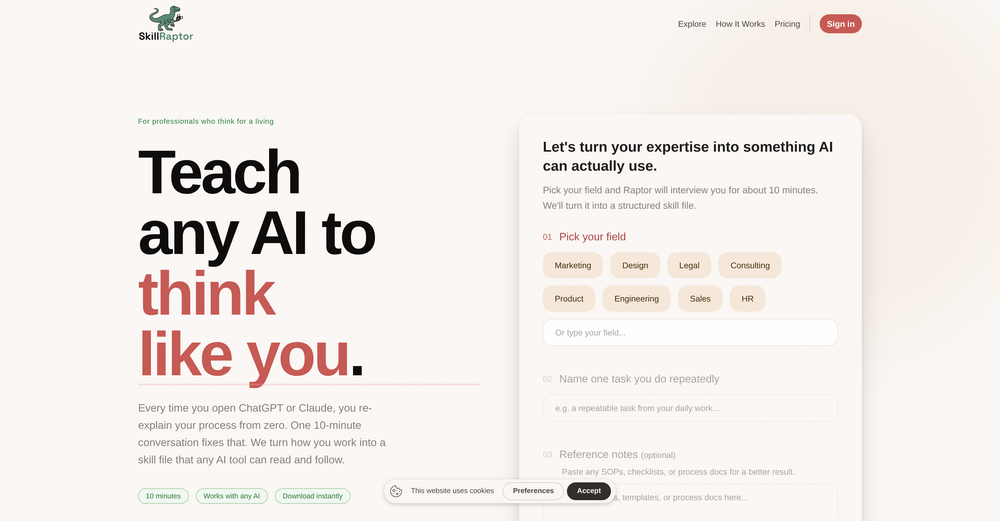
 The fastest way to streamline your client's inefficient workflowsOpen
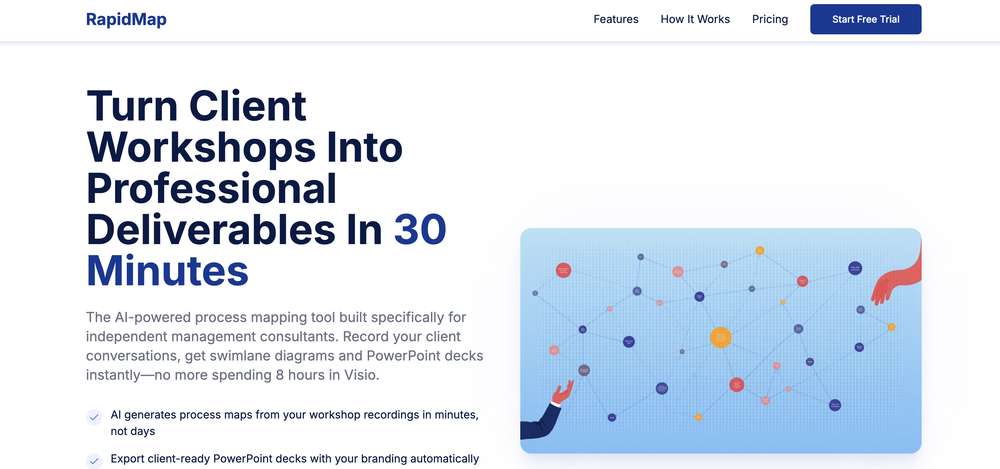 Michael Adair🙏 4 karmaDec 1, 2025@RapidMap - powered by LeanifyVery good. I like it
 -
-
 Turn notes into perfect infographics from 500+ designs.Open
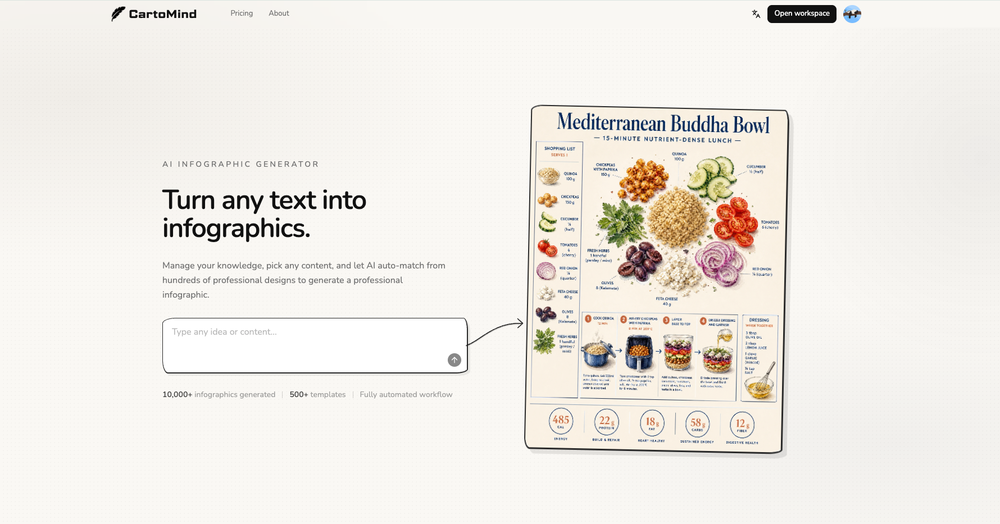 Hi TAAFT! I'm Henry, the founder of CartoMind. CartoMind offers a fully automated AI workflow to help you quickly organize text content and generate the perfect infographics to match. 【Why did I build this?】 When creating infographics with AI today, users are often forced to choose between two extremes. You either use generic AI image SaaS tools that trap you in complex prompt engineering and steep design learning curves with zero knowledge management, or you use products like NotebookLM. While they are fantastic for knowledge management, their infographic generation is just an afterthought, lacking design freedom and rich templates. 【Here is where CartoMind stands out:】 1. Lightweight knowledge & note management: We support uploading multiple file formats and automatically parsing text, allowing you to freely select the exact knowledge snippets you want to visualize. 2. Fully automated workflow: Based on your selected content, our AI automatically distills the key text elements and instantly matches you with the ideal infographic design from over 500 professional combinations. 3. Massive template library: A rich selection of infographic templates offering a true what-you-see-is-what-you-get experience. 【Who is using it?】 Marketers, educators, social media creators... In fact, anyone who needs to make their domain knowledge "visible" and loves to share it will find it incredibly useful. 【I can't wait for you all to try it out!】
 -
 Open
Open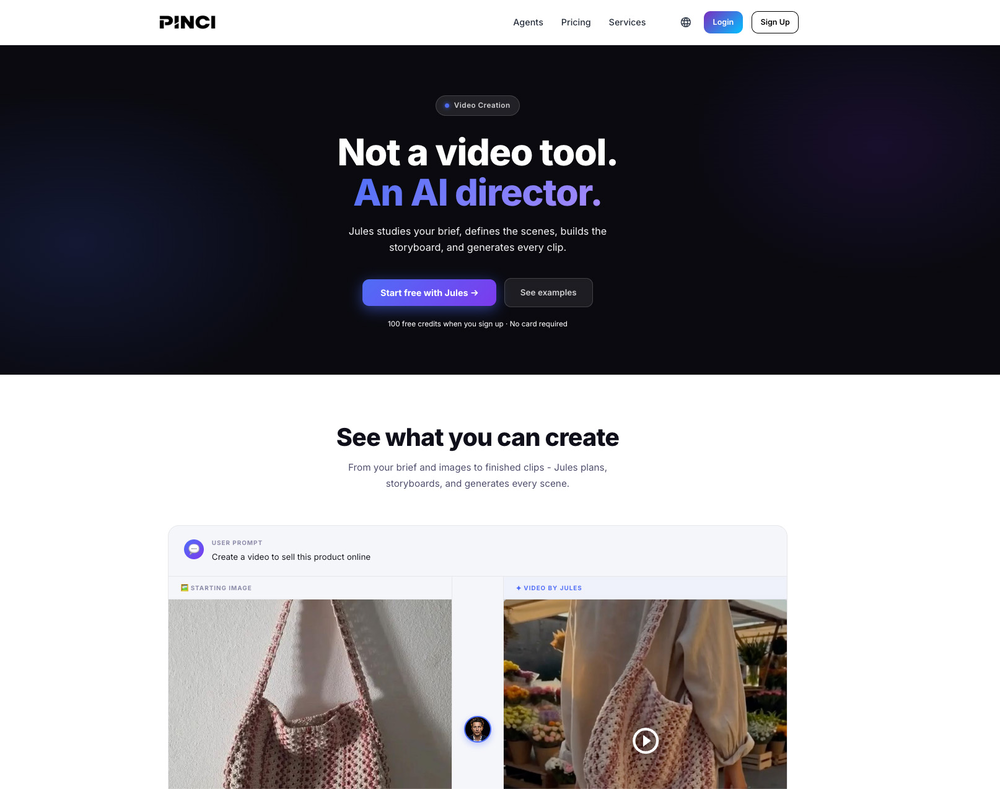 Hey 👋 — founder of Pinci here. Most AI tools hand you the controls and expect you to figure out the rest, the right model, the right prompt, the right settings. That's fine if you're an AI power user. It's a wall if you're not. Pinci works the opposite way. Each agent is a specialist creative director in one domain: Jules directs product video, Paul directs product photography, Tommy handles brand design. You describe the result you want in plain language. The agent decides how to get there, coordinates the right tools, and hands you a finished, ready-to-publish asset. No prompts. No model-picking. No AI knowledge required. You get 300 free credits on signup, enough to see exactly what I mean on your own product today. I'd love your honest feedback: which agent would you try first, and where does it fall short? 🙏
 -
 Build professional, on-brand decks — 10x faster. Inside PowerPoint or online.Open
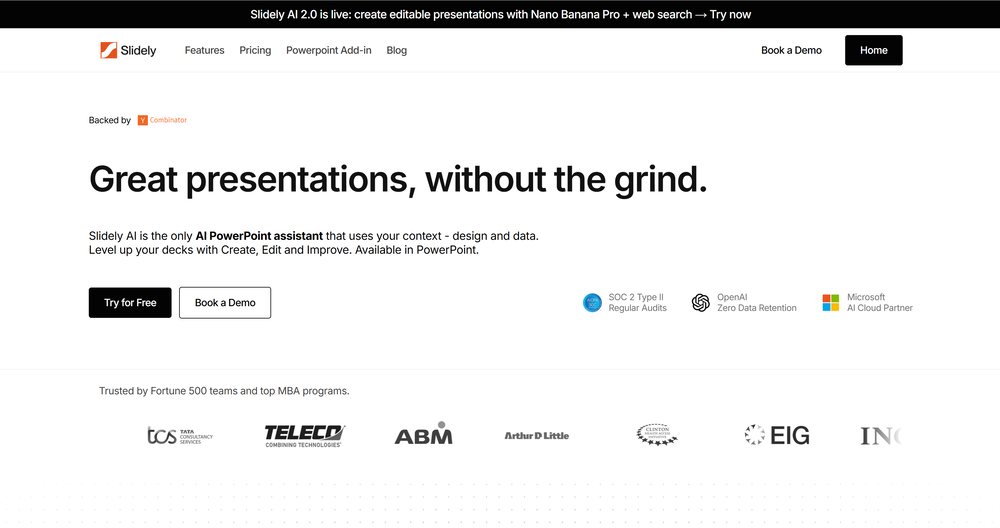 I think Slidely is the only tool that has worked for me when creating my client presentations. The presentations aren't web pages or images like the other tools but actual PowerPoint slides which I really like.


Other tools
-
You have the option to waitlist or you can login with your email/pass or google account. I chose google. Once inside you have a suite of tools but im sure when you go to publish you have to sign up for a paid plan. So if your looking for a free option it will be branded. Use at your own risk. Thanks
-
 MRI scan for Businesses: Find What to Cut, Replace, Automate with AIOpenJust implemented your instruction out how to run drip campaigns automatically, nice! Getting prospect calls coming in
 -
- Sponsor
 Tripo AI 3D Generator
 -
The application arbitrarily adds doors and windows, making the final design unusable. It also changes the view from the window. In the final you are looking at a completely different room than the one you are interested in redesigning.
-
Good idea, but full of bug. It removed my lunch to put a working task, the report bug form doesn't let you write anything. I'm out
-
Export code is impressive for them after the ai site generation.
-
-
quick to pick up, slick results. turned my prompts into clean logo drafts n poster layouts fast; pixel-art style worked after a couple tweaks. wish it had true vector export and tighter font control, but for fast art ideas it’s great. 5/5
- Didn't find the AI you were looking for?
-
 AI-powered mock consulting interviews with instant expert feedback.Open
 -
-
basic image generation like any prompt on chatgpt. no value added here.
-
 Open
Open -
-
I feel it is very baseline and useless. Any AI chatbot could do better. I found no creativity or inspiration. Mediocre for me.
-
This is definitely cool, I can’t wait to try this.
-
 Guiding optimization of organizational structures.Open