
 Mini tools
▼ Popular
Design tool
Free mode
100% free
Freemium
Free Trial
Featured matches
-
 Open
Open Added new fonts, new templates. Create ebooks, cookbooks, novels, workbooks, puzzlebooks, coloring, journal books and more. Publish directly on the platform.
 -
 Open
Open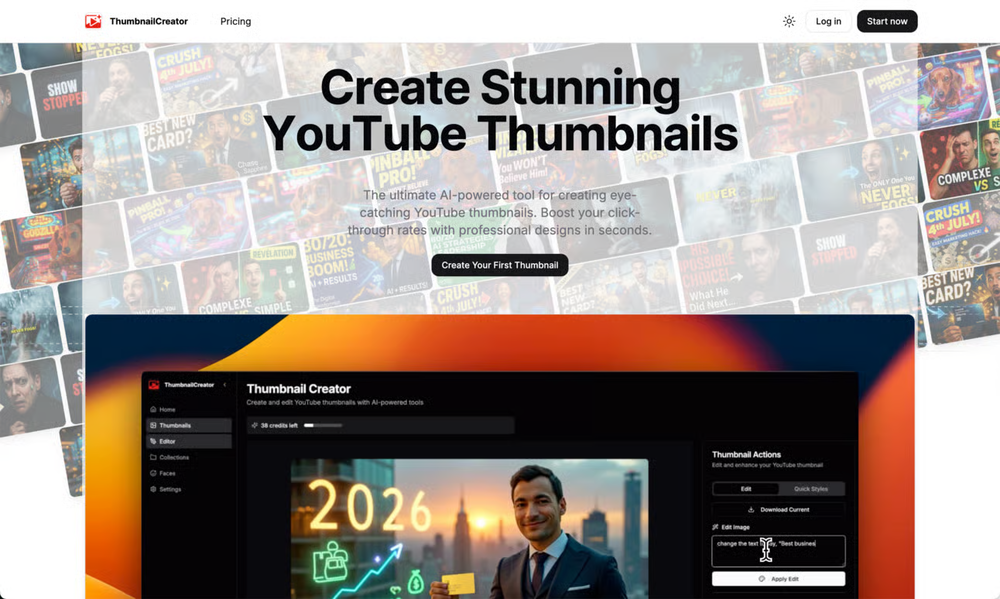 Aleric Heck🙏 74 karmaJul 4, 2025@ThumbnailCreator.comThumbnailCreator lets you generate YouTube Thumbnails using AI! 🚀
 -
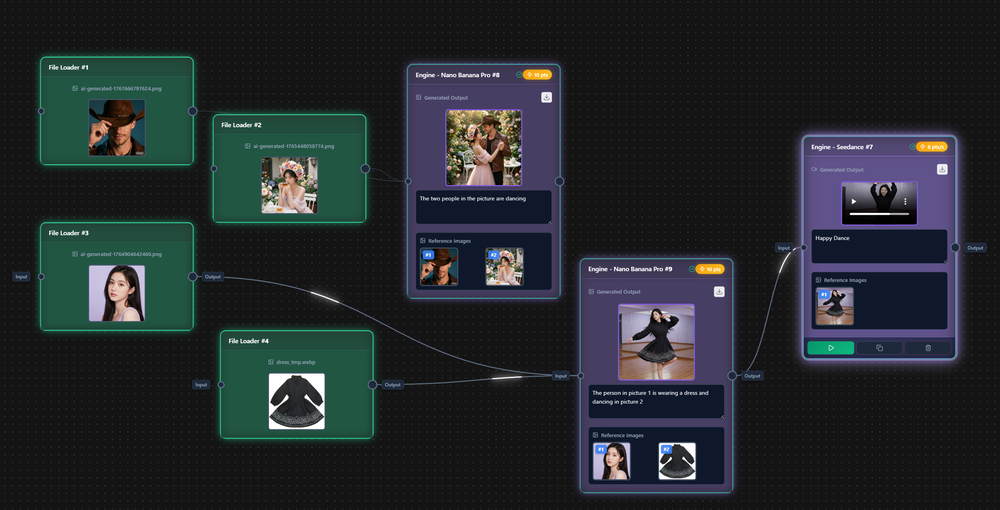 Support OpenClaw 7 * 24-hour multimedia workflow output Automated production of AI short dramas, AI picture books, music albums, unlimited advertising materials, etc Suitable for creative producers, musicians, cartoonists, self media, advertising operations, etc
 -
 We're live folks! Do check us out and drop your feedback or requests.
 -
-
-

-
-
 The infographic maker lets you use it once for free without signing in. This infographic maker is simple and easy to use, even more so than Canva or Venngage. However, the available styles and templates are still limited. I hope they add more design options and customization in future updates. Overall, a good choice for quickly creating infographics.
 -











Other tools
-
Absolutely in love. I could create my own custom AI and shared it with my colleuges to get instant support from me, i mean digital AI of me :)
-
You have the option to waitlist or you can login with your email/pass or google account. I chose google. Once inside you have a suite of tools but im sure when you go to publish you have to sign up for a paid plan. So if your looking for a free option it will be branded. Use at your own risk. Thanks
-
ppt.ai has saved me at least 80% of the time spent on making PPTs. I just need to submit rough ideas or drafts to ppt.ai, and it can create a relatively usable PPT. This is simply amazing! Although some revisions and optimizations are still needed afterward, it’s already a huge relief compared to starting from scratch.
- Sponsor
 Rocket - Think it. Type it. Launch it.
 -
-
-
-
I thought I could upload an existing logo and brand info and generate content based on that, but alas, not possible and more time wasted.
- Didn't find the AI you were looking for?
-
very slow , no help and you did not have any feedbck on what happened also It deducts points even without providing any videos or photos.
-
-
 Improve Your Productivity with Copilot–Your AI-Powered ChatAssistantOpenCopilot on mobile keeps me sharp during sales calls. I use it to quickly draft follow up emails right after meetings or pull contract language on the fly. Voice input works smooth and it formats responses professionally.
 -
A very useful AI slides tool! The content it generates is genuinely smart.
-
quick to pick up, slick results. turned my prompts into clean logo drafts n poster layouts fast; pixel-art style worked after a couple tweaks. wish it had true vector export and tighter font control, but for fast art ideas it’s great. 5/5
-
Thank you for your feedback. We are working towards cheaper and better options. We do offer free credit if you would like to generate them.
-
Apologies for the delayed response. Let me clarify our free tier benefits: 1.Daily Quick Credits: Free users receive 2 quick generation credits every day. 2.Unlimited Standard Generation: You can generate an unlimited number of images daily. Please note that during peak usage times, generation speeds may be slower to accommodate high traffic. 3.Advanced Features: Free users also have access to our excellent face-swap feature. 4.Our platform features the leading Nanobanana series models, supports various LoRA effects, and includes tools for background removal and image outpainting/expansion. 5.We welcome you to try them out! Regarding your question about pricing: The core features mentioned above are genuinely free. The 'pricing' structure you saw likely refers to optional paid plans for users who need faster speeds during peak times, higher priority, or additional commercial features. It is not 'free after you pay,' but rather a free base service with optional upgrades. We hope this clears up any confusion!"
-
I was just trying it out at first, used some free credits a few hours ago to build a simple app. Turns out, it actually came out pretty decent! I got to test it on my phone without spending a dime, and even showed it to my wife, she was pretty surprised too. So we decided to go ahead and pay to polish it up and download it properly. So far, everything’s running smooth
-
Lovart is the 1st design agent, built for socials, posters, videos, 3D and more.
-
 OpenVAN GOGH FREE VIDEO GENERATOR 2.0 – Update Highlights 1.Choose the New VAN GOGH FREE Mode – Users can now select the VAN GOGH FREE mode to generate videos for 0 credits. 2.Unlimited Generation for Paid Users – Paid subscribers can generate unlimited videos and images at 0 credits. 3.New AI Effects Added – Explore a wide range of exciting new AI-powered effects. 4.Pricing and Subscription Optimized – Added a one-time credit pack and introduced a lower-priced Starter subscription plan. 5.New User Annual Discount – New users can enjoy 50% off annual subscriptions. 6.Exclusive TAAFT Platform Offer – TAAFT users receive an additional 20% off. Enter promo code TAAFT at checkout.
 -
 Open
Open -
Well, what can I say, I managed to create quite a few books quickly and with good quality ;)
-
 From idea to launch: professional AI-generated content in one place.OpenHi everyone! I am Adnan, the author of MakerSuite.AI. I am a content creator as well as a software engineer (16+ years of experience). MakerSuite has been created firstly for my own needs with a goal to help me organize content creation workflow (from YouTube scripts to blog and social media posts). The application covers a lifecycle from idea generation to complete script, thumbnail, description, and all the necessary things to prepare you for video recording or to provide you with a script that you can use on your blog or social media platforms. MakerSuite is a result of continuous work from more than 6 months of active day-night and weekend hard work on it. In the end I decided to share it with the world so other people could benefit from it, and also in return I can pay off the hard work and support the platform's future development and maintenance costs. As the models and infrastructure cost a lot. I am open to any form of suggestions or comments; even negative ones are always welcome. The platform has a lot of planned future developments that have to be added to make it even better. Please share your thoughts and feedback in the comments section, as it will help me improve it more! Thanks, everyone! Best, Adnan
 -
👋 Hey, I'm the founder of Flowova! We built this because we were tired of spending hours dragging boxes in traditional flowchart tools. A few things you might not know: - Works with anything — text, images, PDFs, Word, PPT, Excel, even photos of whiteboard sketches - 40+ themes designed for presentations - Full Mermaid code support for developers Happy to answer any questions! 🚀
-
-
been using this for a bit and the songs it makes are honestly pretty good, way better than i thought. love the clean design too, makes it easy to use. only thing i wish is there was some kind of playlist feature so i can organize all the songs i made, gets hard to find stuff after a while. but yeah solid app overall
-
Thank you everyone for trying 1UI! If you haven't yet, give it a spin and use code ‘TAAFT’ to get $5 credits to try 1UI.
-
1) I like that it can produce many diff image sizes and multiple images. 2) Does a nice job of embellishing the prompt. 3) Nice that it can take in a specific Seed. 4) BUT I found it hard to replicate a specific character. Tried loading a pic or providing a link to it. Neither seemed to work.
-
-
This is the best virtual staging product I have ever tried. Love the batch processing feature that saves so much time!
-
-
Didn't really do the graphs that i thought it would do. Good for simple graphs, like for a presentation
-
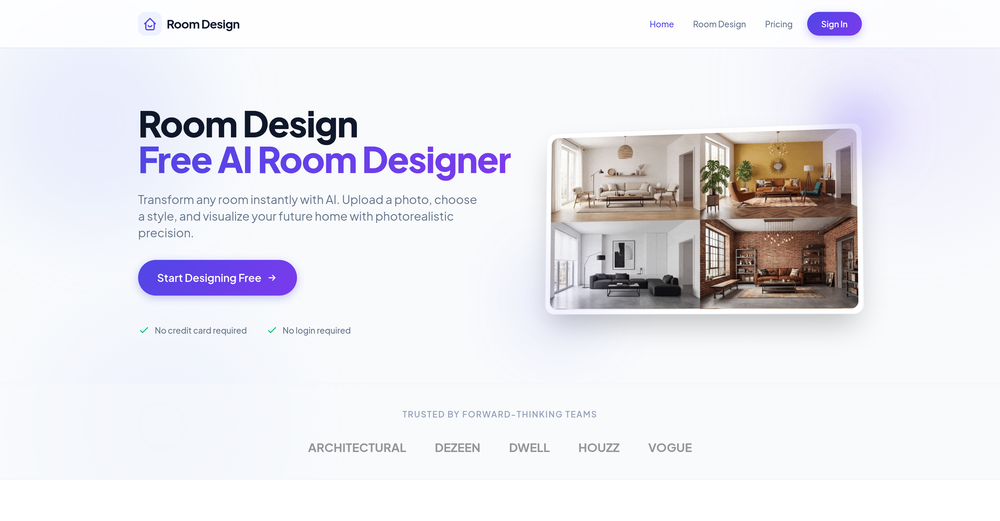
I had a really good experience with Decory. Out of the tools I’ve tried, it’s probably the easiest and most straightforward to use. The interface is simple, so I didn’t feel overwhelmed, and I liked how quickly it generated room designs. What I personally found most useful was the option to buy items directly through the app — it saved me the hassle of searching for similar furniture elsewhere. Overall, it’s a practical tool that I’d recommend to anyone looking for quick design ideas.
-
Used it to make a client intake form and it nailed it, built the whole thing clean, simple and concise. Definitely considering using it more regularly.
-
Just tried the tool and printed my first 3D model, and I’m honestly surprised by how good it came out. It was super easy to use, and the final print matched my reference image perfectly. Congrats to the Mimetic Labs team for building such a simple but super cool tool.
-
I tested a few AI presentation tools and this one works smoothly inside Google Slides.
-
 AI-powered logo generator creating professional vector logos from prompts.Openit's okay for a mini-tool, just not something i'd lock as a final brand ;)
 -
The conversation with the ai felt really nice. And the even the narrative part is well executed.
-
 Find Your Ideal IT Career Path in Minutes - Backed by PsychologyOpen
 -
cook, this tool could help you blend any animals fast
-
These are sooo cool, I love them, so many cute outfits I can create for Roblox
-
Great tool for experimenting with paint effects. It's like an AI-powered version of microsoft paint. Also made a video on it https://youtu.be/ZWOP1M7pgSE
-
made a presentation for my site with just 1 prompt, lol how did the AI get so much information out of my website lol
-
I think I've learned a valable lesson here. I'm never going to use or ever bother to purchase a subscription if the inintial logo is this lousy. I guest AI does not do quality control.
-
Its actually good. I was able to make 3 screens using the promo code and they were better than the other UI tools.
-
-
basic image generation like any prompt on chatgpt. no value added here.
-
for it's purpose, it's really great! nothing else.
-
-
The tool isn't bad for design, especially for the creative part, but very poor with language (French) even when you provide it with all the text
-
 Turn any idea or face photo into polished square icons instantly.Open
 -
 Grotto Slice – Your Shortcut from Image to KlaviyoOpen
 -
Tried this logo tool and it was actually great. It did a really good job incorporating some of the elements I mentioned in the prompt into the design. Definitely helpful for getting ideas.
-
Just paste content in, layout will automatically be desigend
-
Impressive work from the team at Tented.ai, their approach to AI-driven automation is genuinely next-level.
-
CodePup AI is incredible — it makes generating professional websites effortless with zero coding required.
-
Scrollsequence is a game-changer for interactive storytelling! Smooth animations, intuitive setup, and impressive control over scrolling sequences make it perfect for engaging web experiences. Highly recommend for designers and developers looking to elevate their sites. 🙌
-
 Open
Open -
I'm absolutely blown away by the design quality of the presentations they look so vibrant and stylish. I was also pleasantly surprised that the AI asks lots of clarifying questions to make sure the final result is exactly what I wanted, not just something random. Vibes 🔥
-
Outreach for passive candidates used to eat up hours every week. This automates the initial connection and follow up so i can focus on actual conversations with interested people. Our pipeline has doubled without adding headcount.
-
-
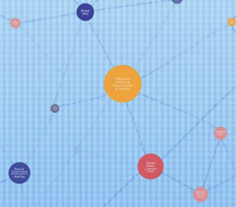 Turn Any Workshop Recording Into a Process Map in 60 SecondsOpen🚀 RapidMap — Product Update Turn workshop recordings into client-ready deliverables in minutes This release focuses on one thing: removing the gap between running a workshop and delivering something clients can act on. ✨ What’s New 🎙️ 1. Recording → Process Map (End-to-End Input Defined) You can now: - Upload Zoom / Teams recordings - Or voice recording during workshops RapidMap automatically: - Transcribes - Structures roles and handoffs - Generates a clean swimlane diagram (export for BPMN or Visio) Impact --> - Eliminates manual note-to-diagram translation - Removes 8–10 hours of post-workshop work 🧠 2. AI-Generated First Draft (Not a Blank Canvas) Instead of starting from scratch, you now get: - A structured, editable process map - Organised by roles, steps, and decisions Impact --> - You review and refine — not build - Cuts diagram creation from hours → minutes 📊 3. Built-In “Before / After + ROI” Layer RapidMap now automatically: - Highlights bottlenecks - Suggests improvements - Estimates time savings Impact --> - Turns diagrams into business cases - Makes it easier to: - Justify work - Win follow-on projects 🏗️ 4. Built-In Consulting Thinking RapidMap now embeds: - Pain point detection - Automation opportunities - Optimisation insights Impact - Standardises discovery quality - Helps solo consultants deliver consistent, high-quality outputs 🎯 5. Designed for Independent Consultants Product experience now explicitly supports: - Solo operators - Fractional COOs - Small delivery teams Impact --> - Deliver Big 4–level outputs without a team - Improve perceived expertise and pricing power Try It on a Real Workshop - Don’t test this on a simple process. 👉 Upload your messiest workshop recording: Multiple stakeholders Unclear handoffs Lots of back-and-forth **If it doesn’t save you at least 5 hours, you get a full refund.**
 -
I just published a children's drawing book on Amazon in 2-3 hours of fiddleing with this tool. Really really good!
-
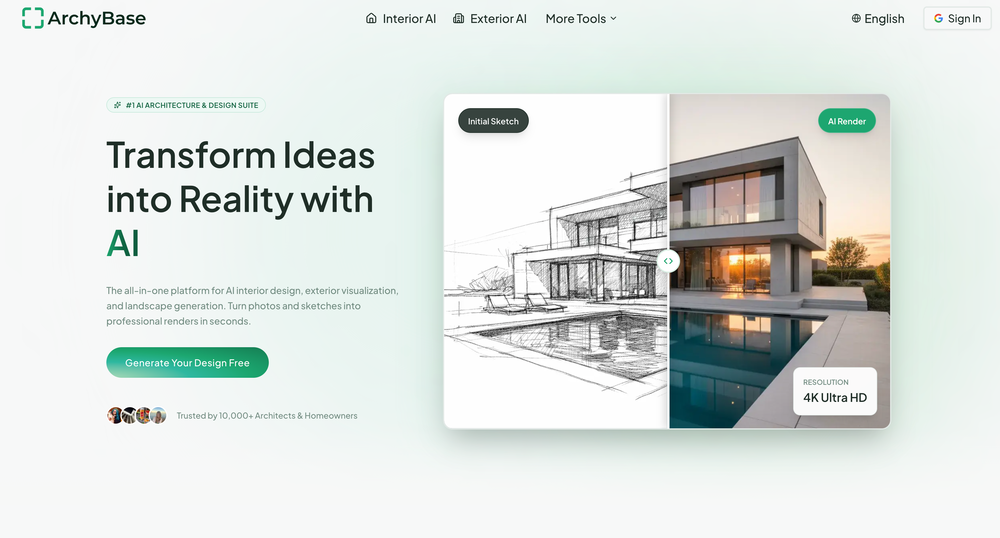
 Transform home descriptions into stunning architectural renderings.Open
 -
I tested the application, and after running a simple project, the design page became glitchy and started shaking, making it unusable. The preview works fine, but the design interface is unworkable due to this issue. It's as if the screen is glitching like an old TV.
-
Man, with the free models that we have web creation became so easy. But everyone had the same websites. I really like how different they look from others.
-
 Blazingly fast multi-view consistent rendering of 3D models with SketchUp supportOpen
 -
-
-
 Create stunning cinematic 3D renders in glass cubes.OpenStunning creations, absolutely impressive, great job with this tool, 5/5
 -
The pool design consultants best friend. If you don't know complicated design software, you can create amazing pool design concepts for potential clients in seconds using the AI in this tool.
-
Try this new version: https://theresanaiforthat.com/@maxcasu/eiichiro-oda-image-generator-new/
-
 AI-powered stencil silhouette design tool.Open
 -
 Transform any description into vibrant cartoon masterpieces.Open
 -
 AI-powered financial guidance that turns data into actionable roadmaps.Open
 -
Most tools in the Upwork ecosystem focus on writing proposals, but the real leverage seems to be speed to apply. Are users mainly winning more jobs because of the alerts, or because of the AI proposals?
-
its okay. it is realy good at generating animals
-
This is a fabulous tool to work with. Thank you.
-
 Create adorable Funko Pop-style characters from any concept!OpenChanged the prompt to improve results.
 -
 Creates stunning 4K backgrounds that complement your content.OpenGave it a spin for product shots and a landing hero, it read my prompts and cooked clean backgrounds with good depth and lighting. Some edges get soft and a few renders feel samey but for fast backdrops it’s solid. It's a solid 4 but giving that it's a mini-tool, a 4 is great!
 -
 AI-powered car sticker design for auto enthusiasts.Open
 -
Hey Hemant, I've just tried generating an image from a photo myself and it worked just fine. Would you like to give it another try?
-
It’s minimalistic and easy to prompt and generate a image any style you needed
-
 AI-powered YouTube banner creator for professional channels.Open
 -
Changed the prompt to improve results.
-
 Transform game ideas into complete board game designs instantly.OpenDoes the job. Some ideas are actually fresh and got me thinking, others feel a bit generic, but as a quick spark it's not terrible.
 -
 Create haunting AI posters with Junji Ito-inspired grungeOpen
 -
 Transform any idea into stunning minimalist 3D artwork.OpenChanged the prompt to improve results.
 -
 OpenChanged the prompt to improve results.
 -
 Transform flat icons into glowing visual masterpieces.Open
 -
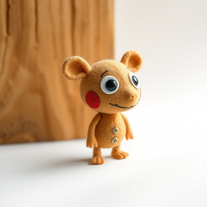 Transform ideas into charming stop-motion style images.OpenChanged the prompt to improve results.
 -
 AI image generator that transforms text into high-quality visuals instantly.Open
 -
Changed the prompt to improve results.
-
 Turn any input into serene impressionist paintings.Open
 -
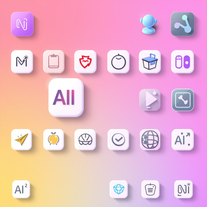 Generate neumorphic icons with AI-powered 3D aesthetics.Open
 -
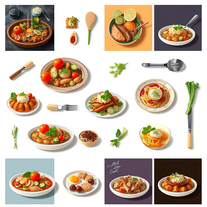
pretty solid minitool for food renders, it gets close to the prompt and the plates look believable but it can miss tiny details, so the image sometimes lands a bit flat. works ok, not great, not terrible.
-
Changed the prompt to improve results.
-
 OpenAh this feels like the designs are growing on the screen, curling like vines. Little flowers pop up in the corners and it all feels alive. It really captures that flowing Art Nouveau style that makes you want to look closer! I love the little details!
 -
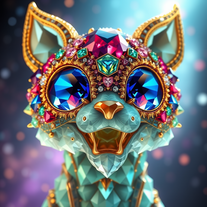 Transform subjects into dazzling 3D gemstone masterpieces.Open
 -
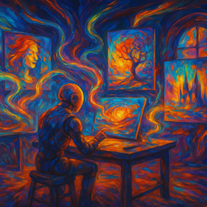 Open
Open -
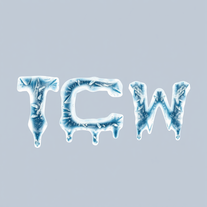 Transform ordinary text into stunning icy letters.Open
 -
 Transform ideas into stunning social media banners instantly.Open
 -
 AI-powered graphic design tool that creates vibrant candy advertisement posters.Open
 -
 AI-generated watercolor backgrounds for stunning visuals.Open
 -
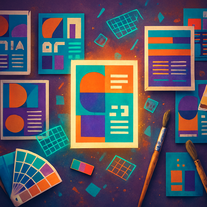 Transform text prompts into polished, design-ready visuals.Open
 -
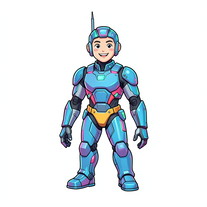
 Create charming 3D toy-style characters like classic action figures.Open
 -
 Transform text into mesmerizing dripping, melting letterforms.Open
 -
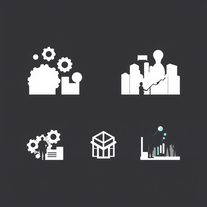 Transform business concepts into stunning visual silhouettes.Open
 -
Gave it a spin today—absolutely blown away. For anyone building something and tired of delays and complexity, this is a game-changer. I spent ages navigating technical back-and-forth before this made it effortless. Had my site up almost instantly. Couldn’t ask for more.
-
It designed lots of tue dye shirts for me big help
-
 Guide on mixed methods research design.Open


































































































































































Lists











Post





