
 Mini tools
▼ Latest
Free infographic generator
Free mode
100% free
Freemium
Free Trial
Featured matches
-

 nico🛠️ 2 tools 🙏 3 karmaMar 20, 2026@MakeInfographic AIThe infographic maker lets you use it once for free without signing in. This infographic maker is simple and easy to use, even more so than Canva or Venngage. However, the available styles and templates are still limited. I hope they add more design options and customization in future updates. Overall, a good choice for quickly creating infographics.
 -
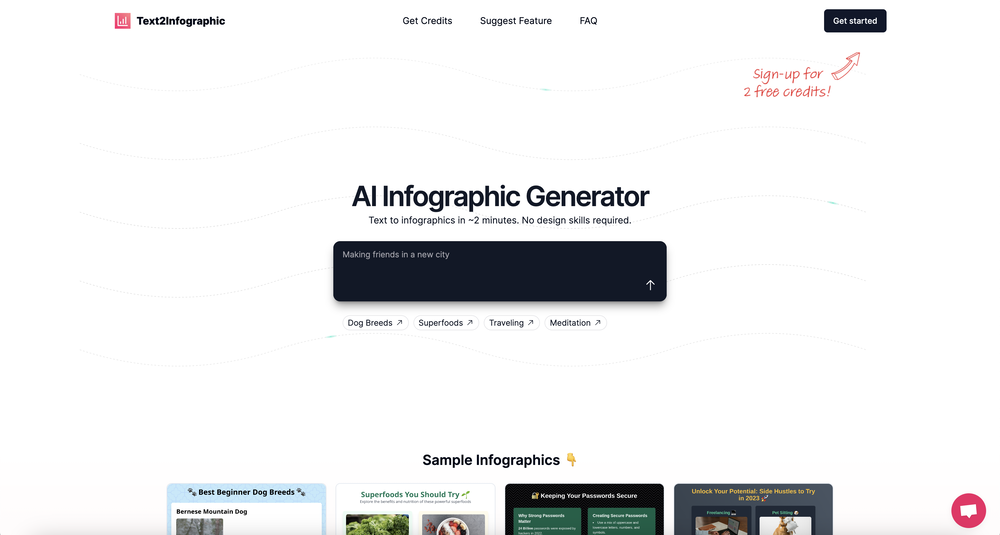 This definitely has potential. The lack of control over what gets generated is annoying, in particular how it will insert meaningless graphs despite being provided with no data - there needs to be a way of preventing this. However, the fact that you can download the HTML and then edit yourself is a big plus. Unfortunately only having two credits to test it out didn't really give me a chance to find out what it could do.



Verified tools
-
 AI infographic generator that turns blog posts into link magnetsOpen
 -
I had to tweak a few things to match my brand style, but overall it saved me a ton of time. Definitely handy if you need something fast and professional-looking.
- Sponsor
 KiloClaw - Managed 🦀 OpenClaw hosting
 -
-
I got some free credits to try the app when I signed up, I could create a few great infographics
-
Looks promising but found it very slow to load and create templates and previews
-
Apologies for the delayed response. Let me clarify our free tier benefits: 1.Daily Quick Credits: Free users receive 2 quick generation credits every day. 2.Unlimited Standard Generation: You can generate an unlimited number of images daily. Please note that during peak usage times, generation speeds may be slower to accommodate high traffic. 3.Advanced Features: Free users also have access to our excellent face-swap feature. 4.Our platform features the leading Nanobanana series models, supports various LoRA effects, and includes tools for background removal and image outpainting/expansion. 5.We welcome you to try them out! Regarding your question about pricing: The core features mentioned above are genuinely free. The 'pricing' structure you saw likely refers to optional paid plans for users who need faster speeds during peak times, higher priority, or additional commercial features. It is not 'free after you pay,' but rather a free base service with optional upgrades. We hope this clears up any confusion!"
-
The tool isn't bad for design, especially for the creative part, but very poor with language (French) even when you provide it with all the text
-
 Create stunning presentations in seconds with AIOpen








Other tools
-
 Create pro LinkedIn carousels in seconds, no design skills needed.OpenThis is an awesome tool for creating content very fast. I use it daily for my LinkedIn posts. However, you need to be crystal clear about what you actually want from it. Superb tool!
 -
It took me less than 20 minutes to create infographic perfection- all the other AI design sites I tried, and I tried them all, weren't able to give me what I wanted in 1 way or another. Outline Ninja helped me create my infographic
-
Says "free during testing," but keeps telling me I have insufficient credits. I also can't seem to find a way to delete my account.
-
No way to test it. Only paid options. The 7 days trial requires a credit card. this sounds as a scham
-
Is amazing but you can't edit the mind map
- Didn't find the AI you were looking for?
-














Post





