Go to section
Spotlight SureThing.io - "OpenClaw" for BeginnersTask automation
The front page of AI.Used by 90M+ humans.

TAAFT Tutorial
Generate image
Tasks
Generate text
Free mode
Trending
Leaderboard
Characters
 Mini tools
New
Featured
Lists
Agents
Requests
Jobs
Map
Newsletter
Starter pack
Free tools
Speech to text
Text translator
Remove background
Settings
Edit profile
My tools
Gallery
Dashboard
Inbox
Get featured
Contact TAAFT
For you
Popular
Job impact index
Most saved
Affiliate program
Submit AI tool
Notification preferences
Glossary
Home
Timeline
My profile
Create tool
Deals
Companies
Models
Robots
Papers
Fundraises
Repositories
Devices
Organizations
Events
Prompt Pack
Merchendise
APIs
Features
Tools
Countries
Collections
Videos
Mini tools
New
Featured
Lists
Agents
Requests
Jobs
Map
Newsletter
Starter pack
Free tools
Speech to text
Text translator
Remove background
Settings
Edit profile
My tools
Gallery
Dashboard
Inbox
Get featured
Contact TAAFT
For you
Popular
Job impact index
Most saved
Affiliate program
Submit AI tool
Notification preferences
Glossary
Home
Timeline
My profile
Create tool
Deals
Companies
Models
Robots
Papers
Fundraises
Repositories
Devices
Organizations
Events
Prompt Pack
Merchendise
APIs
Features
Tools
Countries
Collections
Videos
Mini tools
New
Featured
Lists
Agents
Requests
Jobs
Map
Newsletter
Starter pack
Free tools
Speech to text
Text translator
Remove background
Settings
Edit profile
My tools
Gallery
Dashboard
Inbox
Get featured
Contact TAAFT
For you
Popular
Job impact index
Most saved
Affiliate program
Submit AI tool
Notification preferences
Glossary
Home
Timeline
My profile
Create tool
Deals
Companies
Models
Robots
Papers
Fundraises
Repositories
Devices
Organizations
Events
Prompt Pack
Merchendise
APIs
Features
Tools
Countries
Collections
Videos

▼ Price
Inbox zero
Free mode
100% free
Freemium
Free Trial


Featured matches
-
 There's nothing here to work withyet.Open
-
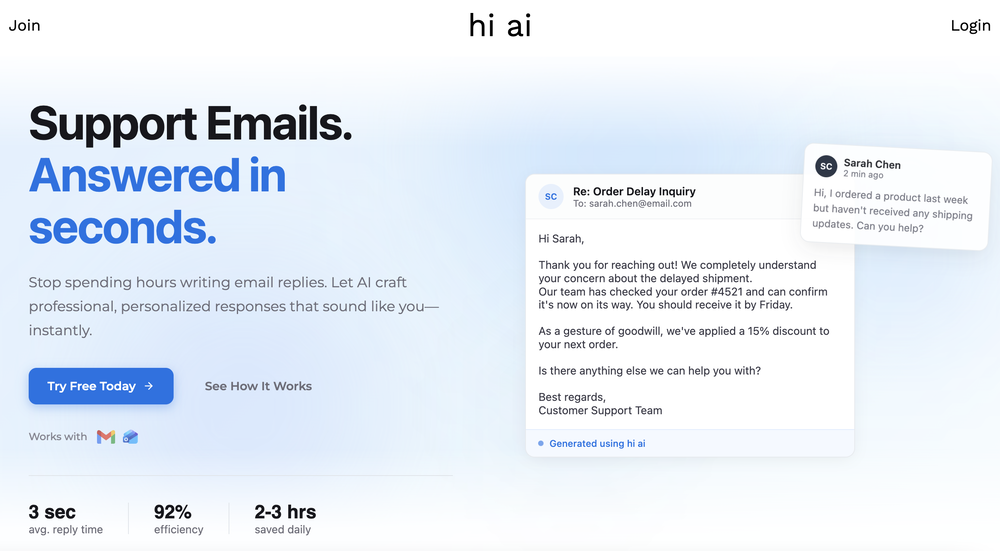 hi ai🛠️ 1 tool 🙏 4 karmaSep 20, 2025@hi aiTime Saving.
 -
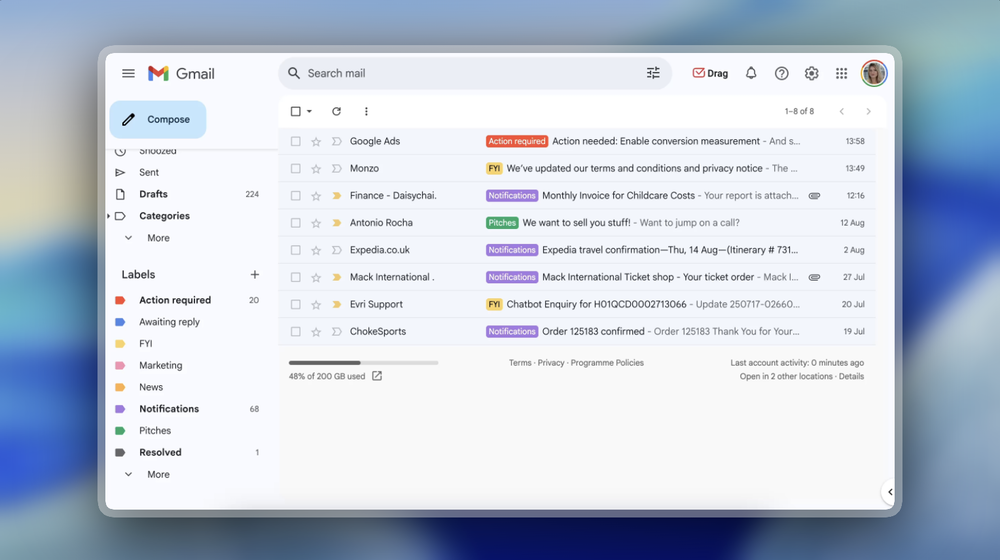 Been loving this tool so far, it's awesome to keep my inbox organized with the auto-tagging feature. I'll try the auto-draft as well, seems promising 🙏
 -
-





Other tools
-
Hey Jack, fair question! The AI is the "Wingman" feature inside the video call. Instead of transcribing the audio (which would violate our privacy policy), the AI is an on-demand agent powered by GPT-4o. You toggle modes like 'Roast' or 'Spicy', and it generates context-aware conversation cards to save the date if things get awkward. We prioritized user privacy over an 'always-listening' AI assistant. Give the Roast mode a try—it's pretty ruthless!
-
This is amazing! I just used it to lower my monthly car insurance for 70 dollars a month
- SpotlightSureThing.io - "OpenClaw" for BeginnersTask automation
-
🐦 Pounce v2.4 — Smoother Setup & Sharper Sessions 🎨 A Redesigned Onboarding 1. Setting up a campaign is cleaner and more guided — the setup, refine, and new-campaign flows now share a consistent, step-by-step experience that's easier to follow start to finish. 2. Every step breathes better and reads more clearly, so getting Pounce dialed in feels effortless whether it's your first campaign or your fifth. 🛡️ Reply With Confidence 1. New explanations on the homepage and throughout setup spell out exactly why using Pounce won't get your account banned or suspended. 2. Know what Pounce can and can't do before you connect — no more guessing about account safety. 📒 A Reply Log That Makes Sense 1. Your reply log now groups replies by day, so your history reads like a timeline instead of an endless list. 2. Filter by platform or by account to zero in on exactly the replies you want to review. ⚡ Sharper Sessions 1. Your queue now flags tweets from people you interact with frequently, so familiar faces are easy to spot at a glance. 2. The "here's what you're missing" digest email has a clearer subject line — see how many tweets are waiting and what they're about before you even open it.
-
 OpenAmazing! This is exactly what I‘ve been looking for for years
 -
 Chatbot for Email using your Data!OpenWe've been using InboxPilot for a couple of weeks now, and it’s been a game-changer for my art studio's business! Our admins were drowning in repetitive customer emails while juggling phone calls and front-desk responsibilities, but we had a debate in our team about whether we could afford to hire support specialists. Now, with AI handling emails 24/7, our admins only review the emails that are escalated. I used to notice that emails went unanswered for hours due to the workload, and I'm sure our customer satisfaction has increased significantly since they receive responses right away. Thank you for the tool!
 -
Clever email management design and easy to use. I love the kanban board style with summarize and auto response.
- Didn't find the AI you were looking for?
-
Looks very interesting. However, no numbers can be purchased outside US or CA.
-
Very unique document parser. Works extremely well even on complex PDF tables and emails