Notis
Notis
 Mini tools
▼ Top rated
Invideo
Free mode
100% free
Freemium
Free Trial
-
 yuri boyka🙏 15 karmaAug 22, 2024@InVideoVery use full video generator nice.......


Featured matches
-

-
-

-

-

-
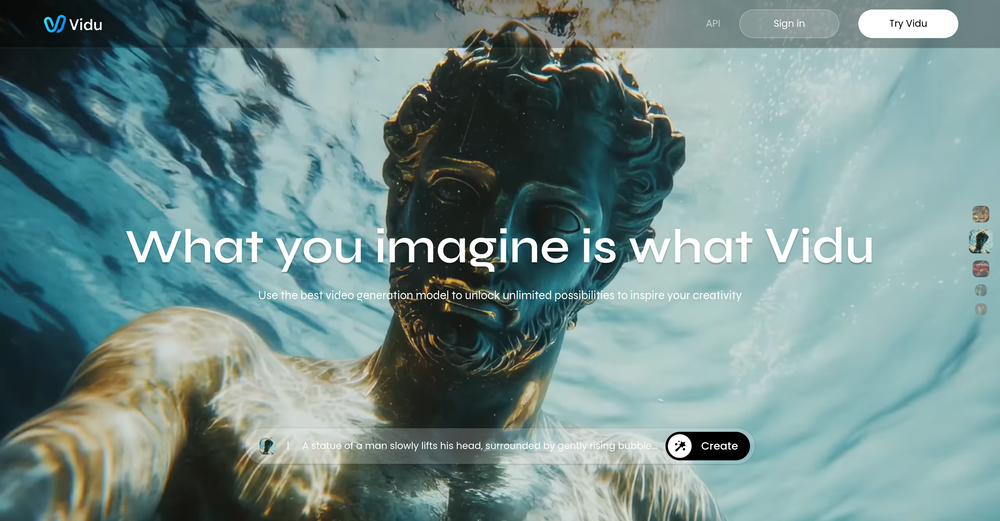 Speed is amazing ! I will definitely utilize the tool in the future for film generation
 -
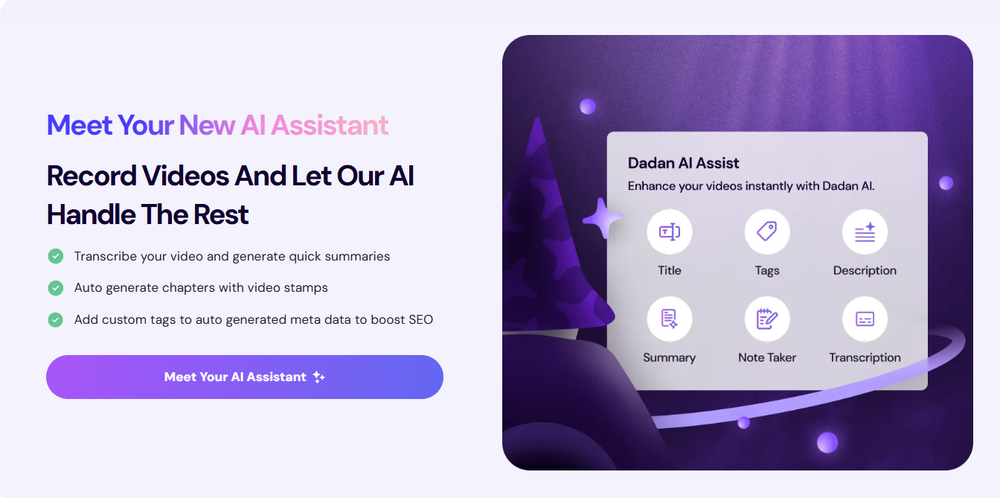 Love Dadan's new AI features. I used to hate searching through videos to find specific points and actions. Now I just get AI Assist to transcribe them and use one of the meeting templates to find what I need in a few seconds.
 -
-

-
 Rapidly generate AI training videos without equipment or editing.Open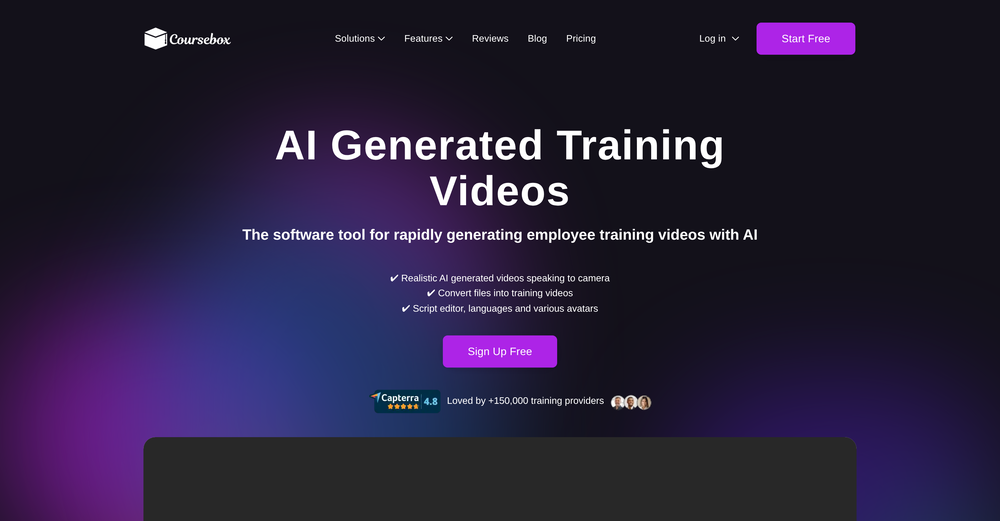










Other tools
-
I love it, this software surprisingly colors my black and white family video images and fits this video perfectly. The effect is so stunning.
-
Great! the first tests are convincing, I'm going to use it for my cosmetics store !
-
 Edit smarter, faster and easier with Filmora’s powerful AI video tools.OpenNew Features, Enhancements & Improvements: - AI Extend Effortlessly extend video and audio clips directly on the timeline. Generates seamless, natural-looking continuations for smoother storytelling. - Pen Tool Draw custom paths and shapes with full stroke controls. Bind paths to clips to create dynamic motion tracking and advanced visual effects. - Animated Charts Create animated data visuals with one-click data import. Includes adjustable styles, presets, and motion options for presentations and info-driven videos. - Source & Timeline Preview Editing Dual-preview workflow with a Source Monitor for reviewing raw footage and a Timeline Monitor for project playback. Enables faster, more accurate editing decisions. - Dual-Timeline Editing Work with multiple timelines through tabs, making it easier to manage compound clips, navigate edits, and organize complex projects. - Import Subprojects Import multiple Filmora project files as compound clips to support multi-project workflows and cross-project material reuse. Optimized Performance: - AI Object Remover Upgrade Introduces the new Magic Box engine with significantly improved removal results. Removes watermarks, subtitles, people, and distractions while maintaining natural clarity. - Smart Cutout Upgrade Improved edge detection and smudging interaction for cleaner extractions and fewer repetitive adjustments. - Dynamic Captions Enhanced subtitle editing with batch text processing and new, exclusive animation presets. - 32-Bit Audio Pipeline New high-fidelity audio processing engine with greater dynamic range. Projects needing V14 compatibility can be saved as Legacy Projects. System & Compatibility Improvements: - Improved overall system stability, faster rendering performance, enhanced GPU utilization, and better compatibility across supported devices for a smoother editing experience.
 - Spotlight: Notis (Personal assistant)
-
 Transform imagination into reality with AI-powered art.Open
 -
Amazing functionality! I created stunning animations for my online courses.
-
 Turn scripts into creator-style videos instantly.OpenI built this because I had a spare RTX 5090 sitting idle and friends in e-commerce kept telling me UGC videos were too expensive. Most AI UGC tools cost 80 to 110 dollars a month, about 10 dollars per video. My prototype can already create 3-minute videos, but it takes almost an hour on one GPU, so I limited the public version to 30 seconds while I scale to 4 GPUs. Would love feedback on the best pricing model and go-to-market.
 -
 Add accurate, multilingual subtitles to videos - fast, right in your browser.OpenThis one is CRAAAAAZY! drop your MP4/MOV, it locks captions to speech cleanly (also multi-language), the in-browser editor is solid and you can either export SRT for youtube or burn the subs in shorts with a couple clicks. it's a W for creators :D
 - Didn't find the AI you were looking for?
-
I have been using this since 2 months, and have been able to reach out to French audience for my course. Thank you.
-
Looks promising. Although they need a credit card even for the basic $0 plan
-
# Semantic Search - use multi-modal semantic search across your entire video library to find key moments, objects in scenes, # Teams - Create organizations to share videos and analyses # Improved Analyses - Automated analysis of all uploaded videos, better AI models for bulk analysis, faster response times # Improved user experience - the UI is more polished and easier to use
-
 Generate custom copyright-free music that fits to your video automaticallyOpenWe built Vidsembly’s Video Music-Score tool to make adding background music simple and fast. Upload your MP4 video, choose a music style, and get a copyright-free soundtrack that is automatically fit to your video and ready for export. No editing skills needed. You can try it free with 15 credits.