
 Mini tools
▼ Latest
Photo editing
Free mode
100% free
Freemium
Free Trial
Featured matches
-

-
-
-
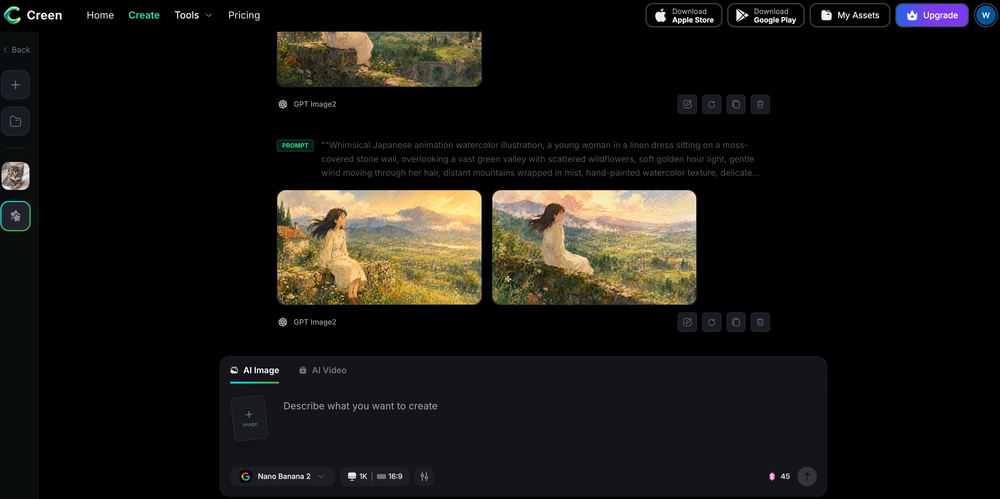 moknbyrd🙏 -1 karmaMar 14, 2026@Creen AIWill not do NSFW images.
 -
 Transform casual selfies into studio-quality business headshots instantly.Open
-
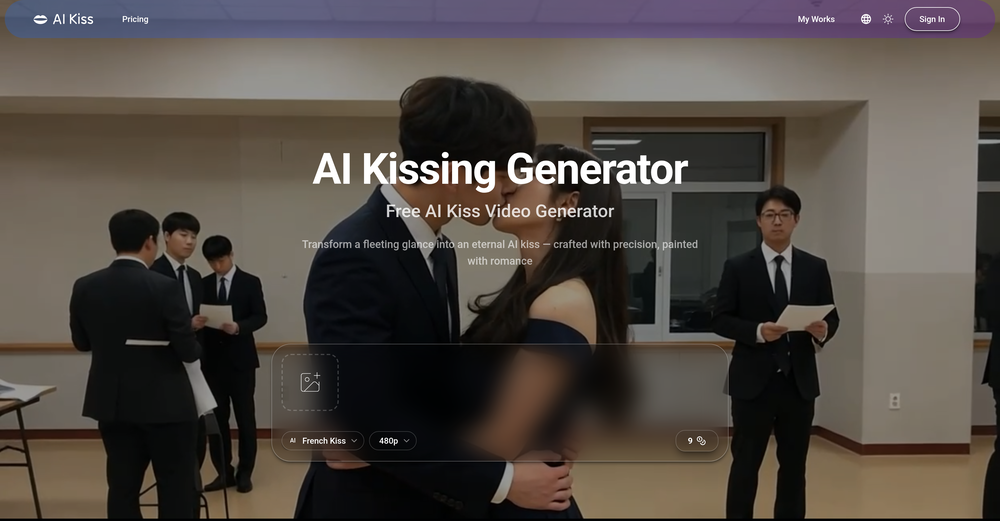 I created this platform to solve a problem I saw everywhere: AI videos that looked too unnatural. AI Kiss is designed for high-quality, lifelike animation. We capture the subtle details of intimacy, specifically the eye contact between partners, making the moment feel truly authentic. Founder of AIKiss.Art Cherry
 -
-

-

-








Verified tools
- Sponsor
 Rocket - Think it. Type it. Launch it.
 -
This is the best virtual staging product I have ever tried. Love the batch processing feature that saves so much time!
-
 Turn baby photos into talking podcast videos.OpenWow, The AI tool is so interesting for the AI talking baby podcast. I like it. Thank you for the AI
 -
As someone who's worked with food businesses, I know how crucial visual appeal is for driving sales - especially in the digital space where customers make split-second decisions based on photos. What stands out to me is how this tool addresses a real pain point. Professional food photography is expensive and time-consuming, but this AI solution makes high-quality food images accessible to everyone from small restaurants to food bloggers. The instant transformation aspect is particularly valuable for businesses that need to update their menus frequently or manage multiple locations. I can see this being a game-changer for food delivery apps where compelling visuals directly impact order volume. The fact that it's specifically trained for food photography rather than being a generic photo enhancer shows thoughtful development. Would love to see some before/after examples if the developers are sharing any - the concept is solid and fills a clear market need. Definitely keeping this on my radar for future projects!
-
 OpenTried it with one photo and was surprised how natural the video looked — lots of effects and models to play with too
 -
I tried TheMultiverse.ai and was genuinely impressed — the headshots it generated look sharp, professional, and true to me. The editing options gave me just enough control without feeling overwhelming. I think it is more affordable than other ai headshot options out there.
-
🚀 New Models Released • Added Nano Banana 2 — faster, more stable, better results • Added Qwen Image 2 — better image quality
-
 Stop guessing if your photo is good. Get instant, objective feedback.OpenPhotoMentor v1.9.1 is a significant update to the analysis engine, accuracy layer, and multi-platform experience. More accurate analysis engine The core analysis now runs a dedicated geometry pass before generating the critique. Bounding boxes are placed with significantly higher precision, and the system validates every visual claim before including it in the output — eliminating the hallucinated observations that occasionally appeared in earlier versions. The AI now understands artistic intent Context-aware mood detection (Noir, Street, Studio, Sport, and more) adjusts the critique to match the photographer's apparent intent — rather than applying generic composition rules to every shot regardless of genre or style. Visual Memory PhotoMentor recognizes when you upload a re-edit of a photo you've analyzed before. Instead of treating it as a new submission, it highlights what changed — making iterative improvement measurable. Progress Dashboard Track your development over time: Pro can track daily average score, current level, top recurring strengths, and weaknesses. Telegram integration Full localization in EN, RU, DE, ES with auto-detection. Telegram Stars payments. Account linking syncs Premium status and usage across web and bot.
 -
 Remove the background & retouch your product photosOpen
 -
very good tool. done your work in seconds with Retouch Pro
-
 Generate professional AI dating photos for 3x more matches.OpenHey, I'm Jacob. Indie developer, built a few AI products. My friend complained about no matches on Tinder. His photos were terrible - bad lighting, messy backgrounds, awkward angles. "Get better photos." "Photographers are expensive and it's weird doing a photoshoot for dating apps." He was right. What I built Spent 2 weeks building this with Stable Diffusion and Claude. Upload 10-15 photos, generates 80-180 dating photos in ~20 minutes. The tricky part: making them look real, not AI-generated. Most AI headshot tools optimize for LinkedIn. Dating photos need to feel natural. Optimized specifically for Tinder, Bumble & Hinge - each platform has different vibes. Added a "realness score" to filter out obvious AI stuff. Current issues - Hands are still weird sometimes - Some photos don't quite look like you - Background inconsistencies Tested with ~40 people. Most said it helped. Some photos were off. Why I'm posting Not sure if this is actually useful or just solving my friend's specific problem. If people care, I'll keep improving it. If not, learned a lot anyway. Link: https://datephotos.ai/
 -
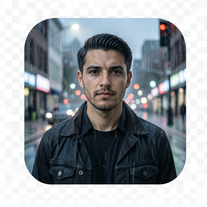
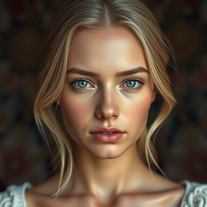
 Enhance portraits with AI for stunning detailsOpen
 -
I have used for a while and I had a blast creating myself in all kinds of different places, shapes and weird situations. Yes you can use it to create professional pictures for your CV and political career but where's the fun in that?
-
 Get Realistic, Natural-Looking AI-Generated Professional Headshots in 2 Hours.OpenI never thought I’d be using an AI service for something like this, but I’m glad I did. The headshot looks like it was taken by a professional photographer, without the pain.
 -
-
 Open
Open -
-
 Transfer motion from videos to photos with AI.OpenHey guys, Zeeshaan here, co-founder of AI Motion Transfer. This tech allows AI videos to follow complex human movements, making ai video look more far more realistic than ever before. My goal is to create a simple interface for anyone to take advantage of this new model. Hope you enjoy the tool, and I'm open to all feedback.
 -
Lmao this is gold. Kirkify my friend's face in seconds. 😂
-
 Open4K resolution is one of its major advantages in the relevant field.
 -
I would just feel like a POS to create something like this. Like you got to be down bad or a degenerate...
-
 OpenNice use case 👍 Curious how you’re thinking about discovery beyond directories.
 -
 Millions of free AI stock images. Download, edit, or generate variations instantly.OpenWe just shipped two new creation tools in StockCake: ✅ AI SVG Creator (from prompts) — generate vector SVG assets from text (great for icons, logos, and game assets). ✅ AI 3D Creator (from images) — turn an image into a 3D GLB model in seconds. Both are available as standalone tools and inside the StockCake editor. Includes a free 7-day trial (cancel anytime). Try it now.
 -
-
Although the results are slightly inferior to Nano Banana, it has more relaxed content restrictions, including NSFW content.
-
Well, it did give me an insanely good image, but you only get one free trial, i.e, generate one image for free. And the model is costly for someone who wants free AI tools. But it does the job if you're willing to pay.
-
 Remove backgrounds from images with AI in seconds.Open
 -
👋 Hi There! I’m James the maker of RemakePic. I built RemakePic for e-commerce sellers who source products from B2B platforms and keep running into the same problem: you’re not allowed to reuse the same product images across marketplaces, but reshooting everything is slow and expensive. RemakePic uses AI to recreate product images while preserving the original product details — so sellers can generate unique, platform-safe images without reshooting or manual editing. It’s especially useful if you sell on multiple platforms (Amazon, Wayfair, Shopify, etc.) or work with supplier-provided photos. I’m excited to hear your feedback — especially: • How do you currently handle duplicate image issues? • What marketplaces give you the most trouble with image compliance? Happy to answer any questions. Thanks for checking it out 🙌
-
I built Forevi after trying to restore my own family photos, especially for my grandpa. He doesn’t really care about physical gifts anymore, but he does care about memories: his youth, his family, the small things that mattered to him. Every tool I tried either changed faces, added fake filters, or made everything look overly smooth. So I built a full restoration workflow: restore → colorize → enhance/upscale → animate → add sound. The goal is to help people bring old moments back to life and create new memories from old photos. Would love your feedback on what feels right, what doesn’t, and how I can improve the tool. Thank you folks!! Best, Daniel
-
Tool is useless for anything that even hints at being mature. Not even swimsuits or cleavage pics. Much less nudity. Worthless, puritanical garbage. Don't bother.




















































Other tools
-
 Apply spooky Halloween filters and scary makeup effects online for free.Open
 -
The tool is powerful, combining multiple AI modes and features. It can enhance images with just one click, colorize black-and-white photos, and remove watermarks effortlessly.
-
tried it for quick photo cleanups, solid results. the bg remover is free with HD downloads and does clean cutouts on tricky edges. the full editor gives 5 daily credits, not badd
-
-
powerful and free photo editor! packed with lots of functionalities.
- Didn't find the AI you were looking for?
-
-
Free, but requires monthly subscription. With limitations on the free version 3 stars
-
I think this is the point of a free trial...
-
 Transform any scene into mesmerizing long-exposure art.OpenChanged the prompt to improve results.
 -
 Transform photos into hyper-realistic 8K caricature portraits.OpenThis tool is pre-trained; just upload a photo of yourself or someone you want to create a funny or comical scene with.
 -
 Open
Open -
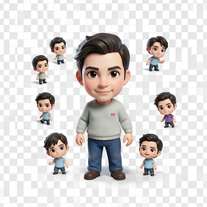 Transform photos into magical cinematic portraits with chibi versions.Open
 -
 Open
Open -
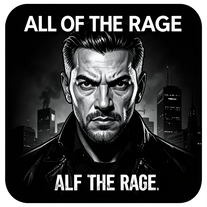
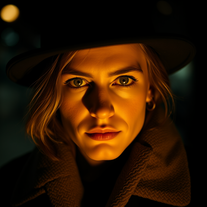
 Transform photos into dramatic neo-noir assassin portraits.Open
 -
 Transform photos into hyper-realistic 8K cinematic masterpieces.Open
 -
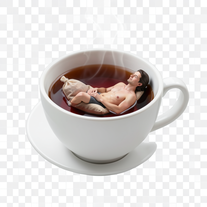
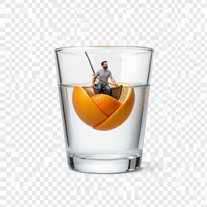
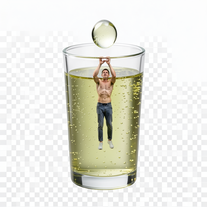
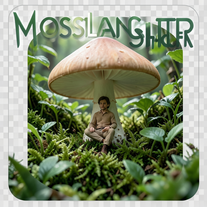
 Transform yourself into cinematic miniature adventures.Open
 -
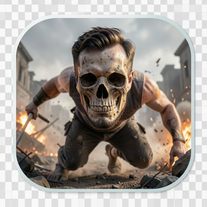
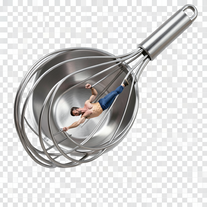
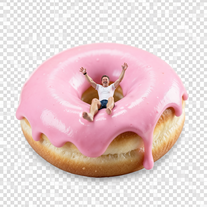
 Wrestle giant food in hyper-realistic cinematic photos.Open
 -
 Open
Open -
 Transform photos into epic cinematic scenes with mythical creatures.Open
 -
 Transform your photo into hyper-realistic cinematic scenes.OpenThis tool is designed to only receive a photo as a reference; just use this and see the result.
 -
 Transform photos into cinematic freeze-frame masterpieces.Open
 -
 Transform portraits into high-fashion editorial magic.Open
 -
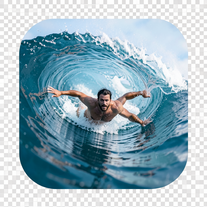 Transform portraits into hyper-realistic barrel wave shots.Open
 -
 Open
Open -
 Transform photos into Back to the Future scenes.Open
 -
 Transform photos into split-screen editorial posters instantly.Open
 -
 Transform photos into Parisian fashion editorials instantly.Open
 -
 Open
Open -
 Transform photos into cinematic Ferris wheel masterpieces.Open
 -
 Open
Open -
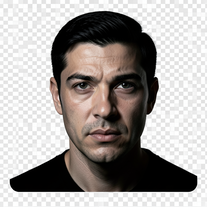 Turn portraits into cinematic masterpieces with dramatic lighting.Open
 -
 Transform photos into museum-quality graphite portraits.OpenThe second attempt is much better, but added non-existing points.
 -
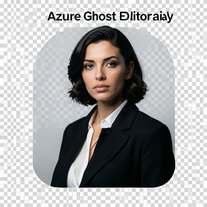 Open
Open -
 Creates ultra-realistic cinematic portraits from your photos.Open
 -
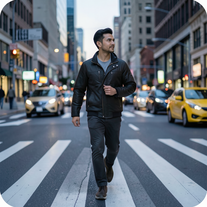 Open
Open -
 Transform photos into cinematic selfies with gorilla companions.Open
 -
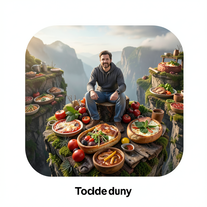 Transform photos into cinematic giant food landscapes.Open
 -
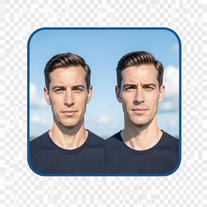 Create cinematic photos with giant and miniature versions of yourself.Open
 -
 Generate ultra-realistic candid photography with facial recreation.Open
 -
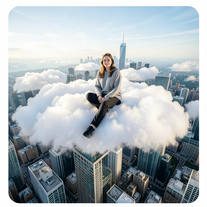 Open
Open -
 Transform photos into cinematic scenes with perfect precision.Open
 -
 Create cinematic photos of specific people in surreal scenarios.OpenSimply upload your photo; you don't need to type anything in the prompt field. Just click "generate" and watch the magic happen.
 -
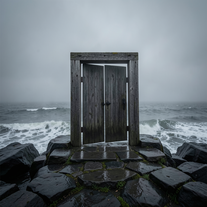 Creates ultra-realistic cinematic photographs of people through mystical doorways.Open
 -
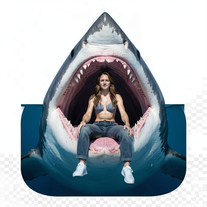
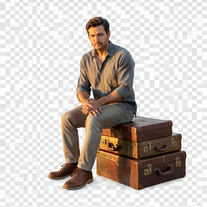 Creates hyper-realistic 8K cinematic photographs featuring surreal human-animal interactions.OpenSimply upload your photo; you don't need to type anything in the prompt field. Just click "generate" and watch the magic happen.
 -
 Transform ordinary scenes into extraordinary cinematic adventures.OpenSimply upload your photo; you don't need to type anything in the prompt field. Just click "generate" and watch the magic happen.
 -
 Transform photos into cinematic 8K investigation boards.Open
 -
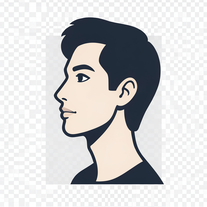 Transform photos into stunning 8K architectural blueprint portraits.Open
 -
 Transform any portrait into a hyper-realistic volcanic stone masterpiece.Open
 -
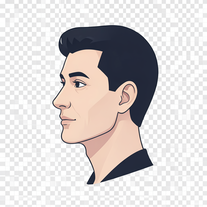 Transform photos into stunning 8K futuristic artwork.Open
 -
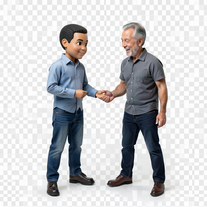 Transform photos into hyper-realistic miniature scenes.OpenSimply upload your photo; you don't need to type anything in the prompt field. Just click "generate" and watch the magic happen.
 -
Simply upload your photo; you don't need to type anything in the prompt field. Just click "generate" and watch the magic happen.
-
-
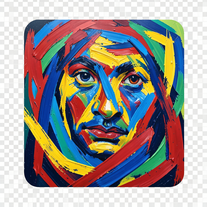 Transform photos into de Kooning-style abstract masterpieces.Open
 -
Simply upload your photo; you don't need to type anything in the prompt field. Just click "generate" and watch the magic happen.
-
Simply upload your photo; you don't need to type anything in the prompt field. Just click "generate" and watch the magic happen.
-
Simply upload your photo; you don't need to type anything in the prompt field. Just click "generate" and watch the magic happen.
-
Simply upload your photo; you don't need to type anything in the prompt field. Just click "generate" and watch the magic happen.
-
 OpenSimply upload your photo; you don't need to type anything in the prompt field. Just click "generate" and watch the magic happen.
 -
 Transform photos into cinematic synthwave masterpieces.Open
 -
 Open
Open -
 OpenSimply upload your photo; you don't need to type anything in the prompt field. Just click "generate" and watch the magic happen.
 -
Simply upload your photo; you don't need to type anything in the prompt field. Just click "generate" and watch the magic happen.
-
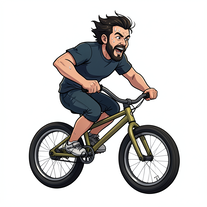 Transform photos into cinematic action portraits.Open
 -
 Transform photos into Hollywood-style action movie posters.OpenSimply upload your photo; you don't need to type anything in the prompt field. Just click "generate" and watch the magic happen.
 -
 Transform photos into epic 3D cartoon characters.OpenSimply upload your photo; you don't need to type anything in the prompt field. Just click "generate" and watch the magic happen.
 -
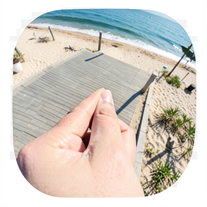 Creates ultra-realistic forced-perspective beach photos where you appear tiny.Open
 -
 Transform your photo into a cinematic masterpiece.Open
 -
 Transform photos into vibrant comic book illustrations.Open
 -
 Transform photos into hilarious cartoon wake-up scenes.OpenSimply upload your photo; you don't need to type anything in the prompt field. Just click "generate" and watch the magic happen.
 -
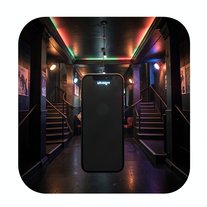 Create ultra-realistic selfies with The Mask characters.Open
 -
 OpenVideo editing is the process of selecting, trimming, and arranging footage to create a cohesive story or visual narrative. Here are some fundamental concepts and techniques: Types of Video Editing Linear editing: A straightforward, sequential approach to editing, where clips are arranged in a linear timeline. Non-linear editing: A more flexible approach, where clips can be arranged and rearranged freely in a timeline. Key Video Editing Techniques Cutting: A transition between two clips, where one clip ends and another begins. Cutting on action: Cutting between two clips while an action is in progress, to create a seamless transition. J-cut: Cutting from one clip to another while audio from the second clip starts playing before the video cuts to it. L-cut: Cutting from one clip to another while audio from the first clip continues to play. Video Editing Software Popular video editing software includes: Adobe Premiere Pro: A professional-level editing software with advanced features and integration with other Adobe tools. Final Cut Pro: A professional-level editing software for Mac users, known for its user-friendly interface and advanced features. DaVinci Resolve: A free and paid editing software that offers advanced color grading and audio editing tools. Best Practices for Video Editing Plan your edit: Develop a clear vision and storyboard before starting to edit. Organize your footage: Label and categorize your clips to make them easily accessible. Keep it simple: Avoid overusing transitions and effects; focus on telling a clear story. Advanced Video Editing Techniques Color grading: Adjusting the color and brightness of footage to create a specific mood or atmosphere. Audio ducking: Automatically reducing the volume of background audio when dialogue is present. Motion graphics: Adding animated text, logos, or other graphics to enhance the visual narrative. Video editing involves selecting, trimming, and arranging footage to create a cohesive story. Linear and non-linear editing are two fundamental approaches. Key techniques include cutting, cutting on action, J-cuts, and L-cuts. Popular software includes Adobe Premiere Pro, Final Cut Pro, and DaVinci Resolve. Best practices involve planning, organizing footage, and keeping it simple. Advanced techniques include color grading, audio ducking, and motion graphics. Capcat pro Capcat pro Download image-to-image-generator generated imagetransparent pixel Image to Image Generator Image to Image Generator Download image-to-image-generator generated imagetransparent pixel Image to Image Generator Image to Image Generator Download image-to-image-generator generated imagetransparent pixel Image to Image Generator Image to Image Generator Download image-to-image-generator generated imagetransparent pixel Image to Image Generator Image to Image Generator Download image-to-image-generator generated imagetransparent pixel Image to Image Generator Image to Image Generator Download image-to-image-generator generated imagetransparent pixel Image to Image Generator Image to Image Generator Download image-generator generated imagetransparent pixel Image Generator Image Generator Copy Video Editing Basics Video editing is the process of selecting, trimming, and arranging footage to create a cohesive story or visual narrative. Here are some fundamental concepts and techniques: Types of Video Editing Linear editing: A straightforward, sequential approach to editing, where clips are arranged in a linear timeline. Non-linear editing: A more flexible approach, where clips can be arranged and rearranged freely in a timeline. Key Video Editing Techniques Cutting: A transition between two clips, where one clip ends and another begins. Cutting on action: Cutting between two clips while an action is in progress, to create a seamless transition. J-cut: Cutting from one clip to another while audio from the second clip starts playing before the video cuts to it. L-cut: Cutting from one clip to another while audio from the first clip continues to play. Video Editing Software Popular video editing software includes: Adobe Premiere Pro: A professional-level editing software with advanced features and integration with other Adobe tools. Final Cut Pro: A professional-level editing software for Mac users, known for its user-friendly interface and advanced features. DaVinci Resolve: A free and paid editing software that offers advanced color grading and audio editing tools. Best Practices for Video Editing Plan your edit: Develop a clear vision and storyboard before starting to edit. Organize your footage: Label and categorize your clips to make them easily accessible. Keep it simple: Avoid overusing transitions and effects; focus on telling a clear story. Advanced Video Editing Techniques Color grading: Adjusting the color and brightness of footage to create a specific mood or atmosphere. Audio ducking: Automatically reducing the volume of background audio when dialogue is present. Motion graphics: Adding animated text, logos, or other graphics to enhance the visual narrative. Video editing involves selecting, trimming, and arranging footage to create a cohesive story. Linear and non-linear editing are two fundamental approaches. Key techniques include cutting, cutting on action, J-cuts, and L-cuts. Popular software includes Adobe Premiere Pro, Final Cut Pro, and DaVinci Resolve. Best practices involve planning, organizing footage, and keeping it simple. Advanced techniques include color grading,
 -
Simply upload your photo; you don't need to type anything in the prompt field. Just click "generate" and watch the magic happen.
-
Simply upload your photo; you don't need to type anything in the prompt field. Just click "generate" and watch the magic happen.
-
 Open
Open -
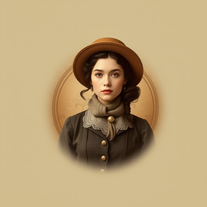 Transform photos into stunning vintage portraits with AI.Open
 -
 OpenSimply upload your photo; you don't need to type anything in the prompt field. Just click "generate" and watch the magic happen.
 -
 Transform photos into hyper-realistic wooden twig portraits.Open
 -
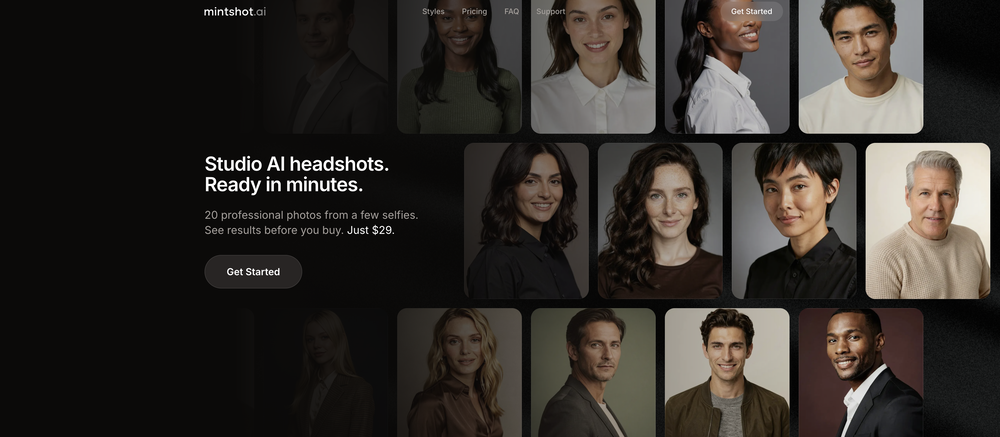
 Generate professional headshots for job applications.OpenI have just used this to build out headshot images for my team – roughly 40 people! I think two of the images were not exactly correct (myself, to be fair, and another who only has a poor-quality image), and that is what I want to note! Even so, most of the images were very low-rez and poor-quality – this programme was freaking amazing! I actually cannot praise it enough!! The free version is actually incredible!!! xx I will be using it in the future as my go-to, and I will gladly pay for the extended benefits!
 -
 Transform your vision into stunning futuristic realities.Open
 -
 Transform ordinary scenes into stunning visual masterpieces.Open
 -
 Transform your photo into a cinematic New Year celebration.Open
 -
 Transform portraits into cinematic window masterpieces.Open
 -
 Transform ordinary images into luminous masterpieces with AI-powered shining effects.Open
 -
 Open
Open -
 Transform family photos into magical Monsters Inc. scenes.OpenSimply upload your photo; you don't need to type anything in the prompt field. Just click "generate" and watch the magic happen.
 -
 Transform any photograph into elegant engraving-style line art.Open
 -
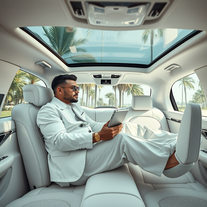 Transform yourself into luxury lifestyle photos.OpenFlipping crazy good!
 -
 Transform your photo into El Chavo del 8 memories.OpenSimply upload your photo; you don't need to type anything in the prompt field. Just click "generate" and watch the magic happen.
 -
 Open
Open -
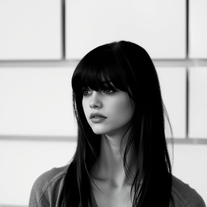 Transform colorful photos into stunning black-and-white masterpieces.Open
 -
 Expert advice in Lightroom, Photoshop, and wildlife photography.Open
 -
 Open
Open















































Lists






Post





