Go to section
Spotlight SureThing.io - "OpenClaw" for BeginnersTask automation
The front page of AI.Used by 90M+ humans.

TAAFT Tutorial
Generate image
Tasks
Generate text
Free mode
Trending
Leaderboard
Characters
 Mini tools
New
Featured
Lists
Agents
Requests
Jobs
Map
Newsletter
Starter pack
Free tools
Speech to text
Text translator
Remove background
Settings
Edit profile
My tools
Gallery
Dashboard
Inbox
Get featured
Contact TAAFT
For you
Popular
Job impact index
Most saved
Affiliate program
Submit AI tool
Notification preferences
Glossary
Home
Timeline
My profile
Create tool
Deals
Companies
Models
Robots
Papers
Fundraises
Repositories
Devices
Organizations
Events
Prompt Pack
Merchendise
APIs
Features
Tools
Countries
Collections
Videos
Mini tools
New
Featured
Lists
Agents
Requests
Jobs
Map
Newsletter
Starter pack
Free tools
Speech to text
Text translator
Remove background
Settings
Edit profile
My tools
Gallery
Dashboard
Inbox
Get featured
Contact TAAFT
For you
Popular
Job impact index
Most saved
Affiliate program
Submit AI tool
Notification preferences
Glossary
Home
Timeline
My profile
Create tool
Deals
Companies
Models
Robots
Papers
Fundraises
Repositories
Devices
Organizations
Events
Prompt Pack
Merchendise
APIs
Features
Tools
Countries
Collections
Videos
Mini tools
New
Featured
Lists
Agents
Requests
Jobs
Map
Newsletter
Starter pack
Free tools
Speech to text
Text translator
Remove background
Settings
Edit profile
My tools
Gallery
Dashboard
Inbox
Get featured
Contact TAAFT
For you
Popular
Job impact index
Most saved
Affiliate program
Submit AI tool
Notification preferences
Glossary
Home
Timeline
My profile
Create tool
Deals
Companies
Models
Robots
Papers
Fundraises
Repositories
Devices
Organizations
Events
Prompt Pack
Merchendise
APIs
Features
Tools
Countries
Collections
Videos

▼ Latest
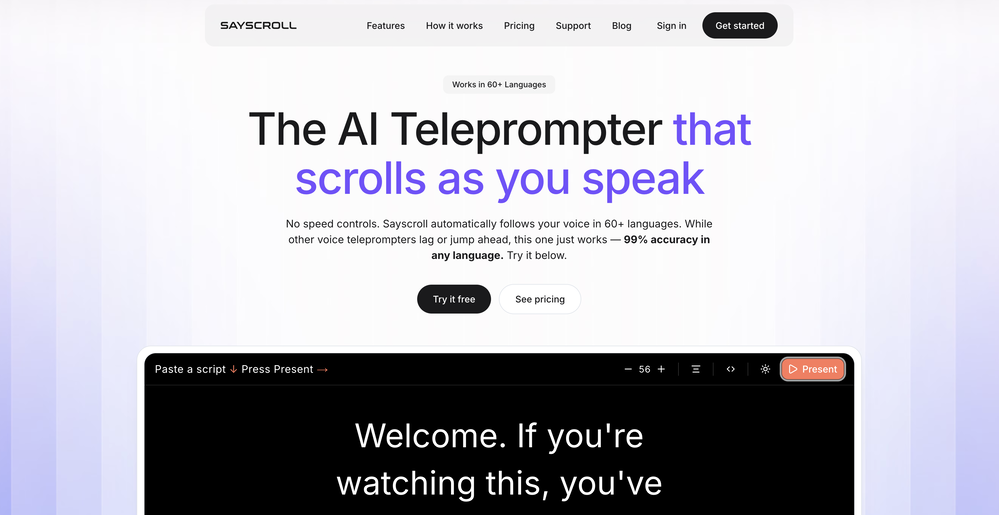
Speech speed control
Free mode
100% free
Freemium
Free Trial
Featured matches
-
-

-
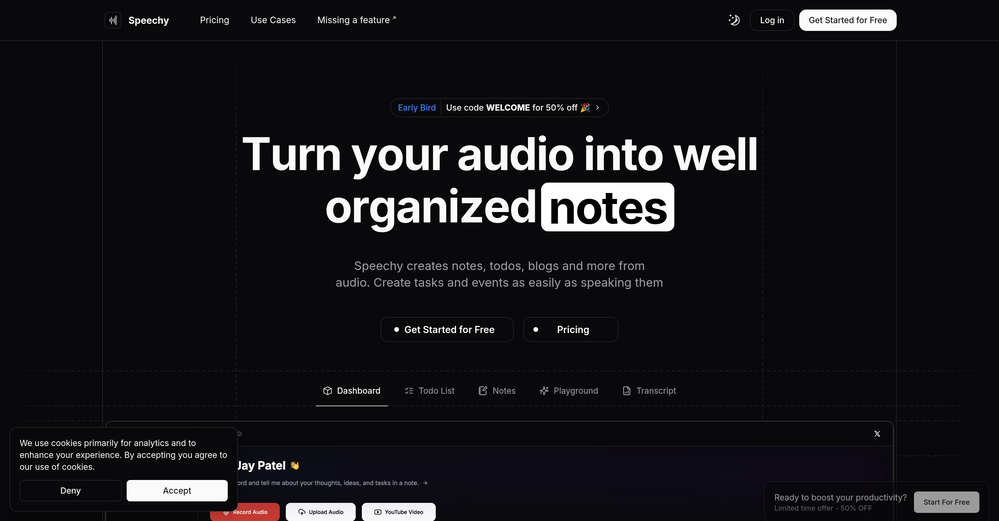
 Call me EMar 13, 2026@SpeechyNot a very good experience. There are a lot of screenshots of what is supposed to happen when you record or upload audio, but the functionality is very clunky. I had to upload the same audio file 5 times before it appeared in the dashboard. The experience is even worse on a mobile phone. So I am still looking for a quick audio to text AI tool and one that I can get the transcription in multiple languages.


Verified tools
-
-
KikiVoice does a great job with voice cloning — the results sound very natural and close to the original, and there’s no sign-up required.
- SpotlightSureThing.io - "OpenClaw" for BeginnersTask automation
-
I have been using this app for a month on a laptop with just 4GB of VRAM, and it has been performing exceptionally well. Surprisingly, it's the only available option for local voice recognition that operates without an internet connection. The developer is actively making continuous improvements, enhancing the program's functionalities progressively. I strongly recommend it.
-
I use this tool a lot for content marketing. It allows me to just focus on my idea without worrying about the minor details. The script rewrite feature is pretty impressive!
-
 OpenEasily saves me an hour every day - I no longer have to type long winded “professional” sounding email replies to my colleagues, I just speak roughly with minimal effort 👏
 -
Before registration, it was free, but after downloading to your computer, it became paid.
-
- Automatic dictionary correction learning: Paraspeech can now learn from words you fix after dictation - More reliable recording start, stop, finalization, clipboard insertion, and saved recordings - Clearer local-vs-cloud routing for transcription and rewrites, including privacy-mode handling - Better local model state while models are downloading, activating, or unavailable - Improved file-drop transcription behavior with clearer local/cloud availability - More predictable cleanup and rewrite finalization for emails, selected text, and general dictated text - Reworked onboarding for account setup, privacy, model setup, permissions, shortcut testing, and first dictation - More reliable checkout, purchase, trial, subscription, lifetime, and account-link recovery - Cleaner status overlay states for recording, loading, completion, and setup recovery - Stronger diagnostics privacy scrubbing and quieter crash/hang reporting - Release reliability improvements across Mac testing, DMG validation, Sparkle automation, and update tracing
-
 Build smarter AI voice agents with the best speech recognition technologyOpen
 -
I'm currently using Speech to Note for multiple purposes like academic research paper making, quick notes recording for development related feedbacks and it's generating supercool responses that exactly matches my requirements, it's the best AI tools in voice space
-
superb, e gratis, merge blana, in EN se aude ideal











Other tools
-
Great AI voices, though still monotonous and robotic, or rather too neutral, with almost zero voice inflections! Excellent to read news, articles, essays, and any nonfiction books. BTW, computers should be allowed to TALK to us for free, like in the Star Trek TV series. Our future grandchildren will laugh at us for "paying" to use this everyday option, biting the hook to "monthly subscriptions" like gullible fish and then getting up to 1,000 words per month" under the so-called Pro version ;-) This is crazy!
-
-
They deceive - they advertise functionalities that turn out to be in the Pro version, which again has to be purchased. For some languages, the voices are quite old and sound robotic.
-
-
Here it says "NO pricing," yet online, there is a "hidden" subscription plan? https://www.minimax.io/audio/subscribe - No wonder the media calls 2026 "The Age of Greed!" ;-( FYI, there are 100% FREE Open-Source TTS and Voice Cloners, so why should we pay to be tricked? I don't get it!
- Didn't find the AI you were looking for?
-
Inscrivez-vous, c'est gratuit! 9h41  Qu’est-ce que Playtext ? Playtext transforme n'importe quel texte en livre audio et vous aide à lire 3 x plus rapidement. Nous extrayons le contenu et le présentons dans un environnement sans distraction tout en utilisant l'IA pour générer des voix humaines qui lisent le texte à haute voix. Avec Playtext, vous pouvez lire à un rythme qui vous convient, que ce soit 1x, 2x ou même 3x la vitesse. Vous pouvez entraîner vos oreilles à lire jusqu'à 3 fois plus vite avec une utilisation régulière ! Pour accélérer les choses, appuyez simplement sur l'icône . Et le meilleur ? Vous pouvez toujours comprendre tout ce que vous lisez, même à des vitesses plus élevées. En effet, Playtext vous permet de lire et d'écouter en même temps, ce qui améliore considérablement la rétention et la compréhension du contenu. Donc, si vous cherchez une nouvelle façon de profiter de vos articles préférés et d'améliorer votre vitesse de lecture, essayez Playtext. Vous pourriez être surpris de voir à quel point vous allez l'adorer !
-
 Open
Open