Go to section
Spotlight SureThing.io - "OpenClaw" for BeginnersTask automation
The front page of AI.Used by 90M+ humans.

Generate image
Tasks
Generate text
Free mode
Trending
Leaderboard
Characters
 Mini tools
New
Featured
Lists
Agents
Requests
Jobs
Map
Newsletter
Starter pack
Free tools
Speech to text
Text translator
Remove background
Settings
Edit profile
My tools
Gallery
Dashboard
Inbox
Get featured
Contact TAAFT
For you
Popular
Job impact index
Most saved
Affiliate program
Submit AI tool
Notification preferences
Glossary
Home
Timeline
My profile
Create tool
Deals
Companies
Models
Robots
Papers
Fundraises
Repositories
Devices
Organizations
Events
Prompt Pack
Merchendise
APIs
Features
Tools
Countries
Collections
Videos
Mini tools
New
Featured
Lists
Agents
Requests
Jobs
Map
Newsletter
Starter pack
Free tools
Speech to text
Text translator
Remove background
Settings
Edit profile
My tools
Gallery
Dashboard
Inbox
Get featured
Contact TAAFT
For you
Popular
Job impact index
Most saved
Affiliate program
Submit AI tool
Notification preferences
Glossary
Home
Timeline
My profile
Create tool
Deals
Companies
Models
Robots
Papers
Fundraises
Repositories
Devices
Organizations
Events
Prompt Pack
Merchendise
APIs
Features
Tools
Countries
Collections
Videos
Mini tools
New
Featured
Lists
Agents
Requests
Jobs
Map
Newsletter
Starter pack
Free tools
Speech to text
Text translator
Remove background
Settings
Edit profile
My tools
Gallery
Dashboard
Inbox
Get featured
Contact TAAFT
For you
Popular
Job impact index
Most saved
Affiliate program
Submit AI tool
Notification preferences
Glossary
Home
Timeline
My profile
Create tool
Deals
Companies
Models
Robots
Papers
Fundraises
Repositories
Devices
Organizations
Events
Prompt Pack
Merchendise
APIs
Features
Tools
Countries
Collections
Videos

▼ Latest
Text to infographic
Free mode
100% free
Freemium
Free Trial
Featured matches
-
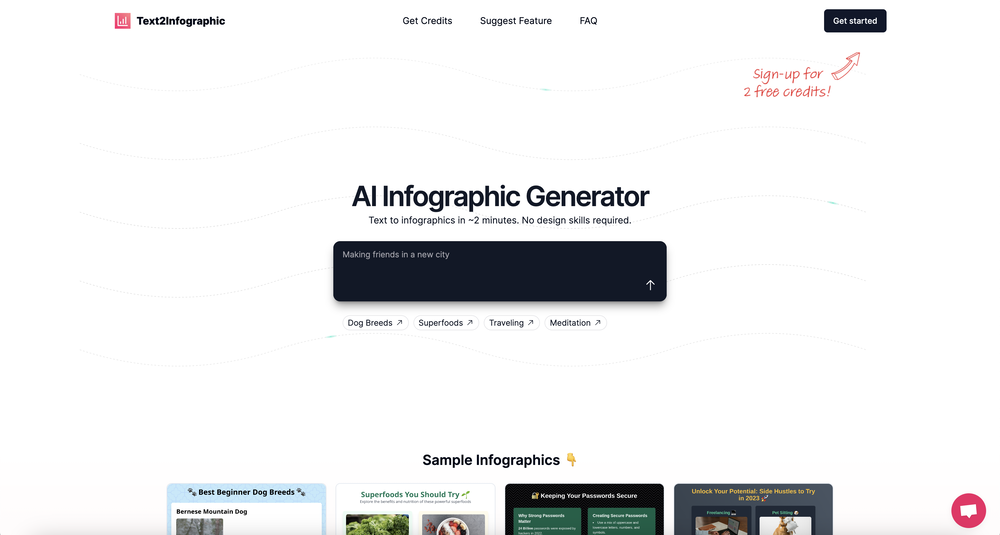
 Michelle Ashton🙏 3 karmaJul 8, 2024@Text to InfographicWhich is more valuable, time or money? This doesn't save you either, at the moment as you only get two infographics to test out and you have to do quite a bit of editing to get it to look ok. The point of infographics is to inform in a highly visual and compelling way. None of the example info graphics are that. I suggest a pivot and use AI to fill out the text in a pre-made graphic template.

Verified tools
-
 AI infographic generator that turns blog posts into link magnetsOpen
 -
-
-
I had to tweak a few things to match my brand style, but overall it saved me a ton of time. Definitely handy if you need something fast and professional-looking.
- SpotlightSureThing.io - "OpenClaw" for BeginnersTask automation
-
I did not like it. Seems very generic and did not adapt or recognized the topic to change the figures and the templates. Simply put my text to templates not related to the topic.
-
-
The infographic maker lets you use it once for free without signing in. This infographic maker is simple and easy to use, even more so than Canva or Venngage. However, the available styles and templates are still limited. I hope they add more design options and customization in future updates. Overall, a good choice for quickly creating infographics.
-
-
I got some free credits to try the app when I signed up, I could create a few great infographics












Other tools
-
Says "free during testing," but keeps telling me I have insufficient credits. I also can't seem to find a way to delete my account.
-
False advertising and broken. Did not do what it claimed. AI chat has footnote that it cannot do multiple types of outputs. It generally felt dumb. Documentation lacking. Costs $7 per month and only available via auto renewing subscription. I got $5 credit from a competing ai I found here and in less than 10 hours I got all kinds of charts and it used $2 of the $5 credit in tokens. Meanwhile I lost more dignitiy, time and dollars to what amounts to a fraudster masrquaqrading as a developer making an AI that cannot do what it claims it can. Who in the end, has a response time of minutes to tell me no refunds can be issued when inquired. Which is fine, I accepted the risk of $7, but this is daylight robbery with a broken app. either fix it, or stop the fraud, or you get reported and reviewed like this. I needed user journey map, or a flow chart, or a sequence diagram, could have been happy with either one, and this app completely failed to do anything useful at all. Even when it did generate anything, it was giant text boxes nad a few arrows, no ability to decipher, summarize, and make it short and sweet in visuals. Needs a lot of work at best.
-
It took me less than 20 minutes to create infographic perfection- all the other AI design sites I tried, and I tried them all, weren't able to give me what I wanted in 1 way or another. Outline Ninja helped me create my infographic
-
It does exactly what is expected and more. I asked it to create a map with pins for 30 addresses and it did exactly that within a few seconds. It has great customization options also.
-
I wasn't able to use this one (I have my API key)
-
- Didn't find the AI you were looking for?