
 Mini tools
▼ Latest
Vintage
Free mode
100% free
Freemium
Free Trial
Featured matches


Verified tools
-
 OpenBig Zam🙏 10 karmaOct 15, 2025@Dreamega AI | Image EffectsHere's the rundown. If you thought image editing like Photoshop or Affinity Photo, you were wrong. It's 100% insert a photo and put a filter over it or change it into another AI image. Signing up for an account gets you 4 credits. Enough for one image to image generation. Instead, you should go to aistudio.google.com. This Dreamega site is just using google to generate their stuff anyways. You can do this yourself without paying per generation, the only difference is you need to type the prompt yourself. Is it worth paying some overblown monthly subscription on Dreamega for something you can do yourself or something you'll probably only do once?
 - Sponsor
 Base44 Superagents-AI agent that does it all
 -
I love it, this software surprisingly colors my black and white family video images and fits this video perfectly. The effect is so stunning.
-
Hi! I'm the founder of watch.ID - feel free to ask any questions or feedbacks ✌️
-
There is no free trial, immediately upon signing up it prompts you to pay for credits without even letting you try it first, and with all these bunk photo editing apps/sites out there I am not trusting that, sorry.
-
I built Forevi after trying to restore my own family photos, especially for my grandpa. He doesn’t really care about physical gifts anymore, but he does care about memories: his youth, his family, the small things that mattered to him. Every tool I tried either changed faces, added fake filters, or made everything look overly smooth. So I built a full restoration workflow: restore → colorize → enhance/upscale → animate → add sound. The goal is to help people bring old moments back to life and create new memories from old photos. Would love your feedback on what feels right, what doesn’t, and how I can improve the tool. Thank you folks!! Best, Daniel










Other tools
-
Love this AI logo platform! Super easy to use—no design skills needed. The logos it spits out are clean, sharp, and totally on point for my brand. Saved me tons of time fussing with tools. Straight-up great. Recommend!
-
I love it! it's very cute and the results in my opinion are far better than the ones generated from DALLE and other text-to-image generation tools. The fee 8 USD for 50 credits is modest, and you can try the tool for free (with watermarks). Such cool idea for personalized gifts.
-
-
 Transform photos into vintage woodcut engravings with facial accuracy.Open
 -
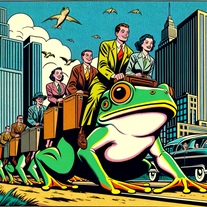
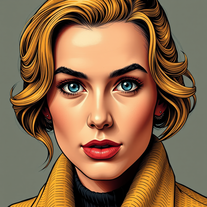 Transform photos into vintage comic book covers.Open
 - Didn't find the AI you were looking for?
-
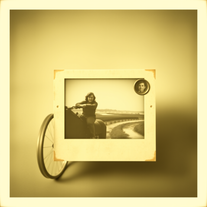
 Transform modern photos into authentic vintage masterpieces with AI.Openi love the vintage aesthetic, this is a perfect AI tool for me! pictures are great!!
 -
-
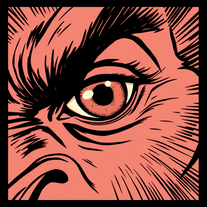 Transform ideas into striking vintage comic close-ups.Open
 -
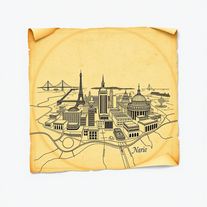
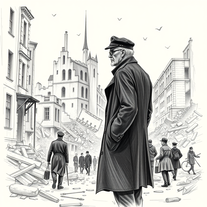
 Resurrect historical cityscapes with AI-generated vintage architecture.Open
 -
there is probably something wrong with you. he makes images with me
-
 Open
Open -
 Open
Open -
 Transform photos into magical Christmas portraits.Open
 -
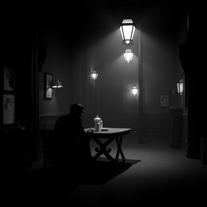
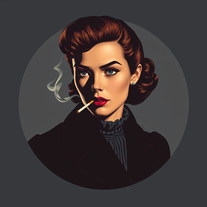 Transform photos into cinematic 1940s noir comic art.Open
 -
 Open
Open -
nice, use a little words and working fine
-
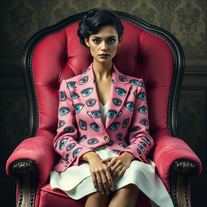 Create haunting vintage portraits with surreal elegance.Open
 -
 Transform products into vintage or modern masterpieces.Open
 -
 Open
Open -
 Open
Open -
 Create magical Christmas scenes from your imagination.Open
 -
 Open
Open -
 Open
Open -
 Create haunting AI posters with Junji Ito-inspired grungeOpen
 -
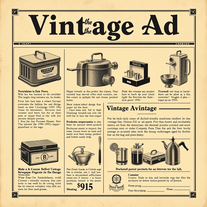
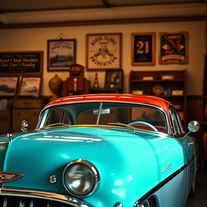
 Creates vintage automotive illustrations with classic advertisement aesthetics.Open
 -
 Open
Open -
Does what it says pretty consistently. Doesn't make changes to the source image
-
 Transform photos into stunning vintage portraits with AI.Open
 -
 Open
Open -
It makes great images, but NOT what the prompt says, because it's a little rebel from the Dark Side of Star Wars ;-)
-
 Generate cinematic overhead shots with vintage film aesthetics.Open
 -
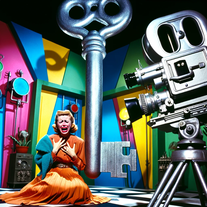
 Creates vintage hand-drawn animations with rubber-hose limbs.Open
 -
 AI-powered steampunk wallpaper creator with vintage Victorian aesthetics.Open
 -
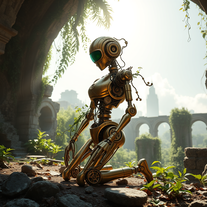 Open
Open -
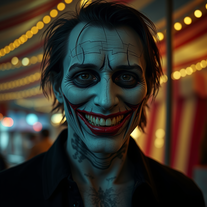 Create haunting portraits with AI-powered vintage horror.Open
 -
-
 Open
Open -
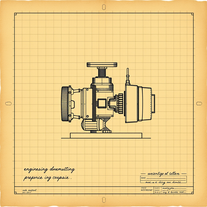 Transform ideas into vintage engineering blueprints.Open
 -
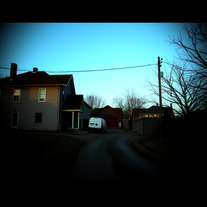 OpenIt is creepy in a good way. The horror vibes are spot on. The level of detail and atmosphere are surprisingly good, nicely done.
 -
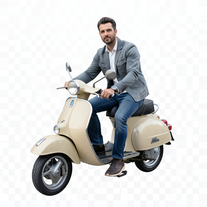 Transform portraits into cinematic Italian street-style magazine shots.Open
 -
 Transform your photo into a cinematic masterpiece.Open
 -
 OpenVideo editing is the process of selecting, trimming, and arranging footage to create a cohesive story or visual narrative. Here are some fundamental concepts and techniques: Types of Video Editing Linear editing: A straightforward, sequential approach to editing, where clips are arranged in a linear timeline. Non-linear editing: A more flexible approach, where clips can be arranged and rearranged freely in a timeline. Key Video Editing Techniques Cutting: A transition between two clips, where one clip ends and another begins. Cutting on action: Cutting between two clips while an action is in progress, to create a seamless transition. J-cut: Cutting from one clip to another while audio from the second clip starts playing before the video cuts to it. L-cut: Cutting from one clip to another while audio from the first clip continues to play. Video Editing Software Popular video editing software includes: Adobe Premiere Pro: A professional-level editing software with advanced features and integration with other Adobe tools. Final Cut Pro: A professional-level editing software for Mac users, known for its user-friendly interface and advanced features. DaVinci Resolve: A free and paid editing software that offers advanced color grading and audio editing tools. Best Practices for Video Editing Plan your edit: Develop a clear vision and storyboard before starting to edit. Organize your footage: Label and categorize your clips to make them easily accessible. Keep it simple: Avoid overusing transitions and effects; focus on telling a clear story. Advanced Video Editing Techniques Color grading: Adjusting the color and brightness of footage to create a specific mood or atmosphere. Audio ducking: Automatically reducing the volume of background audio when dialogue is present. Motion graphics: Adding animated text, logos, or other graphics to enhance the visual narrative. Video editing involves selecting, trimming, and arranging footage to create a cohesive story. Linear and non-linear editing are two fundamental approaches. Key techniques include cutting, cutting on action, J-cuts, and L-cuts. Popular software includes Adobe Premiere Pro, Final Cut Pro, and DaVinci Resolve. Best practices involve planning, organizing footage, and keeping it simple. Advanced techniques include color grading, audio ducking, and motion graphics. Capcat pro Capcat pro Download image-to-image-generator generated imagetransparent pixel Image to Image Generator Image to Image Generator Download image-to-image-generator generated imagetransparent pixel Image to Image Generator Image to Image Generator Download image-to-image-generator generated imagetransparent pixel Image to Image Generator Image to Image Generator Download image-to-image-generator generated imagetransparent pixel Image to Image Generator Image to Image Generator Download image-to-image-generator generated imagetransparent pixel Image to Image Generator Image to Image Generator Download image-to-image-generator generated imagetransparent pixel Image to Image Generator Image to Image Generator Download image-generator generated imagetransparent pixel Image Generator Image Generator Copy Video Editing Basics Video editing is the process of selecting, trimming, and arranging footage to create a cohesive story or visual narrative. Here are some fundamental concepts and techniques: Types of Video Editing Linear editing: A straightforward, sequential approach to editing, where clips are arranged in a linear timeline. Non-linear editing: A more flexible approach, where clips can be arranged and rearranged freely in a timeline. Key Video Editing Techniques Cutting: A transition between two clips, where one clip ends and another begins. Cutting on action: Cutting between two clips while an action is in progress, to create a seamless transition. J-cut: Cutting from one clip to another while audio from the second clip starts playing before the video cuts to it. L-cut: Cutting from one clip to another while audio from the first clip continues to play. Video Editing Software Popular video editing software includes: Adobe Premiere Pro: A professional-level editing software with advanced features and integration with other Adobe tools. Final Cut Pro: A professional-level editing software for Mac users, known for its user-friendly interface and advanced features. DaVinci Resolve: A free and paid editing software that offers advanced color grading and audio editing tools. Best Practices for Video Editing Plan your edit: Develop a clear vision and storyboard before starting to edit. Organize your footage: Label and categorize your clips to make them easily accessible. Keep it simple: Avoid overusing transitions and effects; focus on telling a clear story. Advanced Video Editing Techniques Color grading: Adjusting the color and brightness of footage to create a specific mood or atmosphere. Audio ducking: Automatically reducing the volume of background audio when dialogue is present. Motion graphics: Adding animated text, logos, or other graphics to enhance the visual narrative. Video editing involves selecting, trimming, and arranging footage to create a cohesive story. Linear and non-linear editing are two fundamental approaches. Key techniques include cutting, cutting on action, J-cuts, and L-cuts. Popular software includes Adobe Premiere Pro, Final Cut Pro, and DaVinci Resolve. Best practices involve planning, organizing footage, and keeping it simple. Advanced techniques include color grading,
 -
-
 Creates stunning, hyper-realistic interior design images based on your style preferences.Open
 -
 Generate ultra-realistic steampunk characters with Victorian-industrial aesthetics.Open
 -
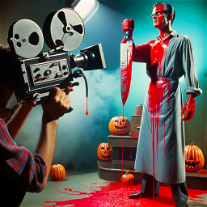
 Generate whimsical Halloween folk art with AI.Open
 -
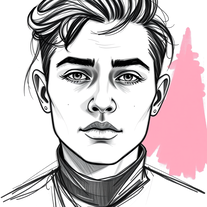 Transform photos into striking grunge-style portraits.Open
 -
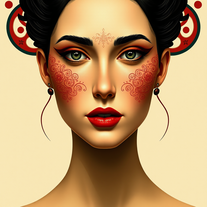 Transform photos into Mucha-inspired Art Nouveau portraits.Open
 -
 Generate nostalgic 90s-style analog photos of yourself.Open
 -
 Transform any concept into stunning 1980s-inspired visuals.OpenChanged the prompt to improve results.
 -
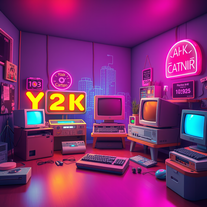
 Generate nostalgic visions of tomorrow from the past.OpenChanged the prompt to improve results.
 -
Changed the prompt to improve results.
-
Changed the prompt to improve results.
-
 Open
Open -
 Transform any subject into stunning surreal cubist artwork.Open
 -
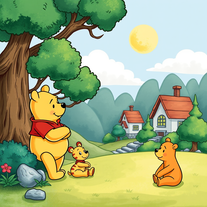 Transform images into 1970s Winnie the Pooh storybook style.Open
 -
beautiful, it can capture the essence of old really good.
-
well i have to admit these are not always pixelated, sometimes they turn out as normal looking images, but they are indeed stunning
-
being just a text to image it's pretty hard to "transform myself" into a '50 film icon haha. but in general the outcomes here are niceeeeee!
-
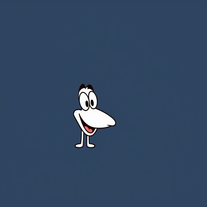 Turn ideas into 1920s-30s cartoons instantly.OpenReally poor prompt adherance. Needs work.
 -
 Create Beardsley-inspired black ink drawings of classical women.Open
 -
 Open
Open -
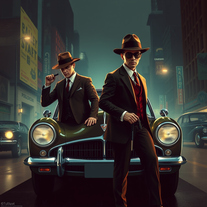
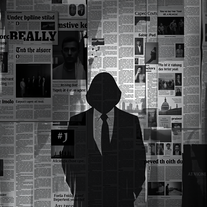 Transform ideas into noir-style digital art.OpenMany thanks for using my tool! Remember to keep your prompts simple—the tool is made to generate what you want automatically. Follow me and leave comments about your needs so I can keep creating new features. Don’t forget to check out my other tools as well.
 -
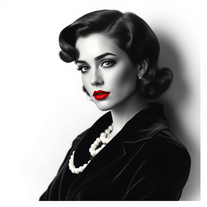 Glamorize photos into 1940s Hollywood portraits.Open
 -
 Transform everyday objects into whimsical robotic art.Open
 -
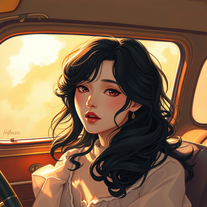 Transform ideas into mesmerizing neoclassical anime paintings.Open
 -
-
 AI-generated coquette wallpapers for dreamy screens.Open
 -
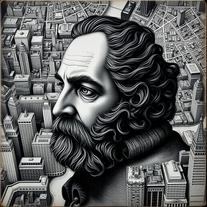 Create mesmerizing charcoal portraits blended with NYC maps.Open
 -
 Open
Open -
Such a legendary epic badass tool and I sincerely appreciate it being free and thx very much to the adept developer. Exquisite tool. Peace. ✌️
-
 Turn ideas into captivating cinematic art with AI.Open
 -
I can't believe this one is SO accurate while others misbehave like drunk rebels ;-) THX
-
-
 Supporting the creation of prompts for ChatGpt - Afrikaans languageOpen
 -
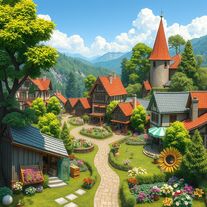
 Creating thematic, atmosphere-rich Christmas villages.Open
 -
 AI for financial data analysis and market insights.Open
 -
 Generates 4 unique images with custom tags and stylesOpen
 -
 Expert guidance on antique identification, preservation, and restoration.Open
 -
-
 Open
Open -
 Crafts 90s themed web pages with your color choices.Open
 -
 Your Atari expert on 8-bit systems, programming, and modern use.Open
 -
 Expert in Bollywood movies, provides tailored recommendations.Open
 -
 Experience 1950s-style adventures and life advice with unique visuals!Open


















































































Post





