How does ComicInk support planning multi-issue storylines?
ComicInk supports planning multi-issue storylines through its AI-powered continuity feature. This ensures that narrative threads remain consistent across every issue, providing a seamless storyline for multi-issue comic series.
How can I monetise my comics with ComicInk?
ComicInk allows creators to monetise their comics by opening a Creator Store where they can showcase and sell their comic books directly to readers. They can set their own prices and earn 70% of every sale.
How to open a Creator Store on ComicInk?
Opening a Creator Store on ComicInk involves setting up a branded store with a personal URL. Creators can showcase their comics, set prices, and sell individual issues directly to readers. Payment processing is handled securely through Stripe, with direct payouts to the creator's account.
What are the Express and Pro modes in ComicInk?
ComicInk offers two creation modes. The Express mode, which is fast and affordable, is suitable for drafts, storyboarding, and rapid iteration. The Pro mode, on the other hand, is used for premium image generation and is tailored towards producing final artwork for publication.
Who are the main target users of ComicInk?
ComicInk caters to both seasoned comic creators and novices. Whether it's a professional looking to streamline their workflow and increase efficiency, or a beginner eager to transform their stories into beautiful comics, the tool aims to make the comic creation process effortless and enjoyable.
How ComicInk facilitate both novice and professional comic creators?
ComicInk facilitates novice and professional comic creators by streamlining the comic creation process into four simple steps. Its Express mode allows for quick and affordable creation, making it suitable for drafts and storyboarding. On the other hand, the Pro mode offers premium image generation for meticulously polished final artwork, catering to the needs of professional creators preparing for publication.
What can I achieve with the 'Pro' mode?
The 'Pro' mode in ComicInk offers premium image generation tailored towards producing final artwork for publication. It delivers maximum detail, sharpness, and visual fidelity for publication-ready comics.
What are the advantages of the 'Express' mode?
The 'Express' mode in ComicInk provides a fast and affordable way to create comics, which is perfect for drafts, storyboarding, and rapid iteration. This mode allows creators to generate pages at a lower cost, providing them the freedom to experiment without worrying about budget constraints.
What benefits do I get from opening a Creator Store?
From opening a Creator Store on ComicInk, creators enjoy several benefits. They can set up a branded store with their own URL to showcase their comics and sell them directly to readers. They get to keep 70% of every sale, with payments processed securely through Stripe. By sharing their store link, creators can also build and grow their fanbase.
How does a user tell their story using ComicInk?
A user tells their story using ComicInk by writing it in natural language. The AI-powered tool then transforms their text into beautifully composed comic pages with dynamic layouts. They can also define their characters and let the AI ensure consistent appearance throughout all panels.
Can the ComicInk tool be used for storyboarding?
Yes, the ComicInk tool can be used for storyboarding. In fact, the Express mode offered by the tool is perfectly suited for this purpose as it allows for fast and affordable creation that facilitates easy and fluid storyboard generation.
What is the comic exporting process like in ComicInk?
The comic exporting process in ComicInk is part of the final step of its four-step creation process. Once comics have been created, with characters defined and pages generated, creators can download their comics or share them with the world directly from the tool.
How does ComicInk handle digital publishing?
Digital publishing in ComicInk is executed via its Creator Store. Creators can open their own stores, set up with personal URLs, and sell their comics directly to readers. In doing so, they get to keep 70% of every sale.
Is it possible to personalize the art style on ComicInk?
ComicInk offers users the capability to choose from a variety of art styles. The available styles range from manga to superhero, noir to fantasy, allowing users to create comics that reflect their unique aesthetic vision. Although the tool offers a wide range of pre-set styles, it is unclear whether users can personalize them further.
What is ComicInk?
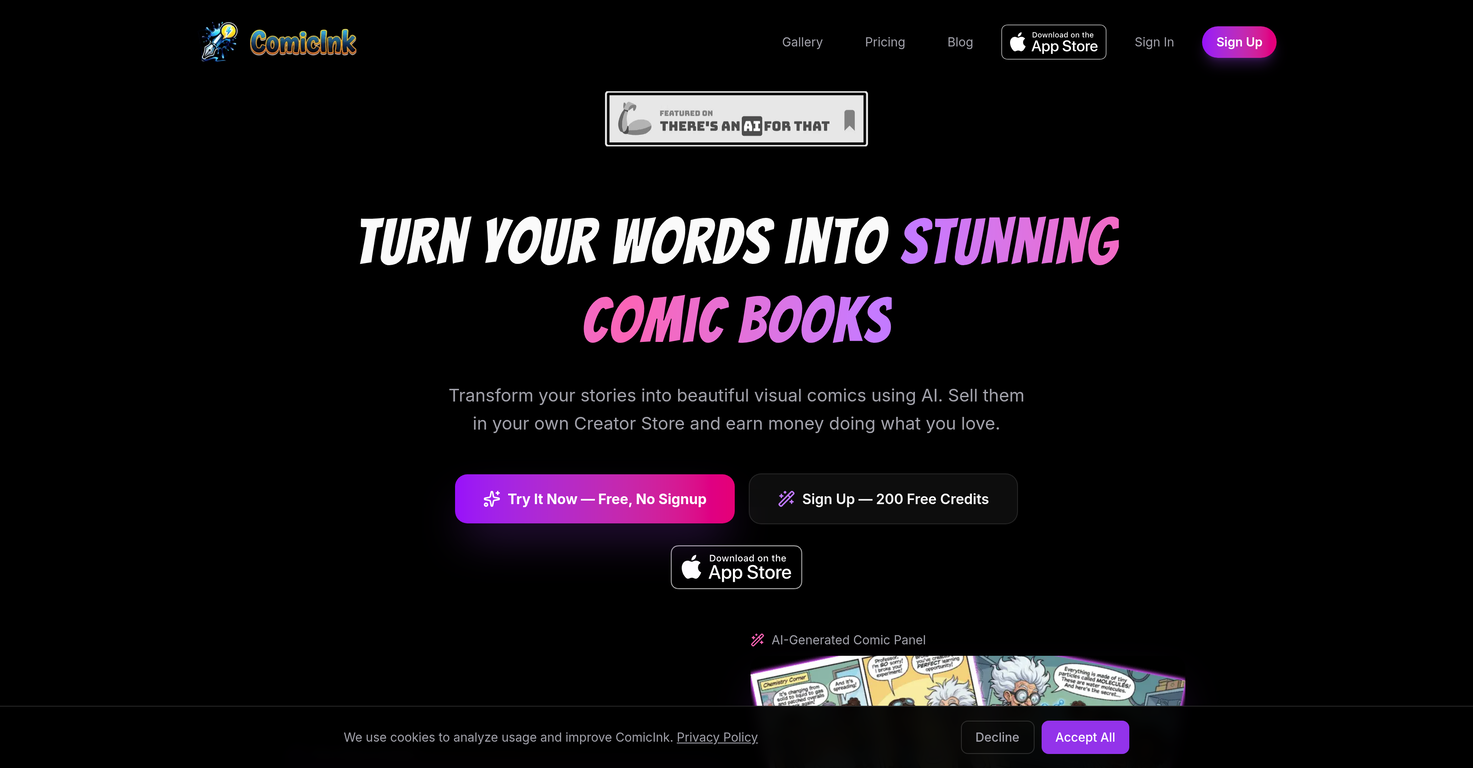
ComicInk is an Artificial Intelligence (AI) powered platform designed to assist creators in making visually stunning comic books. It allows users to define characters, construct narratives, and generate stories and artwork. ComicInk uses AI to ensure a smooth and efficient comic creation experience while offering users a variety of art styles for their work. It also aids in the planning of multi-issue storylines and provides a marketplace where users can sell their comics.
How does Character Consistency feature in ComicInk work?
The Character Consistency feature in ComicInk maintains a character's consistent appearance across all the panels within a comic sequence. Users define their characters once, and ComicInk's AI upholds their look throughout the entire comic.
How can I write stories in ComicInk?
Stories in ComicInk are written in natural language. The AI transforms these stories into well-composed comic pages with dynamic layouts, essentially turning text-based narrative into visual art.
What art styles does ComicInk offer?
ComicInk provides an array of art styles for the users to choose from. These styles range across a variety of genres including manga, superhero, noir, and fantasy. Users can pick among these styles or even create their own unique visual aesthetics.
What is the Script to Page feature in ComicInk?
The Script to Page feature in ComicInk is an AI function that transforms natural language stories into well-composed comic pages with dynamic layouts. Users simply write their narrative and ComicInk turns it into a visually appealing comic.
How does the Creator Store function on ComicInk?
The Creator Store on ComicInk allows users to display and sell their comic books directly to readers. Creators can set their own prices and keep 70% of every sale. All transactions are secured and processed directly through Stripe.
What is the process of creating a comic in ComicInk?
The process of creating a comic in ComicInk comprises four simple steps: describing the comic concept, characters, and plot; designing unique characters with AI-generated visuals; having the AI transform the script into stunning panels; and finally, downloading the completed comic or sharing it with others.
What is the difference between Express and Pro modes in ComicInk?
Express and Pro are the two modes offered by ComicInk. Express is a fast and affordable option suitable for drafts, storyboarding, and rapid iteration, letting users generate pages at a lower cost. Pro, on the other hand, is designed for producing premium quality images with maximum detail, sharpness, and visual fidelity, making it ideal for publication-ready comics.
How does ComicInk maintain narrative consistency across issues?
ComicInk maintains narrative consistency across issues using its AI-powered Story Arcs feature. This helps in planning and ensuring that the narrative threads remain consistent across every issue of a multi-issue comic.
What is Story Arc planning in ComicInk?
Story Arc planning in ComicInk is a special feature that assists creators in the organization and planning of multi-issue storylines. Powered by AI, this functionality ensures consistency in narrative threads across all issues.
Can I monetise my comic books using ComicInk?
Yes, creators can monetise their comic books using ComicInk. It offers a platform with a user-friendly marketplace where users can open their Creator Store, set their own prices for their comics, and earn direct payouts through secure transactions. They keep 70% of every sale.
How user-friendly is the ComicInk platform?
ComicInk prides itself in offering a user-friendly platform. Its streamlined process simplifies comic creation into four easy steps and provides modes suitable for various workflows. Whether you're a seasoned comic creator or a novice, you can effectively utilize the tool.
What kind of flexibility does ComicInk offer in the comic creating process?
ComicInk offers flexibility in the comic creation process. Users can rapidly generate draft ideas or create premium quality images depending on their workflow preferences. It also allows users to choose or create their own unique visual art styles and plans multi-issue storylines.
How is the quality of generated artwork in Pro mode?
The quality of generated artwork in Pro mode is of the highest level. Pro mode offers premium image generation characterised by maximum detail, sharpness, and visual fidelity, making it suitable for publication-ready comics.
Is there a community for comic creators and readers in ComicInk?
Yes, ComicInk encourages community building among comic lovers. Readers can browse catalogs, purchase issues, and follow creators' journeys, allowing for interaction and growth within the comic community.
How safe is the payment process on ComicInk?
The payment process on ComicInk is secure. All transactions are processed directly and safely through Stripe, which provides secure and encrypted payment processing.
Can my unique visual aesthetics be created using ComicInk?
Yes, creators can establish their unique visual aesthetics using ComicInk. In addition to providing an array of predefined art styles, ComicInk allows users to create their own unique visual styles for their comics.
How does ComicInk help with multi-issue storylines?
ComicInk aids with multi-issue storylines through its Story Arcs feature. This AI-powered functionality allows creators to plan and organize their plots, ensuring the narrative threads remain consistent throughout all issues.
Can I showcase and sell my comic books directly to readers using ComicInk?
Yes, ComicInk provides a platform for showcasing and selling comic books directly to readers. Creators can set up their own Creator Store within the platform, choose their prices, and sell their comics while earning 70% of each sale.
Is ComicInk suitable for novice comic creators?
ComicInk is suitable for both expert and novice comic creators. It provides a simplified, four-step process for creating comics, and offers two creation modes—Express for fast and affordable creation, and Pro for premium image generation— catering to different levels of comic creation proficiency.