Does IconBrain support brand consistency?
Yes, IconBrain supports brand consistency. Users can import elements from their website or upload their brand logo for the AI to refer to while generating the icon.
Can I import elements from my website or brand logo in IconBrain?
Yes, for brand consistency, users can import elements from their website or upload a logo in IconBrain.
Do I need design skills to use IconBrain?
No, users do not need any specific design skills to use IconBrain. It is a practical tool for both developers and creators, helping them bypass the need for specialized design resources.
How quickly can IconBrain generate a professional icon?
IconBrain generates icons in seconds. Users simply describe their vision or concept and IconBrain promptly generates a unique, visually-appealing icon.
Can I edit my generated icons afterwards on IconBrain?
Yes, users can edit their generated icons afterwards on IconBrain. They can refine icons further by adjusting colors, styles, and other parameters.
Which file formats does IconBrain support for downloads?
IconBrain supports high resolution downloads suitable for all app stores, web applications, and favicons. The specific file formats are not mentioned on their website.
Does IconBrain offer an AI Icon Editing feature?
Yes, IconBrain offers an AI Icon Editing feature that enables users to refine their generated icons further. Users can adjust colors, styles, and other parameters of icons.
Is IconBrain suitable for both developers and creators?
Yes, IconBrain is suitable for both developers and creators. This tool doesn't require any specific design skills, making it a practical option for anyone who requires professional icons.
What AI technology does IconBrain use to generate icons?
The specific AI technology that IconBrain uses to generate icons is not mentioned on their website. However, based on the context, we can infer that it uses AI and Machine Learning algorithms capable of interpreting user inputs regarding their vision or concept and generating unique, visually-appealing icons.
Can I upload a logo for reference in IconBrain?
Yes, users can upload a logo for reference in IconBrain. This helps in maintaining brand consistency while generating icons.
What kind of aesthetic does IconBrain cater to?
IconBrain caters to modern aesthetic needs. It offers various design styles including Minimal, 3D, Glassmorphism, Gradient, Neon, Pixel Art, and more which are crafted for modern aesthetics.
Are the icons generated by IconBrain production-ready?
Yes, the icons generated by IconBrain are production-ready. Users receive a high resolution icon suitable for all app stores and web applications.
Does IconBrain allow export for app store and web applications?
Yes, IconBrain allows export for app store and web applications. The generated icons can be used for iOS, Android, PWA, and favicon packs.
Can IconBrain remove backgrounds from icons automatically?
Yes, IconBrain offers a one-click feature to remove backgrounds from any icon, making icons transparent if needed.
What is IconBrain?
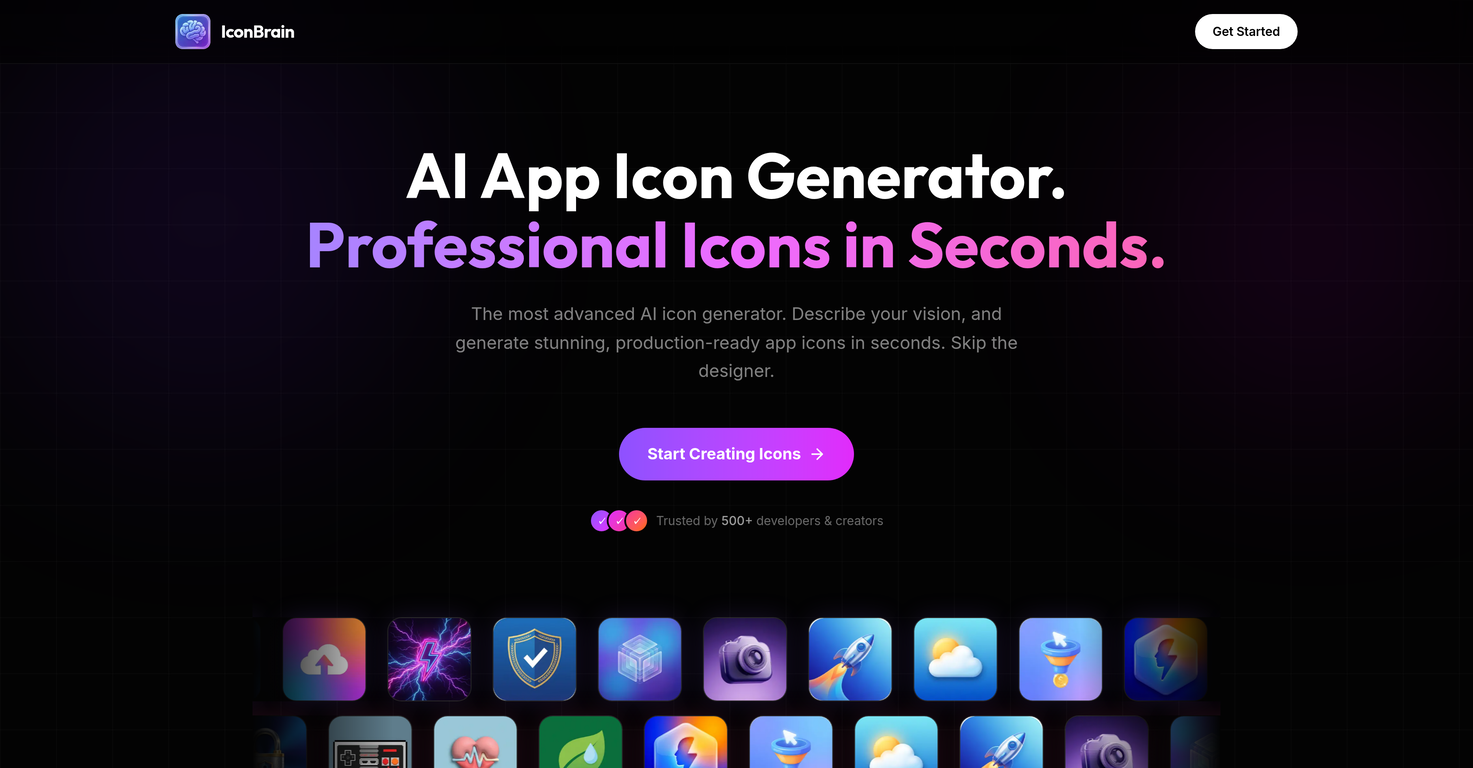
IconBrain is an AI-driven tool that generates professional-grade, ready-to-use icons for apps and brands based on user's provided vision or concept.
How quickly can IconBrain generate icons?
IconBrain is capable of generating icons instantly, as soon as users describe their vision for the icon.
What design styles does IconBrain offer?
IconBrain offers a wide spectrum of design styles including but not limited to Minimal, 3D, and Glass. It also supports other styles like Gradient, Neon, and Pixel Art.
What is AI Icon Editing in IconBrain?
AI Icon Editing in IconBrain is a feature that allows users to refine their icon's colors, styles, and other parameters using AI-based editing capabilities.
Can I adjust color and style of the icons with IconBrain?
Yes, IconBrain has AI-powered features that enable users to modify the colors and styles of the generated icons based on their specific preferences.
In what format can I download the icons from IconBrain?
Users can download the icons from IconBrain in high resolution, suitable for all app stores, in various formats depending on the platform, namely iOS, Android, PWA, and favicon packs.
Can I import my website or logo into IconBrain for consistency?
Yes, for maintaining brand consistency, users can import aspects from their website or upload a logo directly into IconBrain.
Who can use IconBrain?
IconBrain is designed to be used by both developers and creators, eliminating the need for specialized design resources. No specific design skills are required to use this tool.
Can I generate a logo with IconBrain?
While the specific feature of logo generation isn't mentioned, users can import their existing logo for reference when creating icons on IconBrain.
Does IconBrain support Minimal, 3D, and Glass design styles?
Yes, IconBrain does support Minimal, 3D, and Glassmorphism among other modern design styles.
Do I need design skills to use IconBrain?
No, one does not require any specific design skills to utilize IconBrain's capabilities.
Can IconBrain generate icons suitable for iOS, Android, and web applications?
Indeed, IconBrain can instantly generate icons that are optimized for various mediums including iOS, Android, and web applications.
Does IconBrain support background removal?
Yes, IconBrain does support one-click background removal, resulting in transparent backgrounds for any icon.
Does IconBrain support instant icon generation?
Yes, IconBrain supports immediate generation of icons as soon as users describe their vision or concept for the icon.
What is the pricing model for IconBrain?
IconBrain operates on a simple, transparent pricing model that's pay-per-icon. There are no subscriptions.
Does IconBrain have any hidden fees or subscriptions?
IconBrain has a transparent pricing policy with no subscriptions or hidden fees. The cost is per icon and the credits purchased by users never expire.
Can I import elements from my website to IconBrain?
Yes, for consistent brand representation, users can import parts of their website or upload a logo into IconBrain.
Can IconBrain adjust icon styles according to my needs?
Yes, IconBrain's tools allow users to adjust icon styles according to their specific needs, preferences, and brand identity.
How can I describe my vision for an icon to IconBrain?
Users describe their vision to IconBrain by providing information about their app, brand, or project, and additional context like their website or logo for optimum results.
What's the process to create an icon using IconBrain?
Creating an icon with IconBrain involves three simple steps: 1. Describing your vision, where users tell IconBrain about their app, brand, or project, and add context like their website or logo for the best outcome. 2. Choosing a style, where users select from available styles, each crafted for modern aesthetics like Minimal, 3D, or Glassmorphism. 3. Generating & downloading the icon, where users get their icon promptly. They can remove backgrounds, adjust corners, and download the icon in high resolution.