 Rocket - Think it. Type it. Launch it.
 Mini tools
 Notis
Notis
 Alice - AI Automation App
 Assindo
 Littlebird
 Snow chat
 David One
 HaloMate
 Personal Computer by Perplexity
 UnreadAI
 Monica
 Atomic Bot
 AIChatOne
 Botlor
 Pickle
 Mavex
Mavex
 Martin
 Klipy
Klipy
 Macaron
 OwnAI
OwnAI
 Lyrio AI
 TheLibrarian.io
 Supernormal App
 Saidar
 Runable
 ComputerX
 Collate
 AiAssistWorks - GPT Gemini Claude AI for Sheets Docs Slides
 MiroAI
 ConsoleX AI
 Skymel: Create Your Own Personal Agents
 Ask Steve
 Alfred by Simbli.ai
 Affint
 Kolva
Kolva
 Sup AI
 BrowseWiz
 Support Flow
 Octofy
 Hyperis
 Criticly

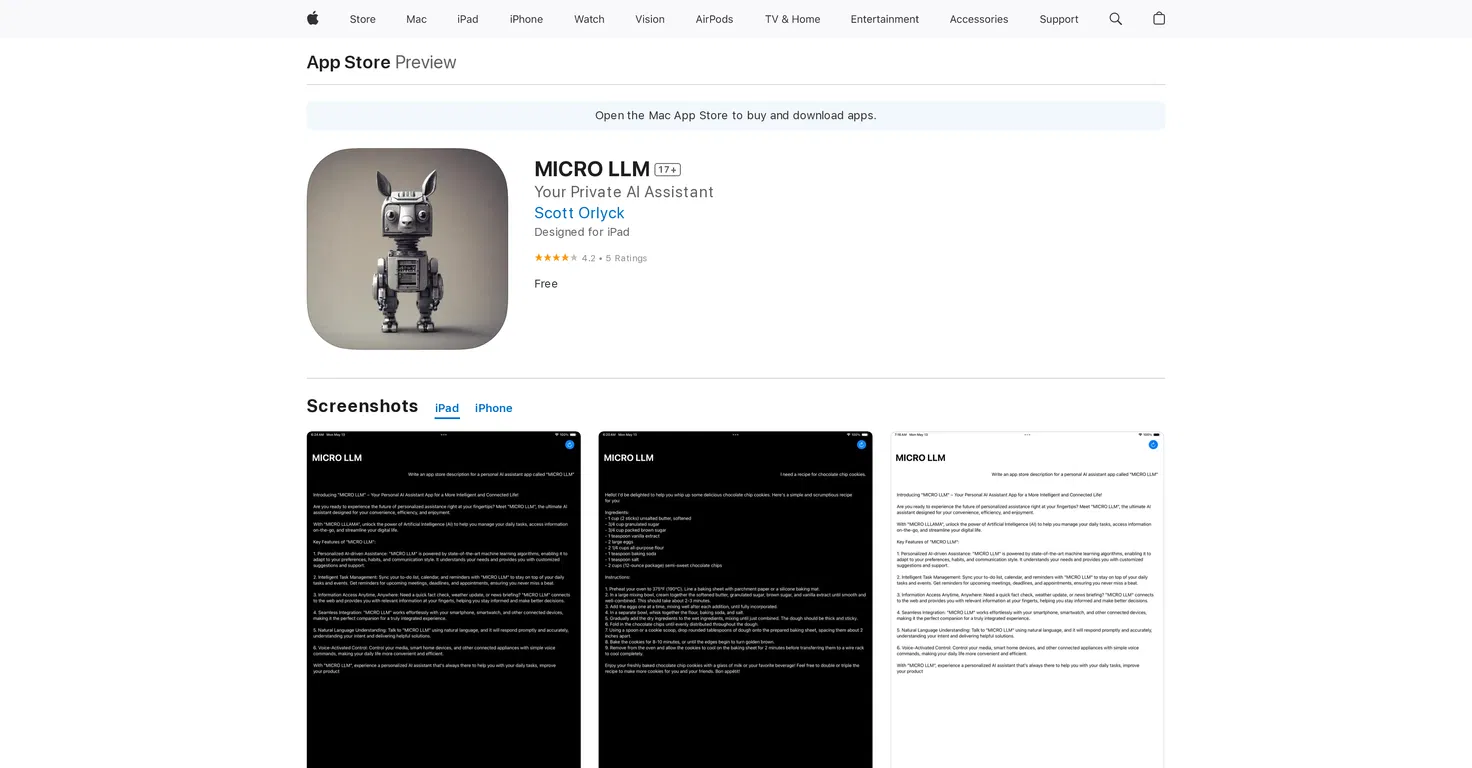
MICRO LLM
 Notis
Littlebird
Notis
Littlebird
 Edith
Edith
 VoicePod
 Good Assistant
Atomic Bot
Good Assistant
Atomic Bot
 Pamela
Overview
MICRO LLM is an artificial intelligence Assistant designed for Apple devices, offering a range of features that aims to make users' daily digital interactions more efficient.
It serves as a personal assistant that can manage schedules, set reminders, and provide information when needed. It is designed to optimize organization and productivity, catering to the diverse needs of its users by adapting to their schedules and tasks.
The application is available for download on iPhone, iPad, and iPod touch devices, working closely with the device's ecosystem to deliver a seamless user experience.
It is regularly updated, with a focus on fixing bugs and improving overall performance to ensure reliable assistance at all times. The developers also note that the app respects user privacy, and apparently collects no user data.
The overall goal of MICRO LLM is to make users' lives easier through an AI Assistant that can closely interweave with their digital activities to offer help when needed.
Releases
Top alternatives
-
Béatrice Duval🙏 267 karmaJan 19, 2025@NotisVery interesting
-
Thanks for noticing this Tyler, we really liked the idea of getting back to lifetime one-time purchases. Alice is a desktop app and it doesn’t use our cloud resources much, so this should be also feasible for the long run. Please, give Alice a try, you won’t regret it!
-
 Managed AI agent like OpenClaw but with real phone calls includedOpenThis app is really great it helped me with automation and also getting an AI assistant that sounds exactly like a human improved my productivity
 -
We surveyed hundreds of Littlebird users: ➡️ 84% say it saves them at least half a day per week ➡️ 80% say it's reduced their anxiety about dropping the ball ➡️ 77% describe the experience like having an EA who quietly takes notes on everything That's what happens when your AI has full context. Littlebird is an AI assistant that already knows your work. Every answer, draft, and plan is more relevant because it has the context behind it. It sees what's on your screen and transcribes your meetings, building a private memory of your projects and priorities. Littlebird connects the dots across all your apps and conversations, giving you answers grounded in your actual work. No integrations required. If you've seen it on your desktop, Littlebird has too. Just ask.
-
Being able to tell it to create an app for anything I want - for myself or for the AI to use is the coolest thing!
-
 Productivity-focused AI companion powered with tools from video understanding to web searchOpenVery good AI assistant, that helped me in my everyday life, by making the tasks for myself, asking David about the things I might not know and many more. I highly recommend.




 0
0





