What is OmniSide?
OmniSide is an AI-powered productivity application designed to bolster productivity with an array of smart tools. It integrates a multitude of AI models to provide features such as a chat center that allows conversation with multiple AI models, a dual-track decision engine for parallel processing of tasks, an intelligent writing tool for creating well-structured and appropriately styled text, a precision translation engine for real-time language translations, a thorough grammar proofreading tool, and an image text recognition feature.
How does OmniSide integrate with my workflow?
OmniSide integrates with your workflow by being available as a browser extension for Chrome and Edge, and also as a standalone desktop application. It is embedded in the workflow providing a one-click access to a comprehensive AI assistant. It also offers features like the Smart Toolbar and Search Assistant, which enable instant text explanation, translation, summary, and instant Q&A.
What are the AI models used in OmniSide?
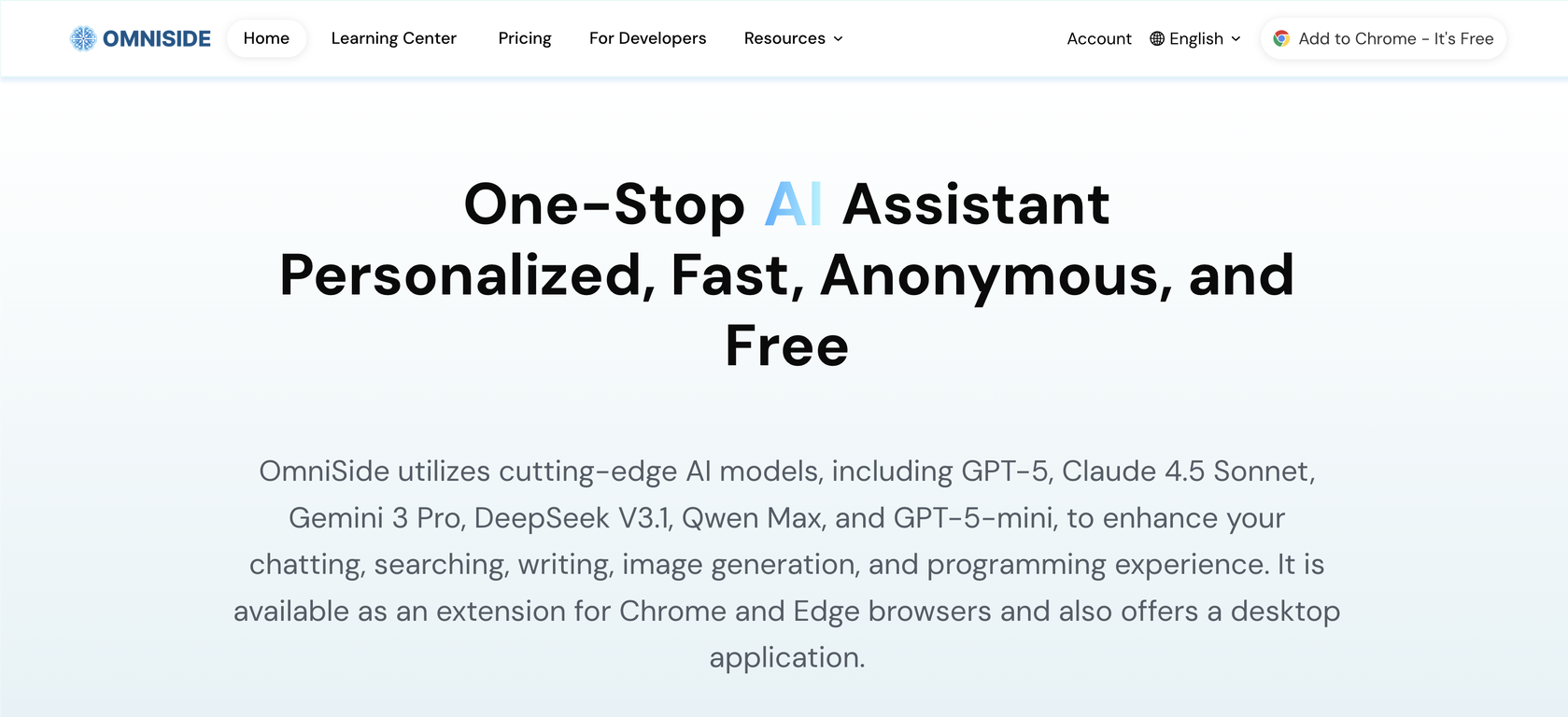
OmniSide utilizes several cutting-edge AI models including GPT-5, Claude 4.5 Sonnet, Gemini 3 Pro, DeepSeek V3.1, Qwen Max, GPT-5-mini, and others. This wide variety of AI models helps enhance various functionalities such as chatting, searching, writing, image generation, and programming.
What is unique about OmniSide's dual-track decision engine?
OmniSide's unique dual-track decision engine supports the simultaneous processing of tasks through dual AI. This enables comparison of content quality, creative angles, and logical differences in real-time. As a result, every decision you make is based on the most optimal solutions provided by dual AI analysis.
How does OmniSide's intelligent writing tool work?
OmniSide's Intelligent Writing Tool is designed to combat 'blank page anxiety'. You simply input your core idea and select the desired format (be it an email, blog post, social media comment, or formal paragraph), and the tool generates a well-structured, appropriately styled piece of text at a click. This makes writing more efficient, providing pre-built high-quality text.
How precise is OmniSide's translation engine in conveying cultural subtleties?
OmniSide's precision translation engine is quite nuanced in conveying cultural subtleties and professional terminologies. It not only accurately conveys meanings, but also preserves the specific cultural connotations and stylistic features of the original text, thus facilitating a more precise and culturally informed translation.
How comprehensive is the grammar proofreading tool in OmniSide?
OmniSide's grammar proofreading tool provides a comprehensive review of text. It deeply scans text, identifying spelling errors, grammar issues, and expression problems. It then provides precise correction suggestions and polishing plans to ensure that every document sustains professional standards.
What are some features of OmniSide's image text recognition?
OmniSide's Image Text Recognition feature is a sophisticated tool designed to convert images into structured information. It accurately extracts text and tables from images and PDFs, transforming them into an efficient starting point for the entire intelligent workflow. It allows your creativity and processing to go beyond the constraints of format.
How does OmniSide's Smart Toolbar enhance productivity?
OmniSide's Smart Toolbar is designed to substantially enhance productivity by providing instant text explanation, translation, and summarization features at your fingertips. All these features are geared towards improving efficiency and speed in dealing with text.
How does OmniSide's Search Assistant improve my searches?
OmniSide's Search Assistant enhances your searches by providing an instant Q&A option. This feature delivers immediate answers, making your information search more efficient and effective.
What is the purpose of the instant Q&A option within the Search Assistant?
The purpose of the instant Q&A option within the Search Assistant is to provide immediate and precise answers to queried information. It significantly accelerates your search process and provides efficient access to required data.
Can OmniSide function as a browser extension and a desktop application?
Yes, OmniSide can function both as a browser extension and as a desktop application. It is available as an extension for Chrome and Edge browsers, as well as a standalone desktop application for deeper integration into your workflow.
How does OmniSide contribute to work efficiency?
OmniSide contributes to work efficiency by integrating a multitude of AI functions that ease and accelerate various tasks. With features such as real-time translation, grammar proofreading, image text recognition, intelligent writing, instant text summarization and a dual-track decision engine, OmniSide can substantially streamline work processes, reduce time consumption, and increase productivity.
How can I use OmniSide to boost my productivity?
You can use OmniSide to boost your productivity by leveraging its varied AI models to enhance your chatting, searching, writing, image generation, and programming tasks. It helps with language translation, textual proofreading, image text extraction, content creation and decision making. The tool is designed to make multi-tasking easier, with simultaneous task processing and real-time comparison and analysis.
Does OmniSide's precision translation engine support professional terminologies?
Yes, OmniSide's precision translation engine supports professional terminologies. It not only accurately translates the literal meanings but also preserves the professional terminology, cultural connotations, and stylistic features of the original text.
How does OmniSide's dual-track decision engine support parallel processing of tasks?
OmniSide's dual-track decision engine supports parallel task processing by simultaneously launching dual AI. It facilitates real-time comparison of content quality, creative angles, and logical differences, enabling you to make decisions based on optimal solutions.
What are the features that OmniSide offers to make AI accessible and useful for work?
OmniSide offers several features to make AI accessible and useful for work. It provides a one-stop AI assistant that can be launched with a single click, an all-in-one chat center, a dual-track decision engine that supports parallel processing of tasks, an Intelligent Writing Workshop, a Precision Translation Engine, a Grammar Proofreading tool, and an Image Text Recognition feature. It also comes integrated with a Smart Toolbar and a Search Assistant, both designed to provide instant access to various functionalities.
How does OmniSide's chat center allow conversation with multiple AI models?
OmniSide's chat center integrates multiple AI models, allowing simultaneous conversation. This means that you can chat with several of the world's top AI models simultaneously, compare their insights, and obtain the most comprehensive and in-depth answers.
What are the main functions of OmniSide's Smart Toolbar?
OmniSide's Smart Toolbar caters to an array of functions aimed at enhancing productivity. It supports instant text explanation, translation, and summary, making these functionalities available at your fingertips.
What is OmniSide?
OmniSide is an AI-powered productivity application that integrates various AI models to offer smart tools enhancing productivity. It provides features like simultaneous conversation with multiple AI models, parallel processing of tasks, an intelligent writing tool, precision translation, grammar proofreading, and image text recognition. It aims to make AI utility accessible, useful, and efficient for work.
What AI models does OmniSide use?
OmniSide utilizes different cutting-edge AI models including GPT-5, Claude 4.5 Sonnet, Gemini 3 Pro, DeepSeek V3.1, Qwen Max, and GPT-5-mini. These models help to enhance user experiences in chatting, searching, writing, image generation, and programming.
Is OmniSide available as a desktop application?
Yes, OmniSide is available as a desktop application which makes it accessible in various working scenarios. It also comes as a browser extension for Chrome and Edge.
How does the chat center in OmniSide work?
OmniSide's chat center lets users hold simultaneous conversations with multiple AI models. This allows users to compare insights from various AI models, getting them the most comprehensive and in-depth answers.
What is a dual-track decision engine in OmniSide?
The dual-track decision engine in OmniSide supports parallel processing of tasks. It helps to go beyond single answer limitations by launching dual AI for any task, comparing content quality, creative angles, and logical differences in real time. This allows a user's decisions to be based on the optimal solution.
What does the intelligent writing tool in OmniSide do?
OmniSide's intelligent writing tool assists users in developing well-structured, appropriately styled quality text. Users simply input their core idea and select the desired format to get their well-structured and quality text with one click, thereby making writing twice as efficient.
How does the precision translation engine in OmniSide work?
OmniSide's precision translation engine works by providing real-time translation between major global languages accurately conveying meanings while also preserving the professional terminology, cultural connotations, and stylistic features of the original text.
How accurate is the grammar proofreading tool in OmniSide?
OmniSide's grammar proofreading tool provides a deep scan of text for spelling errors, grammar issues, and expression problems. It provides precise correction suggestions and polishing plans ensuring every document maintains professional standards.
How does OmniSide's image text recognition feature work?
OmniSide's image text recognition feature works by accurately extracting text and tables from images and PDFs. This function serves as an efficient starting point for an entire intelligent workflow, allowing creativity and processing to no longer be constrained by format.
What features are included in the Smart Toolbar of OmniSide?
The Smart Toolbar in OmniSide offers features like instant text explanation, translation, and summary. It provides users with an instant Q&A option within the Search Assistant.
What can I ask in OmniSide's Search Assistant?
With OmniSide's Search Assistant, you can ask any question for quick information search. These can span a wide range of topics providing comprehensive and accurate responses using the AI models integrated into OmniSide.
Can OmniSide integrate into my workflow?
Yes, OmniSide can be integrated into any workflow. It's designed to make AI capabilities easily reachable by embedding the AI lightly into workflows.
Does OmniSide offer programming support and image generation?
Yes, OmniSide does support programming and image generation. It uses advanced AI models to enhance user experiences in such areas, aiding productivity and creativity.
Where can I install the OmniSide browser extension?
You can install the OmniSide browser extension on Chrome and Edge browsers. It is available as a free download from their respective web stores.
How does OmniSide enhance my productivity and creativity?
OmniSide enhances your productivity and creativity by offering intelligent tools that seamlessly integrate into your work process. These tools assist with chatting, searching, writing, image generation, and programming through the use of advanced AI technologies, thereby improving your efficiency and the quality of your work.
What type of text can the Intelligent Writing Workshop help me with?
The Intelligent Writing Workshop in OmniSide can help you with different forms of text whether it's an email, blog post, social media comment, or a formal paragraph. It aids in structuring and styling user text inputs for efficient writing.
How does OmniSide maintain cultural connotations in the Precision Translation Engine?
In the Precision Translation Engine, OmniSide maintains cultural connotations by not only accurately conveying meaning but also preserving the professional terminology, cultural connotations, and stylistic features of the original text.
How do I use OmniSide to extract text and tables from images and PDFs?
In OmniSide, you can extract text and tables from images and PDFs using the Image Text Recognition feature. This feature works by accurately extracting such structured information, thus serving as an efficient starting point for your intelligent workflow.
How does OmniSide's Intelligent Writing Workshop make writing more efficient?
The Intelligent Writing Workshop in OmniSide makes writing more efficient by aiding the user to structure and style their input text. Its advanced AI can generate well-structured, appropriately styled quality text based on a user's input, thus reducing the stress of writing from scratch.
Can OmniSide detect and correct grammar errors in my text?
Yes, OmniSide can detect and correct grammar errors in your text. Its Grammar Proofreading feature can deeply scan text for potential errors and offers correction suggestions, ensuring every document maintains professional standards.