 MongoDB - Build AI That Scales
 Mini tools
 Hedy AI
 Meet-Ting
 Vexa
Vexa
 Fathom
 Waitroom
 Amie - AI Note Taker
 Teameet
 Read Highlights
 Chadview
 Zoom IQ
 Superpowered Me
 TimeOS
 Clearword
 Timetics.ai
 Leexi
Leexi
 Meeting culture
 Meeting Ink by DeepWave
 Calendly Notetaker
 Nyota
Nyota
 Qik Meeting
 Younet
 FirstSign AI
 Bika.ai
 CleeAI
 Avataar's GenAI Creator
 Activepieces
 Kong.ai
 BigTeam
 Olivya
 Sreda.ai
 Neferdata
 AI Agents
 Abstra
 DoubleO
 Pipefy
 Quixl
Quixl
 Cubeo
Cubeo
 Sema4.ai
 Ridvay
 Calk AI
Rumi







Overview
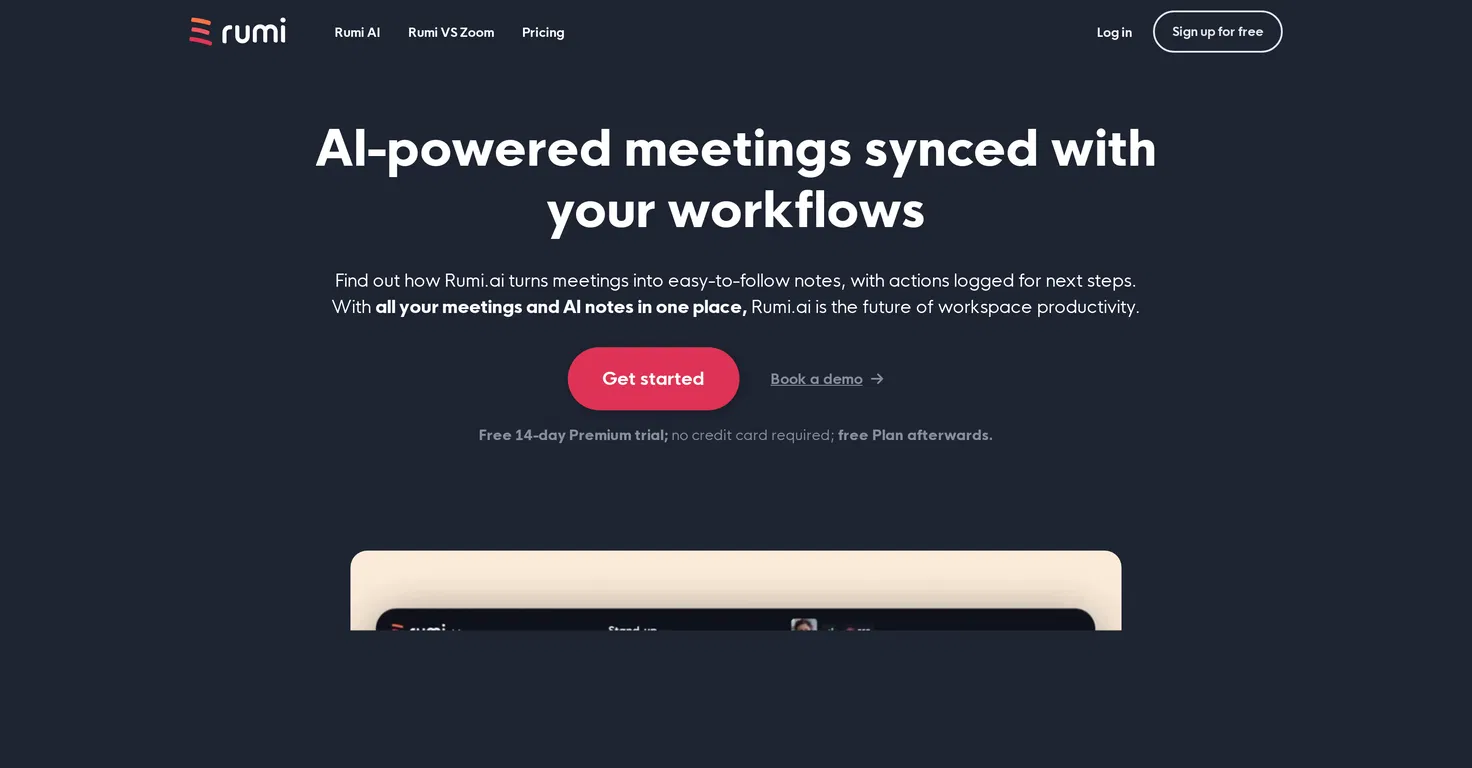
Rumi.ai is an AI-powered tool designed to enhance meeting productivity by providing AI-synced notes and tasks. It converts meetings into easy-to-follow notes and logs actions for next steps, aiming to streamline workflows and enhance action tracking.
The notes from all meetings are consolidated in one place, making it easy to refer back or follow up. With integration into Google Calendar, users can create instant or scheduled meetings and sync them with their Rumi.ai accounts.
During the meeting, Rumis AI provides interactive summaries, insights, and action items, enabling participants to focus on the discussion while the AI handles the logistics.
Post-meeting, Rumi.ai offers replay, review, and relay capabilities, allowing users to access a full recording of the meeting, jump to key moments, and follow up on action items via an email summary that is sent to all participants.
With Rumi.ais 'Off the Record' feature, users can pause the AI and recording at any time to keep sensitive aspects of the meeting private. Rumi.ai also features turn-based mode for orderly meetings, integrating unique queue and timer mode for well-structured meetings.
Rumi.ai also has its own mobile application available on iOS and Android platforms.
Releases

Pricing
Top alternatives
-
Dipak Rautela🙏 80 karmaMar 3, 2025@Hedy AIIts a promising project and works well so far. Wishing them all the best and godspeed.
-
good multilingual transcription helps with active listening
-
The live AI feed during meetings is a game changer. All AI summaries and action items are also emailed to you and your team right away.


 0
0





