 Base44 Superagents-AI agent that does it all
 Mini tools
 Hedy AI
 Meet-Ting
 Vexa
Vexa
 Convo
Convo
 Fathom
 Waitroom
 Amie - AI Note Taker
 Teameet
 Read Highlights
 Chadview
 Zoom IQ
 Superpowered Me
 Clearword
 Timetics.ai
 Meeting Ink by DeepWave
 Leexi
Leexi
 Meeting culture
 Calendly Notetaker
 Rumi
Rumi
 Nyota
Nyota
 Younet
 CleeAI
 Avataar's GenAI Creator
 Activepieces
 Kong.ai
 BigTeam
 Olivya
 Sreda.ai
 Abstra
 DoubleO
 AI Agents
 Neferdata
 Pipefy
 Quixl
Quixl
 Cubeo
Cubeo
 Sema4.ai
 Ridvay
 Drast AI
 Cognition by Mindcorp
 Tray.io
TimeOS





Overview
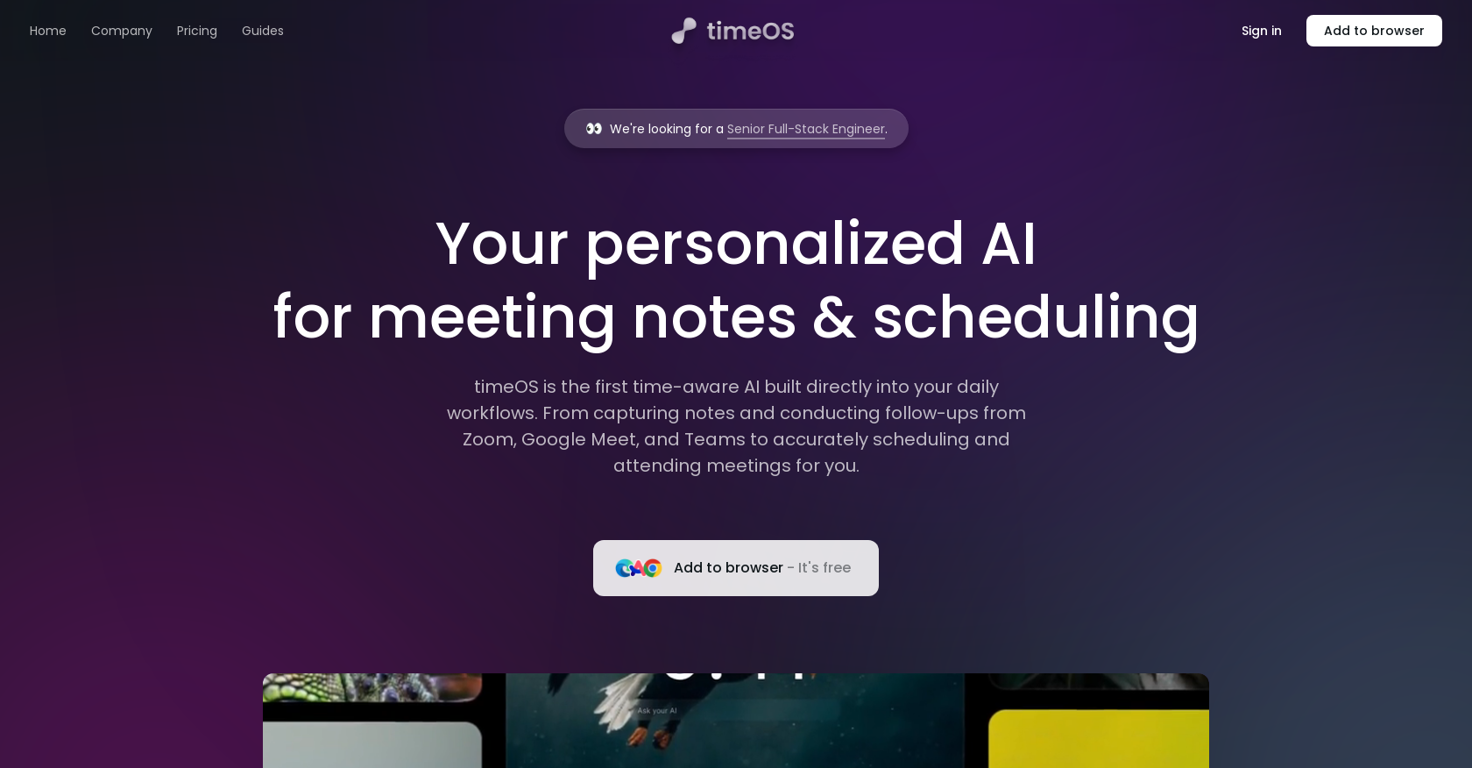
timeOS is a Time Management AI tool designed to enhance your time management skills and productivity. It focuses on automating meeting-related tasks such as note-taking and scheduling.
Compatible with popular meeting platforms like Zoom, Google Meet, and Microsoft Teams, timeOS seamlessly integrates with your calendar to generate accurate and comprehensive meeting notes and summaries.One of its key features is the ability to capture meeting notes, follow up on action items, and delegate tasks using artificial intelligence.
This not only saves time but also ensures that important action items are not overlooked. timeOS also assists in writing follow-up emails, drafting them in a way that is personalized and aligned with your writing style.The tool offers multi-language support, making it suitable for users who speak different languages.
It can integrate with various productivity tools such as Notion, ClickUp, Asana, and Slack, allowing for easy synchronization of action items and tasks.timeOS prioritizes user data privacy and security.
It encrypts data during transit and utilizes secure hosting on AWS. The tool does not train its AI or OpenAI with meeting content and ensures that customer data is protected.
Users have control over their data and can request its deletion at any time.Highly praised by professionals and teams, timeOS is praised for its ability to improve meeting efficiency and productivity.
By automating note-taking and follow-up tasks, it allows users to be fully present in meetings and saves hours each week.timeOS is available for free, with the option to add it to your browser for convenient access.
Releases

Pricing
Other tools by Supertools

Top alternatives
-
Dipak Rautela🙏 80 karmaMar 3, 2025@Hedy AIIts a promising project and works well so far. Wishing them all the best and godspeed.
-
good multilingual transcription helps with active listening
-
Hi there, Markus from Convo here. Let us know if you have any questions we can answer :)
-
The live AI feed during meetings is a game changer. All AI summaries and action items are also emailed to you and your team right away.





 1
1





