Go to section
Spotlight SureThing.io - "OpenClaw" for BeginnersTask automation
The front page of AI.Used by 90M+ humans.

TAAFT Tutorial
Generate image
Tasks
Generate text
Free mode
Trending
Leaderboard
Characters
 Mini tools
New
Featured
Lists
Agents
Requests
Jobs
Map
Newsletter
Starter pack
Free tools
Speech to text
Text translator
Remove background
Settings
Edit profile
My tools
Gallery
Dashboard
Inbox
Get featured
Contact TAAFT
For you
Popular
Job impact index
Most saved
Affiliate program
Submit AI tool
Notification preferences
Glossary
Home
Timeline
My profile
Create tool
Deals
Companies
Models
Robots
Papers
Fundraises
Repositories
Devices
Organizations
Events
Prompt Pack
Merchendise
APIs
Features
Tools
Countries
Collections
Videos
Mini tools
New
Featured
Lists
Agents
Requests
Jobs
Map
Newsletter
Starter pack
Free tools
Speech to text
Text translator
Remove background
Settings
Edit profile
My tools
Gallery
Dashboard
Inbox
Get featured
Contact TAAFT
For you
Popular
Job impact index
Most saved
Affiliate program
Submit AI tool
Notification preferences
Glossary
Home
Timeline
My profile
Create tool
Deals
Companies
Models
Robots
Papers
Fundraises
Repositories
Devices
Organizations
Events
Prompt Pack
Merchendise
APIs
Features
Tools
Countries
Collections
Videos
Mini tools
New
Featured
Lists
Agents
Requests
Jobs
Map
Newsletter
Starter pack
Free tools
Speech to text
Text translator
Remove background
Settings
Edit profile
My tools
Gallery
Dashboard
Inbox
Get featured
Contact TAAFT
For you
Popular
Job impact index
Most saved
Affiliate program
Submit AI tool
Notification preferences
Glossary
Home
Timeline
My profile
Create tool
Deals
Companies
Models
Robots
Papers
Fundraises
Repositories
Devices
Organizations
Events
Prompt Pack
Merchendise
APIs
Features
Tools
Countries
Collections
Videos

▼ Latest
Ai video creation
Free mode
100% free
Freemium
Free Trial
Featured matches
-
-
-
-
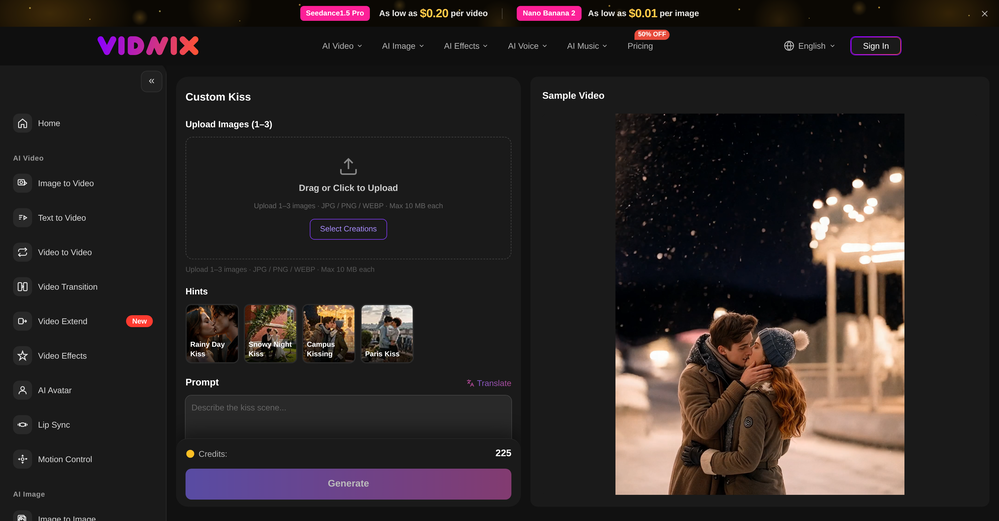 oriole serpent🙏 24 karmaJun 15, 2026@Vidnix | AI Kiss generateLooks pretty clean and easy to use! The upload process is straightforward, though the top section feels a little crowded. Maybe add a bit more info about how the credits work.
 -
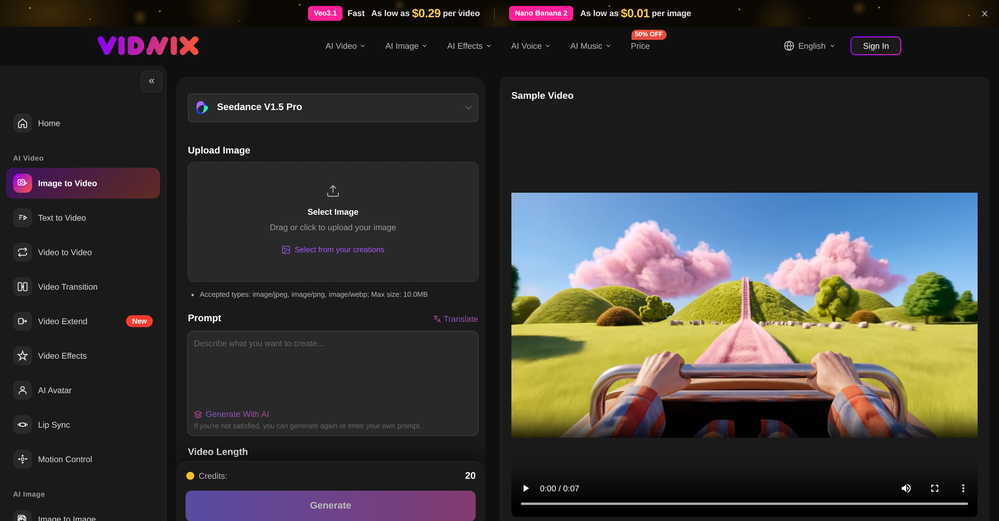 The generation speed is very fast, and having access to multiple mainstream models on a single platform — including the latest ones like Seedance2 and GPT Image2 — is great. The pricing is really affordable. I've already become an annual member.
 -
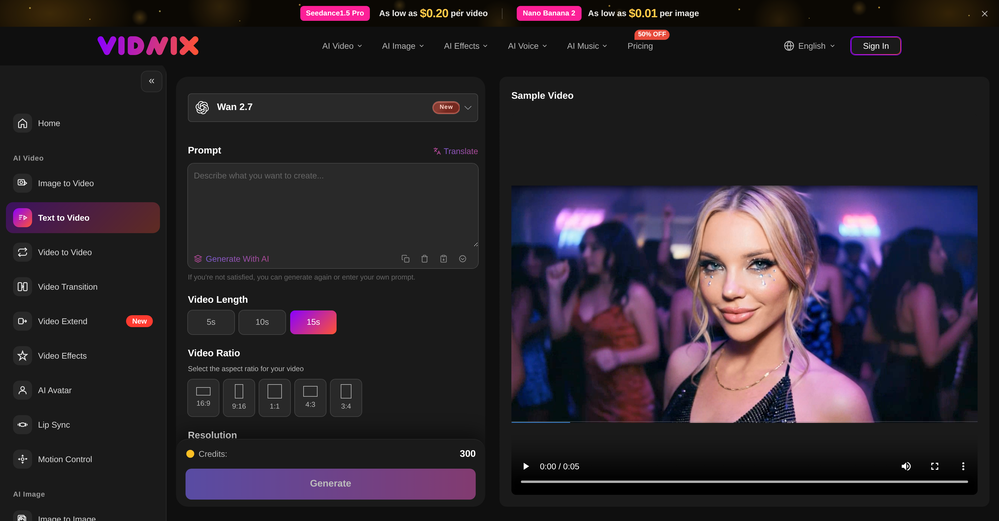 Solid. Not perfect but it gets the job done and the updates have been pretty consistent
 -
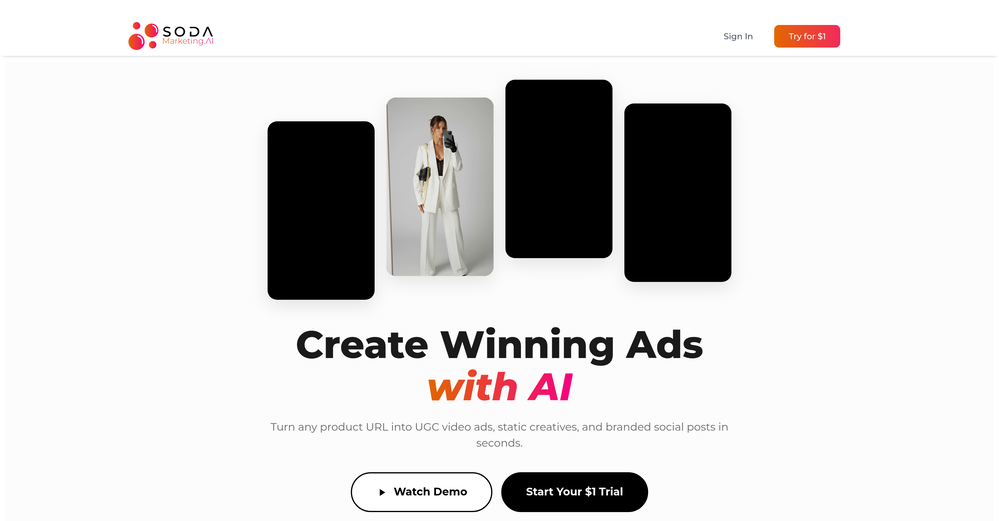 Very good tool to create hyper realistic UGC ads and on-brand static ads
 -
 Turn any song into scroll-stopping videos in minutes with AI-directed scripts andOpen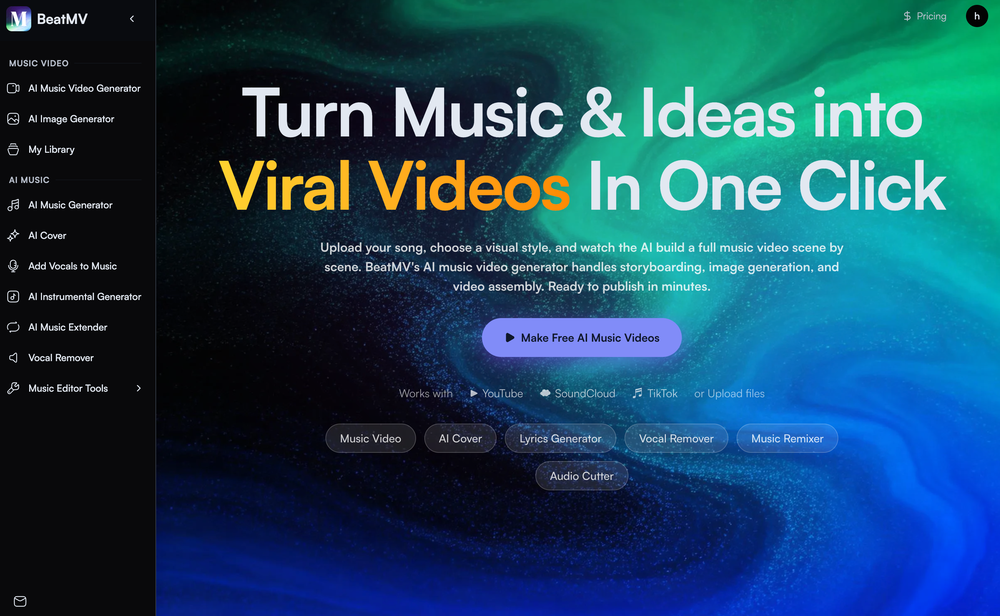
-
-
 threw it at our dusty help center and it cooked. pulled context from tickets and updates and wrote clean articles and faqs. inbox got quieter fast. solid tool.













Verified tools
-
good platform to create my short video
-
 Open
Open - SpotlightSureThing.io - "OpenClaw" for BeginnersTask automation
-
Love this!! Its so easy to use and has made my life wayyyy easier. It got my whole team set up organized and has helped with every aspect from posting time to entire business structure and accounting!
-
Gistr has been a game changer for processing long YouTube videos and PDFs - saves hours and actually helps you retain what you consume.
-
Thank you for the feedback, Bella Blast. All of the issues you mentioned have been addressed, and the Learn My Voice engine has been fixed and improved. We really appreciate you taking the time to share this — feedback like yours helps us make the experience better.
-
Reloop let's you create and edit ads in different kind of styles, whether you want to promote a product, a service or a tool, you can do it in 3 minutes, by having a convo with an agent. The output and ease of use is great!
-
 Turn property photos into scroll-stopping videos that sell homes faster.Open
 -
Tried this with a couple clips and the speed was honestly impressive. Feels super useful for creators and research workflows.
-
One thing we kept noticing with AI music: Great songs were being generated… but most of them still looked like demos when shared online. We built LyricMV to help turn AI-generated music into something that actually feels publishable — cinematic lyric videos with synced visuals, emotional pacing, and short-form friendly formats. Would love feedback from the AI music community 👀
-
You are absolutely right. There are a lot of founder and certain types of tools that assume their users are experts, making their products very technical. GeekLink is not that kind of product. A creator shouldn't have to know the exact parameters, meanings, and depths behind it. All of that is handled behind GeekLink.
-
 Open
Open -
As a student, I regularly work with research papers and long PDFs. PodcastorAI has been a helpful way to turn that content into something I can listen to while commuting or walking. I like that it creates a structured podcast rather than simply reading the text aloud. The dialogue format is surprisingly engaging and makes dense material easier to get through. I still rely on the original documents for deeper study, but for review and knowledge retention, it's been a genuinely useful tool.
-
It's great to have free tools of such high value
-
Hi! Thor here, the creator. Think of Axey as your collaborative partner: you give commands, watch Axey work, refine & perfect. Feel free to ask any questions!
-
Great tool to grow on YouTube with actionable insights👏🏼
-
 AI jewelry retouching, virtual try-ons & video — studio quality in secondsOpenWe teach product photographers for a living, so we're picky about what actually holds up to a pro eye. NeuroViz surprised us. The retouching keeps the real texture of metal and stones instead of plasticky AI smoothing — that's the part most tools get wrong. We've started recommending it to students who need clean catalog shots fast without losing the craft. It doesn't replace a good photographer, it just removes the boring 80% so you can focus on the shot that matters.
 -
-
 Open
Open -
Tried Teno for a quick product ad — surprisingly simple. Chat your idea, get image/video outputs in minutes. Good free tier to test. Handy if you need creatives fast without a full production team.
-
 Open
Open -
As the developer behind Pixado, I built this because I was tired of spending hours on design tools just to get a decent thumbnail. I wanted to create something that focuses purely on CTR and production-ready output, not just 'artistic' images. I’m constantly refining the models to handle real YouTube layouts. Would love to hear your feedback on the latest results—what features would make your content production even faster?
-
The Agent is really handy. It's much more streamlined and convenient than canvas-based AI tools. There's a bit of a learning curve at the start, but once you get the hang of it, it's incredibly useful
-
 AI video translation with dubbing and lip-sync.Open
 -
-
 OpenAI Inspo is an excellent all-in-one AI platform. With trending templates and advanced AI generation models, creating engaging videos becomes fast and effortless in just a few clicks.
 -
 OpenI was struggling to create some free Christmas and New Year's e-cards, and these templates are really good. I recommend giving them a try. The only downside is that each free template can only be used once.
 -
 OpenThumbnailCreator lets you generate YouTube Thumbnails using AI! 🚀
 -
I tried testing Seedance 2.0 on several platforms, but most of them required a membership upgrade first — even Dreamina. SeeGen AI offers a free trial, and that’s the main reason I recommend it.
-
Works wonders for anime, has me taking it in consideration for a tool rotation.
-
Scrollsequence is a game-changer for interactive storytelling! Smooth animations, intuitive setup, and impressive control over scrolling sequences make it perfect for engaging web experiences. Highly recommend for designers and developers looking to elevate their sites. 🙌
-
Tried this with a couple videos and the comment insights were actually pretty useful for spotting content patterns and new ideas.
-
VideoIdeas.ai Creates YouTube Video Ideas & Scripts
-
Love Dadan's new AI features. I used to hate searching through videos to find specific points and actions. Now I just get AI Assist to transcribe them and use one of the meeting templates to find what I need in a few seconds.
-
To just upload my song and have AI figure out the rest so I can share my songs on tiktok etc... As a Suno user I've wanted something simple and affordable, this is finally it. Other tools want $50 credits then it turns out it's not even enough to learn the tool, never mind just get a usable video out.
-
 Edit smarter, faster and easier with Filmora’s powerful AI video tools.Open
 -
 OpenTried it with one photo and was surprised how natural the video looked — lots of effects and models to play with too
 -
I am the builder of WUI.AI, an innovative content repurposing application designed to help global individual creators transform their text, audio, and video content into platform-optimized short and long videos for YouTube, TikTok, Reels, and more, with automated publishing capabilities. I try to build in public so any feedbacks will be appreciated
-
This is truly a wonderful experience that brings joy and delight.
-
By using AI to generate ASMR videos with sound, you can choose your favorite ASMR scenes to DIY. It's so cool.
-
 Turn baby photos into talking podcast videos.OpenWow, The AI tool is so interesting for the AI talking baby podcast. I like it. Thank you for the AI
 -
-
 Open
Open -
I created this platform to solve a problem I saw everywhere: AI videos that looked too unnatural. AI Kiss is designed for high-quality, lifelike animation. We capture the subtle details of intimacy, specifically the eye contact between partners, making the moment feel truly authentic. Founder of AIKiss.Art Cherry
-
Currently, generating course videos is basically free, and everyone is welcome to use it! If you have any problems during use, you can complain and we will quickly iterate! Thank you~!
-
 Turn any browser workflow into a polished, AI-narrated video guide in minutes.OpenHey everyone, I’m Evaldas, co-founder of Guideless, the fastest way to turn any browser workflow into a polished, AI-narrated video guide in minutes. No screen recording. No tedious editing. Just turn on the extension, click through your process as you normally would, and instantly get a share-ready guide. We recently shipped a major update: a sleeker UX and new high-quality AI voiceover characters — making guides sound and feel more vibrant than ever. Give Guideless a try and see how effortless creating high-quality tutorials can be 🪄
 -
Generating captions was super fast like seconds. Wish they had Anton font though
-
Been using CloneViral for my UGC ad campaigns and it's honestly a game-changer. The Agent Mode feature is what sold me - you basically describe what you want, and their AI agents collaborate to handle everything from scripting to final video. No more jumping between 5 different tools. The UGC Ads generator is surprisingly good. I can create authentic-looking user testimonials and product demos in minutes instead of hiring creators or spending days editing. Quality is solid enough that my clients can't tell the difference. Not perfect, but for the price and time it saves me, it's become essential in my workflow. If you're doing any kind of social media marketing or content creation at scale, worth trying out.
-
After registration, a 403 error is directly displayed and the service cannot be used.
-
-
-
 OpenI played around with PodScribe.IO for just 5 minutes, and it helped me save at least 35 minutes when transcribing my first podcast (for free - have not subscribed to the paid version yet). That's pretty sweet! The way it presents and separates podcast data into different formats is really well done. It makes it super easy to find what you're looking for.
 -
Movie Maker Edit Web Edition v5.2.0 is a major performance and stability release that puts Pro-grade movie-making in your browser, free. Faster exports and rock-solid handling of long, large projects let you turn hundreds of AI-generated clips into a finished film without ever leaving the tab, with no installation and no account. It's essentially the Pro edition, at no cost. Start making movies from your AI-generated clips: moviemakeredit.iacolettisoftware.com
-
🔥 freebeat introduces Realtime Music Video generation, live prompt interaction, flexible world customization, and instant video download. ----- What’s New - ⚡ Realtime Music Video – Generate video while your music is playing, with no waiting for a full render pass. - 🎮 Live Prompt Control – Interact with the visuals in real time and guide scene content as the track unfolds. - 🌍 World Presets & Custom Styles – Choose from preset worlds or define your own visual universe, style, and direction. - 👁️ Multiple Perspectives – Explore different POV options, including immersive viewpoints, for different kinds of visual storytelling. - ⬇️ Instant Download – Save the generated music video directly once your session is complete. ----- How It Works 1. Upload or play your track. 2. Choose a world preset or define your own visual style. 3. Guide the visuals live with prompts as the music plays. 4. Download the finished music video directly when you are done. ----- Why It Matters Realtime Music Video removes the gap between idea and output. Instead of waiting for results, creators can now shape visuals as the song unfolds, making music video creation faster, more expressive, and far more interactive. 👉 Try it now – www.freebeat.ai
-
 Transform photos into cinematic videos with AI.Open✨ New: Seedance 2 Mini Model Better quality. Lower cost. Now available for AI video generation.
 -
 Open
Open -
Maybe you don’t have a subscription, so there are no credits on your account, and a lot of features require credits to use.
-
-
 Create on-brand image and video ads in minutesOpen
 -
 Start from real examples. Turn one good clip into a full video.OpenI was surprised by MotionGen's image2 model. I've uploaded a photo and it accurately suggested hairstyle variations I actually loved. Didn't expect that at all.
 -
 OpenHey, Zeeshaan here, co-founder of The Influencer AI. I genuinely hope this service enables people to do things that were not possible before. Our goal is to help anyone create pro-level visuals for all needs in minutes. Happy to answer any questions, and open to all feedback. Appreciate the community!
 -
Best Free Movie Maker App on the Market
-
Using Meloflow felt almost magical—it instantly turned my rough ideas into music that sounded alive, polished, and truly my own.
-
Clean UI, multiple video models in one place, and fair credit refunds when generations fail. Nice that you can try it for free before committing.
-
 Transform your music into stunning visual experiences with AIOpenThe generation effect is good, the pictures are exquisite, and the transition animations of the pictures are smooth The only drawback is that it would be better if the generation time were a little faster
 -
I handle a large number of tasks simultaneously through VoooAI to complete my creative work, thereby accomplishing the workload equivalent to one month in one day
-
AIReel provides a convenient way to generate videos or images from text prompts or photos using several AI models in one place. When trying different prompts and images, the platform produced AI creations with noticeably different visual styles depending on the model selected. Compared with accessing many AI video models directly on their native platforms, the overall cost is more affordable, making it easier to experiment with AI-generated content, including both AI videos and AI images.
-
Really appreciate the support and thank you for making a video about Tunee. That means a lot.❤️
-
 Open
Open -
This is simply amazing. I used Nodu AI to create an employer branding video for our Talent Acquisition team to promote one of our key roles. Very impressed by the high-quality visuals it has generated, including the voiceover based on my brief. I like the way it has so nicely incorporated the brand logo and call to action messaging. My video looks like a professional production. Highly recommend!
-
 Instantly create professional screen recordings in perfect English.OpenHi folks - I'm Charles, the founder of Wizardly. I built this app to help marketing, product, and sales teams instantly create polished product videos without requiring expensive professional video editing. Try it out to see how to turn a quick screen recording into professional, customer-ready video today. We have lot's of cool features in the pipe but feel free to share feedback and suggestions once you give the app a spin! 🙏🏻
 -
 From idea to launch: professional AI-generated content in one place.OpenHi everyone! I am Adnan, the author of MakerSuite.AI. I am a content creator as well as a software engineer (16+ years of experience). MakerSuite has been created firstly for my own needs with a goal to help me organize content creation workflow (from YouTube scripts to blog and social media posts). The application covers a lifecycle from idea generation to complete script, thumbnail, description, and all the necessary things to prepare you for video recording or to provide you with a script that you can use on your blog or social media platforms. MakerSuite is a result of continuous work from more than 6 months of active day-night and weekend hard work on it. In the end I decided to share it with the world so other people could benefit from it, and also in return I can pay off the hard work and support the platform's future development and maintenance costs. As the models and infrastructure cost a lot. I am open to any form of suggestions or comments; even negative ones are always welcome. The platform has a lot of planned future developments that have to be added to make it even better. Please share your thoughts and feedback in the comments section, as it will help me improve it more! Thanks, everyone! Best, Adnan
 -
 Open
Open -
It works surprisingly well. Clean plus you can actually try it first without having to drop money right away. helps if you are not sure it'll fit your needs. Solid stuff.
-
 OpenHi! I'm the founder of LyricEdits. After 20 years as a bass player and 20 years in software engineering, I finally combined both passions into one. I'd love to hear your comments and suggestions!
 -
Thanks! So happy to hear you're liking FlowPost.
-
Thanks for the feedback. We would love to know more about your issue. Could you please provide more details at [email protected] ?
-
-
-
-
-
Sorry for inconvenience, Its up and running now
-
It looks interesting, they give demos of their AI work but no way to test it with your own script or image prompts just demos from what could be anywhere.
-
I’ve found Jogg.ai to be super convenient, especially for creating short ad videos for products! If you haven’t tried it yet, you should check out this tutorial: https://www.jogg.ai/blog/4-steps-to-create-your-product-video-ads-in-minutes/
-
Can't test without entering a credit card directly after sign up, I won't be using without testing it first. sorry!
-
 Turn simple prompts into viral videos, stunning images, and realistic audio.Open
 -
-
Vireel offers the best realistic ai image to video and ai text to video tools. Incredible no watermark quality!
-
It's simple and easy to use. There are multiple AI models to choose from. The veo3 model produces very good videos with natural sound and is attractive. There are also economical and affordable AI models that also produce good videos.
-
VideoWeb AI is an useful AI tool for my video creation. I like the video to video feature that I can create the anime video with my videos.
-
I completely agree with the previous comment. I first purchased the $5 package and then upgraded to the Pro package, hoping to create videos longer than 3.5 minutes. However, I was disappointed to find out that I needed to purchase the $99 package to create longer videos. It was not clear that the 5000 characters of script only equated to 3.5 minutes of video. To make things worse, the company has a strict no-refund policy, which feels unfair. They seem more focused on taking your money than providing quality service. I would highly recommend avoiding this service at all costs.
-
 Transform static images into animated videos instantly.OpenHi everyone! I'm the creator of AI Video Maker. It's completely free to use and doesn't require any signup. You can instantly generate unlimited 5-second AI videos from text or images. Great for testing ideas before upgrading to HD or commercial plans. Excited to see what you all create!
 -
Amazing and very fast. 300 free credits a month is actually generous. Recommended!
-
One platform gives me access to various high-quality video models — it’s been used to generate 110k viral social media posts.
-
I was skeptical about the "one-click video" claim, but I gave TemVideo a shot for a new product I'm testing. The biggest headache with AI video tools is usually the prompt engineering—you spend 30 minutes typing descriptions just to get a weird-looking hand. TemVideo completely bypasses that. My honest take after using it: The "From Raw Footage" feature is the real MVP. You know those random 10-second clips you take on your phone just to check lighting? The AI somehow turns those messy scraps into coherent ads. It’s almost spooky how well it edits around the product. It’s built for speed. If you are a dropshipper who needs to test 5 different products today, this workflow is unbeatable. Upload, click, done. I had an export ready faster than I could find a coffee. Multi-language is a bonus. It’s smart they included localization. If you sell globally, having the AI handle the lip sync and narration in different languages from one workflow is a massive time-saver. Best part? The built-in "Viral Hooks" library. It takes the guesswork out of what text to put on screen to stop the scroll.
-























































































































































Other tools
-
Been using Knowcast to keep up with new ideas and information, and I like how easy it is to discover and revisit useful content. The experience feels straightforward and helps cut through a lot of the noise, making it easier to stay informed without getting overwhelmed.
-
I’ve been an entrepreneur since my early 20s so I don’t often give low ratings even if I don’t like a product as it’s never my intention to potentially hurt a small company that’s just starting out but I’ve got to say that this is beyond worthless as a tool. The promise of street interviews Sounds like an excellent way to promote a product, but after paying you find out that it has a limitation of eight seconds. Barely enough time for an extremely simple question and a one sentence answer at best. It was only 10 bucks to find out but for this to be viable there needs to be an option to extend up to at least 20 or 30 seconds. I’d happily pay the 10 bucks for 1 32nd St. interview that could be solid for marketing than 5 videos of 8 seconds each that are just useless. Also, just a quick update. The first video I generated took maybe five minutes. The next two attempts are still processing after almost a half an hour. I think with something like this, it needs to be made much clearer that the interview is limited to eight seconds. But in my opinion, that’s besides the point as that kind of time limitation is just way too short for any kind of “interview”.
-
 Apply spooky Halloween filters and scary makeup effects online for free.Open
 -
You get 300 credits upon signing up, which is enough to test out the app and see its potential. I had a bit of fun with it. It takes a few minutes to generate content, but the results are impressive. There are many styles, modifiers, and customization options available. I would definitely use this for content creation or storytelling.
-
I forgot to take videos on my trip, so I gave this a shot with just the photos I had. Surprisingly, it created a short clip that actually looked real, super cool. Just wish it didn’t take forever to render
- Didn't find the AI you were looking for?
-
-
-
too expensive for me, I just want to make memes, not pay that much
-
-
-
-
-
Only available on the iphone... doesn't seem super intuitive to use.
-
-
 Expert in creating content and voiceovers with AI & SEO.Open