 Nume AI CFO
 Mini tools
▼ Top rated
Ai video creator
Free mode
100% free
Freemium
Free Trial
Featured matches
-
 Open
Open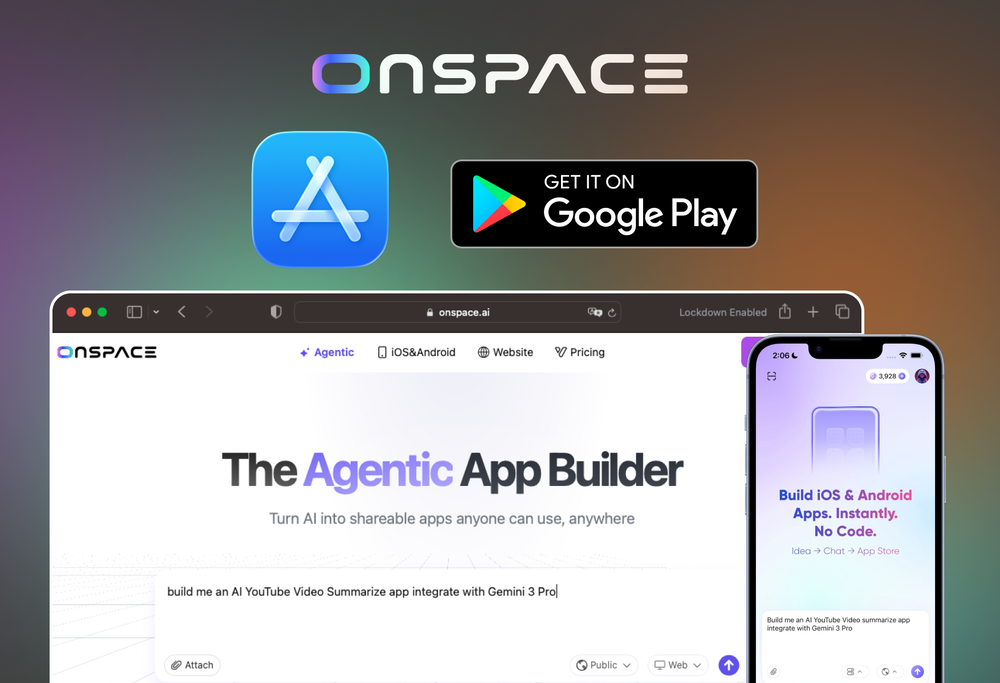
 Johnson🙏 117 karmaDec 10, 2025@OnSpace.AI - The Agentic App BuilderI built my fitness app and published it to both App Store and Google Play in just 3 days. OnSpace AI handled all the mobile development complexity. I'm now earning from in-app subscriptions.
 -
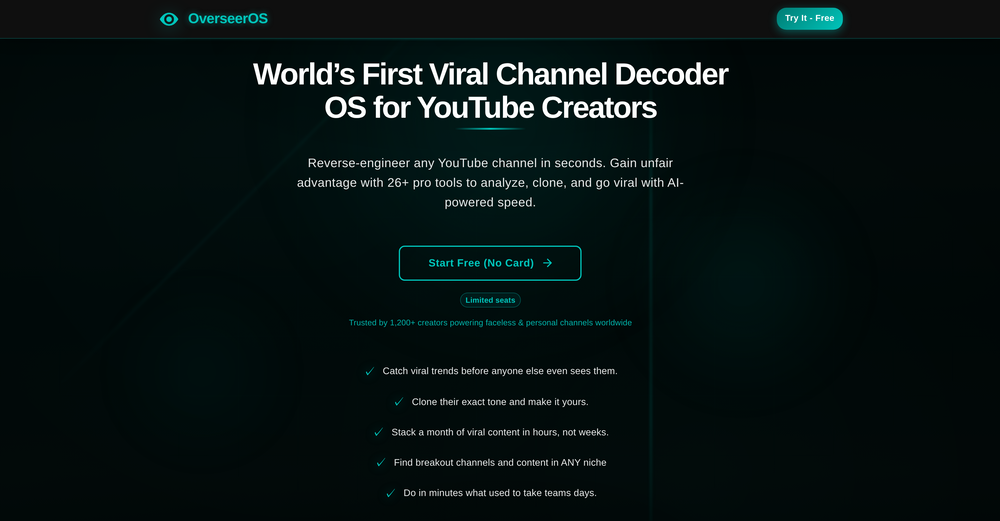 Absolutely HUGE. This gonna be the top AI for YouTube creators!
 -
 Remove watermarks from Sora videos instantly.Open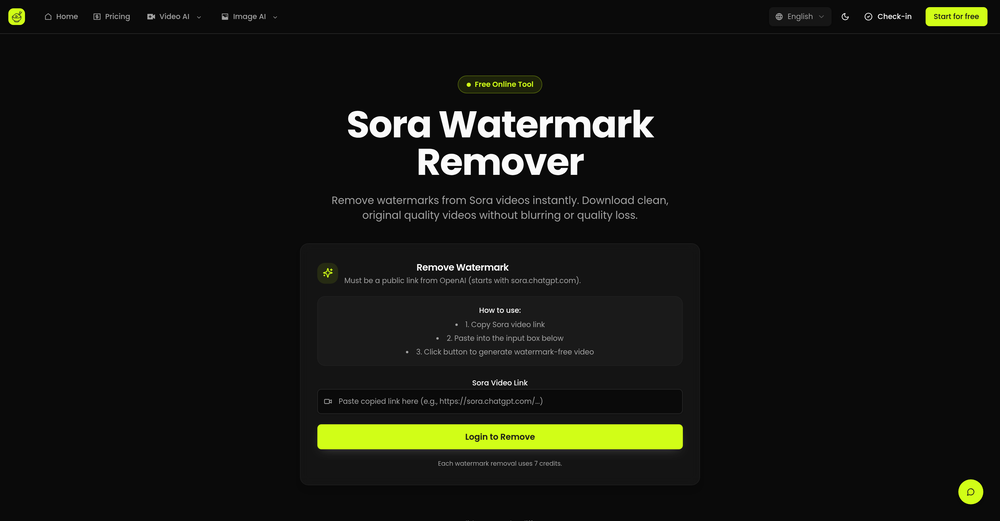
-
 Open
Open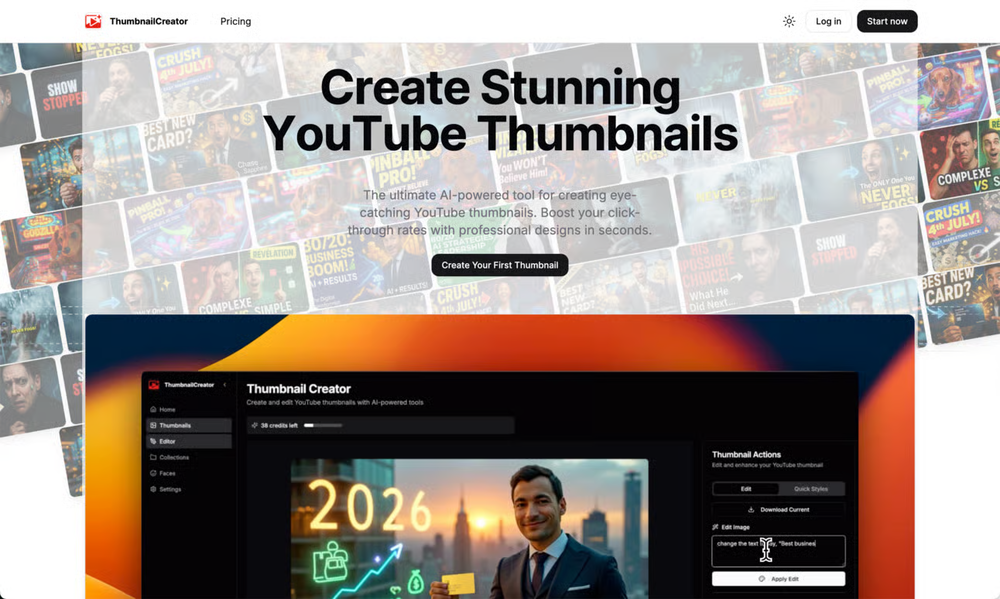 ThumbnailCreator lets you generate YouTube Thumbnails using AI! 🚀
 -
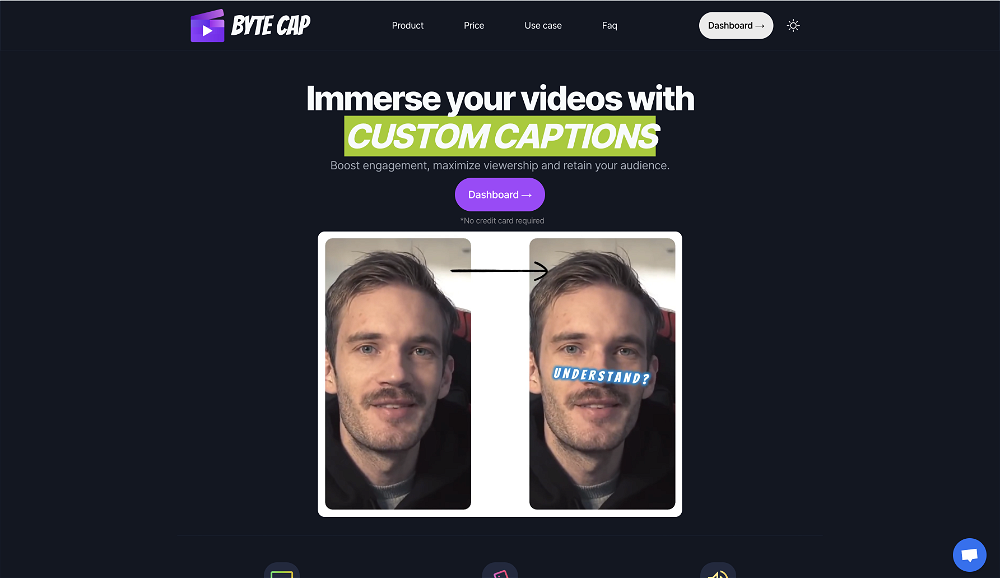 Generating captions was super fast like seconds. Wish they had Anton font though
 -
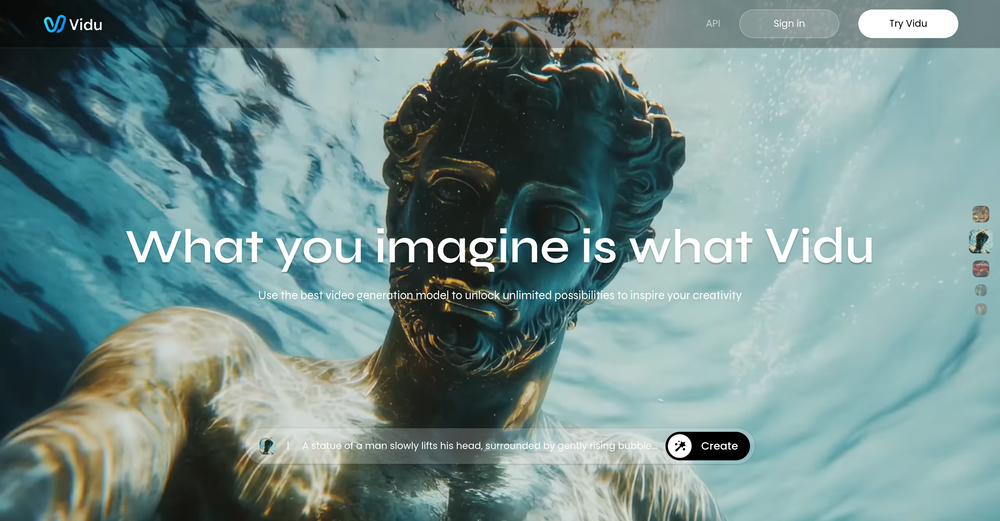 Speed is amazing ! I will definitely utilize the tool in the future for film generation



Other tools
-
 Edit smarter, faster and easier with Filmora’s powerful AI video tools.Open
 -
 OpenI played around with PodScribe.IO for just 5 minutes, and it helped me save at least 35 minutes when transcribing my first podcast (for free - have not subscribed to the paid version yet). That's pretty sweet! The way it presents and separates podcast data into different formats is really well done. It makes it super easy to find what you're looking for.
 -
Since I found this AI, it’s been such a breeze to post my content on all my platforms. My life has become so much easier just by introducing this AI into my social media content creation work.
- Spotlight: Nume AI CFO (Financial management)
-
 Add accurate, multilingual subtitles to videos - fast, right in your browser.OpenThis one is CRAAAAAZY! drop your MP4/MOV, it locks captions to speech cleanly (also multi-language), the in-browser editor is solid and you can either export SRT for youtube or burn the subs in shorts with a couple clicks. it's a W for creators :D
 -
-
 Turn scripts into creator-style videos instantly.OpenI built this because I had a spare RTX 5090 sitting idle and friends in e-commerce kept telling me UGC videos were too expensive. Most AI UGC tools cost 80 to 110 dollars a month, about 10 dollars per video. My prototype can already create 3-minute videos, but it takes almost an hour on one GPU, so I limited the public version to 30 seconds while I scale to 4 GPUs. Would love feedback on the best pricing model and go-to-market.
 - Didn't find the AI you were looking for?
-
I’d give BestCreator a 5/5! It made my content pop with almost no effort. Super easy to use, and the affiliate perk is a nice touch. 👍🏻
-
 OpenHey everyone, I’m Evaldas, co-founder of Guideless, the fastest way to turn any browser workflow into a polished, AI-narrated video guide in minutes. No screen recording. No tedious editing. Just turn on the extension, click through your process as you normally would, and instantly get a share-ready guide. We recently shipped a major update: a sleeker UX and new high-quality AI voiceover characters — making guides sound and feel more vibrant than ever. Give Guideless a try and see how effortless creating high-quality tutorials can be 🪄
 -
WTF... this thing is actually wiiiildd! everything i've tried came out looking like straight up high quality movie scenes.. i'm actually mind blown... insane..
-
-
I tried iMini AI’s Deep Research and was impressed by how fast it is. The output quality is excellent, saving me hours of tedious paperwork. Highly recommend!
-
Clipmove text to video is the best Ive tried so far,turned out better than expected. It can generate 2k 60fps engaging videos with captions, I'm impressed 👍
-
AutoEditor is a tool powered by AI that allows users to create highly customized short videos. It is primarily designed to make video editing easier and more efficient, thus enabling users to focus more on content creation. Distinct features include the automatic generation of subtitles in more than 40 languages, detection of silence or non-relevant content in videos, and the ability to enhance videos by adding b-rolls, watermarks, and other effects. The platform provides an easy-to-use interface for video editing, putting users in complete control of their content. Users can change text, styles, and various other aspects of their videos without prior knowledge in video editing. Furthermore, AutoEditor supports editing of long videos, which can be broken down into smaller parts without pre-cutting them. Videos for editing can be directly processed from YouTube, eliminating the need for separate downloading websites. Users can also customize their captions, save their unique styles as presets, and create videos with a few simple clicks for a fast editing experience. AutoEditor's pricing is designed to be simple and affordable, with plans tailored to suit different needs. Users can also access a free tier to get started. Flexibility is one of its key advantages, providing users the means to edit their videos exactly how they want them. The software works best with videos containing any type of voice or talking, such as podcasts, talk shows, documentaries, educational videos, or speeches.
-
Best PDF to Explainer Videos AI Tool
-
 No Code AI Dashboard to create customized chatbots, ai tools, and moreOpenThis tool removes all of the prep work of getting an LLM API endpoint running. I can try out ideas quickly and see within minutes whether an endpoint concept actually works. And when it does, moving it into a production app is about as easy as it gets.


























Post





