Go to section
Sponsor
 Flow - 4x faster than typing
🎤 Dictation
Flow - 4x faster than typing
🎤 Dictation
The front page of AI.Used by 90M+ humans.

Generate image
Tasks
Generate text
Free mode
Trending
Leaderboard
Characters
 Mini tools
New
Featured
Lists
Agents
Requests
Jobs
Map
Newsletter
Starter pack
Free tools
Speech to text
Text translator
Remove background
Settings
Edit profile
My tools
Gallery
Dashboard
Inbox
Get featured
Contact TAAFT
For you
Popular
Job impact index
Most saved
Affiliate program
Submit AI tool
Notification preferences
Glossary
Home
Timeline
My profile
Create tool
Deals
Companies
Models
Robots
Papers
Fundraises
Repositories
Devices
Organizations
Events
Prompt Pack
Merchendise
APIs
Features
Tools
Countries
Collections
Videos
Mini tools
New
Featured
Lists
Agents
Requests
Jobs
Map
Newsletter
Starter pack
Free tools
Speech to text
Text translator
Remove background
Settings
Edit profile
My tools
Gallery
Dashboard
Inbox
Get featured
Contact TAAFT
For you
Popular
Job impact index
Most saved
Affiliate program
Submit AI tool
Notification preferences
Glossary
Home
Timeline
My profile
Create tool
Deals
Companies
Models
Robots
Papers
Fundraises
Repositories
Devices
Organizations
Events
Prompt Pack
Merchendise
APIs
Features
Tools
Countries
Collections
Videos
Mini tools
New
Featured
Lists
Agents
Requests
Jobs
Map
Newsletter
Starter pack
Free tools
Speech to text
Text translator
Remove background
Settings
Edit profile
My tools
Gallery
Dashboard
Inbox
Get featured
Contact TAAFT
For you
Popular
Job impact index
Most saved
Affiliate program
Submit AI tool
Notification preferences
Glossary
Home
Timeline
My profile
Create tool
Deals
Companies
Models
Robots
Papers
Fundraises
Repositories
Devices
Organizations
Events
Prompt Pack
Merchendise
APIs
Features
Tools
Countries
Collections
Videos

▼ State of the art
Ai-based design
Free mode
100% free
Freemium
Free Trial
Other tools
-
 pixwit🛠️ 2 tools 🙏 5 karmaMar 3, 2026@Free Image Generator.appApologies for the delayed response. Let me clarify our free tier benefits: 1.Daily Quick Credits: Free users receive 2 quick generation credits every day. 2.Unlimited Standard Generation: You can generate an unlimited number of images daily. Please note that during peak usage times, generation speeds may be slower to accommodate high traffic. 3.Advanced Features: Free users also have access to our excellent face-swap feature. 4.Our platform features the leading Nanobanana series models, supports various LoRA effects, and includes tools for background removal and image outpainting/expansion. 5.We welcome you to try them out! Regarding your question about pricing: The core features mentioned above are genuinely free. The 'pricing' structure you saw likely refers to optional paid plans for users who need faster speeds during peak times, higher priority, or additional commercial features. It is not 'free after you pay,' but rather a free base service with optional upgrades. We hope this clears up any confusion!"
 -
Six months ago I was building some landing pages and found myself wasting way too much time downloading stock photos, cropping them, resizing, rehosting... the whole thing felt broken. I looked around for a tool that just let me describe the image I wanted and get it in the right format instantly—but nothing really existed. So I built Inliner AI. Now when I need an image, I just write what I want directly into a URL like this: https://img.inliner.ai/my-project/panda-playing-guitar-on-stage_1200x750.png Hit enter and boom Inliner generates an original AI image, intelligently cropped, resized for the web, and served instantly via CDN. Need a quick edit? Just append it to the URL: .../remove-the-guitar_900x750.png No uploads, no UI, no waiting. You can also upload your own products, people, or logos and compose them into generated scenes. For more control, there's a Studio web GUI where you can play with prompts and dimensions and compare variants side by side before committing. Where this gets really powerful is when you show your LLM how to use these URLs. Once it knows the pattern like: https://img.inliner.ai/my-project/xxx-yyy-zzz.png It can generate, tweak, and iterate on image assets dynamically, right inside your prompts or your code. Everything stays self contained in the link. We also include copy/pasteable instructions for Claude, GPT, Cursor, and more so you can wire this up in minutes. If you're building a product, designing a page, or just prototyping something new try it out and let me know what you think!
- SponsorFlow - 4x faster than typing🎤 Dictation
-
The application arbitrarily adds doors and windows, making the final design unusable. It also changes the view from the window. In the final you are looking at a completely different room than the one you are interested in redesigning.
-
Fun, but weird. It thought my flat screen tv was a window in every render. Runners and bricks mid-floor. Other strangeness.
- Didn't find the AI you were looking for?
-
I told my team to use this for their projects and it's a huge help!
-
I had to tweak a few things to match my brand style, but overall it saved me a ton of time. Definitely handy if you need something fast and professional-looking.
-
-
 Open
Open -
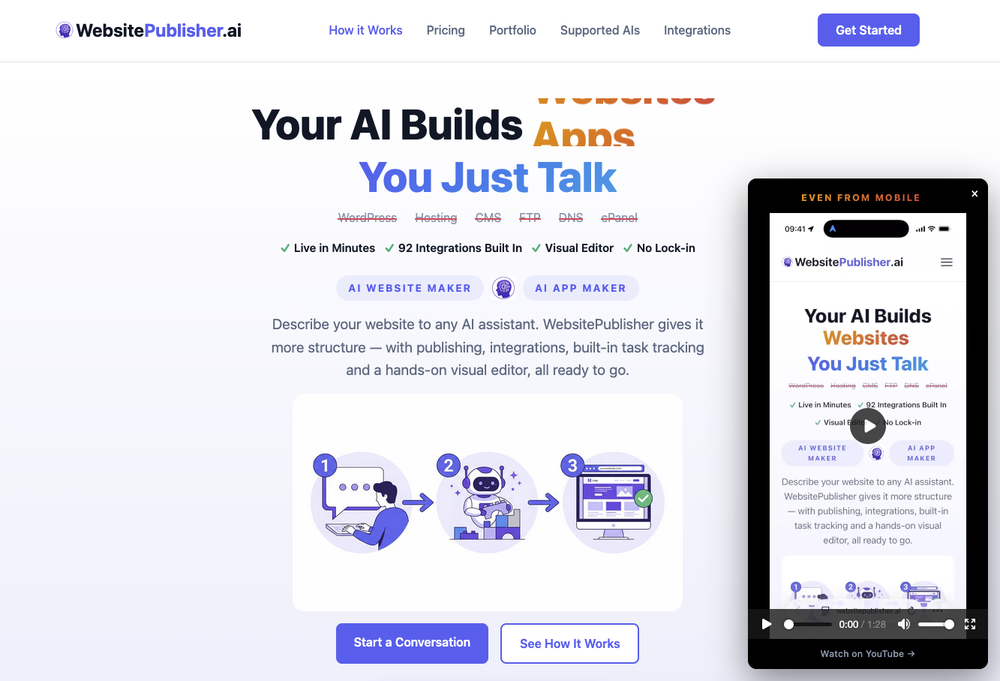
I liked it, it was easy to use and the generated website was perfect.
-
Does not copy the exact animations, but it does a good job at coping the styles
-
 Build professional, on-brand decks — 10x faster. Inside PowerPoint or online.Open
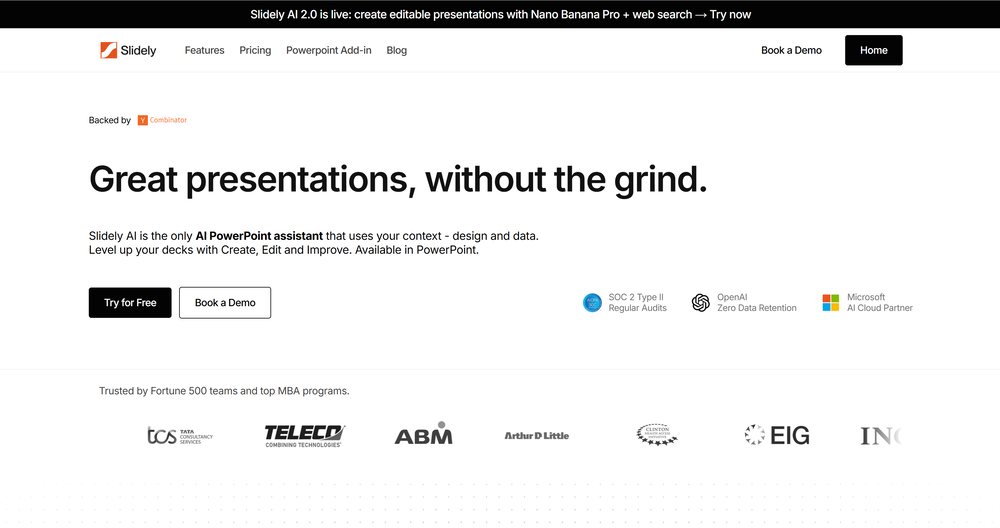 I think Slidely is the only tool that has worked for me when creating my client presentations. The presentations aren't web pages or images like the other tools but actual PowerPoint slides which I really like.
 -
This is not a free ai site. I ask for your mail and then demands a fee. Stay away
-
The tool is working for me. Try giving it another chance.
-
 Transform any image into stunning AI-enhanced visuals.OpenIt can generate any image I want freely, it's amazing!
 -

-
 Open
Open -
 Open
Open -
-
-
 been using this for a bit and the songs it makes are honestly pretty good, way better than i thought. love the clean design too, makes it easy to use. only thing i wish is there was some kind of playlist feature so i can organize all the songs i made, gets hard to find stuff after a while. but yeah solid app overall
 -
The leading generative media models on fal combined with top-earning real-world creative talent on Contra is a powerful combination. Feedback to fuel the future of creative ai.
-
Hello, thank you for your review! When you create your account you get 25 credits (equivalent to one image) so yes there is a free trial.
-
Thank you everyone for trying 1UI! If you haven't yet, give it a spin and use code ‘TAAFT’ to get $5 credits to try 1UI.
-
New: Added multilingual support. Improved: Enhanced the AI agent building experience and refreshed the website visuals for better usability. Fixed: Fixed some known issues to improve overall stability.
-
prompted a few different styles and it handled them pretty well. images came out detailed and didn’t take long either. solid for quick ideas.
-
Didn't really do the graphs that i thought it would do. Good for simple graphs, like for a presentation
-
-
 Open
Open -
If you want an AI RPG that can do 5e, this is closer than any other one you'll find out there.
-
Scrollsequence is a game-changer for interactive storytelling! Smooth animations, intuitive setup, and impressive control over scrolling sequences make it perfect for engaging web experiences. Highly recommend for designers and developers looking to elevate their sites. 🙌
-
-
 AI infographic generator that turns blog posts into link magnetsOpen
 -
Tried it out to mess with some room ideas. the customization options are nice, you can change the vibe, color scheme, budget etc. Some stuff looks a bit off (ai glitches here and there, weird spots in the render) but it's still helpful for getting a rough idea of what you could go for. It's not like the tool literally buys you the furniture lol
-
Great value for the price with powerful features. I especially love the video generation function - it has taken my content creation to the next level.
-
 Millions of free AI stock images. Download, edit, or generate variations instantly.OpenWe just shipped two new creation tools in StockCake: ✅ AI SVG Creator (from prompts) — generate vector SVG assets from text (great for icons, logos, and game assets). ✅ AI 3D Creator (from images) — turn an image into a 3D GLB model in seconds. Both are available as standalone tools and inside the StockCake editor. Includes a free 7-day trial (cancel anytime). Try it now.
 -
Used it to make a client intake form and it nailed it, built the whole thing clean, simple and concise. Definitely considering using it more regularly.
-
-
-
pretty clean tool, i tried a couple product images fast and the controls make sense. model picks, image-to-image and quick batch runs are handy for ad shots or thumbnails. the free tier is tiny at 2 credits, so it's more of a taste test than real use.
-
Its actually good. I was able to make 3 screens using the promo code and they were better than the other UI tools.
-
-
clean pics and nice styles, got some artsy results fast. solid for art inspo.
-
Tried it out today. The speed is definitely the standout part. Pasting a Google Maps link and getting a usable website so quickly is impressive, especially for businesses that have no site at all. That said, it is more of a strong starting point than a finished website. The generated result looked clean, but I’d still want more control over layout, branding, sections, and finer edits before publishing. For some users that may be enough, but others will want deeper customization. Overall though, the idea solves a real problem: many small businesses delay getting online because websites feel expensive or complicated. If Wowable keeps improving the editing side while keeping the setup this simple, it has real potential.
-
Says "free during testing," but keeps telling me I have insufficient credits. I also can't seem to find a way to delete my account.
-
I'm absolutely blown away by the design quality of the presentations they look so vibrant and stylish. I was also pleasantly surprised that the AI asks lots of clarifying questions to make sure the final result is exactly what I wanted, not just something random. Vibes 🔥
-
 Open
Open -
Tried to fix a cropped travel photo and it worked great. The AI naturally expanded the sky and beach, so the image fit a 16:9 YouTube thumbnail without any visible seams or quality loss.
-
Hi! Thor here, the creator. Think of Axey as your collaborative partner: you give commands, watch Axey work, refine & perfect. Feel free to ask any questions!
-
Who is the owner or author of this tool any social media
-
 Turn notes into perfect infographics from 500+ designs.OpenHi TAAFT! I'm Henry, the founder of CartoMind. CartoMind offers a fully automated AI workflow to help you quickly organize text content and generate the perfect infographics to match. 【Why did I build this?】 When creating infographics with AI today, users are often forced to choose between two extremes. You either use generic AI image SaaS tools that trap you in complex prompt engineering and steep design learning curves with zero knowledge management, or you use products like NotebookLM. While they are fantastic for knowledge management, their infographic generation is just an afterthought, lacking design freedom and rich templates. 【Here is where CartoMind stands out:】 1. Lightweight knowledge & note management: We support uploading multiple file formats and automatically parsing text, allowing you to freely select the exact knowledge snippets you want to visualize. 2. Fully automated workflow: Based on your selected content, our AI automatically distills the key text elements and instantly matches you with the ideal infographic design from over 500 professional combinations. 3. Massive template library: A rich selection of infographic templates offering a true what-you-see-is-what-you-get experience. 【Who is using it?】 Marketers, educators, social media creators... In fact, anyone who needs to make their domain knowledge "visible" and loves to share it will find it incredibly useful. 【I can't wait for you all to try it out!】
 -
 Transform prompts into vibrant coloring pages.Open
 -
Idk why a guy put one star because this AI is casually better than all the other with a lot of functionality
-
I got some free credits to try the app when I signed up, I could create a few great infographics
-
It's not the craziest tool if you're expecting a full remodel. It won't walk your whole "house" end-to-end project specific quircks, complex architecture or golden variety edge cases still need a human contractor. Don't expect it to buy the furniture or install the pergola for you.
-
 Open
Open -
RenderCAD has been such an incredible asset to my company, At Home By Design. We specialize in both commercial and residential design, and their renderings have truly brought my visions to life. The level of detail, professionalism, and presentation has been beyond impressive.
-
Generating both Android and iOS while staying native is impressive.
-
Viz makes the process of turning data into dashboards feel much simpler and more natural. Being able to upload or connect data, ask questions in plain language, and quickly get interactive visualizations is genuinely useful, especially for people who do not want to spend hours building dashboards manually. What I like most is that Viz feels focused: it is not just an AI chat tool, but a product designed to help users move from raw data to clear, shareable insights. Overall, it looks like a practical and intuitive tool for making data analysis faster and more accessible.
-
For some reason, this AI might be biased towards some prompts, since many of mine have yielded results that differ greatly from the actual prompt itself. I have a feeling that it just doesn’t work right, but I dunno. 3 stars for sure.
-
 AI website builder that helps small businesses win customers.Open
 -
 Streamline security workflows with AI recommendations in JiraOpen
 -
-
 Open
Open -
 Transform ideas into vibrant cartoon illustrations instantly.Open
 -
Not the best tool out there, but the generated images were interesting and good enough for sketching a first idea for how you want your future book cover to look like
-
 Transform ideas into professional image prompts instantly.Open
 -
 Open
Open -
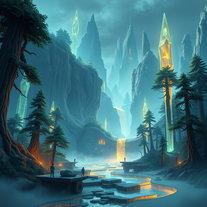 Transform imagination into vivid cyberpunk and fantasy worlds.Open
 -
 Transform creative vision into professional movie posters using AI.OpenDesign a vintage sci-fi movie poster set in the 1980s, featuring a neon color palette of pink and blue. Include a futuristic city skyline in the background, a sleek spaceship flying overhead, and bold, retro typography for the movie title, 'Galactic Quest'. Add a tagline at the bottom that reads 'Adventure Awaits in the Stars!'
 -
 AI image generator creating stunning futuristic visuals.Open
 -
 Create charming 3D toy-style characters like classic action figures.Open
 -
 Open
Open