
 Mini tools
▼ Latest
Collaborative document editing
Free mode
100% free
Freemium
Free Trial
Featured matches
-
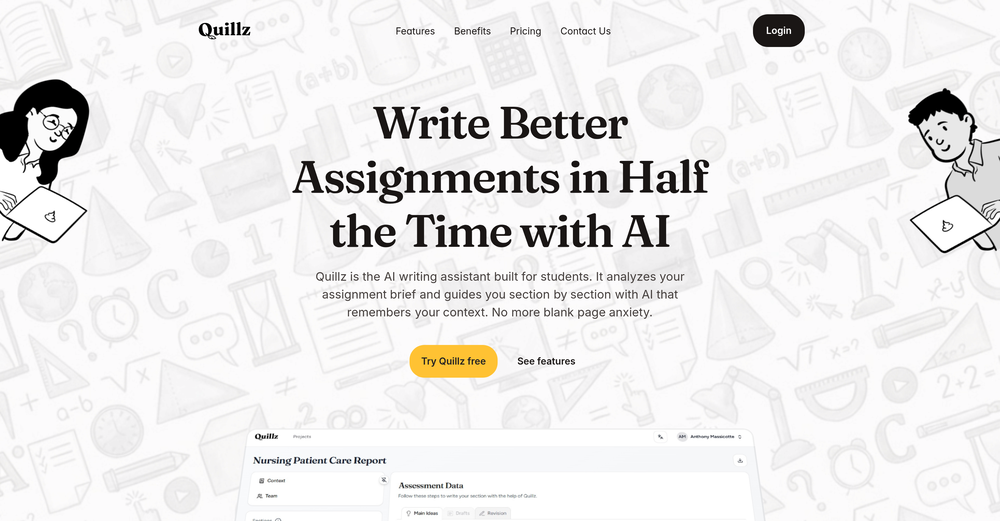 Random🙏 4 karmaFeb 10, 2026@QuillzPretty good tool for writing assignments or essays even, easy to use, gives a structured way to use AI and the outputs are better than expected, looks human.
 -
-
-
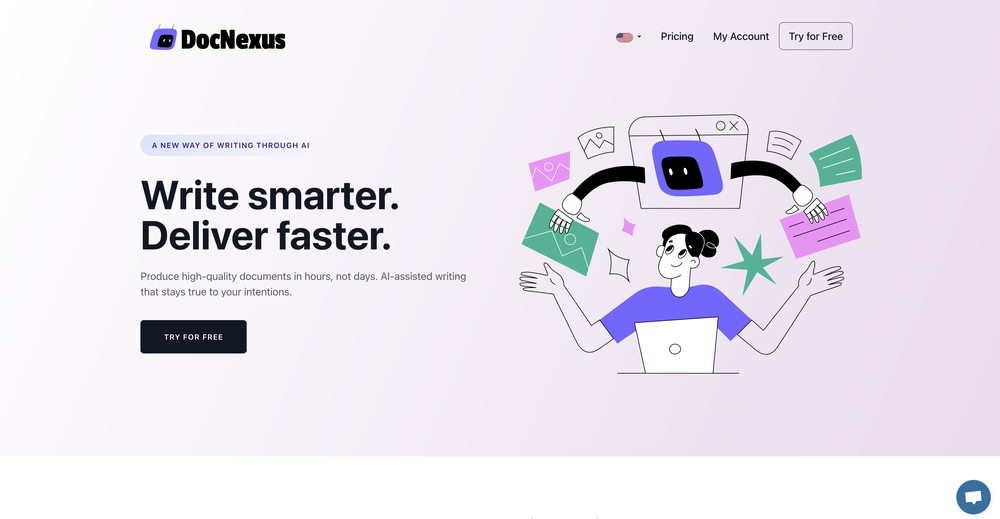
 NextDocs v1.6.0 - Brand Kit Released: February 2026 Your brand identity, built into every content. Brand Kit lets you define your brand once and have AI apply it to every document, presentation, and report you create. Colors, fonts, logos, tone of voice. All consistent. All automatic. Describe what you need. AI applies your brand. You get on-brand results. --- Brand Kit Define your brand identity in one place. AI uses it every time you create. A Brand Kit includes: - Theme: your colors, fonts, and visual style - Logos and images: company logos, product photos, hero images - Icons: brand-specific icons and graphics - AI instructions: tone of voice, writing style, terminology Select your Brand Kit before generating. AI handles the rest. --- Asset Usage Modes Control how AI uses your brand assets. Always AI must include this asset in every document. Perfect for your company logo. Maybe AI can use this asset when it fits the content. Good for product screenshots or team photos. Never Asset is stored in your brand but AI will not use it automatically. --- AI Instructions Write custom instructions that guide AI on how to write for your brand: "Use a professional but approachable tone. Avoid jargon. Always refer to our product as Acme Platform. End presentations with our tagline." These instructions apply to every document created with this Brand Kit. --- Use Cases Sales Teams Every proposal and pitch deck uses the same brand. No rogue presentations with the wrong logo. Marketing Teams Campaign decks and reports all follow brand guidelines without manual effort. Agencies Create separate Brand Kits for each client. Switch in one click. Founders Define your brand once. Every investor deck and internal doc is consistent. --- New AI Models Claude Opus 4.6 and Claude Sonnet 4.6 from Anthropic are now available for Pro users. 5 new free models added: - Kimi K2.5 from Moonshot AI - MiniMax M2.1 - GLM 4.7 from Zhipu AI - DeepSeek V3.2 - DeepSeek V3.2 Thinking (reasoning model) All free models available to every user. No upgrade required. --- Also in v1.6 Mobile Editing New floating selection toolbar, multi-select mode, inline text editing, and mobile color picker. 80+ New Themes Professionally designed themes across corporate, dark tech, creative, gradient, serif, and more. Improved Exports More reliable PDF, Google Slides, and PowerPoint exports with better image handling. --- How It Works 1. Go to Brand Kit and create a new brand 2. Pick a theme, upload assets, write AI instructions 3. Select your brand when creating a document 4. AI applies your identity automatically 5. Get an on-brand document every time Same simple workflow. Now with your brand built in. --- Try Brand Kit Go to nextdocs.io. Create a Brand Kit. Generate a document. Set your brand once. Let AI handle the rest. - The NextDocs Team




Verified tools
-
"Your free trial expires 1 week from now. Subscribe now to avoid losing your access" "Categories of document you want to write" available options: 1. Blog Post, 2. Letter, 3. Product Description 4. Contracts and Bindings
-
Love this application. Use it as my go to writing app. Replaced Grammarly and ChatGPT.
-
Good. But there should be options to move questions to google form or Microsoft form so that as a teacher I can take exam
- Sponsor
 Wispr Flow-Now on Android!🎤 Dictation
 -
I tested the app to summarize a pdf document, however it failed to do its work.





Other tools
-
-
I use it for a few years now, for me it´s a great "all-in-one" tool especially if you like to build apps. Build-in AI is also great and at all the price is fair. no-Coder.io
-
Excited to share this tool that merges documents with AI, making writing PRDs a breeze! 🚀
-
This could be a really great service that I would love to have. The way it creates documents would be perfect for the philosophical doctrine I'm writing but unfortantilly I couldn't use this because of the hotkey setup. I am very use to pressing CTRL Backspace to backspace by word instead of character and its ingraned in me. Its the hotkey that deletes a node on the canvas so I was deleting my nodes every time I wanted to change a word. There needs to be a way to disable the hotkey. I tried finding a way to email the developer but I couldn't find anything. Based on the idea I would give this 5stars but in its current state I cant use it. Eventually the whole thing locked up on me and I couldn't interact with the canvas in anyway.
-
- Didn't find the AI you were looking for?




















Post





