Go to section
Spotlight SureThing.io - "OpenClaw" for BeginnersTask automation
The front page of AI.Used by 90M+ humans.

TAAFT Tutorial
Generate image
Tasks
Generate text
Free mode
Trending
Leaderboard
Characters
 Mini tools
New
Featured
Lists
Agents
Requests
Jobs
Map
Newsletter
Starter pack
Free tools
Speech to text
Text translator
Remove background
Settings
Edit profile
My tools
Gallery
Dashboard
Inbox
Get featured
Contact TAAFT
For you
Popular
Job impact index
Most saved
Affiliate program
Submit AI tool
Notification preferences
Glossary
Home
Timeline
My profile
Create tool
Deals
Companies
Models
Robots
Papers
Fundraises
Repositories
Devices
Organizations
Events
Prompt Pack
Merchendise
APIs
Features
Tools
Countries
Collections
Videos
Mini tools
New
Featured
Lists
Agents
Requests
Jobs
Map
Newsletter
Starter pack
Free tools
Speech to text
Text translator
Remove background
Settings
Edit profile
My tools
Gallery
Dashboard
Inbox
Get featured
Contact TAAFT
For you
Popular
Job impact index
Most saved
Affiliate program
Submit AI tool
Notification preferences
Glossary
Home
Timeline
My profile
Create tool
Deals
Companies
Models
Robots
Papers
Fundraises
Repositories
Devices
Organizations
Events
Prompt Pack
Merchendise
APIs
Features
Tools
Countries
Collections
Videos
Mini tools
New
Featured
Lists
Agents
Requests
Jobs
Map
Newsletter
Starter pack
Free tools
Speech to text
Text translator
Remove background
Settings
Edit profile
My tools
Gallery
Dashboard
Inbox
Get featured
Contact TAAFT
For you
Popular
Job impact index
Most saved
Affiliate program
Submit AI tool
Notification preferences
Glossary
Home
Timeline
My profile
Create tool
Deals
Companies
Models
Robots
Papers
Fundraises
Repositories
Devices
Organizations
Events
Prompt Pack
Merchendise
APIs
Features
Tools
Countries
Collections
Videos

▼ Latest
Creator management
Free mode
100% free
Freemium
Free Trial
Featured matches
-
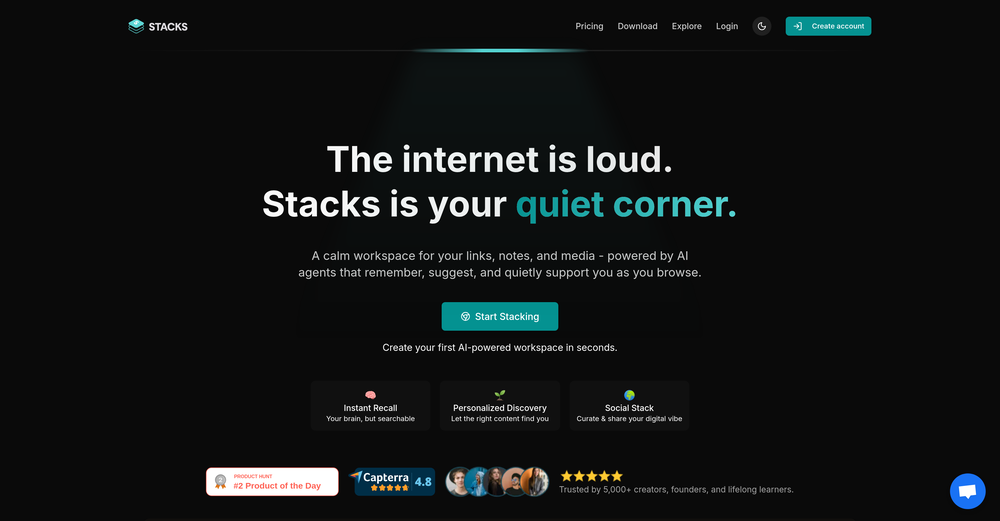
 Tanay Lakhani🙏 32 karmaJul 15, 2025@StacksIt's a powerful AI-powered personal knowledge system that brings together links, files, notes, and documents in one unified workspace. It's like Notion meets Raindrop meets Google Drive, but with an AI layer that helps you resurface forgotten content, cluster related topics, and even draft documents based on your saved materials.
 -
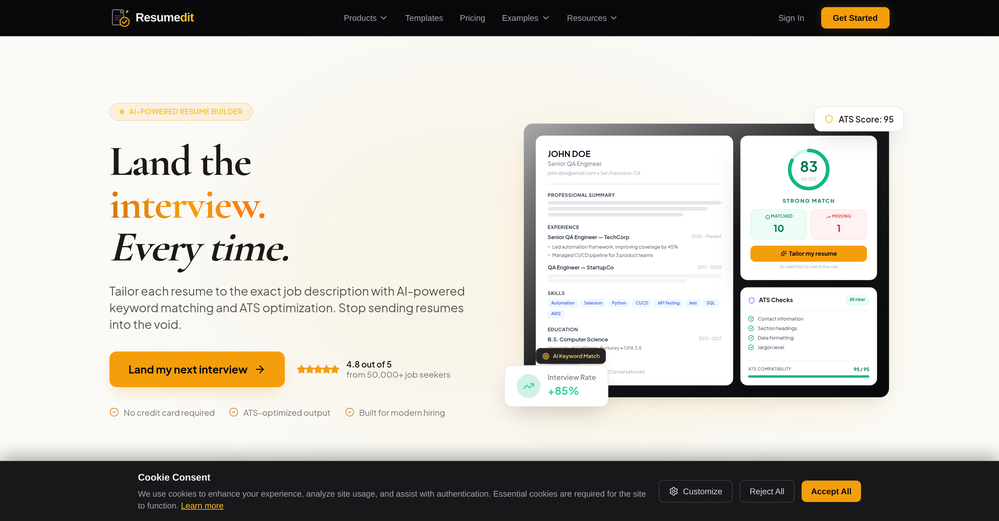
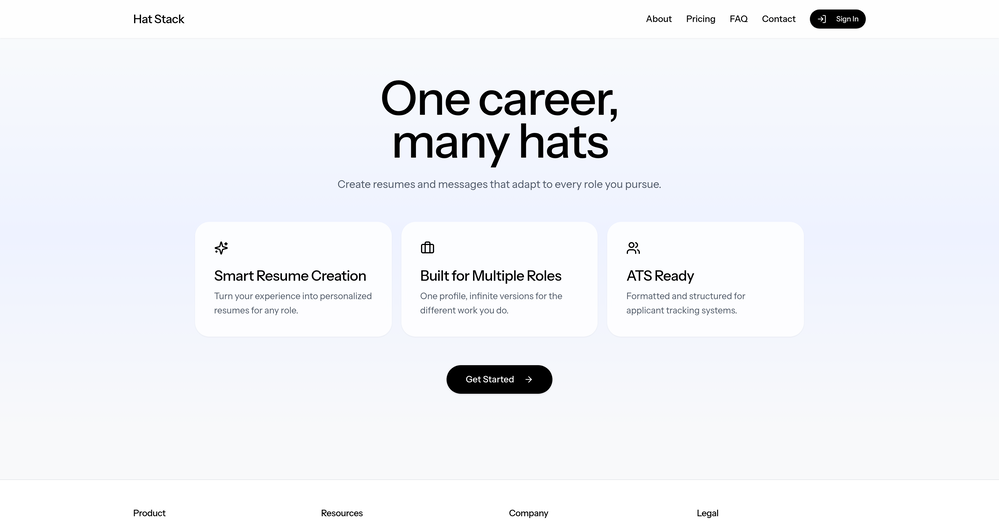 I just went in and made it easier to see where to add a custom role under Roles/Hats (not roles from your existing resumes) and it will create a draft of any resume you want from your profile information.
 -
-

-
-
-
-
-
-
 Your AI-powered hub for seamless social media scheduling and content creation.Open
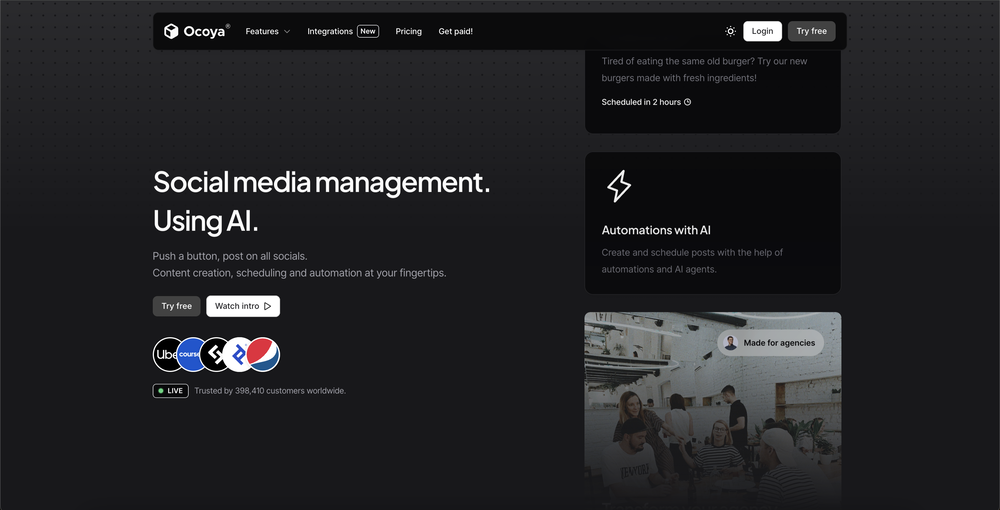 Sadly is not working as described but they have pretty many things planned so maybe in the future it will.









Verified tools
-
 Turn any browser workflow into a polished, AI-narrated video guide in minutes.OpenHey everyone, I’m Evaldas, co-founder of Guideless, the fastest way to turn any browser workflow into a polished, AI-narrated video guide in minutes. No screen recording. No tedious editing. Just turn on the extension, click through your process as you normally would, and instantly get a share-ready guide. We recently shipped a major update: a sleeker UX and new high-quality AI voiceover characters — making guides sound and feel more vibrant than ever. Give Guideless a try and see how effortless creating high-quality tutorials can be 🪄
 -
Used it for PPT generation and performed extremely well, especially the numbers and data part.
-
Purely magic. It increases the productivity by a lot and the process is pretty addictive. I've been building websites like there's not tomorrow.
- SpotlightSureThing.io - "OpenClaw" for BeginnersTask automation
-
-
Super clean UX and really nice onboarding!
-
Great platform to increase your productivity. The infographic generator is my favorite tool.
-
Can only edit oe long clip to shorter clip, but i have multiple clip
-
 Build AI Mobile & Web Apps - No Code, No Api KeysOpenI built my fitness app and published it to both App Store and Google Play in just 3 days. OnSpace AI handled all the mobile development complexity. I'm now earning from in-app subscriptions.
 -
This is a very useful tool, especially for me as a small business owner. It keeps everything in one place
-
-
-
It definitely looks cool but, your model selection and what is generated in your Discovery package need to be on point. They aren’t. I selected a Latin female with amber eyes and blonde hair and I got ginger hair. I tried Latin blonde with green eyes and got an Arabic with brown hair and a green shirt. It’s a great idea but, only having 5 credits and not getting what you are looking for is a waste of time or a potential client. Why ask someone to pay for something they aren’t getting? However the images are HD images and look great even if it’s not what I was looking for.
-
It's sad to see people want to try your tool out but you have no free sample for them. This may be the best tool out there, but, as mentioned, going through with the AI for minutes to explain what you want, then being prompted to pay, without even knowing if it CAN create something, is discouraging. I hope we can get a free sample or preview at one point, im interested in this one.
-
The system responds quickly, the video generation quality is excellent, and the AI voice is perfectly synchronized with the visuals.
-
 AI-powered social content calendar that automatically creates content.Open
 -
-
Looks like a great product, excited to try it out more
-
-
 AI growth manager and creative director for organic social video.Open





































Other tools
-
 Improve Your Productivity with Copilot–Your AI-Powered ChatAssistantOpenCopilot on mobile keeps me sharp during sales calls. I use it to quickly draft follow up emails right after meetings or pull contract language on the fly. Voice input works smooth and it formats responses professionally.
 -
This SEO blog generator is amazing! It’s super easy to use and saves me tons of time. I love how it adapts the tone and style to match my needs.
- Didn't find the AI you were looking for?
-
they support exporting to multi-sites now. got a lot of other improvements too, it's pretty great.
-
-
It may have been a temporary problem, I tried it now and had no issues. I recommend trying again
-
Only available on the iphone... doesn't seem super intuitive to use.
-
It is a good tool, but it requires a good knowledge of prompting.
-
Has anyone made anything with these tools they could share? Curious about the AI capabilities.
-
-
 Advanced multitasking with real-time data management.Open
 -
 Open
Open