
 Mini tools
▼ Latest
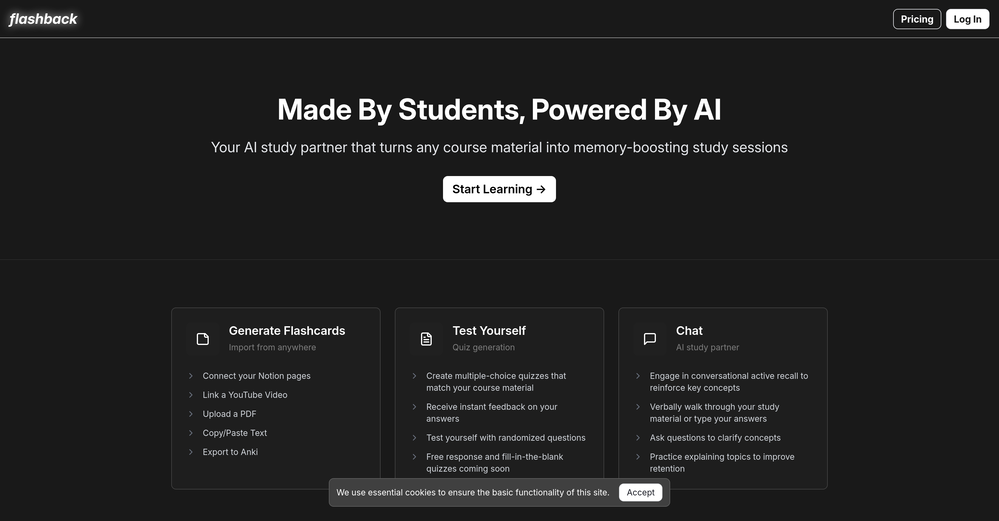
Flashback
Free mode
100% free
Freemium
Free Trial
Featured matches
-
-
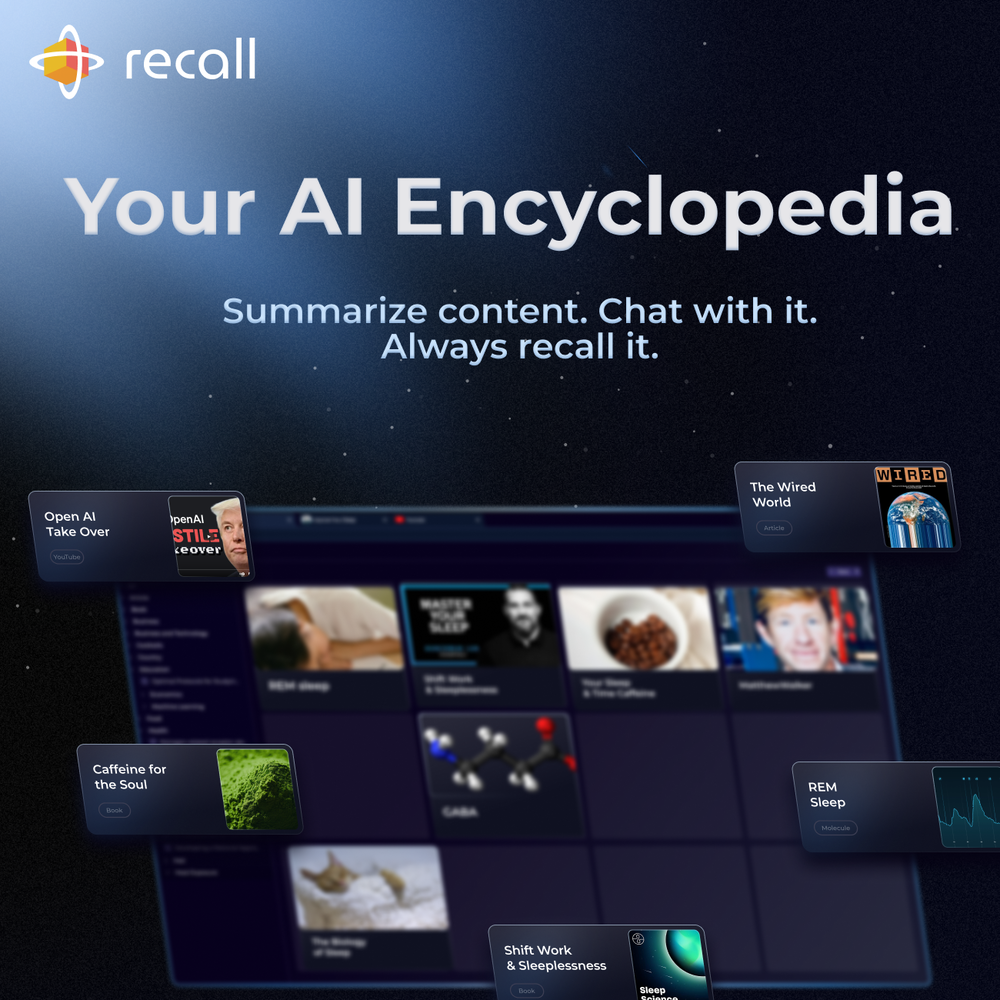
 amix ffx🙏 38 karmaJun 22, 2023@RecallReally like how it finds connection in the content that I save. I don't think any other tool can do that.


Verified tools
-
I have found AI can create helpful content but without this application there is no way to keep the AI on track with my story. This program allows me to ensure the AI doesn’t keep creating content that makes no sense and that I have to keep editing out.
-
I think this is the future of movies, but I have to give you some advice : 1. Make all images automatically animated and animating them does not cost additional credits 2. Make sure it doesn't all have to be family friendly, put age ratings (PG, PG-13, R) This way all your creations won't have to be family friendly and your site will be much more successful.
-
Pretty cool app. I uploaded some of my own footage and was able to search for expressions and actions. Super easy to find interesting clips.
- Spotlight:
 TendemTask automation
 -
I built Forevi after trying to restore my own family photos, especially for my grandpa. He doesn’t really care about physical gifts anymore, but he does care about memories: his youth, his family, the small things that mattered to him. Every tool I tried either changed faces, added fake filters, or made everything look overly smooth. So I built a full restoration workflow: restore → colorize → enhance/upscale → animate → add sound. The goal is to help people bring old moments back to life and create new memories from old photos. Would love your feedback on what feels right, what doesn’t, and how I can improve the tool. Thank you folks!! Best, Daniel










Other tools
-
It’s good but I don’t like that it doesn’t animate the whole picture, I mean 4 people on 1 picture would be animated differently so you can’t save a picture as whole
-
 Open
Open -
The app offers useful free features. I'm curious about the paid ones, like background replacement, but overall it works quickly and is reliable.
- Didn't find the AI you were looking for?
-















Post





