
 Mini tools
▼ Latest
Free video editing
Free mode
100% free
Freemium
Free Trial
Featured matches
-

 fourleafclover🙏 4 karmaFeb 1, 2026@ClipFindermakes actually good clips
 -
 Turn any song into scroll-stopping videos in minutes with AI-directed scripts andOpen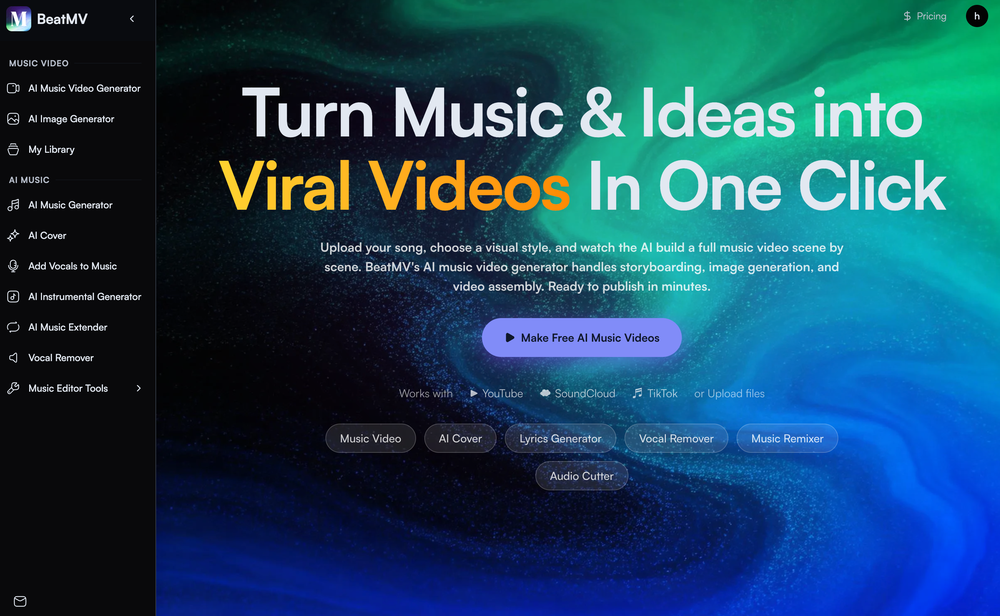
-
-



Verified tools
-
Vocallab AI is honestly the easiest tool I’ve ever used. The interface is super simple and intuitive. Generations take less than 2 seconds. The quality is also incredible. The voices sound very realistic — almost like real people. You can even add emotions and details like coughs, laughs, sighs, and other subtle effects, which makes everything feel much more natural and alive. Highly recommend it to anyone working with content, videos, or voice projects.
-
Every claim on this site starting with #1 Free use as many times as you like is false. Dont waste your time! "https://imagetovideoai.run/#:~:text=1,as%20you%20need.
- Sponsor
 Rocket - Think it. Type it. Launch it.
 -
 Skip the complexity. Create professional-quality music with simple prompts.Open
 -
-
✨ Key Advantages of Pixwith: 1. Wide range of AI models: From video generation to image creation, enhancement, and style transformation — you get access to a full suite of cutting-edge AI models in one place. 2. Affordable and transparent pricing: Our credit-based system is flexible and offers better value compared to many similar platforms. 3. Free trials available: Several models can be used for free, allowing you to test the quality before purchasing credits. 4.Beginner-friendly interface: Simple and intuitive design — generate high-quality content in just a few clicks. 5.Constant updates: We continuously add new models and features, ensuring you always have access to the latest AI capabilities.
-
-
 Generate custom copyright-free music that fits to your video automaticallyOpenWe built Vidsembly’s Video Music-Score tool to make adding background music simple and fast. Upload your MP4 video, choose a music style, and get a copyright-free soundtrack that is automatically fit to your video and ready for export. No editing skills needed. You can try it free with 15 credits.
 -
-
 AI chat with images – Create, edit, innovate for free!Openthis is completely free, and it is amazing that you can change pictures into art and animations without paying anything.
 -
 AI Video Generator by RenderFlow AI - Wan, Sora 2, Kling etc.OpenHello. Thanks for your feedback. The amount of credits coming with the free plan still covers 1 video from either Kling 2.1 standard model or Hailuo 2 standard model. It also can cover a couple of images from all image models. Hope this could help. Thanks
 -
Hi there, it worked great for me, maybe try again with another video
-
 Create Celebrity voices and voiceovers in 120 languages with 800+ AI voices.OpenThis is a cool little generator for a quick clip! Could see some potential quick use cases if you needed to generate something with an accent on the fly. Not a bad little tool!
 -
 Transform static images into animated videos instantly.OpenHi everyone! I'm the creator of AI Video Maker. It's completely free to use and doesn't require any signup. You can instantly generate unlimited 5-second AI videos from text or images. Great for testing ideas before upgrading to HD or commercial plans. Excited to see what you all create!


















Other tools
-
-
-
-
- Didn't find the AI you were looking for?
-
the tool charges per response not result, simply the 100 gratuity credits keeps decreasing every time i try to correct the action taken backend, may be i am stupid but if i am uploading a photo that cannot be altered in horizontal view, the tool should notify me that the outcome will be wrong due to the reference image, what really happened is that i was charged, the result even after i requested correction was the same for 3 times. and guess what the script was complete and i literally requested the assets to be added since i had none, the tool promised to get assets and show a preview,, but after charging ofcourse and again the result was wrong.. not recommended sorry!
-
 Open
Open -
AutoEditor is a tool powered by AI that allows users to create highly customized short videos. It is primarily designed to make video editing easier and more efficient, thus enabling users to focus more on content creation. Distinct features include the automatic generation of subtitles in more than 40 languages, detection of silence or non-relevant content in videos, and the ability to enhance videos by adding b-rolls, watermarks, and other effects. The platform provides an easy-to-use interface for video editing, putting users in complete control of their content. Users can change text, styles, and various other aspects of their videos without prior knowledge in video editing. Furthermore, AutoEditor supports editing of long videos, which can be broken down into smaller parts without pre-cutting them. Videos for editing can be directly processed from YouTube, eliminating the need for separate downloading websites. Users can also customize their captions, save their unique styles as presets, and create videos with a few simple clicks for a fast editing experience. AutoEditor's pricing is designed to be simple and affordable, with plans tailored to suit different needs. Users can also access a free tier to get started. Flexibility is one of its key advantages, providing users the means to edit their videos exactly how they want them. The software works best with videos containing any type of voice or talking, such as podcasts, talk shows, documentaries, educational videos, or speeches.
-
The one day free version works really well and hepls you a lot by searching and optimizing your search time, good to considerate to pay for the long time version
-
Appears to be a full-featured video editor. It tried hard…but chose such shit B-roll.




















Post





