
 Mini tools
▼ Latest
Graph ai
Free mode
100% free
Freemium
Free Trial
Featured matches
-
-
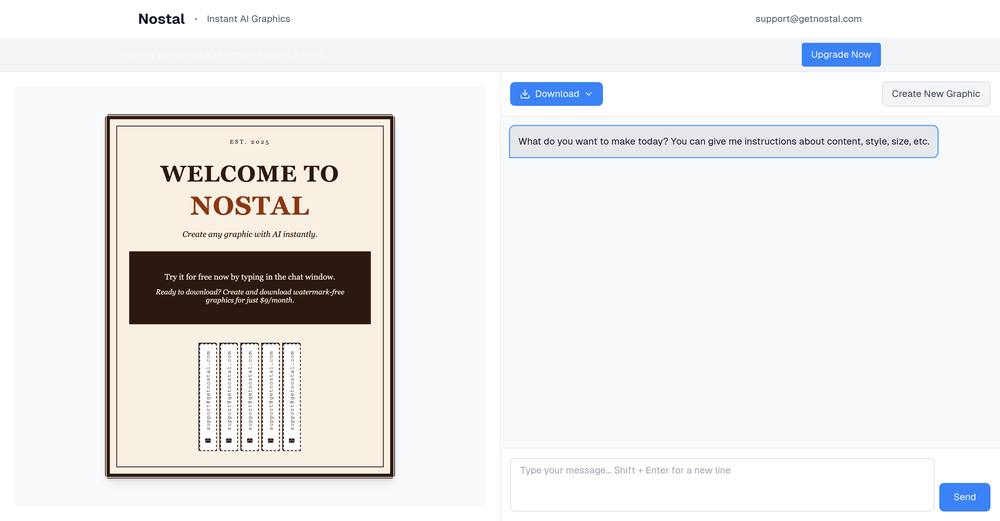 Rev. Brian O'keefe🙏 18 karmaMar 1, 2025@NostalIt wouldn't create a werewolf or it's female victim. It takes forever to do anything. It's not worth it.
 -
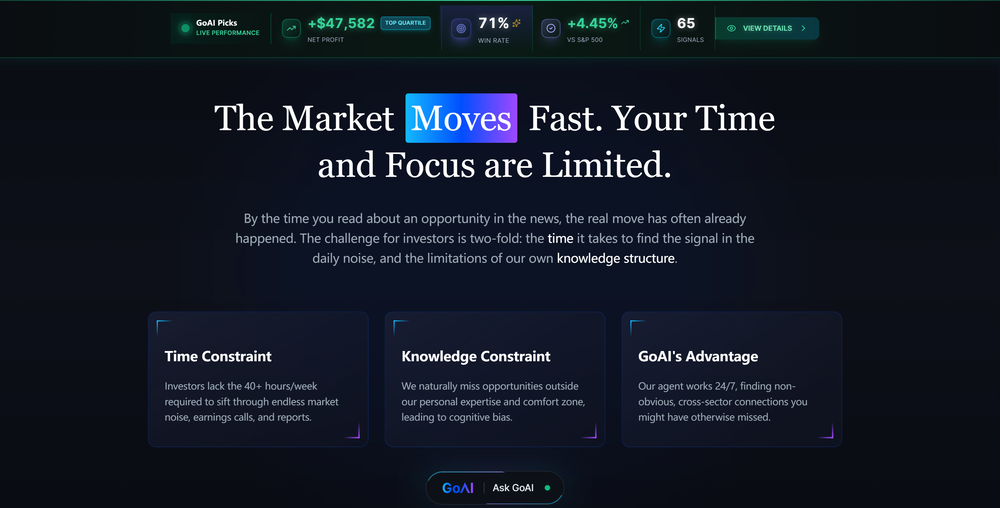 GoAI turns market noise into transparent, actionable investment logic. Go check your favorite stock for an instant deep-dive and see what the AI reveals. Feedback welcome!
 -
Waitlist
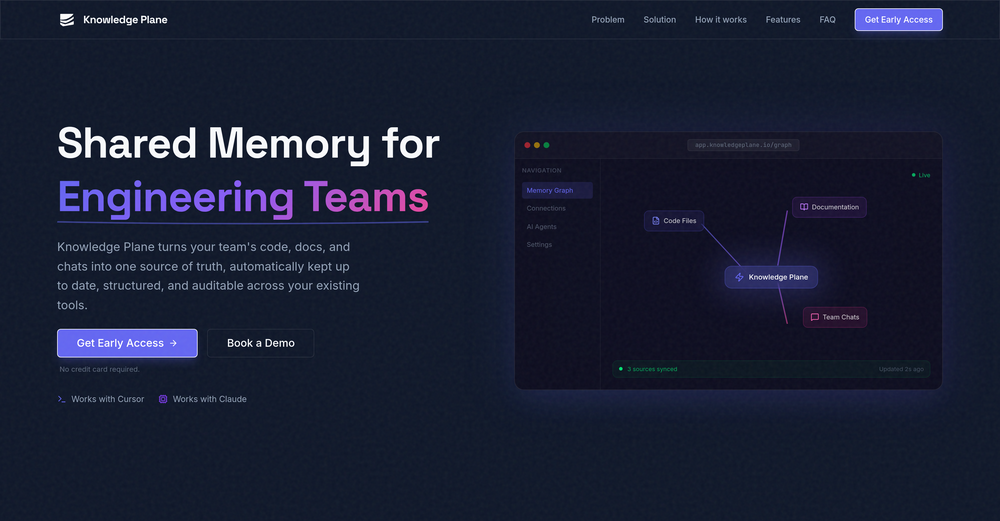 I'm in early beta and I'm managing to orchestrate my 3 openclaw agents with my 2 claude code sessions. It's cool, maybe this is the future.
 -
-

-








Verified tools
-
-
 Open
Open - Sponsor
 MongoDB - Build AI That Scales🗄️ Database
 -
InLinks is absolutely amazing for content optimization, internal linking and schema . I love how it prompts you to optimize for the entities/topics Google recognizes, not just keywords. The internal linking automation saves several hours every month especially with the RSS feed that automatically adds links to your blog as you post new content. All round brilliant tool!
-
-
 Visual expression artifact. Turn docs and ideas into instant diagrams with AI.OpenGame changer. Stays on topic, generates solid layouts, fast, and switching formats is smoother than I expected, so what else do you really want/need? Big plus that it lets you test things properly before hitting you with a paywall (most tools do exactly that). Giving this one a 5 for sure!
 -
Didn't really do the graphs that i thought it would do. Good for simple graphs, like for a presentation
-
I got some free credits to try the app when I signed up, I could create a few great infographics














Other tools
-
-
Great tool for getting some initial information about your data, especially in the beginning phase when your main goal is to explore your data
-
I want a logo for a traditional Persian carpet workshop in red color.
- Didn't find the AI you were looking for?
-
I wasn't able to use this one (I have my API key)
-
 Open
Open -
This one was really nice. In that it could also generate a white paper to go with the diagram
-
-
Isn't it possible that when downloading a diagram from it, the diagram to have white background rather than black background.
-
 Create stunning hand-drawn flowcharts from text instantly.OpenI use AI Flowchart Generator to create flowcharts for my blog posts. It’s incredibly easy to use and saves me so much time. Now, I can turn my text to flowchart and make my posts more interesting and helpful for readers!
 -
you have build an incorrect customer journey where you mostly feel user feel cheated and dissapointed as you dont even allow to try your product before payment. I wont use this tool again unless you change your model.
-
-
 AI-powered digital artist creating captivating holiday graphics.Open
 -
-
 AI-powered viral graphic design for trending content.Open
 -
 Open
Open -
 Automatically tile all professionals and equipment.Open
 -
 Open
Open -
 Open
Open -
 Open
Open -
 Insights and discussions in the style of Paul Graham.Open
 -
 Creating unique art from your photos and ideas.Open
 -
 Effortlessly design anything: presentations, logos, social media posts and more.OpenCanva is a user-friendly online design tool great for creating a variety of visuals like social media posts and presentations. Its drag-and-drop interface and vast template library make it ideal for those without design skills. While it's free for basic use, advanced features require a paid subscription. It simplifies design work and promotes collaboration, but professionals might find it less versatile than more sophisticated software. Overall, Canva is an excellent tool for quick, attractive designs.
 -
 Streamlining development with multi-language support, code execution, and debugging.Open
 -
Dumber than a box of hair. Asked for a break even analysis chart. Fed it clear fixed costs, variable costs, net operating income AND ROI percentages. Even hinted that the break even point was between years six and seven. Dude took five minutes to draw a line across the "0" plane labeled "costs" and a revenue line crossing through where I suggested the break even point is. The scale was between 0.2-1.6 USD. No, I am not running a business for ants.
































































Post





