 CodeRabbit
 Mini tools
▼ Latest
Image watermark
Free mode
100% free
Freemium
Free Trial
Featured matches
-
-
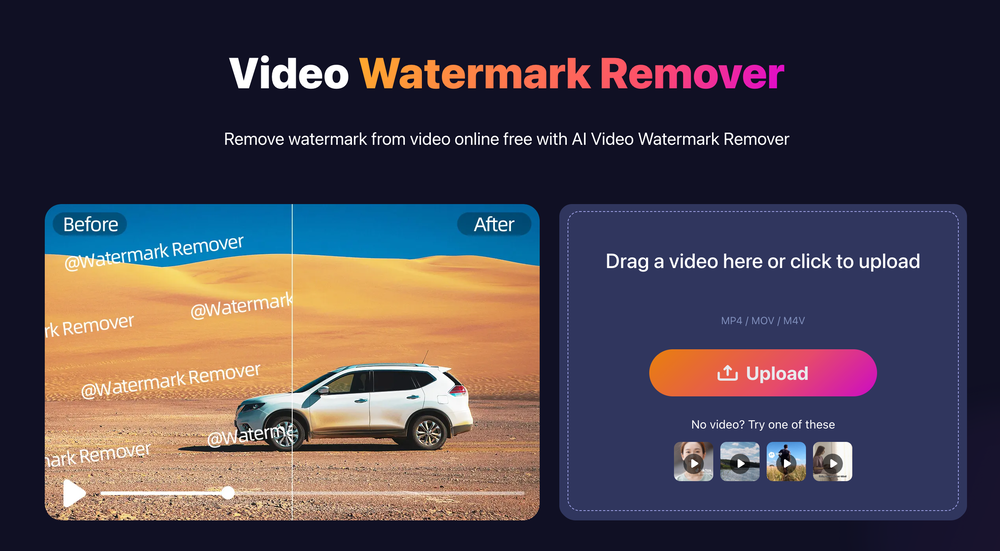 picsman🛠️ 5 tools 🙏 30 karmaDec 30, 2025@MarkGoneThe watermark was removed so cleanly, it's amazing!
 -
-

-
-
 Remove unwanted text, watermark or logo from images online free.Open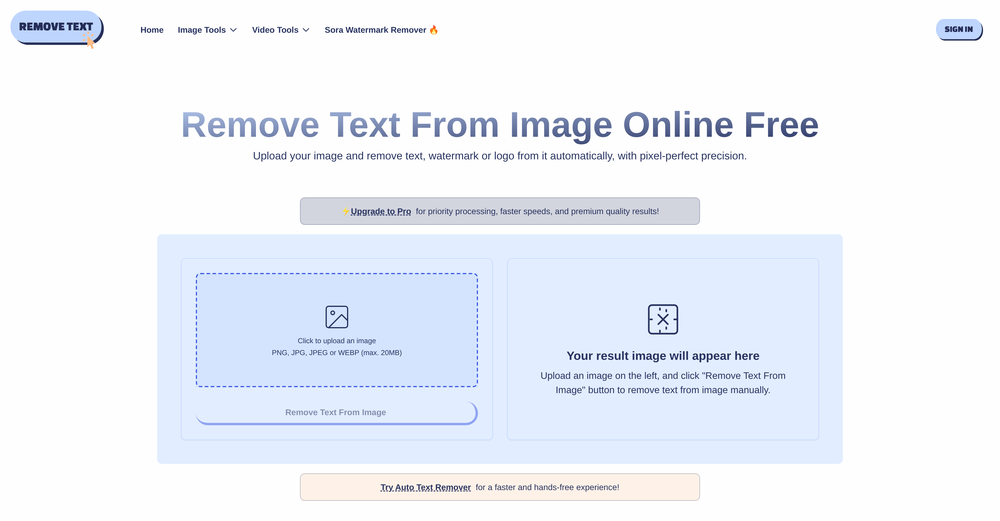
-
 Slop Or Not is the world’s first and only on-device AI content detector for iPhone. Check text and images with 100% privacy and no uploads. It catches C2PA/IPTC watermarked images from ChatGPT, Gemini, Flux, and Grok with 100% accuracy, plus 95% for AI text (no word limits) and 90% for other AI images. We trained compact models that run locally, outperform many cloud tools, and work offline. Great for students as well as pros like journalists, lawyers or anyone handling sensitive content
 -
 it removed the watermark cleanly while keeping the original quality.
 -
 Apply spooky Halloween filters and scary makeup effects online for free.Open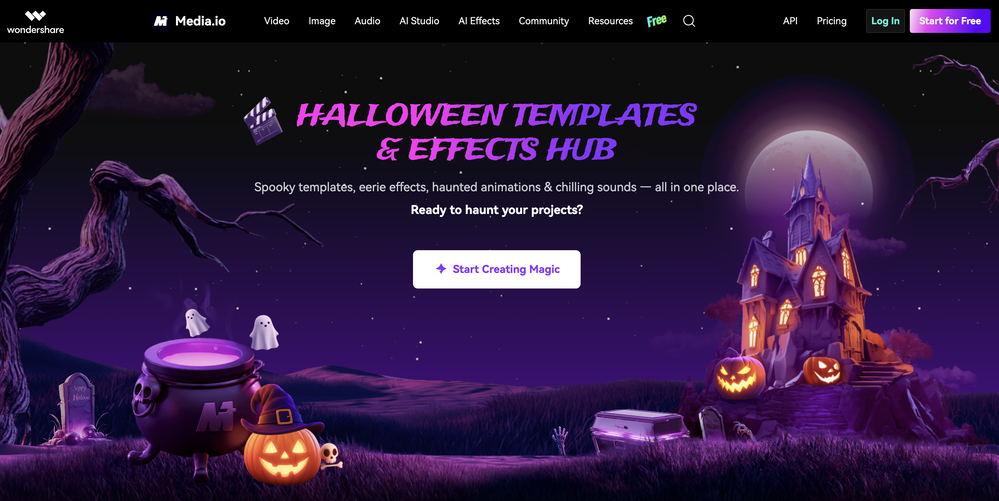
-








Verified tools
- Spotlight: CodeRabbit (Code reviews)
-
 Open
Open -
✨ Key Advantages of Pixwith: 1. Wide range of AI models: From video generation to image creation, enhancement, and style transformation — you get access to a full suite of cutting-edge AI models in one place. 2. Affordable and transparent pricing: Our credit-based system is flexible and offers better value compared to many similar platforms. 3. Free trials available: Several models can be used for free, allowing you to test the quality before purchasing credits. 4.Beginner-friendly interface: Simple and intuitive design — generate high-quality content in just a few clicks. 5.Constant updates: We continuously add new models and features, ensuring you always have access to the latest AI capabilities.
-
I don't know how to use it because it's difficult to use
-
like it . I punch in 1920×1080 or 2000×2000 and it delivers the right size
-
 Transform photos into sketches, anime, paintings instantly.OpenNOT even 1 FREE demo to TEST it. It demands subscription right away! IT'S A BANDIT ON STEROIDS! ;-(
 -
 OpenHere's the rundown. If you thought image editing like Photoshop or Affinity Photo, you were wrong. It's 100% insert a photo and put a filter over it or change it into another AI image. Signing up for an account gets you 4 credits. Enough for one image to image generation. Instead, you should go to aistudio.google.com. This Dreamega site is just using google to generate their stuff anyways. You can do this yourself without paying per generation, the only difference is you need to type the prompt yourself. Is it worth paying some overblown monthly subscription on Dreamega for something you can do yourself or something you'll probably only do once?
 -
-
poor tool doesn't take your prompts correctly i asked for specific colors and still gave me colors i didn't want even when asked not to.. waste of time
-
 OpenI’ve used PhotoGrid for 8 years—it’s amazing! The new AI Eraser
 -
Thank you for your support. We value your feedback. If you have any questions or suggestions, please send us your feedback.
-

















Other tools
-
 Open
Open -
Not available for PC only Mac, it would have been worth mentioning.
-
Just tried it and the subscribe button shows up fine on my side. Maybe try disabling any ad blocker or switch browsers and refresh the page.
-
- Didn't find the AI you were looking for?
-
Watch out! I canceled the trial period 2 or 3 days before its end but I was still charged.
-
 OpenSays free, but when you try to download your image they charge you for it. Also, you need to manually select the watermark. Not worth your money, as there are better free alternatives.
 -
Will not let you test on a HD picture without paying. I found a lot of these "programs" do a poor job and I am tired of paying for a test. Maybe offer 1 HD picture, but crop it (user crop)?
-
I was able to make a few images for free that closely matched what I was looking for. I will use them for YouTube thumbnails.
-
 Open
Open -
 Turn ideas into stunning AI-generated paintingsOpen


























Post





