Go to section
Spotlight SureThing.io - "OpenClaw" for BeginnersTask automation
The front page of AI.Used by 90M+ humans.

TAAFT Tutorial
Generate image
Tasks
Generate text
Free mode
Trending
Leaderboard
Characters
 Mini tools
New
Featured
Lists
Agents
Requests
Jobs
Map
Newsletter
Starter pack
Free tools
Speech to text
Text translator
Remove background
Settings
Edit profile
My tools
Gallery
Dashboard
Inbox
Get featured
Contact TAAFT
For you
Popular
Job impact index
Most saved
Affiliate program
Submit AI tool
Notification preferences
Glossary
Home
Timeline
My profile
Create tool
Deals
Companies
Models
Robots
Papers
Fundraises
Repositories
Devices
Organizations
Events
Prompt Pack
Merchendise
APIs
Features
Tools
Countries
Collections
Videos
Mini tools
New
Featured
Lists
Agents
Requests
Jobs
Map
Newsletter
Starter pack
Free tools
Speech to text
Text translator
Remove background
Settings
Edit profile
My tools
Gallery
Dashboard
Inbox
Get featured
Contact TAAFT
For you
Popular
Job impact index
Most saved
Affiliate program
Submit AI tool
Notification preferences
Glossary
Home
Timeline
My profile
Create tool
Deals
Companies
Models
Robots
Papers
Fundraises
Repositories
Devices
Organizations
Events
Prompt Pack
Merchendise
APIs
Features
Tools
Countries
Collections
Videos
Mini tools
New
Featured
Lists
Agents
Requests
Jobs
Map
Newsletter
Starter pack
Free tools
Speech to text
Text translator
Remove background
Settings
Edit profile
My tools
Gallery
Dashboard
Inbox
Get featured
Contact TAAFT
For you
Popular
Job impact index
Most saved
Affiliate program
Submit AI tool
Notification preferences
Glossary
Home
Timeline
My profile
Create tool
Deals
Companies
Models
Robots
Papers
Fundraises
Repositories
Devices
Organizations
Events
Prompt Pack
Merchendise
APIs
Features
Tools
Countries
Collections
Videos

▼ Latest
In-text citations
Free mode
100% free
Freemium
Free Trial
Featured matches
-
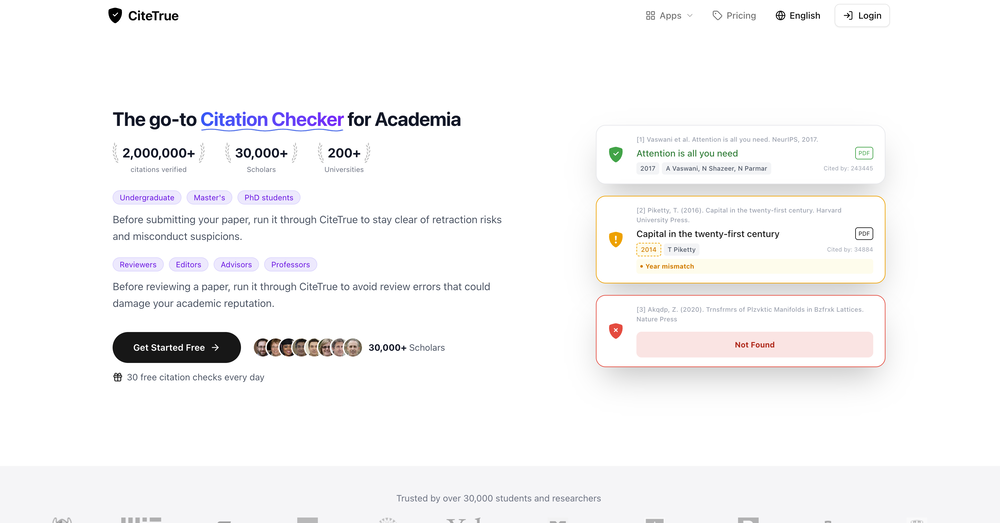
 Verify every reference against academic databases in seconds.Open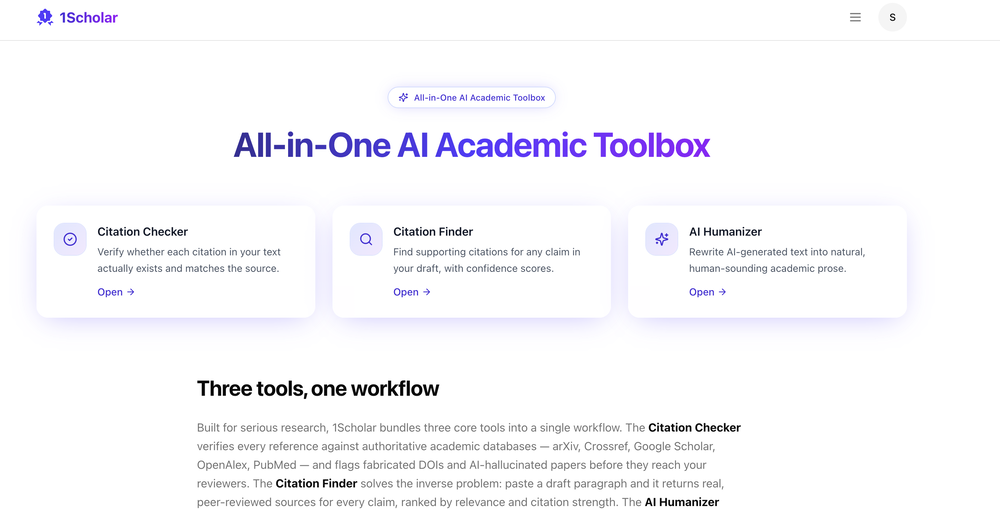
-
-
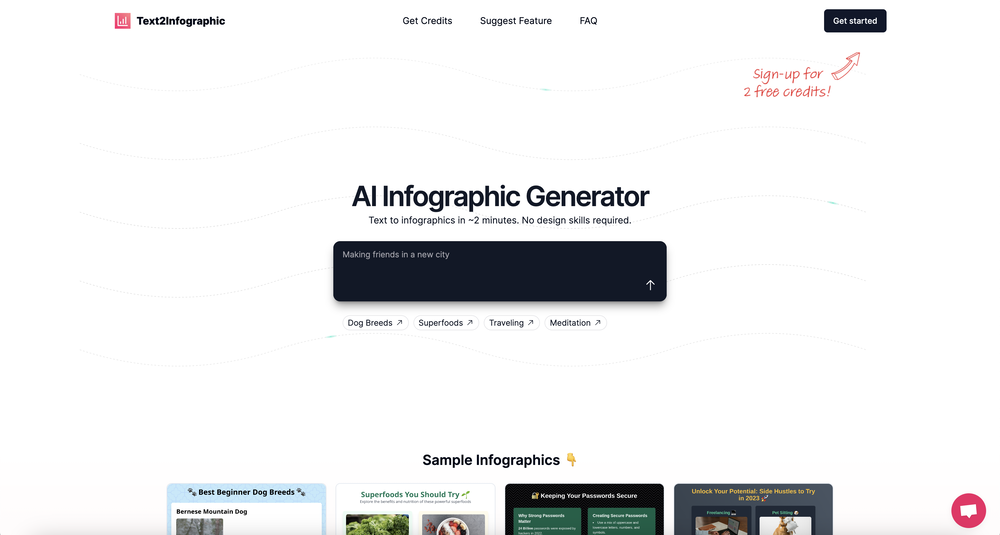
 Michelle Ashton🙏 3 karmaJul 8, 2024@Text to InfographicWhich is more valuable, time or money? This doesn't save you either, at the moment as you only get two infographics to test out and you have to do quite a bit of editing to get it to look ok. The point of infographics is to inform in a highly visual and compelling way. None of the example info graphics are that. I suggest a pivot and use AI to fill out the text in a pre-made graphic template.
 -



Verified tools
-
Gatsbi combines AI-driven combinatorial innovation with human-developed TRIZ methodology, making it uniquely powerful for practical applications. Unlike purely research-focused systems, it delivers immediate value through features like automatic patent document generation and academic paper creation. By efficiently navigating vast solution spaces, Gatsbi identifies novel approaches to complex problems while maintaining feasibility. This tool significantly lowers barriers to innovation for organizations without dedicated scientific teams, making cutting-edge research capabilities accessible to more users across all scientific disciplines.
-
It works great for generating your Thesis/Essay or research papers. The fact that it has in-source citations is what really makes it stand out from the competition. Also great that it has minimal AI detection😁
-
No longer cites works and the free version only allows for 275 words. Expensive subscription for subpar output. Help team is also non responsive.
- SpotlightSureThing.io - "OpenClaw" for BeginnersTask automation
-
 Search real papers and write literature reviews without AI hallucinations.Open
 -
Great idea, but does not find what you are looking for-about the same as Google Scholar
-
I’ve been using it for a month now and I have decided to keep it for a year. There definitely are some kinks they can still work out like file management, but it’s very good at it’s core function: it generally does a good job answering questions and most times identifies PDFs automatically and correctly. The browser plugin works great, and it’s very nice that Papers allows you to add your university’s library API so you can automatically download PDFs that are accessible through your institution (sometimes it refuses to download some papers, so you just have to downlow it yourself and manually add it). The iPad and Android apps are serviceable. Every once in a while it will mess up the PDF identification, especially with papers from either very old sources or online-only journals. Things they must work on: * A much better system to annotate PDFs (the post-it type notes are cumbersome). * Introduce a notepad attached to each PDF or some way to easily link and save the AI’s output to the PDF. Currently, you have to add a little post it note and then paste the text there. * Keep the AI answers available after closing the documents. If you close the document by mistake or have several open and wish to close some, the ai conversation will be reset. * I REALLY wish that you could get citations and links to where the info was from extracted from PDFs. Currently, I have found Coral.ai does a much better job of showing you where the info came from and it even highlights it for you. Give it a try, their 30-day no credit card needed trial allowed me to truly test it, and now I’m a yearly subscriber looking forward for new additions and releases.











Other tools
-
It is a great tool to chat with plenty of documents, including scientific ones. The answers are very accurate.
-
This tool is just rewriting the text, and the limit is 1500 words.
-
After not even ONE try, it asks for Pro. No success, just imo developer hyper-greed. Avoid!
-
Hello! I am writing about an error When using Asc Isaac. It is not the answer that appears, but the text of the HTML code. here is the first half of <!DOCTYPE html> <html> <head> <meta name="viewport" content="width=device-width, initial-scale=1" /> <meta charset="utf-8" /> <title>Server Error</title> <style media="screen"> :root { --bg: hsl(250, 24%, 9%); --fg: hsl(0, 0%, 100%); --pink: hsl(270, 60%, 52%); } html,
- Didn't find the AI you were looking for?
-
I just joined the website, hope it would be a worthy experience
-
 Update your in-text citations with new sources effortlessly.Open