Go to section
Spotlight SureThing.io - "OpenClaw" for BeginnersTask automation
The front page of AI.Used by 90M+ humans.

TAAFT Tutorial
Generate image
Tasks
Generate text
Free mode
Trending
Leaderboard
Characters
 Mini tools
New
Featured
Lists
Agents
Requests
Jobs
Map
Newsletter
Starter pack
Free tools
Speech to text
Text translator
Remove background
Settings
Edit profile
My tools
Gallery
Dashboard
Inbox
Get featured
Contact TAAFT
For you
Popular
Job impact index
Most saved
Affiliate program
Submit AI tool
Notification preferences
Glossary
Home
Timeline
My profile
Create tool
Deals
Companies
Models
Robots
Papers
Fundraises
Repositories
Devices
Organizations
Events
Prompt Pack
Merchendise
APIs
Features
Tools
Countries
Collections
Videos
Mini tools
New
Featured
Lists
Agents
Requests
Jobs
Map
Newsletter
Starter pack
Free tools
Speech to text
Text translator
Remove background
Settings
Edit profile
My tools
Gallery
Dashboard
Inbox
Get featured
Contact TAAFT
For you
Popular
Job impact index
Most saved
Affiliate program
Submit AI tool
Notification preferences
Glossary
Home
Timeline
My profile
Create tool
Deals
Companies
Models
Robots
Papers
Fundraises
Repositories
Devices
Organizations
Events
Prompt Pack
Merchendise
APIs
Features
Tools
Countries
Collections
Videos
Mini tools
New
Featured
Lists
Agents
Requests
Jobs
Map
Newsletter
Starter pack
Free tools
Speech to text
Text translator
Remove background
Settings
Edit profile
My tools
Gallery
Dashboard
Inbox
Get featured
Contact TAAFT
For you
Popular
Job impact index
Most saved
Affiliate program
Submit AI tool
Notification preferences
Glossary
Home
Timeline
My profile
Create tool
Deals
Companies
Models
Robots
Papers
Fundraises
Repositories
Devices
Organizations
Events
Prompt Pack
Merchendise
APIs
Features
Tools
Countries
Collections
Videos

▼ Latest
Macos productivity
Free mode
100% free
Freemium
Free Trial
Featured matches
-
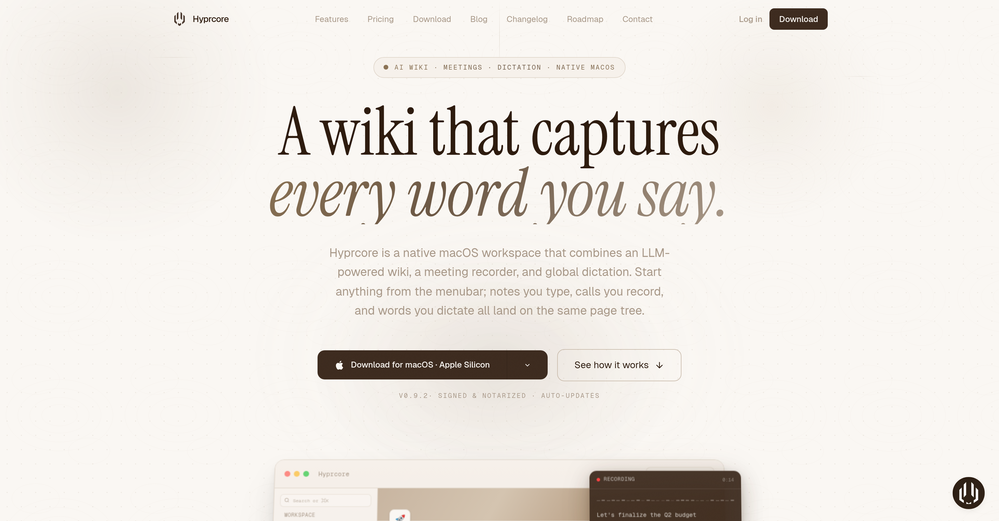
 Zeeshan🛠️ 1 toolMay 9, 2026@HyprcoreAwesome to use, the dictation really helps out while doing dev work
 -
-
-
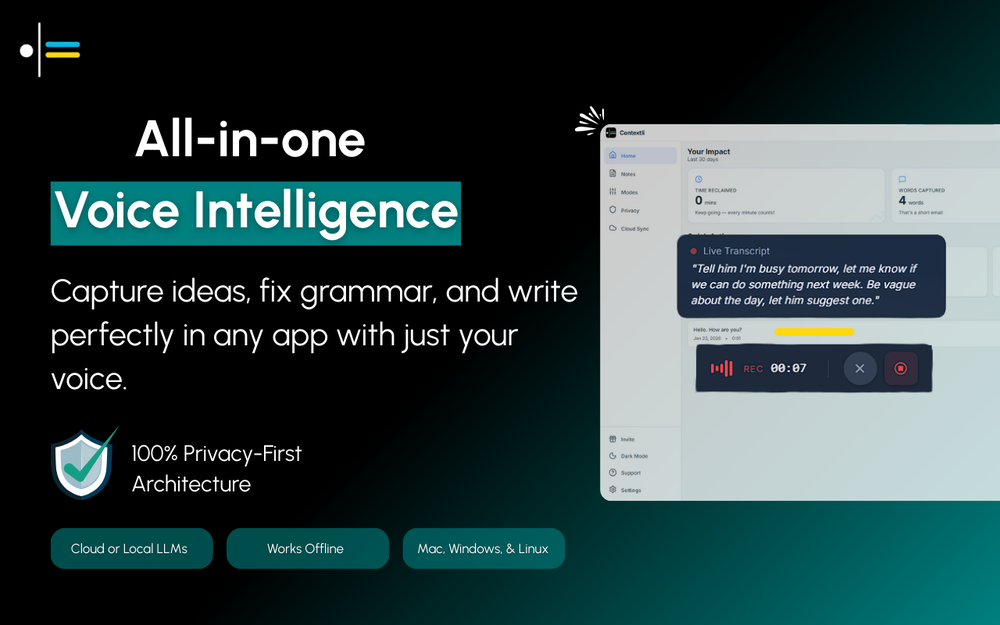
-
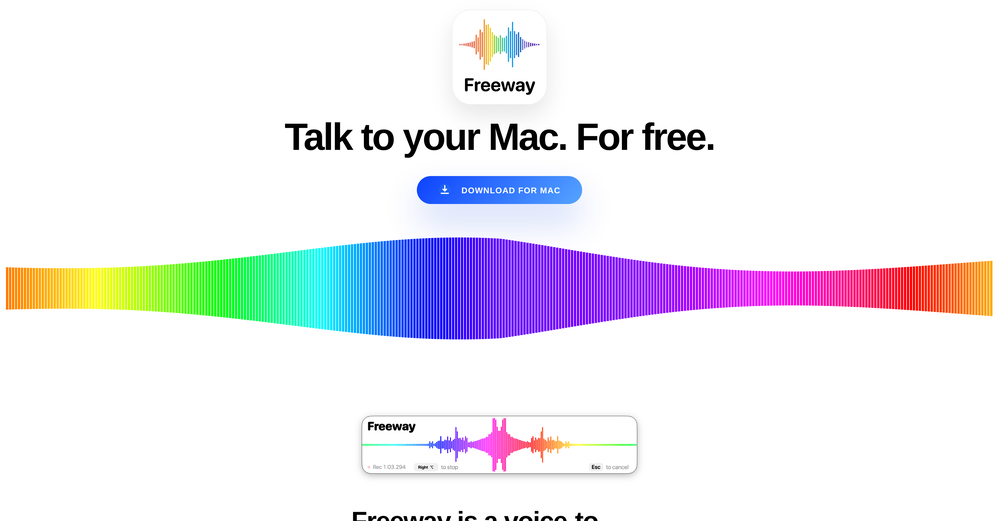
-
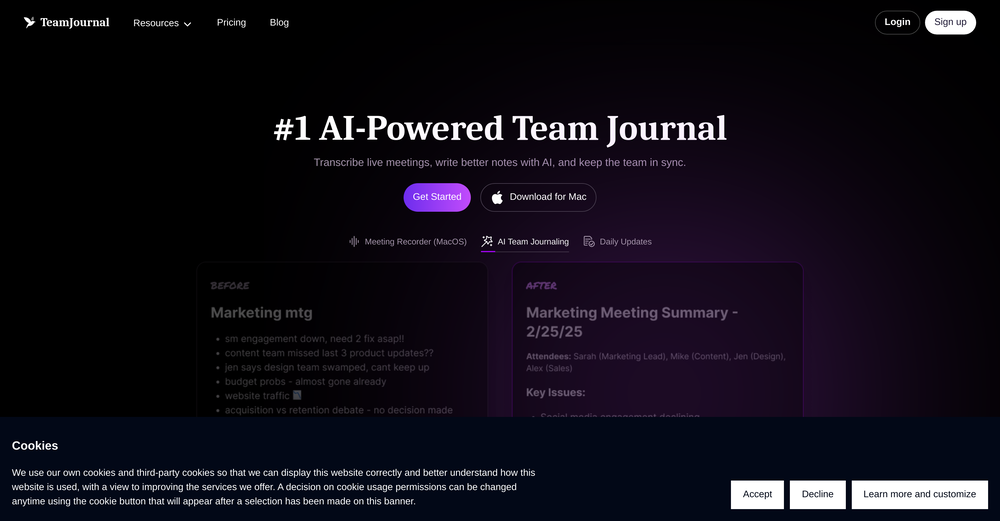
-
 ⚡ Your everyday writing companion: Fix grammar, Reply emails, Paraphrase, and more...Open
 🧩 TextWisely was born from a personal itch ⚠️ Sending numerous Emails and Slack messages daily, I found myself constantly switching apps and re-entering the same prompts into ChatGPT to refine my writing 💡 This inspired me to create TextWisely to boost writing speed, reduce context switching, and improve quality with instant text actions: → Grammar corrections → Email drafts → Structured writing → Tone changes → Translations ...and more 👉 It's a native macOS desktop app – shortcut-heavy for power users, but also click-friendly for those just starting out 🚀 Give it a try – Share your feedback and experience 👋 Edgar, creator of TextWisely
 -
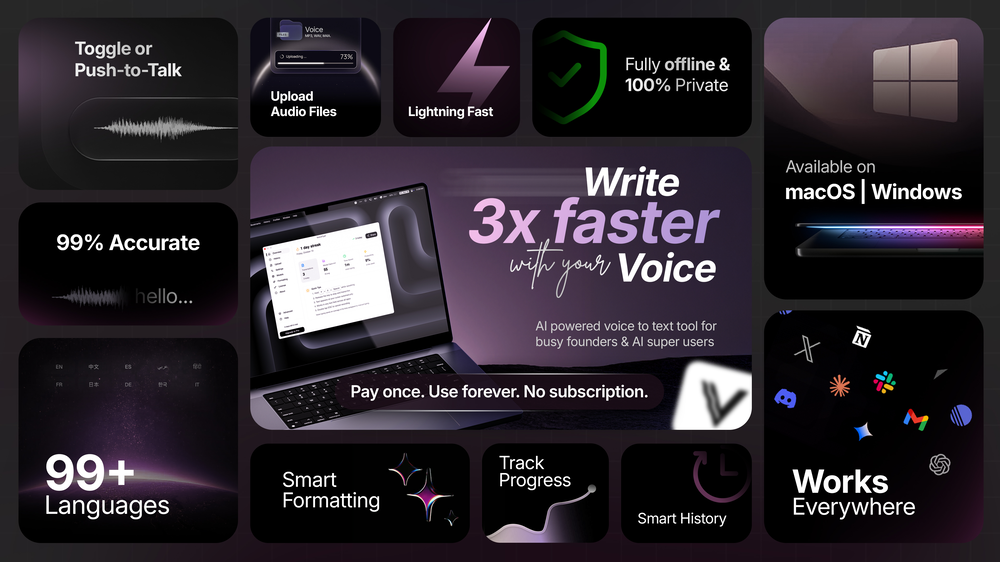
-
 Open
Open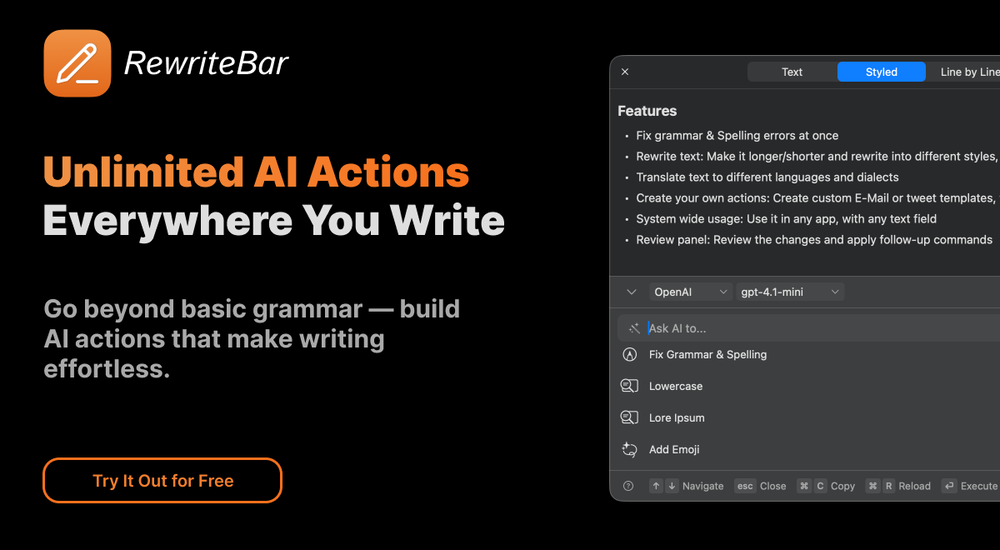
-









Verified tools
-
- Automatic dictionary correction learning: Paraspeech can now learn from words you fix after dictation - More reliable recording start, stop, finalization, clipboard insertion, and saved recordings - Clearer local-vs-cloud routing for transcription and rewrites, including privacy-mode handling - Better local model state while models are downloading, activating, or unavailable - Improved file-drop transcription behavior with clearer local/cloud availability - More predictable cleanup and rewrite finalization for emails, selected text, and general dictated text - Reworked onboarding for account setup, privacy, model setup, permissions, shortcut testing, and first dictation - More reliable checkout, purchase, trial, subscription, lifetime, and account-link recovery - Cleaner status overlay states for recording, loading, completion, and setup recovery - Stronger diagnostics privacy scrubbing and quieter crash/hang reporting - Release reliability improvements across Mac testing, DMG validation, Sparkle automation, and update tracing
-
 OpenEasily saves me an hour every day - I no longer have to type long winded “professional” sounding email replies to my colleagues, I just speak roughly with minimal effort 👏
 -
Every time i switch to a new mac -> this is the first tool i install
- SpotlightSureThing.io - "OpenClaw" for BeginnersTask automation
-
Finally, a productivity tool that doesn't overcomplicate things. Caret's tab-complete works seamlessly across apps — once you get used to it, going back feels impossible. Exactly what macOS was missing.
-
-
Who doesn’t have a never-ending list of saved items they never go back to? This app alleviates that by automatically tagging and grouping what you save. A chore becomes a joy!
-
Thanks Michael! At the moment it's through the edition of YAML files that you put in a special folder but an editor is coming out by the end of the week! Are you okay to be notified here when it's out?
-
Absolutely love MindMac, I have been giving large amounts of feedback and support to help improve the app for some time now, and the only reason why I am doing that out of my own time, without any incentive is to help the community, but I also want to help this app succeed. Having small developers, like MindMac's is incredible, to create something as powerful and helpful, for users that do not need a computer science degree just to operate it I find very exciting. The developer listens and actions requests that are helpful, and reasonable, and that is something you won't get with the larger developers for months. Keep it up MindMac!














Other tools
-
 Approve/reject Claude code permission requests from anywhere on MacOpen
 -
Nice done, it is pretty convenient to talk to AI with screenshot
-
 AI-powered PDF assistant for summarizing, translating, and creating content.Open
 -
- Didn't find the AI you were looking for?
-
It is important to be cautious when a website does not provide pricing information upfront and instead prompts you to download something before asking for payment. This could be a red flag for a potential scam or deceptive marketing tactics. It is always a good idea to research the company or product further before providing any payment information.
-
-
i use nova almost every day, mostly for work and learning new things. the app is straightforward and does what i need without a lot of extra clutter. definitely one of the better ai apps i've tried so far.