Go to section
Spotlight SureThing.io - "OpenClaw" for BeginnersTask automation
The front page of AI.Used by 90M+ humans.

Generate image
Tasks
Generate text
Free mode
Trending
Leaderboard
Characters
 Mini tools
New
Featured
Lists
Agents
Requests
Jobs
Map
Newsletter
Starter pack
Free tools
Speech to text
Text translator
Remove background
Settings
Edit profile
My tools
Gallery
Dashboard
Inbox
Get featured
Contact TAAFT
For you
Popular
Job impact index
Most saved
Affiliate program
Submit AI tool
Notification preferences
Glossary
Home
Timeline
My profile
Create tool
Deals
Companies
Models
Robots
Papers
Fundraises
Repositories
Devices
Organizations
Events
Prompt Pack
Merchendise
APIs
Features
Tools
Countries
Collections
Videos
Mini tools
New
Featured
Lists
Agents
Requests
Jobs
Map
Newsletter
Starter pack
Free tools
Speech to text
Text translator
Remove background
Settings
Edit profile
My tools
Gallery
Dashboard
Inbox
Get featured
Contact TAAFT
For you
Popular
Job impact index
Most saved
Affiliate program
Submit AI tool
Notification preferences
Glossary
Home
Timeline
My profile
Create tool
Deals
Companies
Models
Robots
Papers
Fundraises
Repositories
Devices
Organizations
Events
Prompt Pack
Merchendise
APIs
Features
Tools
Countries
Collections
Videos
Mini tools
New
Featured
Lists
Agents
Requests
Jobs
Map
Newsletter
Starter pack
Free tools
Speech to text
Text translator
Remove background
Settings
Edit profile
My tools
Gallery
Dashboard
Inbox
Get featured
Contact TAAFT
For you
Popular
Job impact index
Most saved
Affiliate program
Submit AI tool
Notification preferences
Glossary
Home
Timeline
My profile
Create tool
Deals
Companies
Models
Robots
Papers
Fundraises
Repositories
Devices
Organizations
Events
Prompt Pack
Merchendise
APIs
Features
Tools
Countries
Collections
Videos

▼ Latest
Online editing
Free mode
100% free
Freemium
Free Trial
Featured matches
-
-
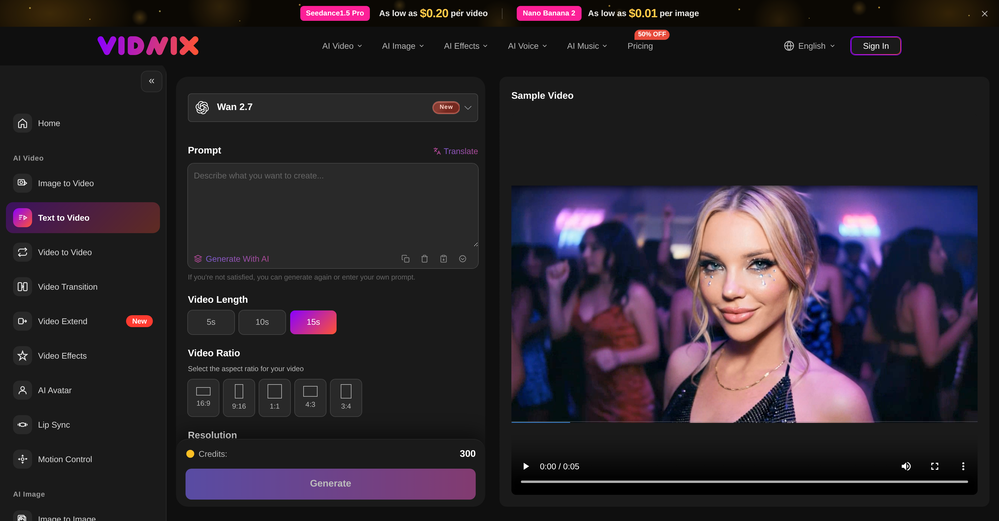 smith tom🙏 23 karmaJun 9, 2026@Vidnix | AI Text to Video GeneratorSolid. Not perfect but it gets the job done and the updates have been pretty consistent
 -

-
 Turn scanned or normal PDF invoices into UAE FTA-ready Excel in minutes.Open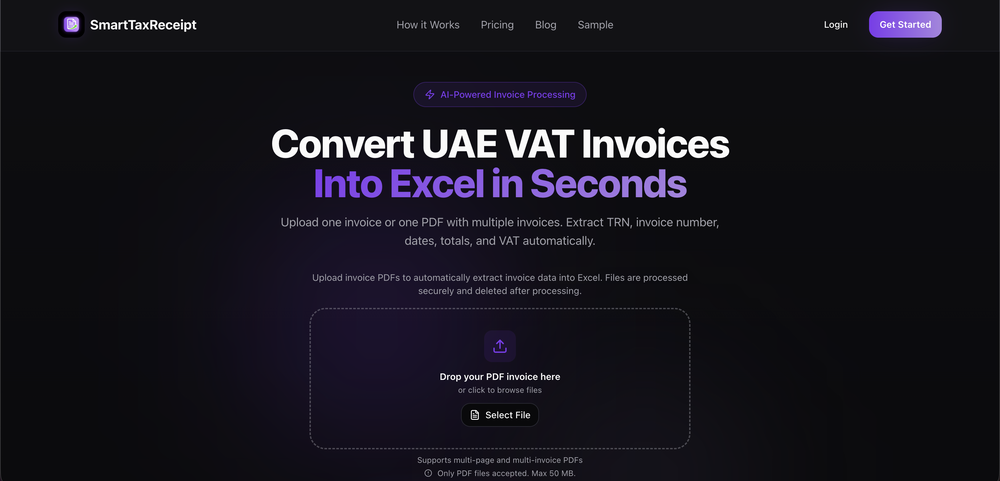
-
 Remove GIF backgrounds while keeping animation smooth.Open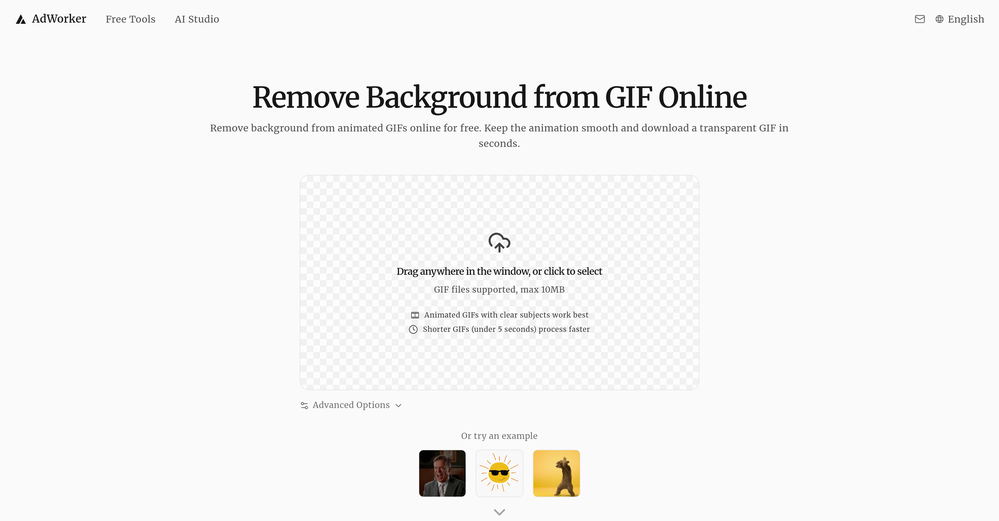
-
-
-
-
 Turn phone photos into compliant passport photos instantly.Open
-






Verified tools
- SpotlightSureThing.io - "OpenClaw" for BeginnersTask automation
-
-
I have to be honest I tried so many ai headshot generators and in my opinion they all still are not strong and output image still looks ai generated but I just gave @Fotto AI a try and im shocked with the quality of output photos, so realistic photos and consistent. great job guys
-
it removed the watermark cleanly while keeping the original quality.
-
Ladies and gentlemen, welcome to Pak Udin's duck rice stall. The sun sets in the evening. Accidentally saw an apparition. As night falls, I wish you bon appetit. Where does love begin? From the eyes to the heart. Thank you for your time. Your presence means a lot.
-
I tried TheMultiverse.ai and was genuinely impressed — the headshots it generated look sharp, professional, and true to me. The editing options gave me just enough control without feeling overwhelming. I think it is more affordable than other ai headshot options out there.
-
-
Currently, generating course videos is basically free, and everyone is welcome to use it! If you have any problems during use, you can complain and we will quickly iterate! Thank you~!
-
Não conseguir testar pois a plataforma fica toda hora caindo, então não conseguir gerar a imagem. Mas gostaria de conseguir testar pois a proposta é muito boa.
-
 Generate professional AI dating photos for 3x more matches.OpenHey, I'm Jacob. Indie developer, built a few AI products. My friend complained about no matches on Tinder. His photos were terrible - bad lighting, messy backgrounds, awkward angles. "Get better photos." "Photographers are expensive and it's weird doing a photoshoot for dating apps." He was right. What I built Spent 2 weeks building this with Stable Diffusion and Claude. Upload 10-15 photos, generates 80-180 dating photos in ~20 minutes. The tricky part: making them look real, not AI-generated. Most AI headshot tools optimize for LinkedIn. Dating photos need to feel natural. Optimized specifically for Tinder, Bumble & Hinge - each platform has different vibes. Added a "realness score" to filter out obvious AI stuff. Current issues - Hands are still weird sometimes - Some photos don't quite look like you - Background inconsistencies Tested with ~40 people. Most said it helped. Some photos were off. Why I'm posting Not sure if this is actually useful or just solving my friend's specific problem. If people care, I'll keep improving it. If not, learned a lot anyway. Link: https://datephotos.ai/
 -
 Get Realistic, Natural-Looking AI-Generated Professional Headshots in 2 Hours.OpenI never thought I’d be using an AI service for something like this, but I’m glad I did. The headshot looks like it was taken by a professional photographer, without the pain.
 -
No constraints implememnted yet. Work in progress, a lot can still be done on quality and constraint
-
 Open
Open -
Particularly useful in scenarios where human voices are clear but background noise is complex.
-
Very simple and easy to use. The premium feature of Lyrics helper really helped me to write lyrics exactly the way i wanted.
-
 Turn one product upload into complete ecommerce image sets.Open
 -
 Transform images with AI-powered creative editing tools.Open
 -
 AI product photos for faster ecommerce launchesOpen
 -
 AI website builder that helps small businesses win customers.Open
 -
Steer clear of this by any cost ! it gives you ONE video for free and then ask you for no less than FIFTY dollars a month for only FIVE videos ! they must be crazy with all the alternatives.
-
-
The infographic maker lets you use it once for free without signing in. This infographic maker is simple and easy to use, even more so than Canva or Venngage. However, the available styles and templates are still limited. I hope they add more design options and customization in future updates. Overall, a good choice for quickly creating infographics.
-
 Open
Open -
 Open
Open -
I was skeptical about the "one-click video" claim, but I gave TemVideo a shot for a new product I'm testing. The biggest headache with AI video tools is usually the prompt engineering—you spend 30 minutes typing descriptions just to get a weird-looking hand. TemVideo completely bypasses that. My honest take after using it: The "From Raw Footage" feature is the real MVP. You know those random 10-second clips you take on your phone just to check lighting? The AI somehow turns those messy scraps into coherent ads. It’s almost spooky how well it edits around the product. It’s built for speed. If you are a dropshipper who needs to test 5 different products today, this workflow is unbeatable. Upload, click, done. I had an export ready faster than I could find a coffee. Multi-language is a bonus. It’s smart they included localization. If you sell globally, having the AI handle the lip sync and narration in different languages from one workflow is a massive time-saver. Best part? The built-in "Viral Hooks" library. It takes the guesswork out of what text to put on screen to stop the scroll.
-
This was impressive. From just one picture and a few details, it made a really good, professional video. Amazing quality!
-
-
The workflow is straightforward, the output quality is clean, and it’s especially useful for marketing videos, product demos, and social media content. Overall, it’s a solid AI video generator that saves a lot of time. Highly recommended.
-
I would just feel like a POS to create something like this. Like you got to be down bad or a degenerate...
-
 Open
Open -
 Open
Open -
 OpenWorked well to fill my room. Would love to see more options in terms of what I can configure in the future releases.
 -
 OpenThe watermark was removed so cleanly, it's amazing!
 -
 Open
Open -
 AI-powered video background remover without green screens.Open
 -
It's very easy to use, completely free, and even supports files up to 1GB in size.
-
 Remove backgrounds from images with AI in seconds.Open
 -
👋 Hi There! I’m James the maker of RemakePic. I built RemakePic for e-commerce sellers who source products from B2B platforms and keep running into the same problem: you’re not allowed to reuse the same product images across marketplaces, but reshooting everything is slow and expensive. RemakePic uses AI to recreate product images while preserving the original product details — so sellers can generate unique, platform-safe images without reshooting or manual editing. It’s especially useful if you sell on multiple platforms (Amazon, Wayfair, Shopify, etc.) or work with supplier-provided photos. I’m excited to hear your feedback — especially: • How do you currently handle duplicate image issues? • What marketplaces give you the most trouble with image compliance? Happy to answer any questions. Thanks for checking it out 🙌
-
✨ Key Advantages of Pixwith: 1. Wide range of AI models: From video generation to image creation, enhancement, and style transformation — you get access to a full suite of cutting-edge AI models in one place. 2. Affordable and transparent pricing: Our credit-based system is flexible and offers better value compared to many similar platforms. 3. Free trials available: Several models can be used for free, allowing you to test the quality before purchasing credits. 4.Beginner-friendly interface: Simple and intuitive design — generate high-quality content in just a few clicks. 5.Constant updates: We continuously add new models and features, ensuring you always have access to the latest AI capabilities.
-
 vocal remover, remove vocal, vocal remover online free, vocal remover AIOpen
 -
Tried to fix a cropped travel photo and it worked great. The AI naturally expanded the sky and beach, so the image fit a 16:9 YouTube thumbnail without any visible seams or quality loss.
-
Easy to use, good visuals and good price to videos ratio. Made a few with 10k views.
-
 Remove unwanted text, watermark or logo from images online free.Open
 -
 Turn scripts into creator-style videos instantly.OpenI built this because I had a spare RTX 5090 sitting idle and friends in e-commerce kept telling me UGC videos were too expensive. Most AI UGC tools cost 80 to 110 dollars a month, about 10 dollars per video. My prototype can already create 3-minute videos, but it takes almost an hour on one GPU, so I limited the public version to 30 seconds while I scale to 4 GPUs. Would love feedback on the best pricing model and go-to-market.
 -
I used the tool with a one-time paid plan. 2/25 generations succeed with disappointing output. The tool is not intuitive and there is lack of explanation how to use it properly. I can not recommend based on my experience.
-
The translation is good enough. It's free, so waiting longer for the result is not a problem
-
 Open
Open -
create a background for a website
-
-
tried it for quick photo cleanups, solid results. the bg remover is free with HD downloads and does clean cutouts on tricky edges. the full editor gives 5 daily credits, not badd
-
pretty clean tool, i tried a couple product images fast and the controls make sense. model picks, image-to-image and quick batch runs are handy for ad shots or thumbnails. the free tier is tiny at 2 credits, so it's more of a taste test than real use.
-
 Auto remove people from photos with AI.OpenMaybe not the best tool, I uploaded an image and it removed the main subject, didnt even think it was possible. Literally only the background was left
 -
Six months ago I was building some landing pages and found myself wasting way too much time downloading stock photos, cropping them, resizing, rehosting... the whole thing felt broken. I looked around for a tool that just let me describe the image I wanted and get it in the right format instantly—but nothing really existed. So I built Inliner AI. Now when I need an image, I just write what I want directly into a URL like this: https://img.inliner.ai/my-project/panda-playing-guitar-on-stage_1200x750.png Hit enter and boom Inliner generates an original AI image, intelligently cropped, resized for the web, and served instantly via CDN. Need a quick edit? Just append it to the URL: .../remove-the-guitar_900x750.png No uploads, no UI, no waiting. You can also upload your own products, people, or logos and compose them into generated scenes. For more control, there's a Studio web GUI where you can play with prompts and dimensions and compare variants side by side before committing. Where this gets really powerful is when you show your LLM how to use these URLs. Once it knows the pattern like: https://img.inliner.ai/my-project/xxx-yyy-zzz.png It can generate, tweak, and iterate on image assets dynamically, right inside your prompts or your code. Everything stays self contained in the link. We also include copy/pasteable instructions for Claude, GPT, Cursor, and more so you can wire this up in minutes. If you're building a product, designing a page, or just prototyping something new try it out and let me know what you think!
-
I’ve been using this AI video quiz tool and it’s honestly super useful. It automatically creates quizzes from videos, so you can test your knowledge without any extra effort. Great for learning, especially if you’re someone who retains better through interaction.
-
 OpenHi, this is Zeeshaan, co-founder of The Influencer AI. Virtual try on technology has recently taken a massive jump with new core models, and we wanted to let people to see what it's like for themselves. I think this could be genuinely value-creating, and just enable things that weren't possible before. Open to all feedback. Appreciate the community!
 -
Hi there, it worked great for me, maybe try again with another video
-
-
Hi, We’re truly sorry to hear that you had a less-than-satisfactory experience with our product. Your feedback is very important to us, and we sincerely apologize for any inconvenience caused. If you’re encountering any specific issues or have suggestions for improvement, please don’t hesitate to reach out to us at [email protected]. Our team is committed to addressing your concerns and will do our best to assist you promptly. We’re always working to improve, and your input helps us get better. Thank you for giving us the opportunity to do so.
-
 Open
Open -
tried it out on a few pics and the results were cleaner than expected. fun way to test outfit ideas without touching your closet. would be cool to get more theme variety in the free version tho.
-
 Create professional AI headshots instantly for freeOpenProduce nice picture and is fast but does a horrible job if you are no a white dude
 -
At least! I’ve always wanted an easy way to make karaoke tracks, and this app does exactly that. Everything I need is all in one place, and it’s super simple to use. My inner frustrated singer approves!


























































































Other tools
-
Been using Knowcast to keep up with new ideas and information, and I like how easy it is to discover and revisit useful content. The experience feels straightforward and helps cut through a lot of the noise, making it easier to stay informed without getting overwhelmed.
-
 Apply spooky Halloween filters and scary makeup effects online for free.Open
 -
 Elevate your dating game with AI-powered profiles and conversations.OpenCool one. Pictures are too good to be true. I felt as if my match might think im catfishing. But chat is very good. It takes care of history unlike other apps which just suggest random lines
 -
Honestly leaves a lot to be desired.... seems like not much work or thought put into it
-
Btw there’s a promo code “GETDATES” for first month free.
-
- Didn't find the AI you were looking for?
-
-
Not bad, its freemium and the feature is good like private pdf and support OCR
-
-
Really impressed with audien.to so far. I dropped in a meeting recording and got a clean transcript plus useful notes in just a few minutes, without having to tweak much. The speaker tags and filler cleanup make it way easier to share with the team.
-
 Open
Open -
Really useful tool here. Saves a lot of time when creating diagrams. Made a video about it here: https://www.youtube.com/watch?v=ClySYyEBvno
-
-
-
This tool is just rewriting the text, and the limit is 1500 words.
-
-
 Open
Open -
Spelling errors found throughout their website. If they can’t take the time to check for spelling, they can’t take the time to ensure the coding for security is accurate.
-
I tried many and this is probably the best website builder out here, especially for SaaS projects
-
Either I write like AI, or this tool is really bad at telling the difference. I question these detectors, especially when you give them something you know you wrote and they claim it is 80% AI-generated. I tested it by pasting in something I wrote entirely on my own, without using AI. I didn’t even proofread it, just ran a basic spell check, and that was it. The tool still claimed that 80% of it was written by AI. Then it rewrites the supposedly “AI-generated” text using AI, which essentially makes it AI-written. 😆 That’s kind of a weird concept.
-
-
 Create free AI professional headshots instantlyOpenNice to play with, but not for anything else. No resemblance, mix of faces...
 -
It is a great photo editing tool for e-commerce sellers who need product photos.
-
-
 Open
Open -
 Your AI assistant for dynamic, genuine dating chats.Open
 -
 Open
Open -
 Open
Open -
Thought this would help me charm my crush. Instead, it told me to say cheesy cringey lines and now I’m still single. At least it was funny