
 Mini tools
▼ Top rated
Slides creation
Free mode
100% free
Freemium
Free Trial
Featured matches
-
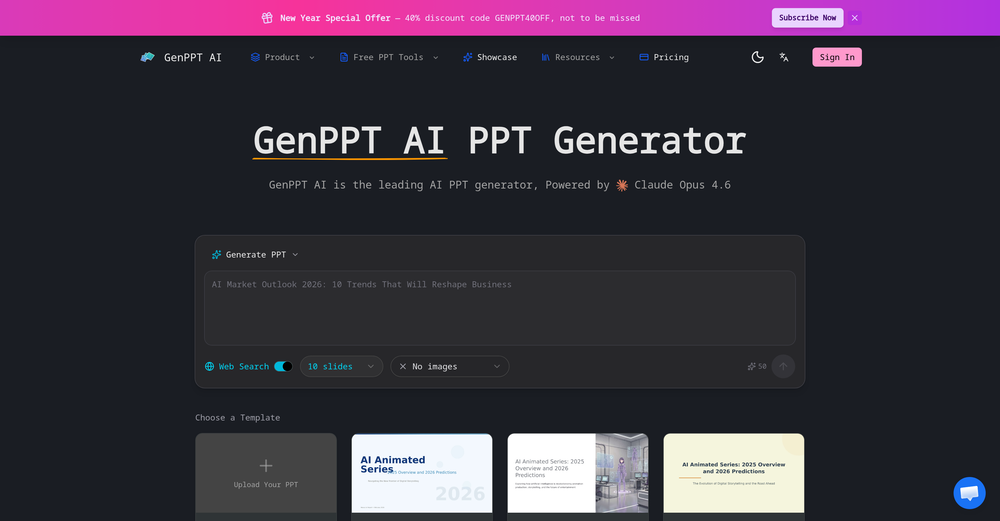
-
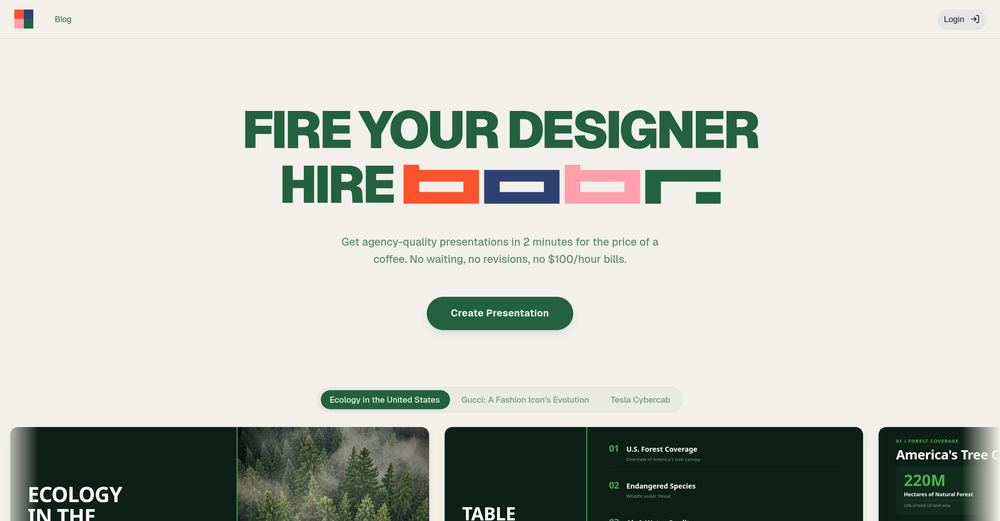 hvdraxx🙏 2 karmaMar 4, 2026@Bobr AII'm absolutely blown away by the design quality of the presentations they look so vibrant and stylish. I was also pleasantly surprised that the AI asks lots of clarifying questions to make sure the final result is exactly what I wanted, not just something random. Vibes 🔥
 -
 Build professional, on-brand decks — 10x faster. Inside PowerPoint or online.Open
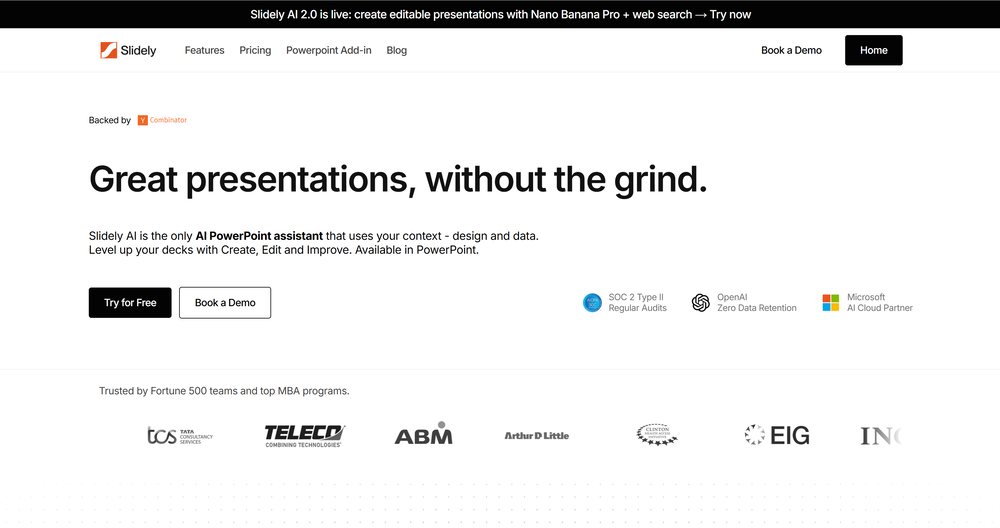 I think Slidely is the only tool that has worked for me when creating my client presentations. The presentations aren't web pages or images like the other tools but actual PowerPoint slides which I really like.
 -
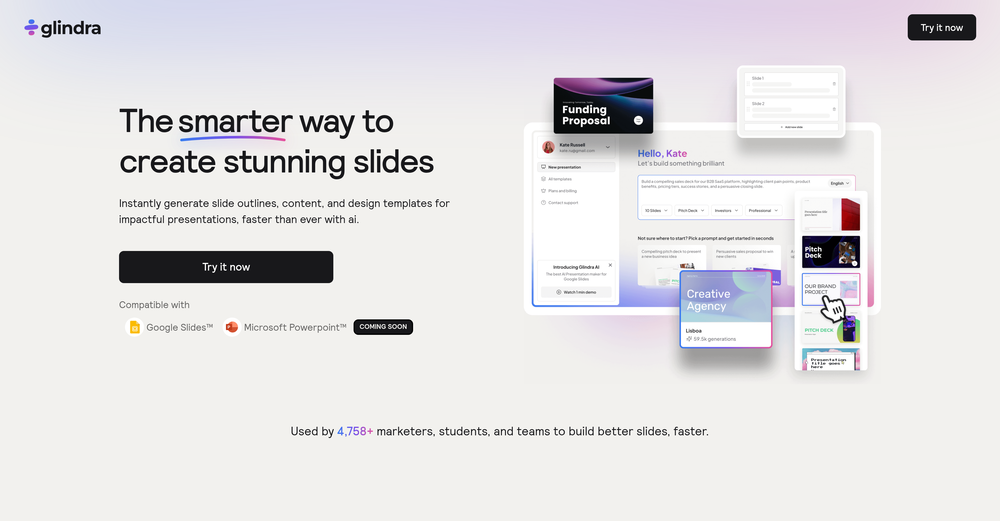 I tested a few AI presentation tools and this one works smoothly inside Google Slides.





Other tools
-
I’ve tried almost every AI slide generator out there, and Tosea is in a league of its own. Most tools just scrape the surface, but Tosea actually digs into my research PDFs. It captures the nuance and logical flow of the original document without the usual AI hallucinations. The slides it produced for my last project were surprisingly deep and well-structured. Plus, being able to export directly to PPTX and make my own tweaks is a lifesaver. It’s easily saved me hours of manual formatting this week.
- Sponsor
 Rocket - Think it. Type it. Launch it.
 -
 Your AI presentation agent for instant professional slides.OpenA great AI presentation maker
 -
It’s a brilliant tool that instantly transforms your ideas into dynamic, professional presentations with ease and impact. Overall a nice one!🙌
-
A very useful AI slides tool! The content it generates is genuinely smart.
-
-
Would be better if they let you use your own text as an option.
-
- Didn't find the AI you were looking for?
-
ppt.ai has saved me at least 80% of the time spent on making PPTs. I just need to submit rough ideas or drafts to ppt.ai, and it can create a relatively usable PPT. This is simply amazing! Although some revisions and optimizations are still needed afterward, it’s already a huge relief compared to starting from scratch.
-
 Create stunning presentations in seconds with AIOpen
 -
 Generate professional presentations in seconds with AIOpenDid not allow to download the slides.... ideally they should keep it free till sufficient traffic hits the platform and allow people to share feedback.
 -
It has improved a lot. When it was launched, it was just a tool for presentation. Now, I have been using it for more than 6 months and can create professional and engaging presentations and documents in just 1 minute
-
Test based on an actual teaching topic of Social Media Marketing based on a textbook. Perhaps my prompt was not detailed enough because the .ppt output had a minimalist layout. Some textual explanations were acceptable however, the AI does not yet have enough depth to use for an education environment. The results were very fast and produced 12 slides. Images were presentation quality however, two images were repeated and the text-to-image ratio was only a 1/2 grid.
-
I'm giving it two stars because it does do an ok job on videos but I would NOT recommend this. The "free trial" gives you 80 credits. It's not even enough to make a 60 second video so you can't really "trial" anything. I then spent $35 to make a 60 second video and I did two edits to it and I only have 451 credits left for the month. Until the costs come down, this is not feasible.
-
Wow, I can't believe it, how much can a human being cheat? You get a free data tag, you register on the site, so you don't get paid, you can't do anything. I really feel sorry for humanity.
-
This is the first slide creator I found that actually creates an outline, and nice looking slides with images. The one negative/con is it takes yoursubject and title and generates an outline, but it doesn't allow you to put in your own outline
-
Takes input (full presentation text in my case) as prompt and generates its own copy. Poor image quality. Boring layout. No bullets etc. You can try once with your free credits. no fun
-
 OpenYou spent half of hour on describing how your presentation should look like, and just after that getting informed that you need to pay subscription to proceed. Who’ll pay my time back?
























Post





