 Marketeze
 Mini tools
▼ Latest
Text enhancement
Free mode
100% free
Freemium
Free Trial
Featured matches
-
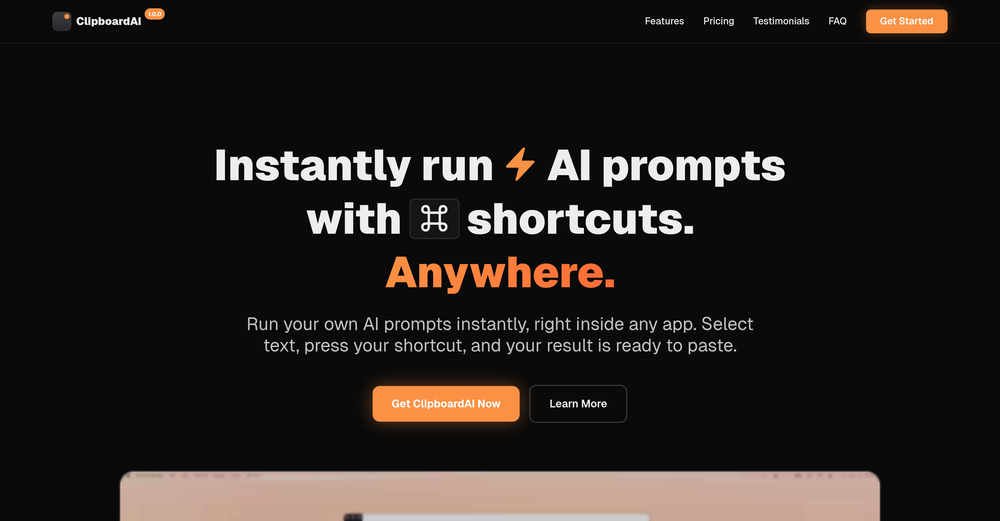
-
 Open
Open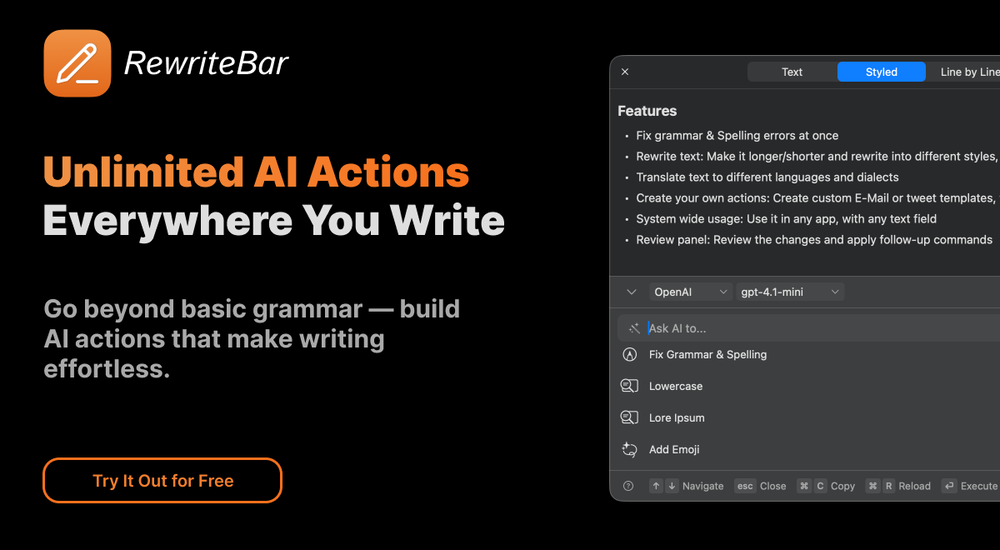 musthafa basheer🙏 16 karmaMay 24, 2024@RewriteBarIt's a useful app.
 -

-
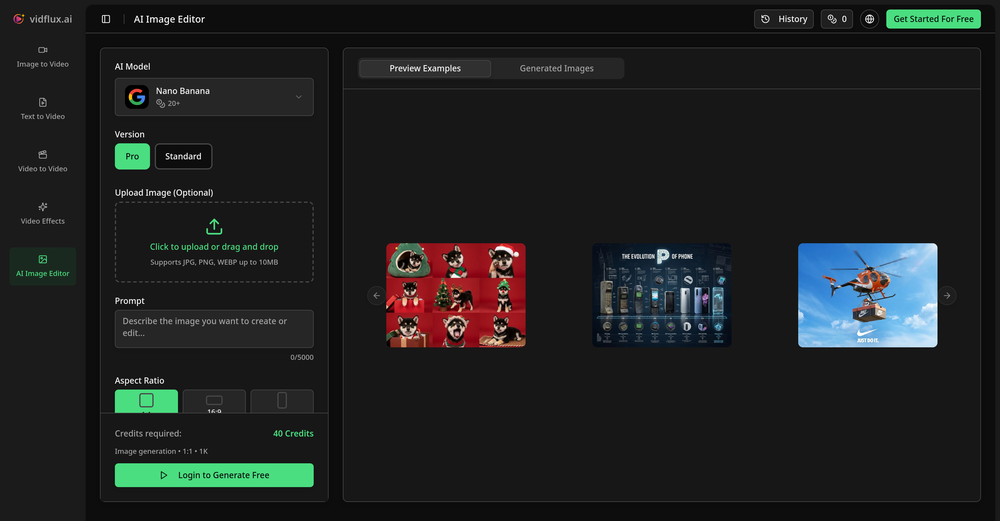
 Although the results are slightly inferior to Nano Banana, it has more relaxed content restrictions, including NSFW content.
 -
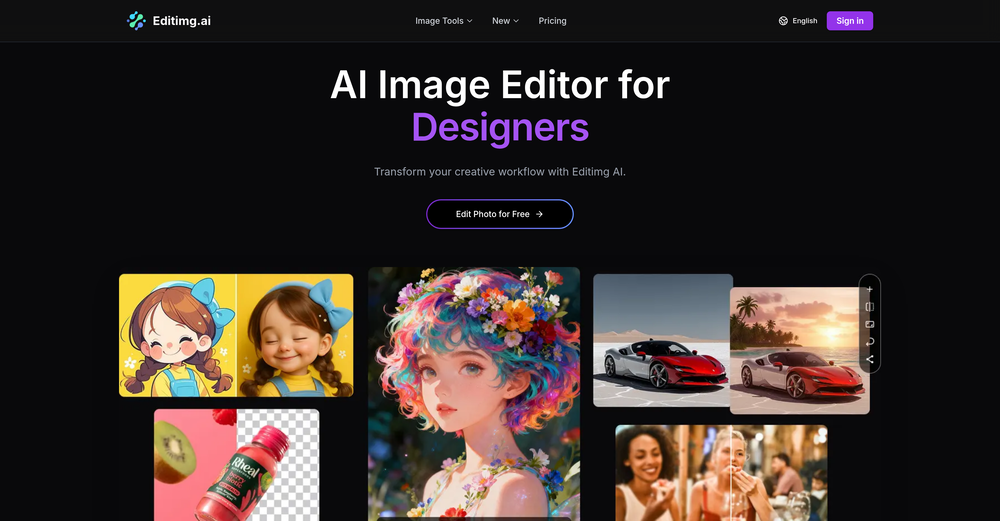
-
-
 Open
Open I was struggling to create some free Christmas and New Year's e-cards, and these templates are really good. I recommend giving them a try. The only downside is that each free template can only be used once.
 -

-

-
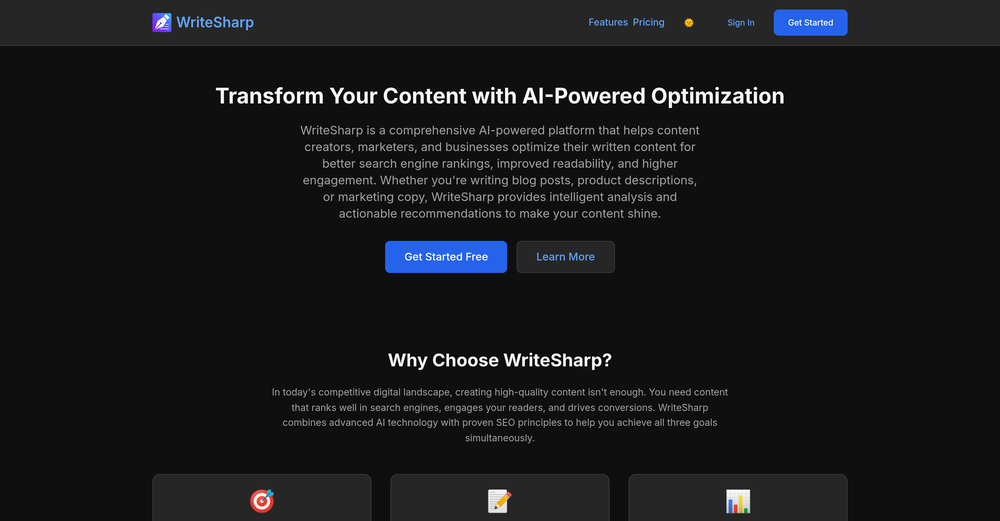 🚀 WriteSharp Updates - New Features Live! We've just shipped some powerful new features: ✨ Documents - Save, organize, and manage all your analyzed content in one place 📢 Announcements - Stay updated with new features and platform news 🎨 Enhanced Analysis - Deeper tone analysis, sentiment scoring, and readability insights All features available now at WritSharp.app - Free tier includes everything you need to get started!






Verified tools
- Spotlight: Marketeze (Video hook rating)
-
It really does a good job at humanizing, very little adjustment needed for the end product.
-
 Edit smarter, faster and easier with Filmora’s powerful AI video tools.Open
 -
Using Meloflow felt almost magical—it instantly turned my rough ideas into music that sounded alive, polished, and truly my own.
-
-
Every time i switch to a new mac -> this is the first tool i install
-
 Transform AI-Generated text into content that feels like it's written by humanOpenThanks for reaching out. We are committed to provide great user experience.
 -
Well, it did give me an insanely good image, but you only get one free trial, i.e, generate one image for free. And the model is costly for someone who wants free AI tools. But it does the job if you're willing to pay.
-
I built Forevi after trying to restore my own family photos, especially for my grandpa. He doesn’t really care about physical gifts anymore, but he does care about memories: his youth, his family, the small things that mattered to him. Every tool I tried either changed faces, added fake filters, or made everything look overly smooth. So I built a full restoration workflow: restore → colorize → enhance/upscale → animate → add sound. The goal is to help people bring old moments back to life and create new memories from old photos. Would love your feedback on what feels right, what doesn’t, and how I can improve the tool. Thank you folks!! Best, Daniel
-
Hey everyone 👋 I’m excited to introduce VidFab, an AI-powered tool that turns text and images into cinematic videos in seconds. We built VidFab to help creators and startups make beautiful videos without complex editing or long render times. Just type an idea — and our AI brings it to life. I’d love to hear your feedback and ideas for what features you’d like to see next. Your thoughts really help us shape the future of VidFab!
-
 vocal remover, remove vocal, vocal remover online free, vocal remover AIOpen
 -
Thank you for your feedback. I want to clarify: Nano Banana (the free version) remains free. What's new: Nano Banana Pro — A new premium option we added with higher resolution (4K) and advanced features (requires subscription) The free version is still available on the homepage under the "Nano Banana" tab. You can use it for free. We added Pro as an optional upgrade for users who want higher quality outputs. I hope this clears things up, and thank you for using our service!
-
-
Glad to see LitVideo listed here. Have been using it for a while. Easy to use, and LitVideo provides a relatively low-cost entry point into AI video creation.
-
 Remove unwanted text, watermark or logo from images online free.Open
 -
This is awesome. It tells me the answers to my practice exam questions automatically through my airpods without me having to do anything, just by seeing my exam through my phone camera. I've been looking for an AI tool like this for a while.
-
Hey TAAFT, real talk. AI gives you ideas. But, it doesn't give you a voice. Enter Humanize.sh. We make AI text sound like a real person, not a bot. Fast, private, and low effort. How: Paste. Humanize. Copy. Done. Works with ChatGPT, Gemini, Claude, and all the usual suspects. Made for students who want clear essays, honest emails to profs, and captions that don’t scream “generated”. Teachers, creators, everyone welcome. Privacy: we never store your text. Want a demo? Drop one sentence and we'll humanize it live :)
-
 Chrome extension that turns lazy prompts into pro-level instructions.Open
 -
 OpenHere's the rundown. If you thought image editing like Photoshop or Affinity Photo, you were wrong. It's 100% insert a photo and put a filter over it or change it into another AI image. Signing up for an account gets you 4 credits. Enough for one image to image generation. Instead, you should go to aistudio.google.com. This Dreamega site is just using google to generate their stuff anyways. You can do this yourself without paying per generation, the only difference is you need to type the prompt yourself. Is it worth paying some overblown monthly subscription on Dreamega for something you can do yourself or something you'll probably only do once?
 -
A very clean website — simple, clear, and fast to generate results.
-
I've been using WriteHybrid and it really does just make AI text sound normal. It doesn't sound robotic, and I don't have to rewrite everything after.
-
i wrote a poem, it turned it into a sad ballad, it was awesome
-
-
Just found Merlio… Didn’t think an AI workspace could feel this smooth.
-
-
Great UI and easy to use for teachers.
-
 OpenI’ve used PhotoGrid for 8 years—it’s amazing! The new AI Eraser
 -
Thank you for your support. We value your feedback. If you have any questions or suggestions, please send us your feedback.
-
-
-
 Transforming creativity and automation with AI-powered image, video, and content editing toolsOpen
 -
I love that you can choose different LLMs with free ones
-
Videos made with vmagic go viral on social media.
-
I really enjoy Article Reader AI, it's a no-frills article/pdf converter to narrated audio. The voices are excellent and there are no crazy expensive yearly commitment to use it. Perfect for multitasking and staying productive during my busy days!
-
I've known WebFill for a while, I use it almost every day, the interface is pretty good, what I like the most is that it solves any MCQ. Congratulations on the launch!
-
Good tool but somehow I`ve put english text and it humanized it into french xD. Not bad overall
-
 Humanize AI text into undetectable and convincing human content.OpenBest one! The only one that does not add mistakes to fool AI detectors.























































Other tools
-
Not sure what I'm doing wrong but I downloaded the extension to my chrome browser and then highlighted my email copy and then clicked on the extension link but there is no button to provide updated copy.
-
This keyboard app stands out as one of the top choices thanks to its built-in AI assistants. It's not only user-friendly but also exceptionally helpful and distinctive. Whether you're correcting grammar or using writing assistants, I can also create any assistants for fast typing. I created one for my customer support service. This app simplifies the process of accessing LLM directly, eliminating the need to open a browser.
-
works wonderfully, really good for cleaning up writing. just wish the monthly plan was a bit cheaper.
-
Tried using it to clean up a messy dataset and generate some quick formulas. It actually got most of them right, but sometimes overcomplicates simple stuff. Still, way faster than doing it all manually.
-
 Improve Your Productivity with Copilot–Your AI-Powered ChatAssistantOpenCopilot on mobile keeps me sharp during sales calls. I use it to quickly draft follow up emails right after meetings or pull contract language on the fly. Voice input works smooth and it formats responses professionally.
 -
WriteTone is a spark in the margins, it snaps verbs awake, nudges cadence into place, then steps back. Not a sculptor, more a metronome. Great when your draft needs oxygen.
-
this one looks good, it has a clean layout and a clear flow that makes prompt-building feel approachable. the idea is genuinely useful, and the execution alr feels solid, it has a lot of potential, WELL DONE! :)
- Didn't find the AI you were looking for?
-
The humanization is good it bypasses most AI detectors; besides you don't need to pay for it, it just gives like a promotion at the end of the message that is not annoying at all. So, it doesn't have a limitation of free tokens or something like that.
-
I threw an article in Stealgpt to see what it would do and it threw back complete nonsense. This reminds me of those word spinner apps from a few years back that just used a list of synonyms. This was seriously worse. Judge for yourself, this was output: Thrilled cherished property owners seeking enhanced total circulation and very suitable survivablity ambitions conduct optimum adherence dictated structual growth patterns correlating consistent regular maintenance care
-
-
-
 Instantly detects AI-generated content from ChatGPT, Claude, and Gemini.OpenI tried different chats between me and Chat and also Claude. There is an 80% chance this detecter is full of shit. Of all the text where i actually spoke my thoughts to ChatGpt, it was flagged as AI written. Just... WTF??
 -
bro you're such a hater, your comments all sound the same, I doubt you even tried this tool.
-
It's great if you want crisp coloring pages. You get a few for free, then you'll hit the credit cap. But the price is fair I'd say.
-
Dear user, our tool is functioning normally. If you encounter any issues while using it, please feel free to contact us for assistance ([email protected]).
-
Not that good, and horrible in non-english TTS. Also, transcribing some text takes a lot more time than whisper
-
-
 Create stunning hand-drawn flowcharts from text instantly.OpenI use AI Flowchart Generator to create flowcharts for my blog posts. It’s incredibly easy to use and saves me so much time. Now, I can turn my text to flowchart and make my posts more interesting and helpful for readers!
 -
“very useful for studying and comprehension.” does a great job of generating relevant questions from books. it’s straightforward to use and has helped me highlight key points and themes. very helpful tool for studying or preparing discussions. the accuracy of the questions is impressive, and it saves time compared to coming up with questions manually. overall, it’s a solid resource for students and readers.
-
A price list is needed in USD. Otherwise it sounds absolutely amazing!
-
It really helps in coding. I let chatgpt create a code, and copy paste and ask claude to check it if it can be done better. Well, it is really fun! I also use its Image creation tool to create posts for social media. Having a tool that uses Stability AI API to create photorealistic images is really helpful. Overall 5 Stars, especially for only 8.99 per month. It is the same price like a coffee latte but has really much more value :D
-
AITextHumanize has quick and qualitative response. It is great for academic writing and blogs. Served me well for everyday tasks and content writing.
-
-
I hope students will enjoy using Olovka: AI Essay Writer as much as I enjoyed developing the product. Looking forward to your feedback and feature suggestions!
-
-
 Open
Open -
 Transforms verbose text into razor-sharp, high-impact language.Open
 -
 AI-powered writing enhancer for polished, professional text.OpenSays I submitted inappropriate content. It's a freeking report on Puerto Rico.
 -
if you want a quick, reliable helper to sharpen sentences, rephrase awkward bits or translate smoothly (and you're fine with outputs that fell ChatGPT-style) this tool delivers. xd
-
 Transform job postings into personalized cover letters instantly.Open
 -
Fast and easy for rewriting, but does anyone know if it still shows up as AI generated? I'm scared of detectors
-
I'd love to help you breathe some life into your article about the benefits of exercise. To get started, could you share the text with me? That way, I can get a feel for your writing style and the tone you're aiming for. Also, just to clarify, are you looking for a casual and conversational tone, or something more professional and informative? Any guidance you can provide will help me tailor the rewrite to your needs. Please go ahead and share the article, and I'll do my best to make it engaging, easy to read, and true to your original message. (If you have any specific instructions or a preferred tone in mind, feel free to let me know and I'll do my best to accommodate them.)
-
 Open
Open -
Hi Christian! Looks like it's working for me, can you give it another try?
-
 Open
Open -
 Transform dry text into engaging, human-like content.Open
 -
 Open
Open -
 AI-powered script magic for global filmmakers.Open
 -
Hi there! The tool works just fine, all you need to do is copy the text you want to rewrite and paste it in the little prompt box, where it says "Enter your prompt here". Click "Generate" and you're done!
-
 Transform your writing and challenge AI detection tools!Open
 -
 Open
Open -
 Open
Open -
-
 Open
Open












































































































Post





