Go to section
Spotlight SureThing.io - "OpenClaw" for BeginnersTask automation
The front page of AI.Used by 90M+ humans.

TAAFT Tutorial
Generate image
Tasks
Generate text
Free mode
Trending
Leaderboard
Characters
 Mini tools
New
Featured
Lists
Agents
Requests
Jobs
Map
Newsletter
Starter pack
Free tools
Speech to text
Text translator
Remove background
Settings
Edit profile
My tools
Gallery
Dashboard
Inbox
Get featured
Contact TAAFT
For you
Popular
Job impact index
Most saved
Affiliate program
Submit AI tool
Notification preferences
Glossary
Home
Timeline
My profile
Create tool
Deals
Companies
Models
Robots
Papers
Fundraises
Repositories
Devices
Organizations
Events
Prompt Pack
Merchendise
APIs
Features
Tools
Countries
Collections
Videos
Mini tools
New
Featured
Lists
Agents
Requests
Jobs
Map
Newsletter
Starter pack
Free tools
Speech to text
Text translator
Remove background
Settings
Edit profile
My tools
Gallery
Dashboard
Inbox
Get featured
Contact TAAFT
For you
Popular
Job impact index
Most saved
Affiliate program
Submit AI tool
Notification preferences
Glossary
Home
Timeline
My profile
Create tool
Deals
Companies
Models
Robots
Papers
Fundraises
Repositories
Devices
Organizations
Events
Prompt Pack
Merchendise
APIs
Features
Tools
Countries
Collections
Videos
Mini tools
New
Featured
Lists
Agents
Requests
Jobs
Map
Newsletter
Starter pack
Free tools
Speech to text
Text translator
Remove background
Settings
Edit profile
My tools
Gallery
Dashboard
Inbox
Get featured
Contact TAAFT
For you
Popular
Job impact index
Most saved
Affiliate program
Submit AI tool
Notification preferences
Glossary
Home
Timeline
My profile
Create tool
Deals
Companies
Models
Robots
Papers
Fundraises
Repositories
Devices
Organizations
Events
Prompt Pack
Merchendise
APIs
Features
Tools
Countries
Collections
Videos

▼ Latest
Youtube content creation
Free mode
100% free
Freemium
Free Trial
Featured matches
-
-
-
 Dan Pralea🛠️ 1 tool 🙏 3 karmaFeb 22, 2026@SydiumThanks Gary, really appreciate it! Calendar's getting even better soon - stay tuned.
 -
-
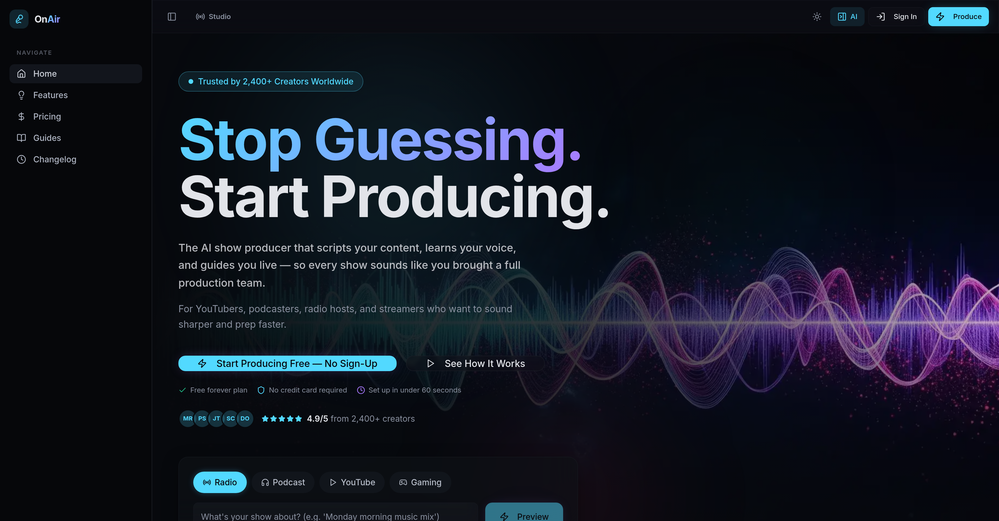 Thank you for the feedback, Bella Blast. All of the issues you mentioned have been addressed, and the Learn My Voice engine has been fixed and improved. We really appreciate you taking the time to share this — feedback like yours helps us make the experience better.
 -
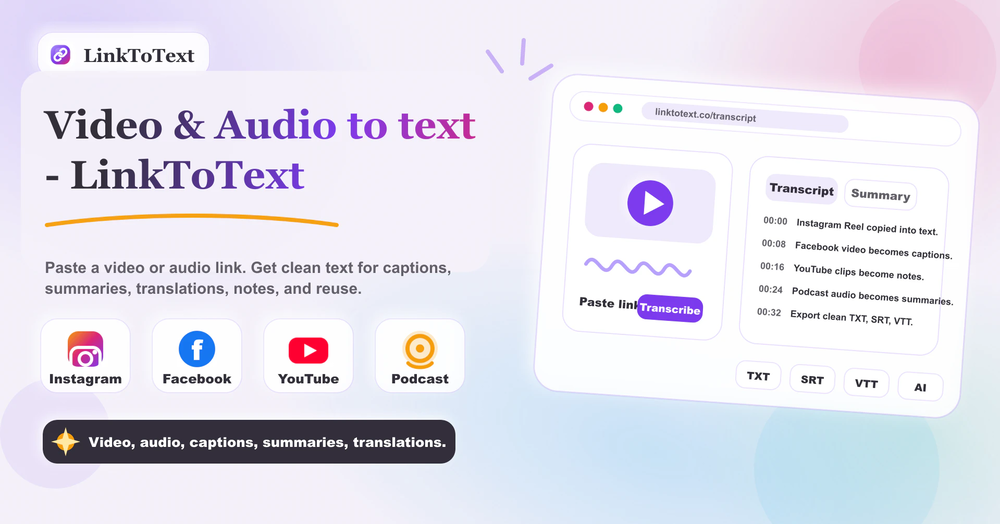 Tried this with a couple clips and the speed was honestly impressive. Feels super useful for creators and research workflows.
 -
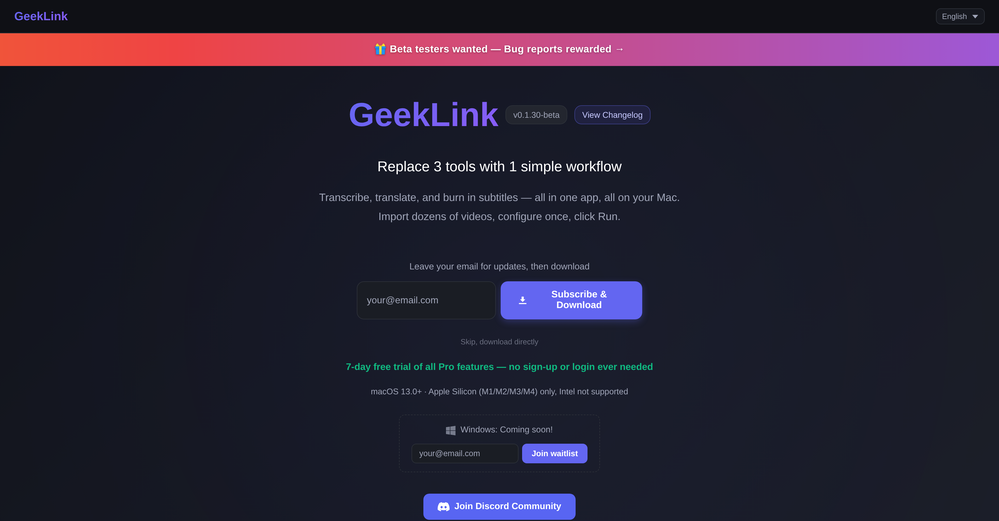 You are absolutely right. There are a lot of founder and certain types of tools that assume their users are experts, making their products very technical. GeekLink is not that kind of product. A creator shouldn't have to know the exact parameters, meanings, and depths behind it. All of that is handled behind GeekLink.
 -
-
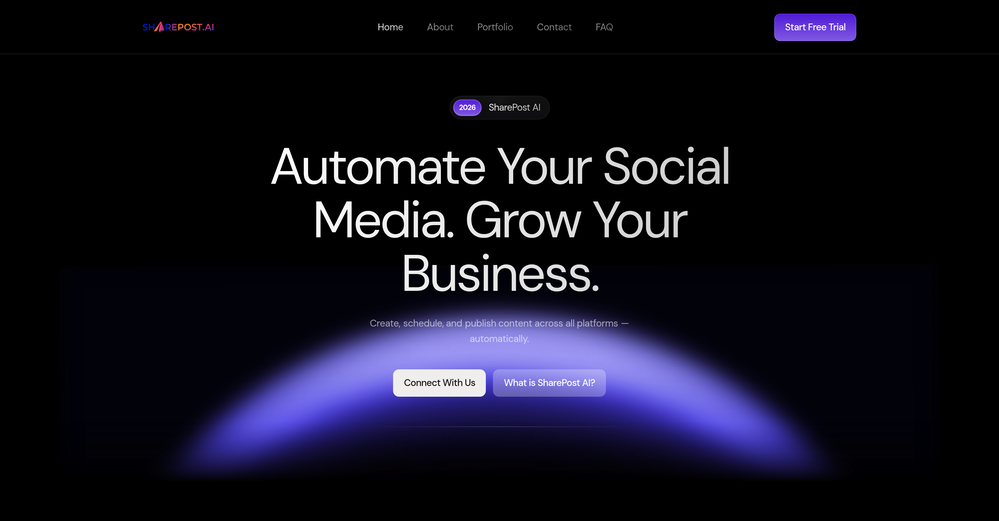
-
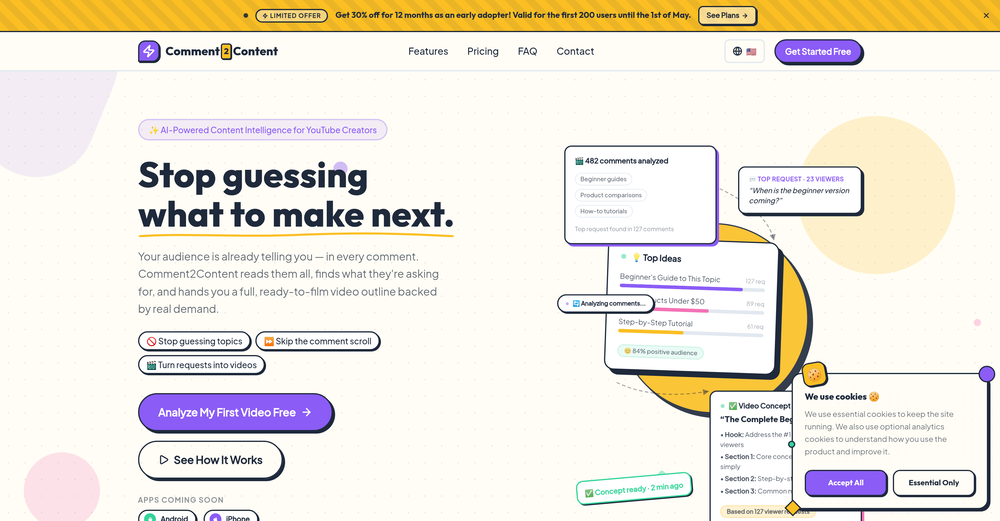
 Save hours by auto-replying to YouTube comments with context-aware AI.Open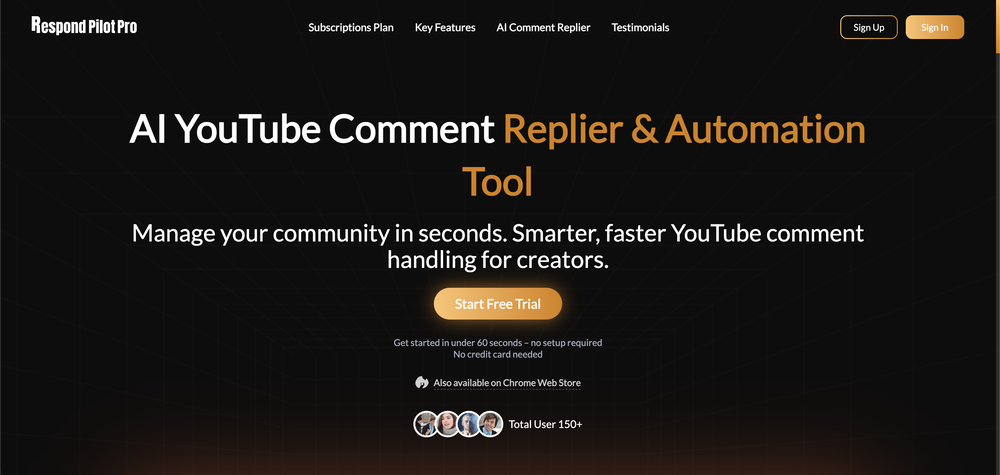










Verified tools
- SpotlightSureThing.io - "OpenClaw" for BeginnersTask automation
-
The Agent is really handy. It's much more streamlined and convenient than canvas-based AI tools. There's a bit of a learning curve at the start, but once you get the hang of it, it's incredibly useful
-
-
okay so the timing on when it makes you review is kinda creepy accurate? like it'll pop up right when i'm about to forget something. been using it for bio and actually remembering lecture stuff past the exam for once.
-
 OpenThumbnailCreator lets you generate YouTube Thumbnails using AI! 🚀
 -
Tried this with a couple videos and the comment insights were actually pretty useful for spotting content patterns and new ideas.
-
VideoIdeas.ai Creates YouTube Video Ideas & Scripts
-
 Create AI personas complete with homes, friends, and pets for authentic UGC.OpenFantastic results! Crazy consistency and impressive customization
 -
Currently, generating course videos is basically free, and everyone is welcome to use it! If you have any problems during use, you can complain and we will quickly iterate! Thank you~!
-
Generating captions was super fast like seconds. Wish they had Anton font though
-
 AI-powered whiteboard for marketers to create winning content fast.Open
 -
-
 OpenI played around with PodScribe.IO for just 5 minutes, and it helped me save at least 35 minutes when transcribing my first podcast (for free - have not subscribed to the paid version yet). That's pretty sweet! The way it presents and separates podcast data into different formats is really well done. It makes it super easy to find what you're looking for.
 -
Using Meloflow felt almost magical—it instantly turned my rough ideas into music that sounded alive, polished, and truly my own.
-
Quality very good… As for the trial, don’t get me wrong, it’s better than nothing but not being able to download it is frustrating, especially when you are the songwriter.
-
 From idea to launch: professional AI-generated content in one place.OpenHi everyone! I am Adnan, the author of MakerSuite.AI. I am a content creator as well as a software engineer (16+ years of experience). MakerSuite has been created firstly for my own needs with a goal to help me organize content creation workflow (from YouTube scripts to blog and social media posts). The application covers a lifecycle from idea generation to complete script, thumbnail, description, and all the necessary things to prepare you for video recording or to provide you with a script that you can use on your blog or social media platforms. MakerSuite is a result of continuous work from more than 6 months of active day-night and weekend hard work on it. In the end I decided to share it with the world so other people could benefit from it, and also in return I can pay off the hard work and support the platform's future development and maintenance costs. As the models and infrastructure cost a lot. I am open to any form of suggestions or comments; even negative ones are always welcome. The platform has a lot of planned future developments that have to be added to make it even better. Please share your thoughts and feedback in the comments section, as it will help me improve it more! Thanks, everyone! Best, Adnan
 -
Its absolute third class and terribly made. Registration itself is made very poorly.
-
Thanks! So happy to hear you're liking FlowPost.
-
It looks interesting, they give demos of their AI work but no way to test it with your own script or image prompts just demos from what could be anywhere.
-
Particularly useful in scenarios where human voices are clear but background noise is complex.
-
Not sure what happened but I logged in, entered sound preferences and lyrics, hit generate and after a dozen seconds or so got bounced back to the login screen. Once I logged in (again) I was taken my my dashboard and it showed I had used up my 10 free credits. So, no, I wasn't able to generate a sample.
-
 Open
Open -
Very simple and easy to use. The premium feature of Lyrics helper really helped me to write lyrics exactly the way i wanted.
-
 Open
Open -
 Get 99.9% accurate TikTok transcripts in seconds.OpenOne tool that really impressed me—I honestly can’t believe something this good is free. Even if it becomes paid later, I’d still keep using it. The results are just that good.
 -
 Generate full-length faceless YouTube videos from text and earnOpenNoodle Tomato is an amazing video creation tool. You can create shorts or full length videos on ANY subject. Choose your voice, bullet points about what you want the video to be about. It then creates the script, all of the videos into parts that are editable. After it compiles the video you can download it directly, post it to YouTube and it's that simple. You need 0 knowledge of AI prompting or video editing.
 -
GoAISong is an AI Song Creation Workspace for turning ideas, lyrics, stories, or owned audio into finished, downloadable songs. Create from text, use prompt libraries and examples, then unlock one selected track for watermark-free download, sharing, or commercial-use context under GoAISong terms.
-
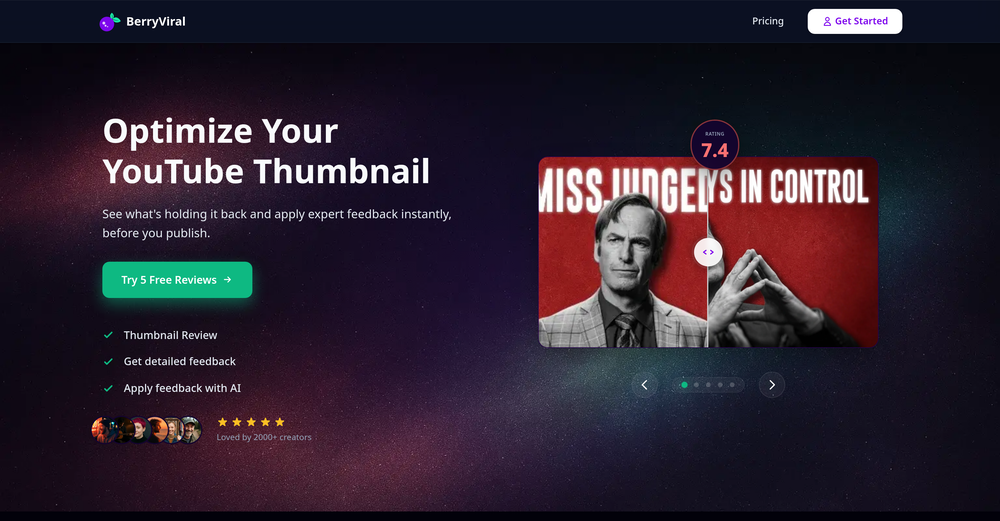
 AI-powered YouTube thumbnail maker for click-ready designs.Open
 -
-
AITextSong.com is a solid choice for creators who need high-quality music without a background in production. The ability to extend tracks up to 8 minutes is a standout feature, and the built-in vocal remover is a massive plus for those who want to remix or create karaoke versions. While it could use more vocal customization options, it’s one of the most efficient tools I've found for turning lyrics into fully produced WAV files.
-
 Open
Open -
Vocallab AI is honestly the easiest tool I’ve ever used. The interface is super simple and intuitive. Generations take less than 2 seconds. The quality is also incredible. The voices sound very realistic — almost like real people. You can even add emotions and details like coughs, laughs, sighs, and other subtle effects, which makes everything feel much more natural and alive. Highly recommend it to anyone working with content, videos, or voice projects.
-
-
 Instantly analyze YouTube community sentiment and generate audience insights.OpenMost YouTube analytics tools track views and retention, but sentiment analysis could reveal why audiences react the way they do. Are creators mainly using it for content strategy or for brand monitoring?
 -
 Open
Open -
Super interesting tool! I’ve been using FindTube to learn data analysis, and it solved a problem I always had with YouTube—I could easily collect too many tutorials, but I was always lost about where to start, and everything felt unstructured.
-
 Convert YouTube videos to text with 99% accuracy.OpenI’ve used Riverside before and it’s a really solid tool for recording and producing high-quality audio and video. If you’re looking for a YouTube transcript generator, I’ve also been using Saveto AI. It’s been pretty handy for turning videos into clean text and quick notes.
 -
Terrible experience. Spent over $200 to produce a music video that Musid.ai was never able to complete. System crashed during the final production generation/rendering - over and over and over. Contacted [email protected] - no response whatsoever after 2 days. Don't touch it! UPDATE: minutes after posting this Musid.ai responded by reinstating all of the credits purchased. Doesn't compensate for the wasted time but better that a poke in the eye with a sharp stick! I'll review again once I get to the other side of this drama...
-
needed background instrumentals for a demo track and this delivered. the beats are clean and royalty free which is huge.
-
-
Can only edit oe long clip to shorter clip, but i have multiple clip
-
-
Easy to use, good visuals and good price to videos ratio. Made a few with 10k views.
-
 Chain AI tasks with no-code into workflows for chatbots, video, documents, andOpenThis tool removes all of the prep work of getting an LLM API endpoint running. I can try out ideas quickly and see within minutes whether an endpoint concept actually works. And when it does, moving it into a production app is about as easy as it gets.
 -
like it . I punch in 1920×1080 or 2000×2000 and it delivers the right size
-
This tool not only transcribes videos and audio, but also automatically generates summaries, which greatly helps me organize my study notes.
-
pretty clean tool, i tried a couple product images fast and the controls make sense. model picks, image-to-image and quick batch runs are handy for ad shots or thumbnails. the free tier is tiny at 2 credits, so it's more of a taste test than real use.
-
 Create Your First Viral Video and Start YouTube Monetization with Multilingual Content.OpenIt feels so cool. I think the characters generated by the model are very consistent.
 -
 Open
Open -
YouTube to Doc is freaking awesome! Total lifesaver for turning videos into text. Just paste the URL → boom, you’ve got a doc. Perfect for notes or quotes. 10/10 recommend!
-
-
 Create Celebrity voices and voiceovers in 120 languages with 800+ AI voices.OpenThis is a cool little generator for a quick clip! Could see some potential quick use cases if you needed to generate something with an accent on the fly. Not a bad little tool!
 -
 Generate eye-catching YouTube titles that boost views and engagement.OpenAmazing title choices! I put in a title idea with a one sentence video description and got back amazing title options.
 -
-
 Transform YouTube videos into polished documents and quizzes.OpenSuper helpful tool for content creators like myself. I have a Patreon where I give my Patreons quizzes and video summaries based on my YouTube video and this website speeds the whole process up tremendously.
 -
-
 Open
Open -
 Get viral crazy youtube thumbnail faces, change facial expression for free.OpenNeat mate. I love the feature of change facial expression
 -
-
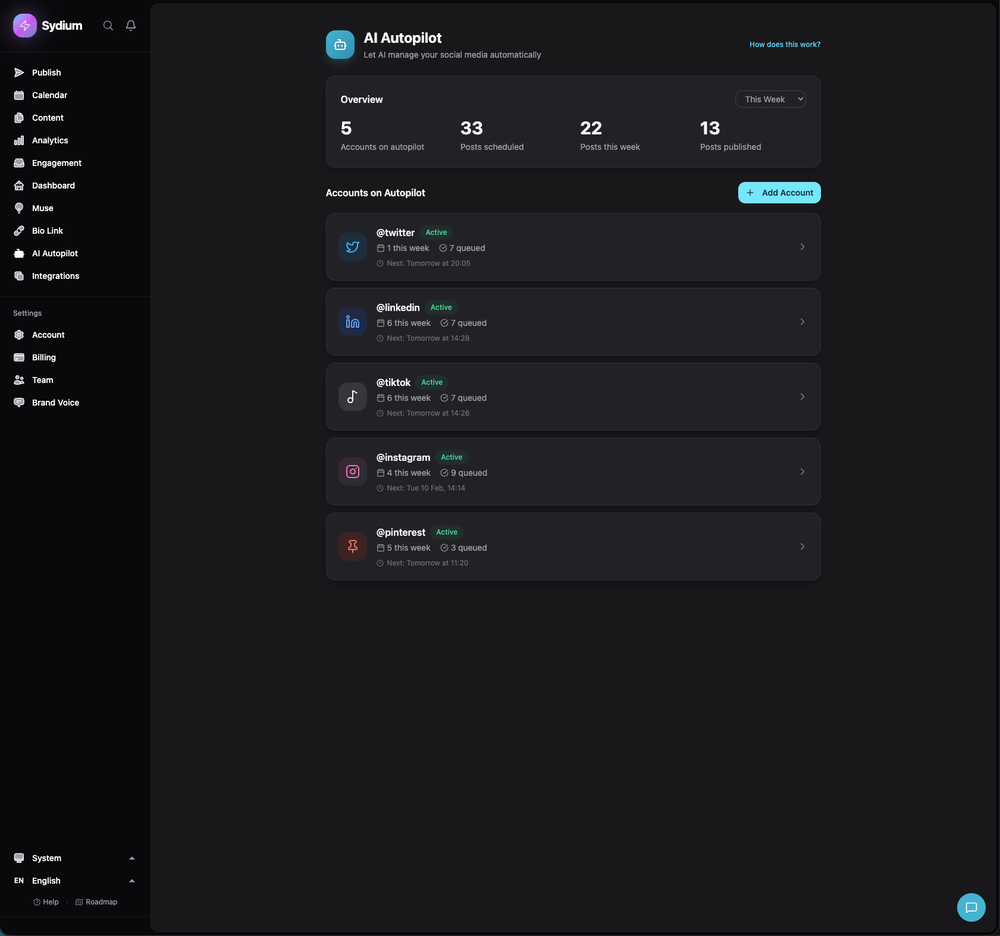
 Schedule your posts, Ai posts, Human-like comments with AI on your socialsOpen
 -
It says it’s free but they don’t have a free option once you’re on their site. Have to sign up for a subscription. It may be a great product- I don’t know. But I’m not going to pay to try it. There are other platforms out there.
-
-
 Automate your short video production with AI and instantly publish to socialsOpen




















































































Other tools
-
Been using Knowcast to keep up with new ideas and information, and I like how easy it is to discover and revisit useful content. The experience feels straightforward and helps cut through a lot of the noise, making it easier to stay informed without getting overwhelmed.
-
-
I just used LumiClip to make clips from my long podcast video and Im so amazed how it differs from other ai video clipper tools like Opus or vizard, It does the highlight finding very well and reframe comes our so clean with no editing required. Only thing i would suggest is adding b-roll videos to clips automaticaly.
-
- Didn't find the AI you were looking for?
-
Asked it to create an animation. Took a few tries but it managed to create a very good one for the purpose I wanted it to use.
-
 Open
Open -
Super helpful tool! Saved me hours reading comments and gave great insights. Highly recommend for YouTubers!
-
It’s perfect for creators seeking royalty-free, customizable audio for videos, games, or personal projects.
-
 Convert YouTube videos to text fast and freeOpenHands down the best ai tool for content creators. Their free YouTube transcriptor is always on point
 -
-
Not really worth it, not only does it only support Youtube, but can only generate up to 30s of video and has no options to control the image style.
-
Try making a product for other devices as well. Not everybody desires to be in the I-Cult.
-
it gives multiple shorts to pick from and lets you tweak stuff like caption style, duration etc. makes the whole process super easy. Works great.
-
Highly recommend for anyone looking to create engaging videos without the hassle!
-
Have to sign up FIRST (give them all your information before you can see if the tool will even work for you).
-
Thanks for pointing this out Keith! We have reduced our prices significantly after a review. The lowest tier now starts at $19 /mo. You can visit https://aivideo.to to check out the complete pricing updates.
-
AutoEditor is a tool powered by AI that allows users to create highly customized short videos. It is primarily designed to make video editing easier and more efficient, thus enabling users to focus more on content creation. Distinct features include the automatic generation of subtitles in more than 40 languages, detection of silence or non-relevant content in videos, and the ability to enhance videos by adding b-rolls, watermarks, and other effects. The platform provides an easy-to-use interface for video editing, putting users in complete control of their content. Users can change text, styles, and various other aspects of their videos without prior knowledge in video editing. Furthermore, AutoEditor supports editing of long videos, which can be broken down into smaller parts without pre-cutting them. Videos for editing can be directly processed from YouTube, eliminating the need for separate downloading websites. Users can also customize their captions, save their unique styles as presets, and create videos with a few simple clicks for a fast editing experience. AutoEditor's pricing is designed to be simple and affordable, with plans tailored to suit different needs. Users can also access a free tier to get started. Flexibility is one of its key advantages, providing users the means to edit their videos exactly how they want them. The software works best with videos containing any type of voice or talking, such as podcasts, talk shows, documentaries, educational videos, or speeches.
-
-
Glitched output at best, that can’t even be exported unless you pay.
-
nice, overall this tool turns lazy ideas into polished design briefs and mockups without leaving your conversation. if you live in ChatGPT this is a good workflow booster right here.
-
-
So right away, when you go to their site, it allows you to create a video. I punched in a short sentence about Hannahbelle And Tami, 2 women in pink ski masks that rob a bank and get away in a pink dodge charger, a recurring theme in many of my AI Generated tests. I didnt expect too much but i have to say, while I would have liked to have more control over the voiceover, and perhaps some of the images used, it wasnt bad for just going to the site and really without even signing up, getting a demo of what the site is capable of. The features are...few...but there is potential. No free tier, but you do get one free video. With little to no editing or manipulation available, the prices seem high. Also, not sure if you can change this, but the voiceover is auto-captioned inside the video.
-
-
-
iPhone SE 2020 and iOS17.6.1 - totally not working
-
Just started using on a new channel. They seems like they really want to interact with their subscribers and build tools that will really help all in one. No more 5 different services.
-
 Generate engaging YouTube scripts instantly with AI.Open
 -
 Create cinematic YouTube breakout visuals that conquer algorithms.Open
 -
 AI-powered YouTube script generator for engaging video content.Open
 -
 Turn keywords into SEO-optimized YouTube descriptions instantly.Open
 -
 Creates ten captivating YouTube video titles from your keywords.Open
 -
 AI-powered YouTube content generator for trending niches.Open
 -
 Open
Open -
 Transform brief ideas into complete YouTube scripts.OpenDefinitely helpful , time saver for sure! Gives you clarity and is a way for someone to have a quick description of what they should achieve with their script.
 -
 Assisting with faceless YouTube content creation and channel growth.Open