 Base44 Superagents-AI agent that does it all
 Mini tools
 AI assistant that puts your life on autopilot
 Tendem
 Manus
Manus
 Autopilots by Athena AI
 Barie AI
 Taskade
 Raccoon AI
 Hints
Hints
 Incredible.one
 Viktor
 SureThing - Cloud-First OpenClaw Alternative
 Perplexity Computer
 Bardeen
 broadn
 Aident AI
 Kortix Suna
 Base44 Superagents
 Openwork
 Nubot
Nubot
 Milo
Milo
 Thinktask
 TheLibrarian.io
 Supernormal App
 Saidar
 Runable
 ComputerX
 Collate
 AiAssistWorks - GPT Gemini Claude AI for Sheets Docs Slides
 ConsoleX AI
 Skymel: Create Your Own Personal Agents
 Ask Steve
 MiroAI
 Alfred by Simbli.ai
 Affint
 Sup AI
 Kolva
Kolva
 BrowseWiz
 Support Flow
 Octofy
 Criticly
 Mentor: Get things done




Overview
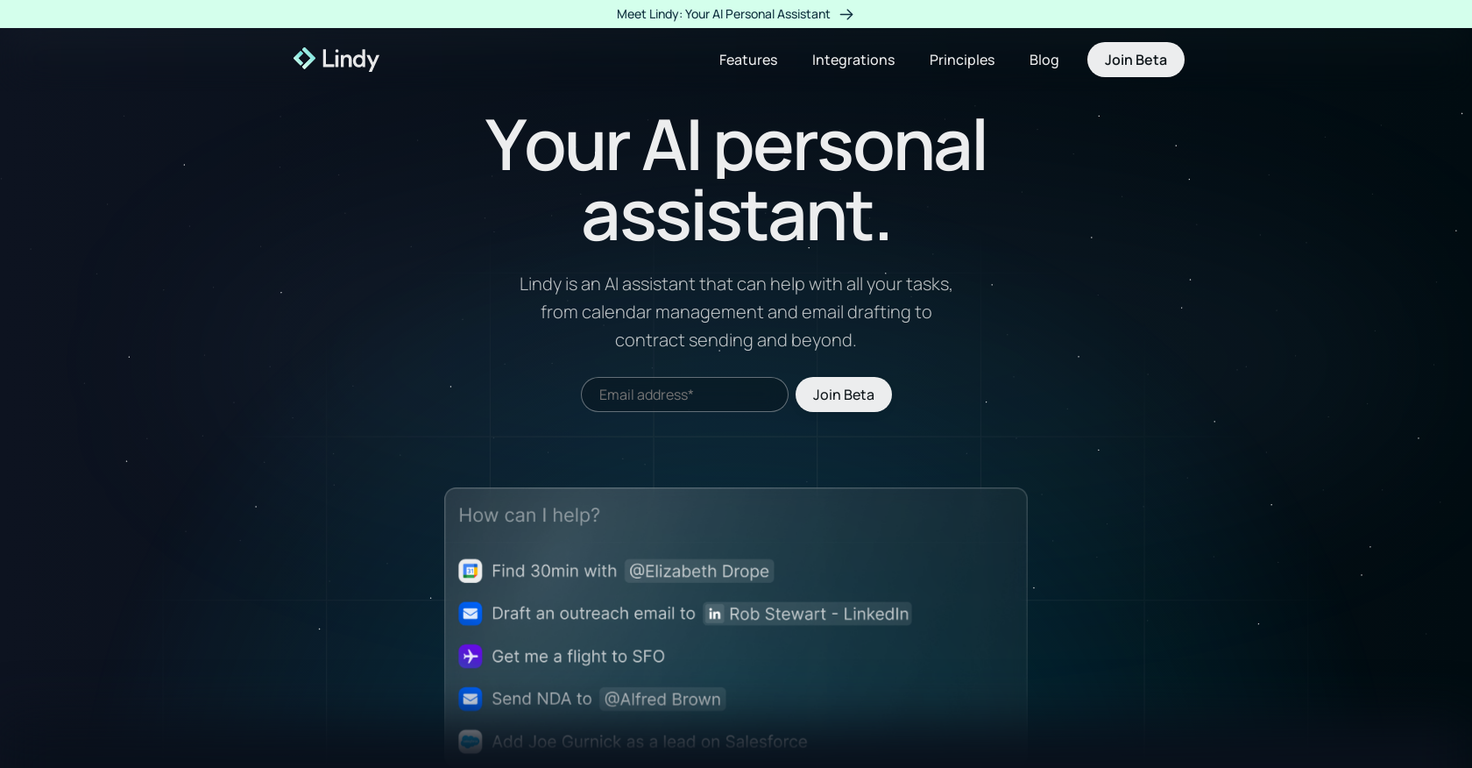
Lindy is an AI assistant designed to simplify and streamline personal and professional tasks. It offers a range of features, including calendar management, email drafting, contract management, task organization, and more.
Lindy can be accessed from anywhere and allows for perfect scheduling by handling the back and forth to find common availabilities. The tool pre-drafts email replies, personalized with the user’s voice for each recipient, saving time and streamlining email management.
Lindy learns from the user’s inbox to surface the highest-priority emails, triages them, and handles automatic conflict resolutions. Lindy can also participate in meetings and take notes, summarize podcasts, YouTube videos, emails, or web articles, and integrate with favorite tools such as Linear, Gmail, Google Calendar, Twitter, Google Sheets, Salesforce, Twilio, Hubspot, Google Docs, Airtable, Google Drive, Slack, and LinkedIn to provide infinite personalization.
Lindy is suitable for use in various scenarios such as sales, recruiting, marketing, and more. This AI tool aims to put users' lives on autopilot by automating tasks and providing personalized assistance, thereby providing time back to focus on higher value tasks.
Releases

It reads your email, drafts replies in your voice, manages your calendar, preps you before every meeting, takes notes during, and handles the follow-ups after. Not just words: real action that saves you time and buys you peace of mind, day in, day out.
What Lindy Assistant does for you:
There is an immense difference between a chatbot that can give answers and an AI assistant that knows you and proactively moves work forward:
- Your inbox is under control before your coffee. Lindy triages what matters, drafts replies that sound like you, and flags only what needs you. You review, and you send. You may have the same experience as many Lindy users, who start off by thinking that they are the ones who wrote these drafts — because they're that good.
- You walk into every meeting prepared. Lindy pulls context from past emails, previous meetings, and your calendar so you know who you're talking to, what was discussed, and what's at stake. No more scrambling five minutes before a call.
- Meetings end, work keeps moving. Notes captured, action items identified, follow-up emails drafted and ready to send. What used to slip through the cracks now happens automatically.
- Scheduling just stops being a thing you do. No more back-and-forth. Lindy handles availability, time zones, and preferences. Meetings land on your calendar without you touching it.
- Nothing falls through the cracks. Every conversation and commitment is recalled instantly. Ask Lindy what you discussed with a client three weeks ago and get the answer in seconds.
Proactive and personalized:
Lindy constantly works its magic in the background.
It learns how you write, how you prioritize, and what your day looks like — then starts anticipating what you need before you ask. Drafts get better. Prep gets more relevant. Follow-ups stop slipping.
The more you use it, the less you have to.
Enterprise-ready security:
Lindy is built for teams. SOC 2 Type II, GDPR, HIPAA, and PIPEDA compliant. You control what connects, what Lindy can access, and all data stays encrypted. No trade-off between getting time back and keeping things secure.
Get started in two minutes:
Connect your inbox. Let Lindy triage what needs attention and draft your replies. Then ask it to prep you for your next meeting.
Within a day, you'll wonder how you worked without it.
Lindy Assistant is live now. Try it at Lindy.ai.


Pricing
Top alternatives
-
Vladimir Gromozdin🙏 3 karmaFeb 18, 2026@TendemI work on the Tendem team, so take this with that context — but I also use the product constantly for my own work. I've used Tendem to research AI directories — finding relevant ones, pulling submission requirements, organizing everything into a spreadsheet I could act on. I've also used it for copy edits — sending over drafts and getting back tightened, polished versions without going back and forth with a prompt ten times. The thing that keeps me coming back is how little I have to think about the handoff. I describe what I need, send it, and move on to something else. It's slower than getting a ChatGPT response, sure. But I get something finished — not a starting point I still need to rework. When you use AI tools for this kind of work, you trade waiting time for cleanup time. Tendem flips that. I'd rather wait and get a result I can use than get a fast draft I have to fix myself.
-
-
 OpenFast, Easy to use and makes repetitive tasks easy
 -
Amazing deep research feature! Haven't seen this level of execution through any other tool. It gives a designed socket to view a presentation at the end.
-
Use full workspaces multiple people can use this ai
-
We're live folks! Do check us out and drop your feedback or requests.




Related topics














 2
2





