 Base44 Superagents-AI agent that does it all
 Mini tools
 AI assistant that books meetings over email.
 Hedy AI
 Vexa
Vexa
 Convo
Convo
 Fathom
 Waitroom
 Amie - AI Note Taker
 Teameet
 Read Highlights
 Chadview
 Zoom IQ
 Superpowered Me
 TimeOS
 Timetics.ai
 Meeting Ink by DeepWave
 Leexi
Leexi
 Meeting culture
 Calendly Notetaker
 Rumi
Rumi
 Nyota
Nyota
 Qik Meeting
 Younet
 CleeAI
 Avataar's GenAI Creator
 Activepieces
 BigTeam
 Olivya
 Abstra
 Sreda.ai
 DoubleO
 AI Agents
 Pipefy
 Quixl
Quixl
 Cubeo
Cubeo
 Sema4.ai
 Ridvay
 Cognition by Mindcorp
 Tray.io
 UiPath
 Mr David
 Super Amplify






Overview




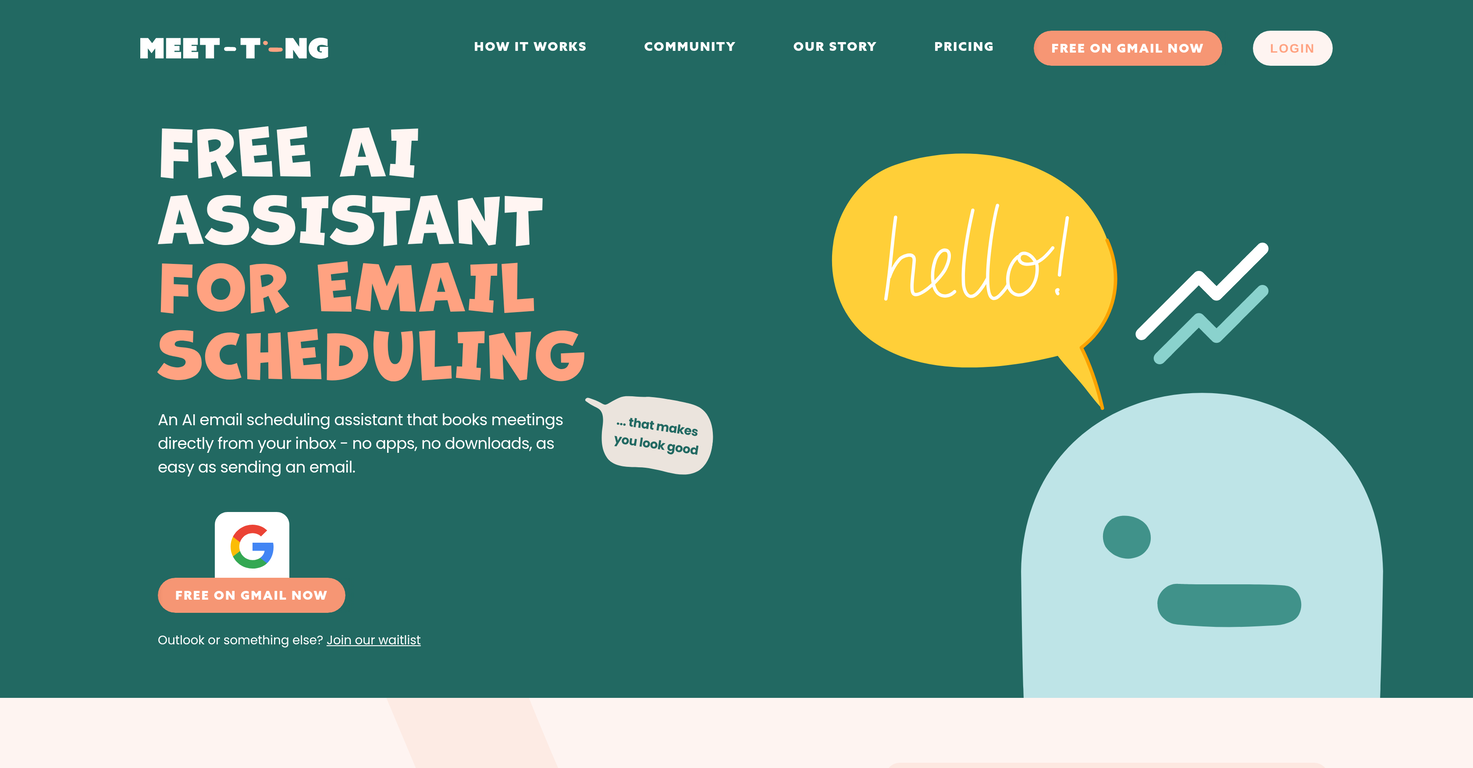
Meet-Ting operates as a free AI assistant specializing in scheduling meetings via email. Integrated smoothly into your existing email and text workflows, its fundamental purpose revolves around adapting to and simplifying messy, fluid, human-style scheduling needs that can often be prone to changes.
By keeping Ting in the copy (CC) line of any email thread, the tool has the ability to read and comprehend the content of the conversation. Following this, it can consult the involved parties' calendars and suggest suitable meeting times according to their availability.
If it becomes necessary to reschedule, Ting will handle this process as well, freeing users from manually syncing calendars or initiating new correspondence for change of plans.
Primarily, Meet-Ting differentiates from classical scheduling tools as it eliminates the need for several steps such as clicking a link, picking a slot, filling forms and confirmation.
It has been designed with a user-oriented approach, conforming to individual's specific rhythms and sometimes chaotic calendars, all while being based primarily in your email and WhatsApp.
This means there are no additional applications to manage or learning curves to overcome, nor do you need to adapt to new software interfaces. Given its functionality and user-friendly design, Meet-Ting could serve as a helpful tool for individuals and teams with busy schedules and frequent meetings.
Releases


Hey, I’m Dan - founder of Meet-Ting. After a decade shaping how people connect at TikTok, adidas, and more, I’m building the future of connecting with LLMs - where meetings arrange themselves and the calendar finally works for humans.
Pricing
Built With AI

Top alternatives
-
Dipak Rautela🙏 80 karmaMar 3, 2025@Hedy AIIts a promising project and works well so far. Wishing them all the best and godspeed.
-
good multilingual transcription helps with active listening
-
Hi there, Markus from Convo here. Let us know if you have any questions we can answer :)
-
The live AI feed during meetings is a game changer. All AI summaries and action items are also emailed to you and your team right away.





Related topics
 0
0



