
 Mini tools
▼ Top rated
Agent builder
Free mode
100% free
Freemium
Free Trial
Featured matches
-
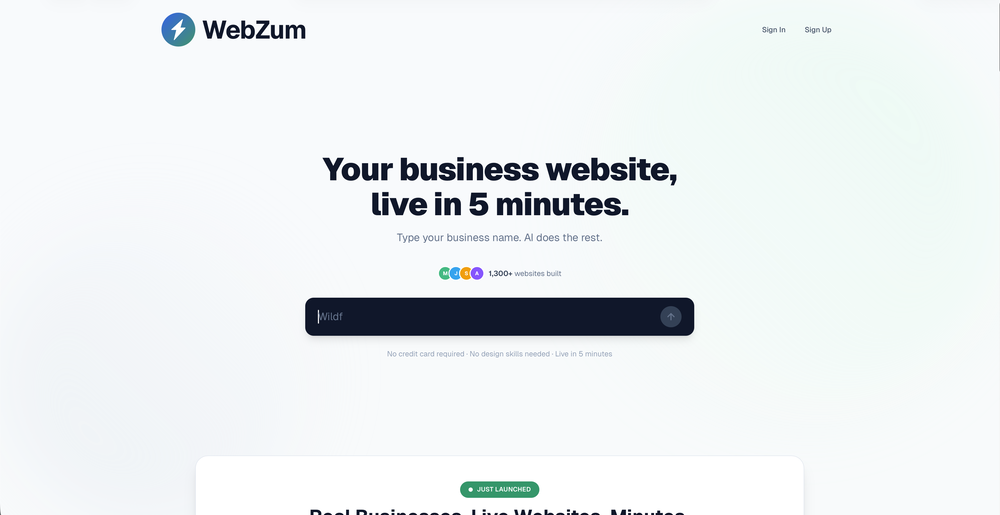 Complete rebuild of how websites get created. WebZum now uses a conversational AI interface — describe your business, answer a few questions, and get a fully built website in under 5 minutes. New in this release: AI-generated images custom to your trade (3–8 per site), custom logo generation, hero image creation, competitor and market research before build, global CDN hosting, SSL, custom domain setup, and mobile-optimized multi-page sites with working navigation. Now open to any business — no existing online presence required.
 -

-

-
-
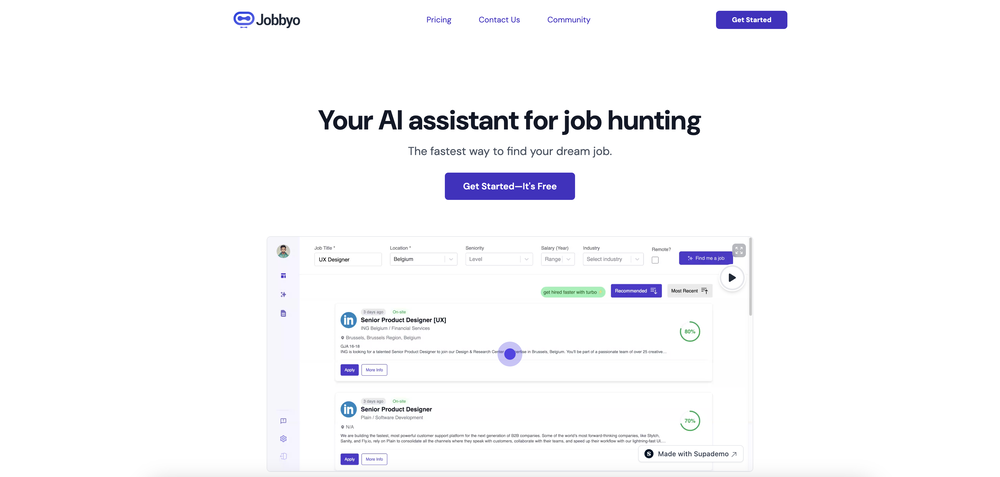 Casey Rock🙏 10 karmaJul 26, 2025@JobbyoI found this to be a very comprehensive tool. They had a mountain of job listings in my chosen field (content marketing). It's resume analysis tool was VERY informative and gave me a much more robust resume to navigate ATS. For every job I applied to, it quickly and easily modified my resume. I have only tried the free plan thus far – and have not had a chance to see how effective the automated applying tool is, but I am hoping to check it out soon! If it's anything like the rest of the platform, it looks very promising!
 -

-
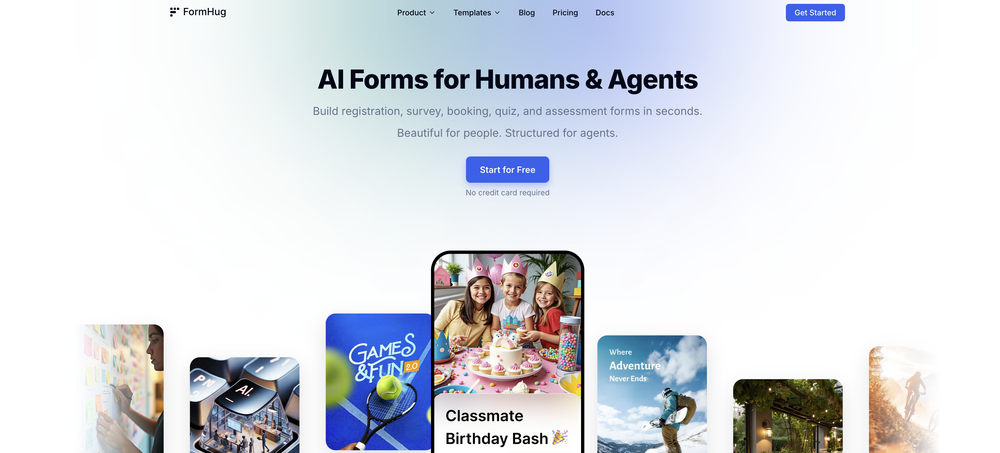 The interface is pretty good. MCP is quite friendly to Agent. I'm really surprised to find that the interface design itself is also a piece of cake. I'm gonna replace it with typeform and give it a shot.
 -
 Purely magic. It increases the productivity by a lot and the process is pretty addictive. I've been building websites like there's not tomorrow.
 -
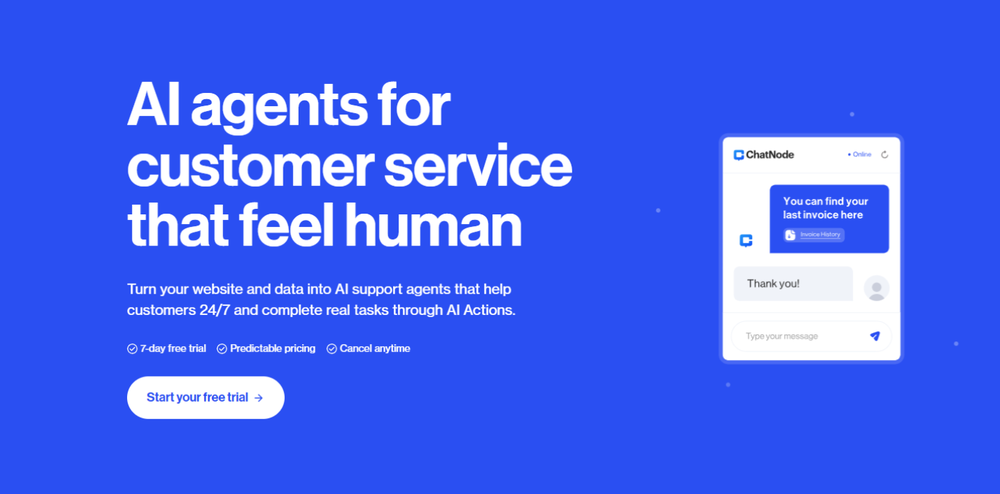 This is a fantastic tool for creating a bespoke chatbot that understands the nuances of your business. It's so easy to set up, works with all the platforms I use, like Slack, Google Drive, Notion, and Zapier, and it's massively helped with customer service queries. Would definitely recommend.
 -
 NextDocs v1.7.0 - Motion Animations, Video Export, and More Released: March 2026 Animate any object on your slides. Export to video. Present with confidence. NextDocs v1.7.0 adds motion animations to presentations. Select any element on the canvas and assign entrance, exit, or emphasis animations. Preview directly in the editor, then present full-screen with keyboard controls. The AI assigns appropriate animations automatically when generating slides. Describe what you need. AI generates animated presentations. You get ready-to-present results. --- Motion Animations Every object on the canvas can be animated. Text, images, shapes, charts, diagrams. Select an element, open the motion panel, and choose an animation. Animations are organized in beats. Logical groups that play together. Each presentation supports up to 20 beats, reorderable by dragging in the sidebar. What makes this powerful: - Stagger animations: group objects and have them animate one by one with a delay - Drag-and-drop ordering: rearrange animation sequences visually - In-editor preview: see animations without entering presentation mode - Auto-play after generation: AI picks sensible animations and plays them automatically - Keyboard navigation: arrow keys to advance, spacebar to play, escape to exit Use cases: - Pitch decks: reveal key numbers one at a time for dramatic effect - Lecture slides: step through formulas and diagrams progressively - Sales presentations: build visual stories that guide attention - Conference talks: control pacing so the audience focuses on what you are saying --- Video Export Create animated content and export the full sequence as an MP4 file. No external video editing software needed. What you can create: - Short explainer videos for social media - Animated infographics for reports - Product walkthroughs and demos - Educational video content for courses The AI generates motion-ready slides designed for video output. The export pipeline handles concurrent frame capture and produces a clean MP4 you can share directly. --- Page Transitions Presentations now support smooth fade and slide transitions between pages. Combined with motion animations, your slides flow naturally from one to the next. --- Also in v1.7.0 Keyboard Shortcuts Full keyboard control in presentation mode. Arrow keys, spacebar, escape. Faster Template Browsing Images preload in the background for instant display. WebP Blog Images Blog pages load faster with optimized image formats. i18n System New unified management system with audit tooling across 13 languages. About Page New company About page with full localization. Redesigned Marketing Pages New hero section, animated statistics, improved template browsing with category chip labels. Mobile responsiveness improved across all pages. --- Who is this for? Business Professionals Pitch decks, sales presentations, and quarterly reviews with animated reveals. Teachers and Professors Lecture slides with progressive reveal of complex concepts. Students Thesis defenses and coursework presentations with professional animations. Content Creators Animated explainer videos and social media content, exported as MP4. Engineers and Designers Technical walkthroughs and product demos with controlled pacing. --- Try It Go to nextdocs.io. Open a presentation. Add your first animation. If you have ever wished your AI-generated slides had more visual storytelling, v1.7.0 delivers that. - The NextDocs Team














Other tools
-
Love the idea of having a business/personal AI page you can share across your online channels. It’s perfect for creators, professionals & businesses of all kinds. the customization and design options are excellent... and it’s super easy to train and make your AI your own. nice work!
-
Hey! My name is Domantas and I invite all fellow solopreneurs, business and product owners to try Hostinger Horizons. Using it is super simple - you are creating a website or application just by prompting - chatting with AI. No struggle, code or design skills are needed. You can literally have your website live in few minutes. Looking forward for your feedback!
-
Hello Everyone, My name is Mohamed, the Co-Founder of linesNcircles.com. At linesNcircles our mission is to revolutionize AI & Humen Interaction. Our first product TheBar is an AI agent which can build websites for you, edit them, saves files locally, browses the internet and provide you with answers to your questions all in very simple interface. TheBar runs on your computer without signup. Your website files are saved locally with the option to publish them under our website with one click. All your files are under your creations folders. We built TheBar to be simple to use, super fast in building things for you and we are working tirelessly, to bring in more features for you like writing pdf documents and making presentations which are coming soon. Check TheBar out it is available for free now on our website https://www.linesncircles.com. We would love to hear your feedback and comments
- Sponsor
 Base44 Superagents-AI agent that does it all
 -
Looks fresh, haven’t seen anything like it in B2B niche
-
This is a great overview! It clearly explains how the AI simplifies the entire process, from design to content creation. Perfect for anyone looking to launch a business quickly.
-
-
As founder, this was a great product for working on for enterprise teams, and looking forward to more releases
-
 Use AI to build sector-specific newsletters in seconds with editing suiteOpenVery useful, going to start one for each of my clients
 - Didn't find the AI you were looking for?
-
Great tool. Love the lead generation feature that converts users chatting with the bot into leads in my mailbox
-
The construction software is user-friendly and affordable for small construction companies and remodelers.
-
 Create stunning business and portfolio websites from a single prompt in secondsOpenThis isn't too bad, it generated a pretty basic template site with AI-generated copy in the descriptions. Not too bad, but you could probably do this with a static site generator and GPT open in another tab. Nothing groundbreaking.
 -






























Post





