Go to section
Spotlight SureThing.io - "OpenClaw" for BeginnersTask automation
The front page of AI.Used by 90M+ humans.

TAAFT Tutorial
Generate image
Tasks
Generate text
Free mode
Trending
Leaderboard
Characters
 Mini tools
New
Featured
Lists
Agents
Requests
Jobs
Map
Newsletter
Starter pack
Free tools
Speech to text
Text translator
Remove background
Settings
Edit profile
My tools
Gallery
Dashboard
Inbox
Get featured
Contact TAAFT
For you
Popular
Job impact index
Most saved
Affiliate program
Submit AI tool
Notification preferences
Glossary
Home
Timeline
My profile
Create tool
Deals
Companies
Models
Robots
Papers
Fundraises
Repositories
Devices
Organizations
Events
Prompt Pack
Merchendise
APIs
Features
Tools
Countries
Collections
Videos
Mini tools
New
Featured
Lists
Agents
Requests
Jobs
Map
Newsletter
Starter pack
Free tools
Speech to text
Text translator
Remove background
Settings
Edit profile
My tools
Gallery
Dashboard
Inbox
Get featured
Contact TAAFT
For you
Popular
Job impact index
Most saved
Affiliate program
Submit AI tool
Notification preferences
Glossary
Home
Timeline
My profile
Create tool
Deals
Companies
Models
Robots
Papers
Fundraises
Repositories
Devices
Organizations
Events
Prompt Pack
Merchendise
APIs
Features
Tools
Countries
Collections
Videos
Mini tools
New
Featured
Lists
Agents
Requests
Jobs
Map
Newsletter
Starter pack
Free tools
Speech to text
Text translator
Remove background
Settings
Edit profile
My tools
Gallery
Dashboard
Inbox
Get featured
Contact TAAFT
For you
Popular
Job impact index
Most saved
Affiliate program
Submit AI tool
Notification preferences
Glossary
Home
Timeline
My profile
Create tool
Deals
Companies
Models
Robots
Papers
Fundraises
Repositories
Devices
Organizations
Events
Prompt Pack
Merchendise
APIs
Features
Tools
Countries
Collections
Videos

▼ Latest
Ai animation
Free mode
100% free
Freemium
Free Trial
Featured matches
-
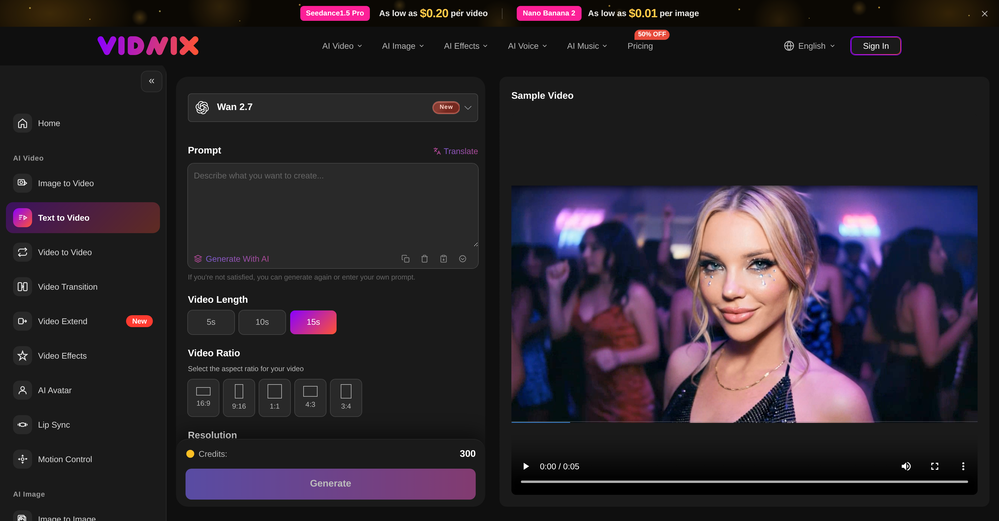 smith tom🙏 13 karmaJun 9, 2026@Vidnix | AI Text to Video GeneratorSolid. Not perfect but it gets the job done and the updates have been pretty consistent
 -
 Turn any song into scroll-stopping videos in minutes with AI-directed scripts andOpen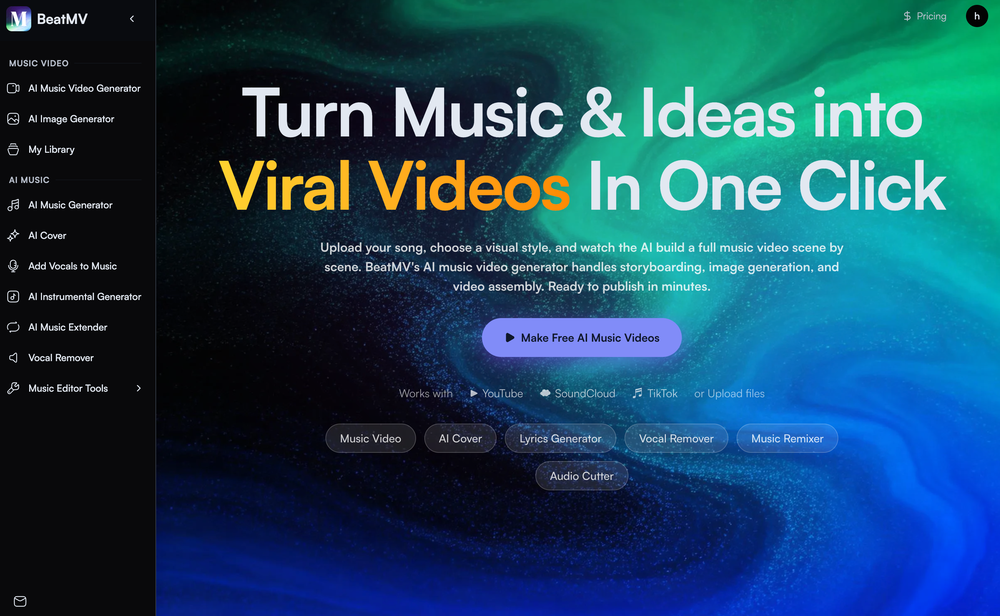
-
 AI Santa for personalized holiday moments with Advent Calendar and Radio.Open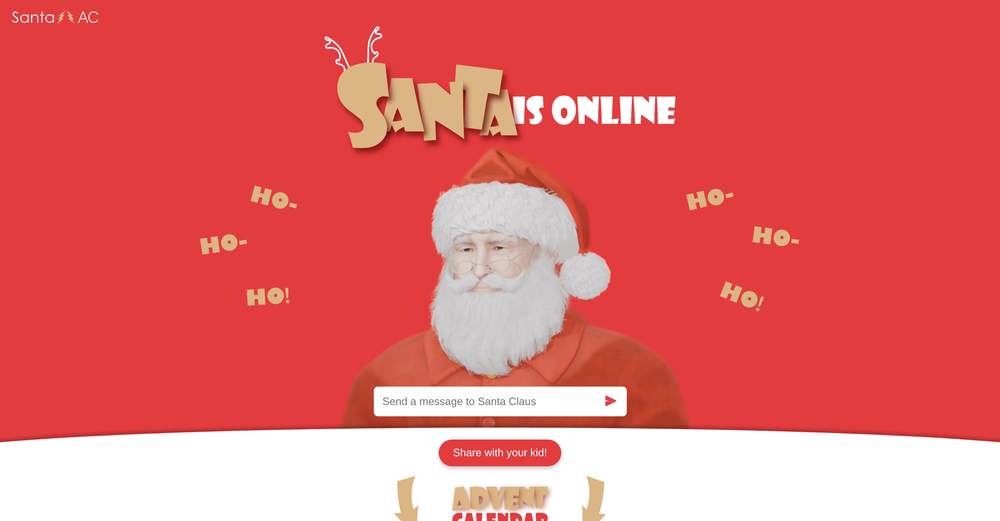
-
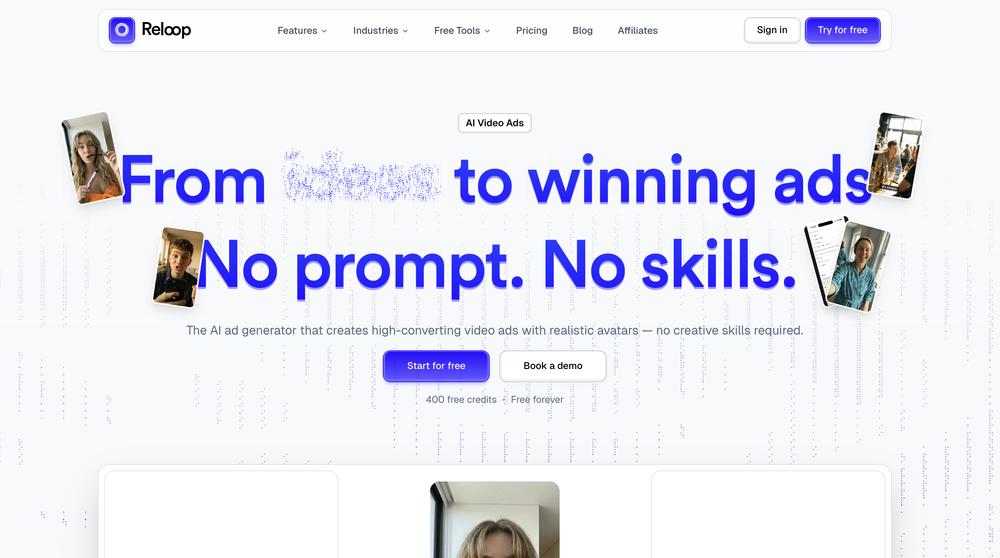 Reloop let's you create and edit ads in different kind of styles, whether you want to promote a product, a service or a tool, you can do it in 3 minutes, by having a convo with an agent. The output and ease of use is great!
 -
-
 Open
Open
-
-
-
-








Verified tools
-
 Open
Open - SpotlightSureThing.io - "OpenClaw" for BeginnersTask automation
-
 OpenAI Inspo is an excellent all-in-one AI platform. With trending templates and advanced AI generation models, creating engaging videos becomes fast and effortless in just a few clicks.
 -
 OpenI was struggling to create some free Christmas and New Year's e-cards, and these templates are really good. I recommend giving them a try. The only downside is that each free template can only be used once.
 -
I tried testing Seedance 2.0 on several platforms, but most of them required a membership upgrade first — even Dreamina. SeeGen AI offers a free trial, and that’s the main reason I recommend it.
-
Scrollsequence is a game-changer for interactive storytelling! Smooth animations, intuitive setup, and impressive control over scrolling sequences make it perfect for engaging web experiences. Highly recommend for designers and developers looking to elevate their sites. 🙌
-
 Edit smarter, faster and easier with Filmora’s powerful AI video tools.Open
 -
 Turn baby photos into talking podcast videos.OpenWow, The AI tool is so interesting for the AI talking baby podcast. I like it. Thank you for the AI
 -
-
-
I created this platform to solve a problem I saw everywhere: AI videos that looked too unnatural. AI Kiss is designed for high-quality, lifelike animation. We capture the subtle details of intimacy, specifically the eye contact between partners, making the moment feel truly authentic. Founder of AIKiss.Art Cherry
-
Speed is amazing ! I will definitely utilize the tool in the future for film generation
-
Currently, generating course videos is basically free, and everyone is welcome to use it! If you have any problems during use, you can complain and we will quickly iterate! Thank you~!
-
Been using CloneViral for my UGC ad campaigns and it's honestly a game-changer. The Agent Mode feature is what sold me - you basically describe what you want, and their AI agents collaborate to handle everything from scripting to final video. No more jumping between 5 different tools. The UGC Ads generator is surprisingly good. I can create authentic-looking user testimonials and product demos in minutes instead of hiring creators or spending days editing. Quality is solid enough that my clients can't tell the difference. Not perfect, but for the price and time it saves me, it's become essential in my workflow. If you're doing any kind of social media marketing or content creation at scale, worth trying out.
-
 Transform photos into cinematic videos with AI.Open✨ New: Seedance 2 Mini Model Better quality. Lower cost. Now available for AI video generation.
 -
I mainly used Himedia AI for image creation and got surprisingly realistic outputs. Prompt control feels intuitive compared with some other tools.
-
 Open
Open -
Thanks for the feedback. We would love to know more about your issue. Could you please provide more details at [email protected] ?
-
best part? it doesn't fight my process. i can iterate fast, try different moods and play with compositions while the idea's still hot.
-
-
-
Steer clear of this by any cost ! it gives you ONE video for free and then ask you for no less than FIFTY dollars a month for only FIVE videos ! they must be crazy with all the alternatives.
-
 Transfer motion from videos to photos with AI.OpenHey guys, Zeeshaan here, co-founder of AI Motion Transfer. This tech allows AI videos to follow complex human movements, making ai video look more far more realistic than ever before. My goal is to create a simple interface for anyone to take advantage of this new model. Hope you enjoy the tool, and I'm open to all feedback.
 -
So cute! It's actually crazy how real the dance moves look. Highly recommend using high-quality photos for the best result.
-
I’m not a professional animator, but Elser AI made it easy to turn a simple script into an anime-style video. The workflow feels straightforward, and the results are more consistent than I expected.
-
Glad to see LitVideo listed here. Have been using it for a while. Easy to use, and LitVideo provides a relatively low-cost entry point into AI video creation.
-
 Turn photos into realistic AI kissing videos instantly.Open
 -
 AI cartoon generator that keeps characters consistent across every sceneOpenThis tool helps a lot in creating cartoons consistently. It's very easy to use and the superb features that even beginners can easily adapt to it.
 -
-
It's working very well. AI chat is 100% free, but image and video are not free, though they are still good. You get a few daily credits, but at least you still have some
-
it does only do one image per time i am looking for multiple images to video
-
I tried iMini AI’s Deep Research and was impressed by how fast it is. The output quality is excellent, saving me hours of tedious paperwork. Highly recommend!
-
 Generate romantic kissing videos from two photos.OpenI like the AI Kissing Video Generator in AI facefy. It's interesting to generate my romanatic video with my girlfriends
 -
-
-
-
 Open
Open -
-
The "Lion and Sun" symbol is seen on streets where protests are underway, fires are spreading, and the nation has risen up for freedom.
-
-
-
 Transform images with AI-powered creative editing tools.Open
 -
 Transform any photo into stunning dynamic videos.Open
 -
 Multi-model AI video generator for turning images and prompts into short videos.OpenAll tools and models in one place, handy and cost-effective!
 -
Klayn looks really solid — simple to use, clean interface, and genuinely useful. It saves a lot of time on tasks that would normally take way longer. Definitely a tool worth trying!
-
 Turn product photos into marketing videos instantly.Open
 -
This is so cool! Look loved, i made my GF t-pose haha. Keep it going man, really fun!
-
 Professional character generator for creating complete character designs with turnarounds, expressions, andOpenVery good,Best AI Character Generator 2026
 -
was looking for comfyui alternatives - i want workflows - but there's so much pain to get nodes to work on comfy - but this floyo solves this entirely
-
 OpenHonestly, the kissing effect on Viyou is remarkably fluid—way better than other AI tools I’ve tried. The preset scenes are a great touch and super fun to play with. My only tip? The default prompts could be a bit more polished to get even better details, but the results are already top-tier. Definitely worth checking out!
 -
This looks like a solid tool for quick text to image work, especially with all the extra features like watermark removal and photo restore. If anyone here is experimenting with bold typography or pop style visuals, I have also tried https://allbratgenerator.com for fast brat inspired text and cover style graphics. It is simple and works well for social posts.
-
My daughter Abigail created a dragon story, and I used AI to help her visualize the text into a cartoon storybook. That simple moment changed everything. Watching her eyes light up when she saw her words transformed into beautiful, AI-style illustrations made me realize: every child deserves this opportunity. We decided to build an app to share what we learned—and to empower more kids to do innovative work by creating AI images and AI stories. Because when kids can bring their imagination to life, magic happens. And here's what we discovered: their pets and friends make the best characters for stories. Kids already love their pets. They already have wild imaginations. What if we could combine both? pet2ai was born from that vision. We make it easy for any child—or parent—to create fully illustrated storybooks starring their pets, friends, or custom characters. No artistic skills needed. No weeks of waiting. Just pure creativity, powered by AI. Every story teaches positive values, celebrates friendship and adventure, and most importantly—makes kids excited about reading and storytelling. We're not just generating stories; we're sparking innovation, creativity, and a love for bringing ideas to life. Just like Abigail's dragon story became real, we want every child to see their imagination come alive. Because every kid has an Amethyst waiting to be illustrated.
-
I'm giving it two stars because it does do an ok job on videos but I would NOT recommend this. The "free trial" gives you 80 credits. It's not even enough to make a 60 second video so you can't really "trial" anything. I then spent $35 to make a 60 second video and I did two edits to it and I only have 451 credits left for the month. Until the costs come down, this is not feasible.
-
I used it to generate several Christmas-related videos, and the results were excellent. It’s a really great product and definitely worth trying.
-
I built Forevi after trying to restore my own family photos, especially for my grandpa. He doesn’t really care about physical gifts anymore, but he does care about memories: his youth, his family, the small things that mattered to him. Every tool I tried either changed faces, added fake filters, or made everything look overly smooth. So I built a full restoration workflow: restore → colorize → enhance/upscale → animate → add sound. The goal is to help people bring old moments back to life and create new memories from old photos. Would love your feedback on what feels right, what doesn’t, and how I can improve the tool. Thank you folks!! Best, Daniel




































































































Other tools
-
 Open
Open -
- Didn't find the AI you were looking for?
-
You get 300 credits upon signing up, which is enough to test out the app and see its potential. I had a bit of fun with it. It takes a few minutes to generate content, but the results are impressive. There are many styles, modifiers, and customization options available. I would definitely use this for content creation or storytelling.
-
-
Hey SFS, it seems the app works with credits via an API key, priced at $0.01 per credit. The lowest generation cost is 0.9 credits, and the highest is 8 credits. We’ve also updated the app’s price description. Thank you very much!
-
bait and switch. Said free and is not. I just want to try a photo before paying.
-
This tool has completely transformed my social media content. I can now create engaging talking videos from my photos in minutes. The lip sync is incredibly realistic!
-
 Bring still images to life—instantly animate your art with Midjourney Video V1OpenThe highlighted images on the home page are stunning. I wish I could have just one free try to really understand the extent of it. :(
 -
tried it on one of my old random sketches and the animation came out smooth, everything looked spot on with perfect proportions. only downside is that it's pretty short, wish it had an option for longer clips. but for a free test, it really shows off what the tool can do. fantastic. 5/5
-
 OpenIf you can put right text you will get best result.
 -
-
super fun to use, great for coming up with anime characters.
-
This one is quite rewarding, getting my old photos to move as a video
-
There is no free trial... Unable to understand, if the tool is worthy enough
-
Rizzle's Podcast to Video tool has expanded my audience and boosted engagement with its user-friendly interface and impressive video results.
-
 Turn words into AI generated art and AI cartoon yourself in seconds.Open
 -
-
Super easy and fast, not professional result but fun and free.
-
-
Asked it to create an animation. Took a few tries but it managed to create a very good one for the purpose I wanted it to use.
-
 Create hyper-realistic beach party scenes for personal branding.Open
 -
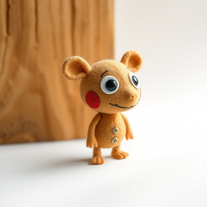 Transform ideas into charming stop-motion style images.OpenChanged the prompt to improve results.
 -
 Transform text prompts into stunning anime artwork instantly.Open
 -
 AI-powered Pokmon wallpaper creator for stunning 4K backgrounds.Open
 -
 Create cinematic action scenes while preserving human identity.Open
 -
 Open
Open -
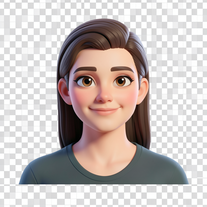 Transform your photo into a premium Pixar-style 3D character.Open
 -
 Transform yourself into cinematic dessert scenes.Open
 -
 Open
Open -
doesn't generate anything 3d, nor animated. images also took a long time to make :(
-
 Crafting intrigues for short animated films.Open
 -
 Focused After Effects animation and expression guide.OpenTo register as a requestor, I can download the mobile application from the Play Store or Apple Store. Then, I open the application and click on “signup”. On the signup screen, I can enter personal information like Name, Email ID, Password, Contact No and Address. My account is successfully created, and I can “sign in” with the entered email ID and password. Smart Sort generates a unique QR code with my information, which will be stuck on front of my door.