Go to section
Spotlight SureThing.io - "OpenClaw" for BeginnersTask automation
The front page of AI.Used by 90M+ humans.

Generate image
Tasks
Generate text
Free mode
Trending
Leaderboard
Characters
 Mini tools
New
Featured
Lists
Agents
Requests
Jobs
Map
Newsletter
Starter pack
Free tools
Speech to text
Text translator
Remove background
Settings
Edit profile
My tools
Gallery
Dashboard
Inbox
Get featured
Contact TAAFT
For you
Popular
Job impact index
Most saved
Affiliate program
Submit AI tool
Notification preferences
Glossary
Home
Timeline
My profile
Create tool
Deals
Companies
Models
Robots
Papers
Fundraises
Devices
Organizations
Events
Prompt Pack
Merchendise
APIs
Features
Tools
Countries
Collections
Videos
News
Investors
Repositories
Modalities
Mini tools
New
Featured
Lists
Agents
Requests
Jobs
Map
Newsletter
Starter pack
Free tools
Speech to text
Text translator
Remove background
Settings
Edit profile
My tools
Gallery
Dashboard
Inbox
Get featured
Contact TAAFT
For you
Popular
Job impact index
Most saved
Affiliate program
Submit AI tool
Notification preferences
Glossary
Home
Timeline
My profile
Create tool
Deals
Companies
Models
Robots
Papers
Fundraises
Devices
Organizations
Events
Prompt Pack
Merchendise
APIs
Features
Tools
Countries
Collections
Videos
News
Investors
Repositories
Modalities
Mini tools
New
Featured
Lists
Agents
Requests
Jobs
Map
Newsletter
Starter pack
Free tools
Speech to text
Text translator
Remove background
Settings
Edit profile
My tools
Gallery
Dashboard
Inbox
Get featured
Contact TAAFT
For you
Popular
Job impact index
Most saved
Affiliate program
Submit AI tool
Notification preferences
Glossary
Home
Timeline
My profile
Create tool
Deals
Companies
Models
Robots
Papers
Fundraises
Devices
Organizations
Events
Prompt Pack
Merchendise
APIs
Features
Tools
Countries
Collections
Videos
News
Investors
Repositories
Modalities

▼ Latest
Ai presentation technology
Free mode
100% free
Freemium
Free Trial
Featured matches
-
 Real-time AI-powered Scripture display and note taker that responds to voice.Open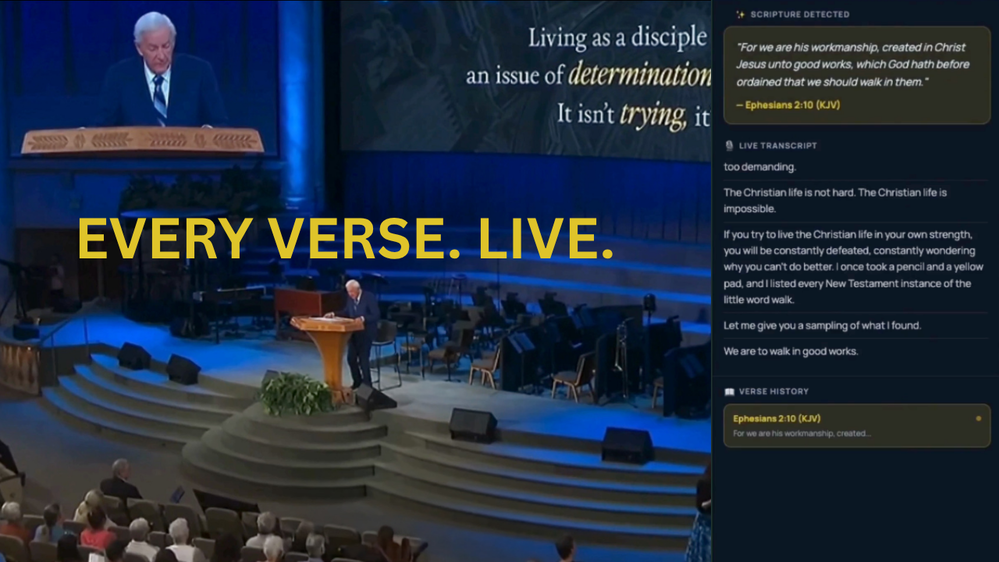
-
 Turn property photos into scroll-stopping videos that sell homes faster.Open
-
-
-
-
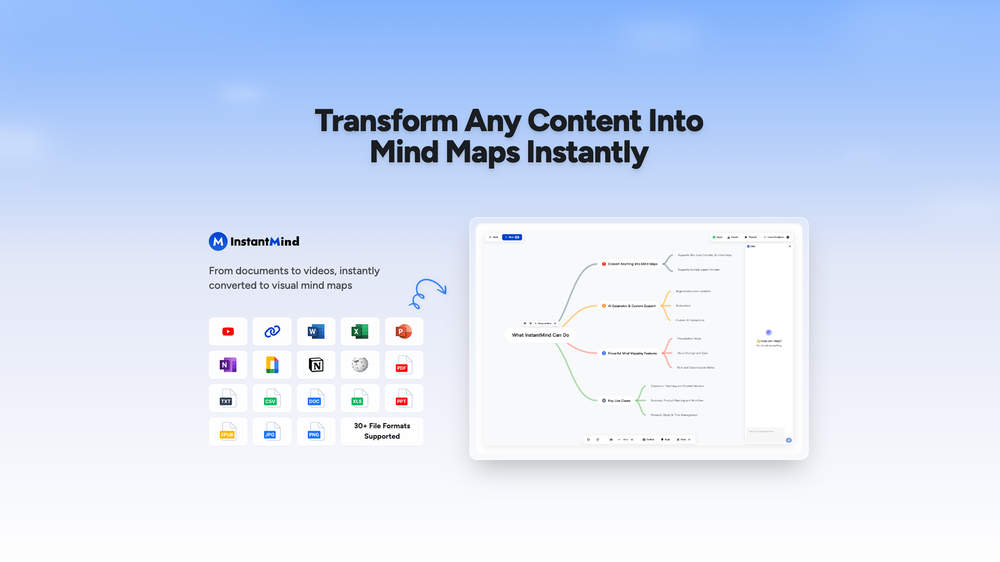 Wasel Alhodar🙏 75 karmaJul 15, 2025@InstantMindThis is truly a wonderful experience that brings joy and delight.
 -






Verified tools
-
 Open
Open -
-
⭐⭐⭐⭐⭐ Great AI Presentation Tool! I really liked the Brand PPT feature. It helped me create professional, on-brand presentation slides in under 60 seconds. The AI-generated content was well-structured, the design looked polished, and the editing process was simple. It has saved me a lot of time compared to creating presentations manually. Highly recommended for anyone who needs fast, professional-quality PowerPoint presentations.
- SpotlightSureThing.io - "OpenClaw" for BeginnersTask automation
-
A useful AI tool for homeowners. I used it to convert my basic floor plan into a 3D model and explore different interior styles. The AI interior design feature is a nice bonus because it helps visualize ideas before spending money on renovation. Simple to use and great for early-stage planning.

-
 Open
Open -
 Turn one product upload into complete ecommerce image sets.Open
 -
 Open
Open -
I’ve tried almost every AI slide generator out there, and Tosea is in a league of its own. Most tools just scrape the surface, but Tosea actually digs into my research PDFs. It captures the nuance and logical flow of the original document without the usual AI hallucinations. The slides it produced for my last project were surprisingly deep and well-structured. Plus, being able to export directly to PPTX and make my own tweaks is a lifesaver. It’s easily saved me hours of manual formatting this week.
-
 AI render enhancer built for archviz professionals.Open
 -
Worked well to fill my room. Would love to see more options in terms of what I can configure in the future releases.
-
-
 OpenThe PowerPoint presentation I made met my expectations very well
 -
Surprisingly Powerful & Underrated I originally used TeraBox just to back up my photos and save lecture materials—but the new AI features blew me away. The built-in paraphrasing tool has become my go-to for refining academic writing. It’s a hidden gem that deserves way more attention!
-
Thanks for free credits. Please 🙏 adapt for mobile💪
-
Thanks for your note. Pi is independently developed, with more than Gamma: richer themes, interactive surveys, AI copilot. 7-day free trial—try it to see! We value innovation and users.
-
Looks promising but found it very slow to load and create templates and previews
-
A very useful AI slides tool! The content it generates is genuinely smart.
-
 Generate professional presentations in seconds with AIOpenDid not allow to download the slides.... ideally they should keep it free till sufficient traffic hits the platform and allow people to share feedback.
 -
Too limited in caracters, visuals and prompt application
-
An AI that can present slides! I used to only use AI that could create PowerPoint presentations, but this is the first time I've encountered an AI that can present slides for me! I hope it will provide even more help with my work in the future.
-
I did not like it. Seems very generic and did not adapt or recognized the topic to change the figures and the templates. Simply put my text to templates not related to the topic.
-
create a ppt with example and small case study on augmented marketing mix
-
-
 Create stunning presentations in seconds with AIOpen
 -

































Other tools
-
I’m the developer of ClaviSay, and I’ve always struggled with learning foreign languages. But since I need to use them for work, I wondered if I could create an AI that would help me read more efficiently and save unfamiliar words—all while I’m actually reading content like BBC or Medium. Now I’ve made it happen—ClaviSay. All features are free, so feel free to use them as you like. You can also provide feedback at any time; ClaviSay offers a dedicated feedback channel. Thank you all.
-
It’s more than just a presentation maker, it also helps organize information.A great alternative to PowerPoint or Google Slides when you need something fast and professional. It has become part of my daily workflow at the office.
-
It's really a cool concept, but for a year is over $1000 subscription price, and you can't even try it first ONCE before having to pay! When you sign up, you should get (x)# of free trials, even if it's like... limited. The fact you can't even try it is super lame!
-
don't see how this is different form DALL-E or midjourneu
- Didn't find the AI you were looking for?
-
-
Hello Lalith! Try refreshing the page and giving it another shot,the app seems to be working fine.
-
-
It easy to use and you can create beautiful presentations but you can't share professionally without a HUGE cost of 50 per month thats billed annual! they try and force you to buy. Will not use as it is NOT easy to share
-
-
 OpenI want a presentation on the topic **Travel**. I want words that are easy to read and pronounce and have an expressive, useful and scientific meaning.
 -
-
-
It's helps you get started on a presentation. Likely need to edit photos and text.
-
This is the first slide creator I found that actually creates an outline, and nice looking slides with images. The one negative/con is it takes yoursubject and title and generates an outline, but it doesn't allow you to put in your own outline
-
Hi Christian! Looks like it's working for me, can you give it another try?
-
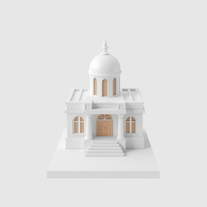 AI-powered 3D renders for stunning architectural concepts.OpenNice experience, selection of materials to play with imagination and ease!
 -
 Crafting stunning PowerPoint presentations from research to product.Open
 -
it did not meet my expectations, ai could not create and add visuals.
-
bad for creative presentations just copy paste the content in form of ppt , can't humans just not do Ctrl C and Ctrl V now ? No designs , no images, no transitions or animations, and saying bs in the chat that i am doing this not that now on your previous command blah blah ...
-
 Expert in enhancing Tinder profiles and crafting unforgettable bios.Open
 -
 OpenCould be helpful. Currently seems to have frequent networking and communication issues. Slides tend to be very basic currently.
 -
 Educational tutoring: Clarifying concepts - Quiz generation - Activity proposals - Presentation creationOpen
 -
 Open
Open