
 Mini tools
▼ Popular
Canva
Free mode
100% free
Freemium
Free Trial
Featured matches
-
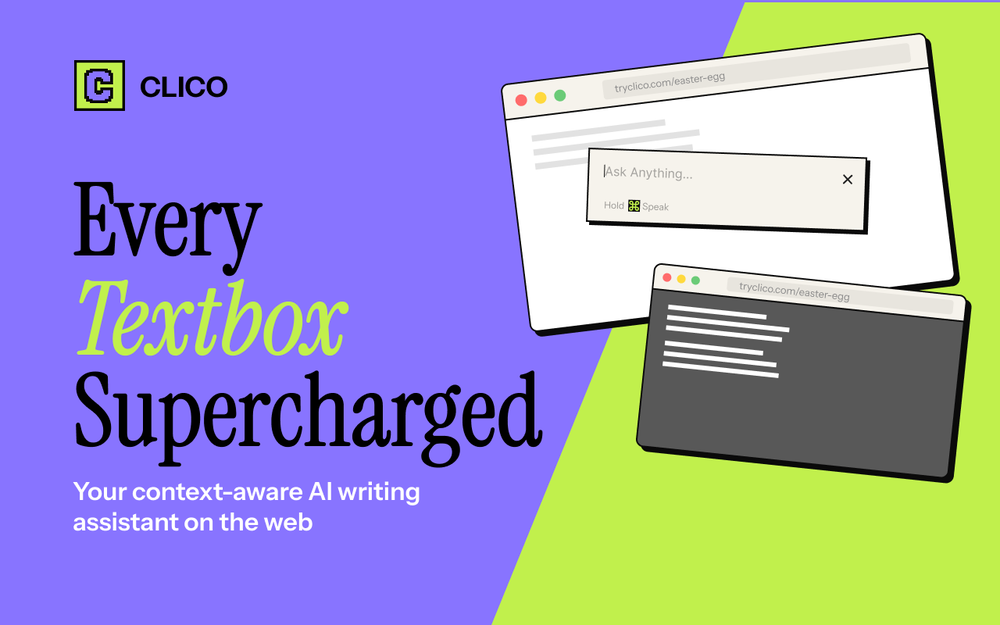 - Your AI sidebar now works inside Google Docs. Whether you're drafting, editing, or reviewing, it's right there with you. No tab switching, no breaking your flow. - Clico now runs on chatgpt.com too. Refine and polish AI-generated content on the spot, without ever leaving the page. - The whole web experience is noticeably faster. Less waiting, more doing.


Other tools
-
Saverio Pulizzi🙏 3 karmaDec 27, 2024@NeuralcanvasTheir latest studio release it’s pretty insane! It can generate speech bubbles and custom characters. I haven’t seen any other tool doing so!
-
It’s super easy to use! Trickle can handle everything from forms to analytics, and you can deploy your project in no time. Impressive!
-
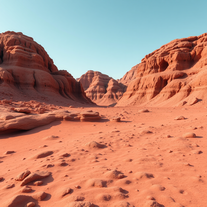
This is easily the best Ai tool for creating landscapes because it is completely free, really easy to use and the results are beautiful and almost indistinguishable from real photos
- Sponsor
 Base44 Superagents-AI agent that does it all
 -
It is what you make it! The better your description the better the outcome. Be sure to include what your company does (in 1-2 sentences), who you target (1 sentence), what they want or need, what you have that solves their problem.
-
-
Love how simple Notch ai is to use. It’s fast, intuitive and always delivers content that is on-brand.
-
 Open
Open - Didn't find the AI you were looking for?
-
-
 Open
Open -
Just paste content in, layout will automatically be desigend
-
ran a quick prompt...works fine but does not remove background. Typically .png have transparent background....these do not. Needs tweaking.
-
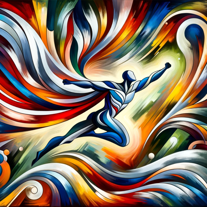
Artist Tips for Better Results with Somnira Canvas: To help Somnira Canvas render the most compelling and emotionally resonant figures—whether human or animal—users are encouraged to guide the tool with poetic, suggestive phrasing rather than highly technical descriptions. This helps maintain harmony with the platform’s expressive strengths. For human figures, try emotion-based posture phrases like “curled in sorrow,” “reaching toward a fading light,” or “kneeling in wind.” Favor mood-based modifiers over anatomical specifics, such as “a silhouette bathed in dusk” or “a quiet figure in motion blur.” For animals, use mythic or metaphorical phrasing like “a fox made of stars,” “a deer outlined in frost,” or “a lion woven from dusk and gold.” Avoid strict biological realism unless intentionally stylized (e.g., “cubist owl,” “ink-drawn heron”). Best practices include specifying camera perspective or body angle with terms like “3/4 view,” “top-down shot,” or “over-the-shoulder,” and adding atmospheric cues such as “drifting in chalk mist,” “outlined by candlelight,” or “carved in shadow.” You can also add emotion-based tags directly into the prompt—words like “longing,” “grief,” “stillness,” or “wonder” will guide the aesthetic and expressive qualities of the final artwork.
-
 Craft stunning Indian art mosaics from user input.Open
 -
-
 Open
Open -
 Open
Open -
 Create A Business Model Canvas For Your BusinessOpen
 -
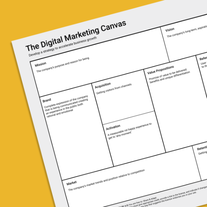 A practical guide to accelerate business growth.Open
 -
 Analyzing trends, teaching creation and sales strategies.Open
 -
 I help with p5.js for creative coding, providing clear instructions and code.Open
 -
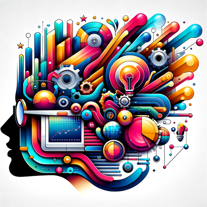 Creates complete startup canvases from 'I wish xyz' statements.Open
 -
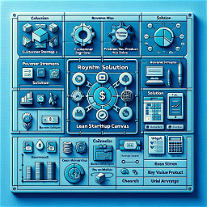 Transform requirements into a lean product canvas.Open
 -
 Open
Open -
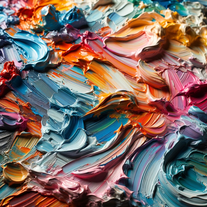 Creating and describing art with a creamy, palette knife style.Open
 -
 Open
Open -
 Cannabis investment AI expert, delivering clear, adaptable, comprehensive guidance.Open
 -
 Open
Open







































Post





