
 Mini tools
▼ Latest
Code development
Free mode
100% free
Freemium
Free Trial
Featured matches
-
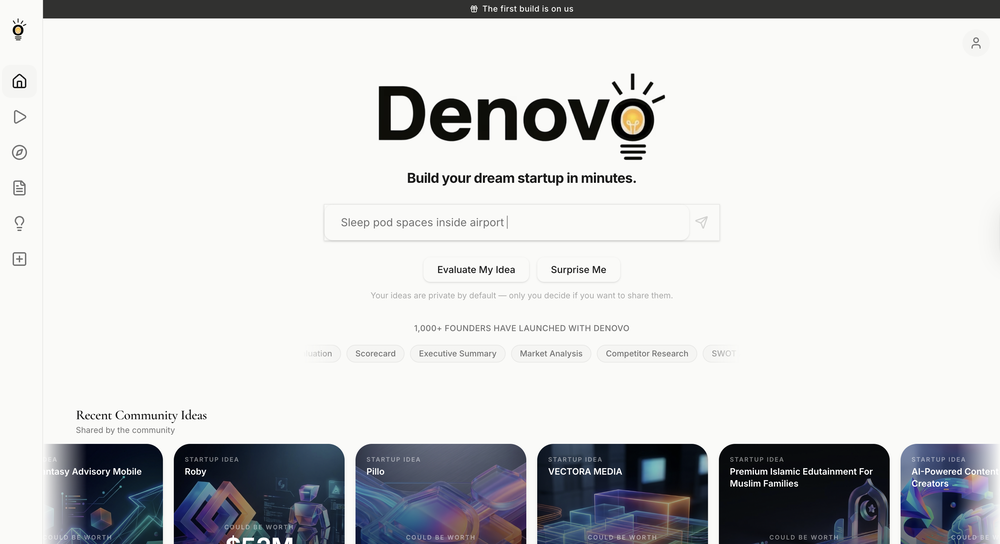 We introduced idea evaluation and remixes with forecasted business valuation as the main driver.
 -
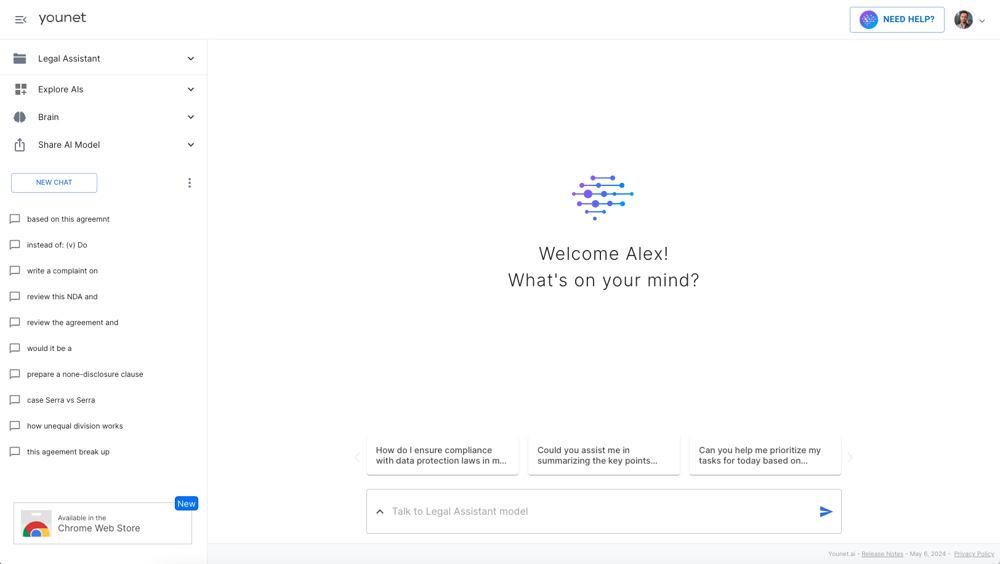 New Release: 2026-02-26 What’s New / Improvements UI & Home Page Redesign (AI Agents-first) Updated overall interface and home page layout to make AI agent discovery and selection faster and more intuitive. Connectors & AI Agent Selection UX Refresh Redesigned Connectors flow and AI agent selection experience to reduce friction and improve clarity across the setup process. Fixes Multiple UI Bug Fixes Resolved a set of UI issues to improve stability, consistency, and overall user experience.
 -
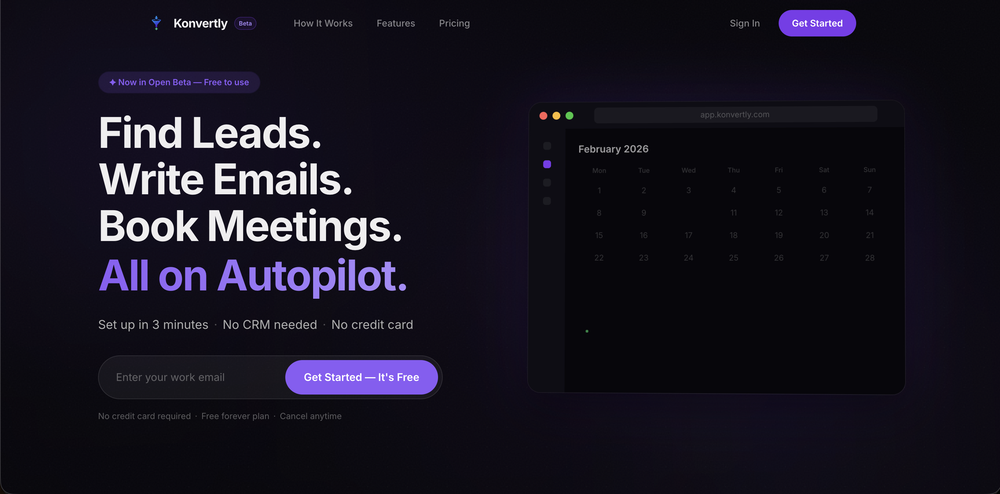
 Konvertly🛠️ 1 tool 🙏 5 karmaFeb 3, 2026@KonvertlyHi, I am Cristian the founder of Konvertly. I built Konvertly because I was tired of juggling 5 different tools just to send a cold email. A tool for leads, A tool for sending, manually writing intros, forgetting to follow up—it was exhausting and confusing with all the credit systems. I thought: "Why isn't there ONE tool that does all of this?" So I built it. Six months of nights and weekends. Then we soft-launched and got 60 paying customers, which honestly blew my mind. Today's the official launch. If you've ever felt buried in manual prospecting, this one's for you. — Cristian
 -
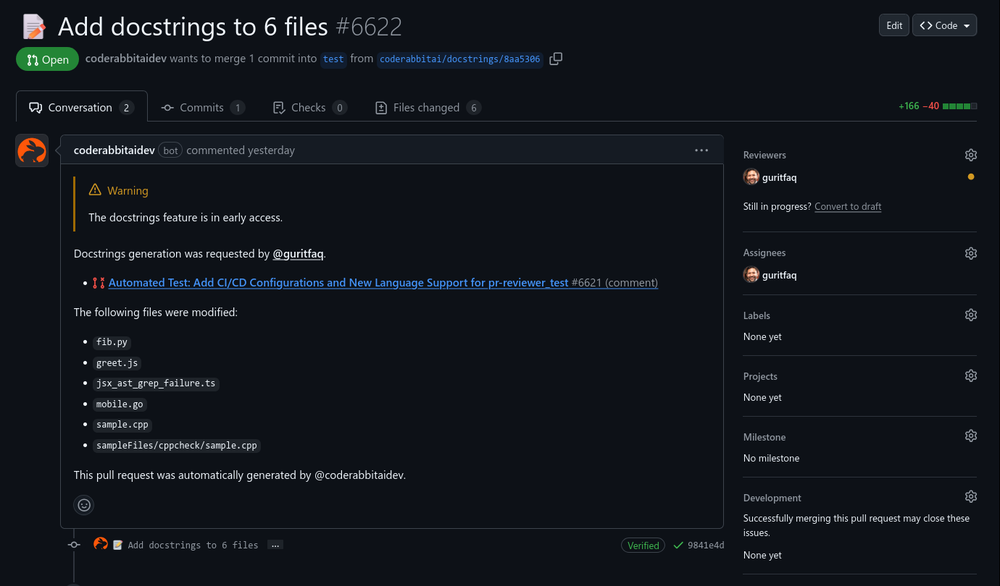 Reducing manual efforts in first-pass during code-review process helps speed up the "final check" before merging PRs
 -
 Open
Open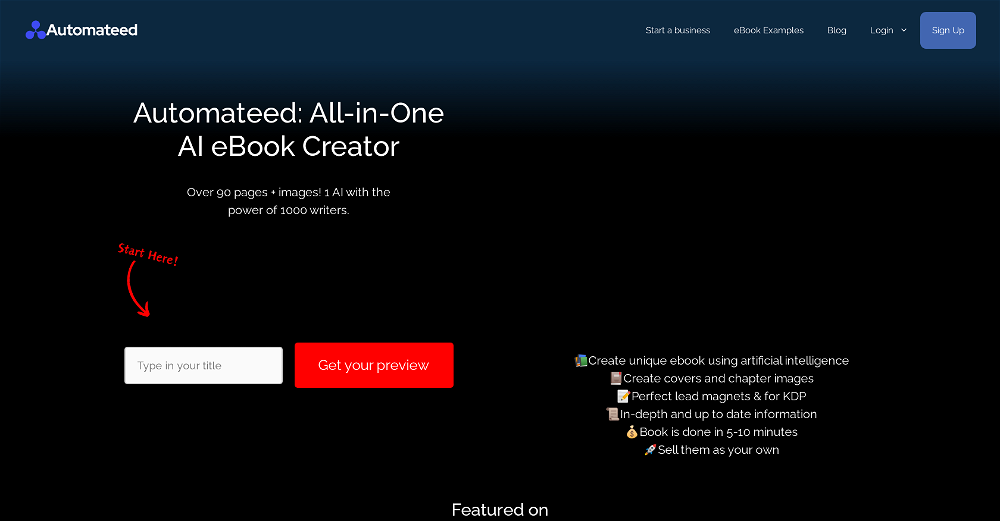 This tool i found is super cool, I created 5 books from this tool to sell them online, which gives me great profit. I am creating more valuable books to spread knowledge, and earn some bucks as well 🤑.
 -
 I made my website with Pagesmith. Seems the best for fast content based sites.
 -

-
 Purely magic. It increases the productivity by a lot and the process is pretty addictive. I've been building websites like there's not tomorrow.
 -
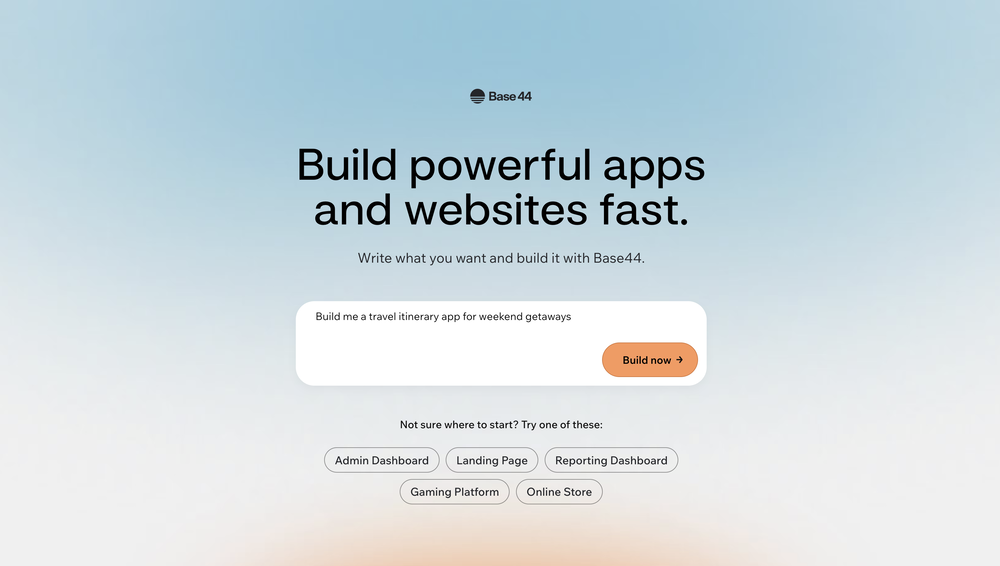 Base44 is an AI-powered platform for building fully-functional apps with no code and minimal setup hassle. The platform leverages advanced AI technology to translate simple, natural language descriptions into working apps. Let’s make your dream a reality. Right now.
 -
 AI Product Management with Contextual Intelligence | Second Brain for Software HousesOpen
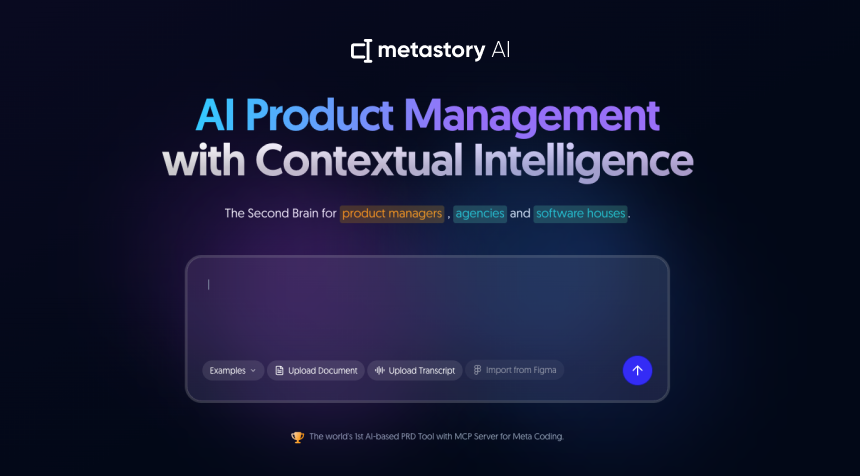 Great tool for simplifying product requirement tasks. Smooth Jira integration, some AI-generated content might need tweaking. If you’re looking to streamline your process without spending much, it’s definitely worth a try!
















Verified tools
- Sponsor
 MongoDB - Build AI That Scales🗄️ Database
 -
Man, with the free models that we have web creation became so easy. But everyone had the same websites. I really like how different they look from others.
-
CodePup AI is incredible — it makes generating professional websites effortless with zero coding required.
-
The only CRM I've actually stuck to. Its AI does everything.
-
 OpenI recently tried legasite.io The process was straightforward. You paste in your site’s URL, choose a template, and wait. It didn’t take long before I got a downloadable version built with modern structure (Next/React.js). That alone saved me a decent chunk of manual setup time. The generated layout was clean and usable. Overall, I’d say it’s genuinely useful if you’re modernizing legacy sites and want a head start with the possibility of refining the output if the original website has messy interactions or complex structures.
 -
Scrollsequence is a game-changer for interactive storytelling! Smooth animations, intuitive setup, and impressive control over scrolling sequences make it perfect for engaging web experiences. Highly recommend for designers and developers looking to elevate their sites. 🙌
-
So I tested out Test Your Idea, and it actually works pretty well. You put in your idea, wait a minute, and it shows you the stuff you've been missing. Got some decent pivot suggestions that helped me refocus from a tiny niche to something way bigger. Saved me from probably wasting a few months in the wrong direction if you're actually gonna build something, not just daydreaming about it
-
Hi Really like this idea. Helps to brainstorm the idea based on research from various data sources
-
 AI-powered personality insights for professional and personal growth.Open
 -
I successfully used this app for creating 50k+ LOC commertial projects. It shifts development effort to more thinking in advance and system design. And then straightforward implementation. Are we at the time of making Waterfall methodology great(er) again?
-
Hi Marwa — thank you for the love on your first try and for the candid update. We’re sorry about the frustration with verification and downloads — that’s on us. A quick update based on your feedback: • We’ve removed the human‑verification step entirely. It was only in place during our early launch (before login) to prevent abuse; now that sign‑in is live, it’s no longer needed. • The free plan currently includes 2 song generations per day plus unlimited listening/streaming. (Downloads are available on paid plans.) AI music generation is expensive to run, so we can’t make unlimited usage completely free, but we’re committed to keeping a useful free tier and transparent pricing. If you decide to upgrade, use the code TAAFT at checkout for 20% off any plan. If anything still doesn’t work as expected, please email us at [email protected] — we’ll jump on it. Thanks again for helping us make Eleven Music better!
-
 Turn everyday items into enriching learning experiences.Opentried this tool and while it wants you to sign up at some point, it does provide some good options whenever you run out of ideas, definitely recommend it
 -
Maybe give it another go now? It works just fine for me
-
I use Devra for every project -- I've created 5 new projects this year with it
-
I’ve purchased boilerplates before but honestly this is by FAR the most thorough and useful. I mean check out the documentation alone. I get that ppl might be “boilerplated out” by now but seriously don’t sleep on this if you want to save literal days/weeks of building. Using it now to build a microsaas in 48 hours!!
-
I tried TheMultiverse.ai and was genuinely impressed — the headshots it generated look sharp, professional, and true to me. The editing options gave me just enough control without feeling overwhelming. I think it is more affordable than other ai headshot options out there.
-
Intuitive UI with quick insights backed by actionable suggestions.
-
Genuinely did not expect the sheer capability of this tool. I thought it would just make the text part of the e-mail but no, it just can generate the entire thing, and it allows you to take it and edit it further to your liking. Mind blown.
-
I tested. Loved it. Tried with 3 different websites. Full Marks to the output! Worth paying for!
-
Would rate 4.9 if possible, but rounding up to 5 stars because this app truly excels compared to other AI coding tools. Why 5 Stars: Best-in-class AI coding assistance Huge improvements over competitors Actually works for real development Real Impact: I successfully built and published an actual app using this tool - that's game-changing for non-developers like me. Bottom Line: Yes, there's room for improvement, but this is already the top AI coding app available. The fact that ordinary people can create real apps with it says everything. Perfect for anyone wanting to turn ideas into actual apps!
-
Traycer is so goddamn amazing, It gives an amazing plan which I can then simply feed into my Cursor, and then boom, I vibecode so easily. I've been using it for over 3 weeks now and its more than value for money Do not buy Cursor Alone, I'm building my startup with $20 Cursor Pro $25 Traycer Pro subscription
-
Honestly this is the GOAT, I tried this tool and it was able to either help debug or make scripts from the ground up. It has support for a lot of support languages too, which adds extra points to how good this tool is.
-
For now the best browser based AI scraper i have ever used.
-
Rocket is fast as heeeelll for spinning up prototypes when an idea hits. I've shipped small tools and MVPs with this as the foundation, saves days of boilerplate setup. Great one :)
-
Didn't really do the graphs that i thought it would do. Good for simple graphs, like for a presentation
-
Really liked the performance dashboard features. Very unique. Also the output was very polished, ready to deploy. Did not have to use Supabase - though would like to have the option of also using it if I want. Also cheaper compared to alternatives
-
Excellent for my kids and keeps getting better!
-
I was just trying it out at first, used some free credits a few hours ago to build a simple app. Turns out, it actually came out pretty decent! I got to test it on my phone without spending a dime, and even showed it to my wife, she was pretty surprised too. So we decided to go ahead and pay to polish it up and download it properly. So far, everything’s running smooth
-
It’s super easy to use! Trickle can handle everything from forms to analytics, and you can deploy your project in no time. Impressive!
-
 Prevent AI data breaches with real-time risk management.OpenNot just alerts - real time visibility for Slack, Google Workspace, and AI APIs to stop risks before they become breaches
 -
Integrated vector db tool invocation typed json output, pretty standard AI agent builder. Lack of pre-defined tools is a bit of a drawback compared to alternatives like Relevance.ai. BUT, it makes up for it as it allows you to monetize with account system / stripe integration. It is also WAAAAAAY cheaper than Relevance.ai Bubble.io.
-
-
Personally it was really helpful for my experiments and it supports the inline edits like figma.
-
-
Cool tool. I hope you continue to develop this tool to reach its full potential. Keep it up
-
 Build AI Mobile & Web Apps - No Code, No Api KeysOpenI built my fitness app and published it to both App Store and Google Play in just 3 days. OnSpace AI handled all the mobile development complexity. I'm now earning from in-app subscriptions.
 -
We use GenRank every day at our company, and it’s been incredibly helpful. It shows exactly how our brand and competitors appear in AI responses and makes tracking everything super easy. Really great tool if you care about visibility in AI.
-
Most AI code generation tools leave you out to dry when you get to backend implementation. Using Convex on the backend or just using Chef has become a no-brainer for everyone trying to make real apps.
-
huge timesaver, had an ideea for an app to help me with my invoices and it made a working website without me needing to set up anything, I didn't even have to leave the chat to do this
-
Honestly, this took waaaay too long to generate. I didn’t really have the patience for it. However, I did appreciate the little group chat animation during the wait, definitely more fun than just staring at a boring loading bar. But still, I couldn't wait until the website was done
-
Hey! My name is Domantas and I invite all fellow solopreneurs, business and product owners to try Hostinger Horizons. Using it is super simple - you are creating a website or application just by prompting - chatting with AI. No struggle, code or design skills are needed. You can literally have your website live in few minutes. Looking forward for your feedback!
-
 AI-powered code reviews that accelerate pull requests and improve code qualityOpenI signed up for early access and have been using codoki for a few months now, eventually brought it into my team as well. Great tool, simple to use, not overwhelming and has caught things in a way thats actually digestible
 -
 Ship Your Full-Stack MVP in Hours, No CodeOpenThe AI tool that turns Figma design into production-ready websites, automates complex backend tasks like auth and payments, adds AI capabilities, and I like their support team service.
 -
Six months ago I was building some landing pages and found myself wasting way too much time downloading stock photos, cropping them, resizing, rehosting... the whole thing felt broken. I looked around for a tool that just let me describe the image I wanted and get it in the right format instantly—but nothing really existed. So I built Inliner AI. Now when I need an image, I just write what I want directly into a URL like this: https://img.inliner.ai/my-project/panda-playing-guitar-on-stage_1200x750.png Hit enter and boom Inliner generates an original AI image, intelligently cropped, resized for the web, and served instantly via CDN. Need a quick edit? Just append it to the URL: .../remove-the-guitar_900x750.png No uploads, no UI, no waiting. You can also upload your own products, people, or logos and compose them into generated scenes. For more control, there's a Studio web GUI where you can play with prompts and dimensions and compare variants side by side before committing. Where this gets really powerful is when you show your LLM how to use these URLs. Once it knows the pattern like: https://img.inliner.ai/my-project/xxx-yyy-zzz.png It can generate, tweak, and iterate on image assets dynamically, right inside your prompts or your code. Everything stays self contained in the link. We also include copy/pasteable instructions for Claude, GPT, Cursor, and more so you can wire this up in minutes. If you're building a product, designing a page, or just prototyping something new try it out and let me know what you think!
-
Really cool app to code faster and get less errors
-
Thank you, if we can help with anything reach out any time!
-
Emergent is the first agentic vibecoding platform built for serious builders. If you’re pouring time, money, and energy into building a product that matters, you deserve a platform that takes your ambition seriously. As your AI-native product engineering partner—wired to think in systems, not snippets—Emergent transforms natural conversations into production-grade, full-stack applications without requiring developers. It doesn’t just ”help you code”—it builds end-to-end: real databases, working APIs, secure authentication, production-ready infrastructure, and all the glue in between. Emergent conducts thorough research and deep product planning, developing
-
>Why is this website so ugly? Our goal is to rapidly make the software better, not to have a shiny website. Love it!
-
This tool is really good. it does a great job, and it cuts my development time down to the point where I can finally catch up on all my movies and series in wishlist.

























































































Other tools
-
Another ClawdBot inversion, love it. Gotta hope for safety!
-
 Approve/reject Claude code permission requests from anywhere on MacOpen
 -
Didn't really like the output, made some good directives for me and insight that i haven't came across so far. Not really sure if i will trust it with my main projects though. How safe is it?
-
-
-
Try doing anything real with Lovable and welcome to the error loop. Has a lot of potential but Lovable does not seem to be ready to produce real apps with multiple pieces that need to work together without getting stuck in error loops. Disappointing.
-
It gets 2 stars for actually being able to deploy an app. But I'd give it negative 5 stars because it will cause pure rage when it starts to break your app and won't reference what is currently deployed or it will break backups. Wtf?!?!
-
Idk why a guy put one star because this AI is casually better than all the other with a lot of functionality
- Didn't find the AI you were looking for?
-
I think imagica.ai could be a game changer in app creation!
- Waitlist
-
Finally an API provider that is actually affordable. Nano Banana Pro API saved me over 50% on my bill. Also super impressed that they have access to video models like Sora 2. Wisdom Gate is legit!
-
Understood — I’ll keep it gentle, faithful, and not over-polished: Verdent uses a credit system similar to Windsurf’s early flow credits, and runs in isolated git worktrees so agents don’t interfere with one another. It offers adjustable reasoning depth, an optional planning mode, and support for custom instructions—plus a VS Code extension that fits naturally into my workflow.
-
If your CRM is an exclusive club, Astra is the bouncer you'd want.
-
Seemed good, the concept of 'vibe coding' is reaaally cool, but I couldnt generate anything with this tool :(
-
it's actually kinda crazy. turned nothing (or lazy ideas) into tiny apps. and you can even tweak stuff. love that it's open source too. big ups to the dev. oh and it's really REALLY quick
-
Code varies from run to run. Still it is a helpful app. You can specify coding languages that are not in the dropdown menu.
-
 Instantly generates clean, optimized Node.js code from your specifications.Open
 -
 Transform programming ideas into crystal-clear pseudocode instantly.Open
 -
 OpenFun and easy to use. You need to fix some lines by yourself but most of code will write for you!
 -
 OpenI'm happy to help you with generating a manifest file and a Lua script based on your input. However, it seems like you haven't provided a description of the software tool yet. Could you please provide more details about what you need? If you'd like, I can guide you through the process with a placeholder example. Let's assume you want a simple tool that greets the user. Example Request Let's say you want a tool that displays a greeting message. Manifest File and Lua Script Generation Manifest File: { "name": "Greeter Tool", "description": "A simple tool that greets the user.", "author": "Your Name", "version": "1.0.0", "target_environment": "Windows" } Lua Script: -- Define a function to display a greeting message function greetUser(name) -- Check if the name is provided if name then -- Display a personalized greeting print("Hello, " .. name .. "!") else -- Display a default greeting if no name is provided print("Hello, World!") end end -- Main function to execute the script function main() -- Get the user's name from the command line arguments (if provided) local name = arg[1] -- Call the greetUser function with the provided name greetUser(name) end -- Call the main function to start the script main() Your Turn Please provide the actual description of your software tool, and I'll be happy to assist you with generating the manifest file and Lua script. Since no description was provided, here is a default example. Manifest File: { "name": "Example Tool", "description": "A default example tool.", "author": "AI Assistant", "version": "1.0.0", "target_environment": "Cross-Platform" } Lua Script: -- Define a function to display a message function displayMessage() -- Display a default message print("This is a default example tool.") end -- Main function to execute the script function main() -- Call the displayMessage function displayMessage() end -- Call the main function to start the script main()
 -
 AI-powered code generator for efficient development.OpenIf you just started using python or coding this could help you a lot! I remember first time searching for a string of code and... it wasnt the most easy task at all.
 -
 AI-powered Web3 dev mentor for full-stack mastery.Open
 -
-
-
 Open
Open -
Web Development and App Building Services Overview As a skilled developer, I can assist with creating websites and building mobile applications. I can also generate code to help with programming tasks. Web Development Services Mobile App Development Services Cross-Platform Mobile Apps: I can also develop cross-platform mobile apps using frameworks like React Native, Flutter, or Xamarin. Mobile App Design: I can create user-friendly and intuitive mobile app designs that meet your specific needs. Programming Services Code Generation: I can generate code snippets in various programming languages, including Python, Java, JavaScript, and C . Programming Language Support: I can assist with programming tasks in a variety of languages, including but not limited to: Bug Fixing and Debugging: I can help identify and fix errors in your code. Example Code Generation Here's an example of a simple "Hello, World!" program in Python: def main(): print("Hello, World!") if __name__ == "__main__": main() Or a simple JavaScript function to add two numbers: function addNumbers(a, b) { return a b; } console.log(addNumbers(2, 3)); // Output: 5 Let me know if you have a specific project in mind, and I'll be happy to assist you. I can create websites, build apps and generate codes
-
Thank you for the answers and solutions.
-
 Open
Open -
 Identify your needs for a custom no-code Operating System.Open
 -
 Pro yet engaging guide in low-code 1ERP implementation & customizationOpen





































































































Post





