Go to section
Spotlight SureThing.io - "OpenClaw" for BeginnersTask automation
The front page of AI.Used by 90M+ humans.

TAAFT Tutorial
Generate image
Tasks
Generate text
Free mode
Trending
Leaderboard
Characters
 Mini tools
New
Featured
Lists
Agents
Requests
Jobs
Map
Newsletter
Starter pack
Free tools
Speech to text
Text translator
Remove background
Settings
Edit profile
My tools
Gallery
Dashboard
Inbox
Get featured
Contact TAAFT
For you
Popular
Job impact index
Most saved
Affiliate program
Submit AI tool
Notification preferences
Glossary
Home
Timeline
My profile
Create tool
Deals
Companies
Models
Robots
Papers
Fundraises
Repositories
Devices
Organizations
Events
Prompt Pack
Merchendise
APIs
Features
Tools
Countries
Collections
Videos
Mini tools
New
Featured
Lists
Agents
Requests
Jobs
Map
Newsletter
Starter pack
Free tools
Speech to text
Text translator
Remove background
Settings
Edit profile
My tools
Gallery
Dashboard
Inbox
Get featured
Contact TAAFT
For you
Popular
Job impact index
Most saved
Affiliate program
Submit AI tool
Notification preferences
Glossary
Home
Timeline
My profile
Create tool
Deals
Companies
Models
Robots
Papers
Fundraises
Repositories
Devices
Organizations
Events
Prompt Pack
Merchendise
APIs
Features
Tools
Countries
Collections
Videos
Mini tools
New
Featured
Lists
Agents
Requests
Jobs
Map
Newsletter
Starter pack
Free tools
Speech to text
Text translator
Remove background
Settings
Edit profile
My tools
Gallery
Dashboard
Inbox
Get featured
Contact TAAFT
For you
Popular
Job impact index
Most saved
Affiliate program
Submit AI tool
Notification preferences
Glossary
Home
Timeline
My profile
Create tool
Deals
Companies
Models
Robots
Papers
Fundraises
Repositories
Devices
Organizations
Events
Prompt Pack
Merchendise
APIs
Features
Tools
Countries
Collections
Videos

▼ Latest
Local data processing
Free mode
100% free
Freemium
Free Trial
Featured matches
-
 Hermes Agent with zero setup, maintenance, or infrastructure management.Open
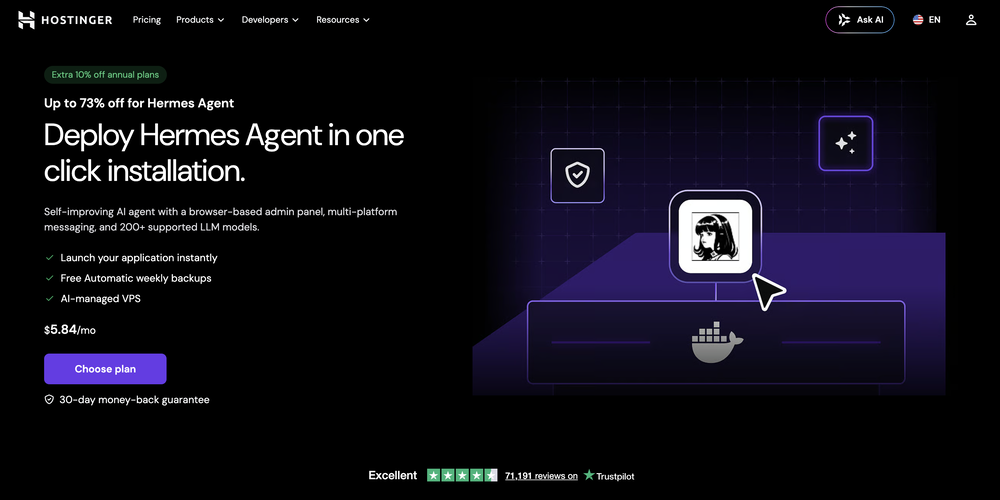 What's new: • Telegram in both dashboard and onboarding. • Model selection in both dashboard and onboarding for ALL providers, not only Nexos.
 -
 Paul🙏 29 karmaMar 11, 2026@ConvoQuick thought after seeing Convo. Meeting notes tools are a crowded $10 SaaS category. But a tool that helps sales reps answer questions and handle objections live sits in a completely different value tier. That shift alone can change pricing and conversion dynamics significantly.
 -
-
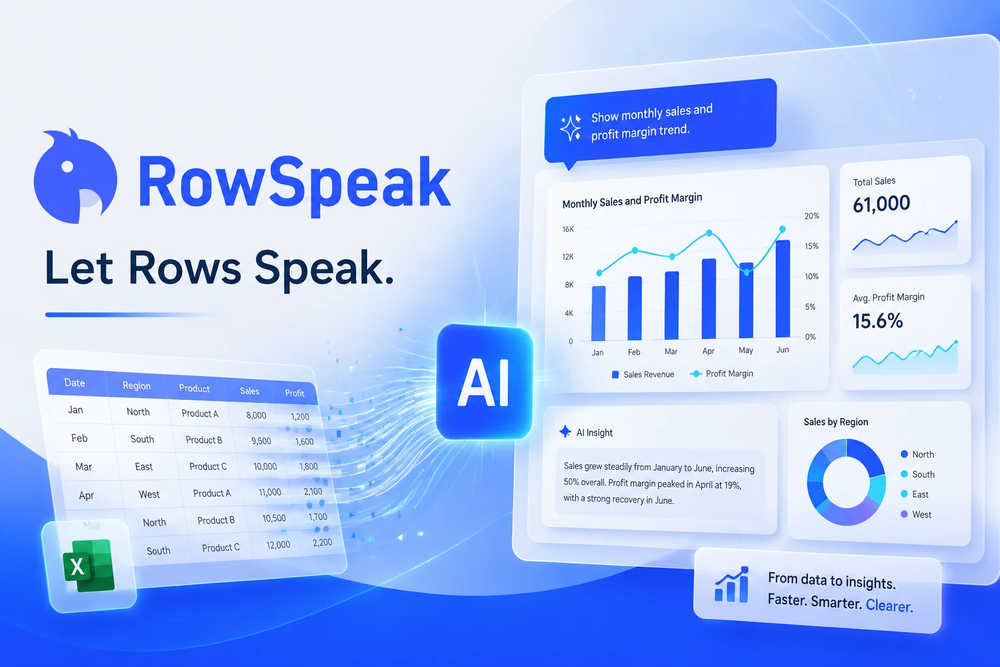 Tired of wrestling with complex formulas, spending hours cleaning data, and struggling to create the right charts? Excelmatic is a powerful web-based AI agent designed to revolutionize your relationship with spreadsheets.
 -
-
-
 good for beginners & really awesome features, yet to be integrated within themselves
 -
-
-
Waitlist













Verified tools
-
Used it for PPT generation and performed extremely well, especially the numbers and data part.
- SpotlightSureThing.io - "OpenClaw" for BeginnersTask automation
-
Thanks for noticing this Tyler, we really liked the idea of getting back to lifetime one-time purchases. Alice is a desktop app and it doesn’t use our cloud resources much, so this should be also feasible for the long run. Please, give Alice a try, you won’t regret it!
-
- Automatic dictionary correction learning: Paraspeech can now learn from words you fix after dictation - More reliable recording start, stop, finalization, clipboard insertion, and saved recordings - Clearer local-vs-cloud routing for transcription and rewrites, including privacy-mode handling - Better local model state while models are downloading, activating, or unavailable - Improved file-drop transcription behavior with clearer local/cloud availability - More predictable cleanup and rewrite finalization for emails, selected text, and general dictated text - Reworked onboarding for account setup, privacy, model setup, permissions, shortcut testing, and first dictation - More reliable checkout, purchase, trial, subscription, lifetime, and account-link recovery - Cleaner status overlay states for recording, loading, completion, and setup recovery - Stronger diagnostics privacy scrubbing and quieter crash/hang reporting - Release reliability improvements across Mac testing, DMG validation, Sparkle automation, and update tracing
-
 OpenFast, Easy to use and makes repetitive tasks easy
 -
 Retain the power of language models without sacrificing your data privacy with Dot.OpenAll great things are simple to use! Safe and useful app.
 -
Hi everyone. 👋 I created Ozigi because I was tired of seeing AI slop in content all over the internet, from social media posts to long-form content. Ozigi operates on two principles: 1. We eliminate AI slop words from your content, using a banned lexicon feature that filters common/known AI words or structures from getting into your content. 2. We encourage a human-in-the-loop philosophy. We do not believe in mindless automation that values quantity over quality. We value quality, and that is why it is important to us to make sure that you--a human--reviews the generated content first before setting it up for publishing. Ozigi does more than just social media content. It generates email newsletters and blogppsts as well.
-
-
Brilliant system and feels fairly easy to use, one issue with sign in took me 5 mins, but i think its fixed now? Not perfect, but a step in the correct direction!
-
-
 AI-native OCR platform, 95%+ accuracy, zero prompt engineering, flags uncertain fields.OpenWe are a team of founders who worked before in data extraction, with traditional manual review of each document to check accuracy / errors. We are so excited about AI and the new LLM models because we have created DeepRead using those and the accuracy is 95% and we flag uncertain fields so no one has to manually review entire documents (whew), only the exceptions! We hope you try it out and please share your review, comments and feedback. Looking forward to hearing from users!
 -
 AI-powered analytics that unlock smarter business insights.OpenI used Analytify and found it incredibly easy to set up and integrate with Google Analytics, giving me real-time stats and page-level insights without needing any coding knowledge.
 -
-
 OpenIf you care about control over your data, this tool is for you! Looking forward to your questions and feedback. Thank you ❤️
 -
I’ve used ChatGPT, I’ve tried scraping tools, and this just blew my mind. Chat4Data is like GPT got tired of talking and started doing things. I literally type ‘get me all the product listings from this page’ — and boom, it’s done. No code. No setup. Just results. 10/10 would recommend.
-
 Private Q&A with your Documents on Windows or Mac.Open
 -
How is that different from opening ChatGPT tab? If I'm going to use my OpenAI account, that means everything I type will be passed to OpenAI
-
-
Local SEO has never been easier. The Local Falcon AI recommendations have worked so well that our ranking has has increased by 8 to 10 positions for literally five of the keywords that people use to find our business. Now they have Apple Maps/ Apple Business Connect rank tracking too (no AI recommendations for Apple Maps yet though - but I would guess that is coming soon). Super impressed.
























Other tools
-
this one looks good, it has a clean layout and a clear flow that makes prompt-building feel approachable. the idea is genuinely useful, and the execution alr feels solid, it has a lot of potential, WELL DONE! :)
-
It can only capture a box in a page, but if the page is longer than the screen, and it has scrolling text, the tool cannot handle it wholly. Then the user has to scroll and do the job piece by piece, making this extension useless. I have also encountered several issues with extracting data from a web page with tables and pasting it onto an Excel file, the formatting was not kept and I have spent hours on portions of the texts just to be able to paste it into an excel file correctly. This last issue might be due solely to the web page I have tried the extension on, but the fact that the tool cannot capture the whole page, still stands.
-
 Open
Open -
Not available for PC only Mac, it would have been worth mentioning.
- Didn't find the AI you were looking for?
-
-
Process Street has increased my efficiency in ways I didn't even know was possible especially with the AI-powered workflow builder and the insanely large template library!
-