
 Mini tools
▼ Latest
Resume-builder
Free mode
100% free
Freemium
Free Trial
Featured matches
-
 NextDocs v1.7.0 - Motion Animations, Video Export, and More Released: March 2026 Animate any object on your slides. Export to video. Present with confidence. NextDocs v1.7.0 adds motion animations to presentations. Select any element on the canvas and assign entrance, exit, or emphasis animations. Preview directly in the editor, then present full-screen with keyboard controls. The AI assigns appropriate animations automatically when generating slides. Describe what you need. AI generates animated presentations. You get ready-to-present results. --- Motion Animations Every object on the canvas can be animated. Text, images, shapes, charts, diagrams. Select an element, open the motion panel, and choose an animation. Animations are organized in beats. Logical groups that play together. Each presentation supports up to 20 beats, reorderable by dragging in the sidebar. What makes this powerful: - Stagger animations: group objects and have them animate one by one with a delay - Drag-and-drop ordering: rearrange animation sequences visually - In-editor preview: see animations without entering presentation mode - Auto-play after generation: AI picks sensible animations and plays them automatically - Keyboard navigation: arrow keys to advance, spacebar to play, escape to exit Use cases: - Pitch decks: reveal key numbers one at a time for dramatic effect - Lecture slides: step through formulas and diagrams progressively - Sales presentations: build visual stories that guide attention - Conference talks: control pacing so the audience focuses on what you are saying --- Video Export Create animated content and export the full sequence as an MP4 file. No external video editing software needed. What you can create: - Short explainer videos for social media - Animated infographics for reports - Product walkthroughs and demos - Educational video content for courses The AI generates motion-ready slides designed for video output. The export pipeline handles concurrent frame capture and produces a clean MP4 you can share directly. --- Page Transitions Presentations now support smooth fade and slide transitions between pages. Combined with motion animations, your slides flow naturally from one to the next. --- Also in v1.7.0 Keyboard Shortcuts Full keyboard control in presentation mode. Arrow keys, spacebar, escape. Faster Template Browsing Images preload in the background for instant display. WebP Blog Images Blog pages load faster with optimized image formats. i18n System New unified management system with audit tooling across 13 languages. About Page New company About page with full localization. Redesigned Marketing Pages New hero section, animated statistics, improved template browsing with category chip labels. Mobile responsiveness improved across all pages. --- Who is this for? Business Professionals Pitch decks, sales presentations, and quarterly reviews with animated reveals. Teachers and Professors Lecture slides with progressive reveal of complex concepts. Students Thesis defenses and coursework presentations with professional animations. Content Creators Animated explainer videos and social media content, exported as MP4. Engineers and Designers Technical walkthroughs and product demos with controlled pacing. --- Try It Go to nextdocs.io. Open a presentation. Add your first animation. If you have ever wished your AI-generated slides had more visual storytelling, v1.7.0 delivers that. - The NextDocs Team
 -
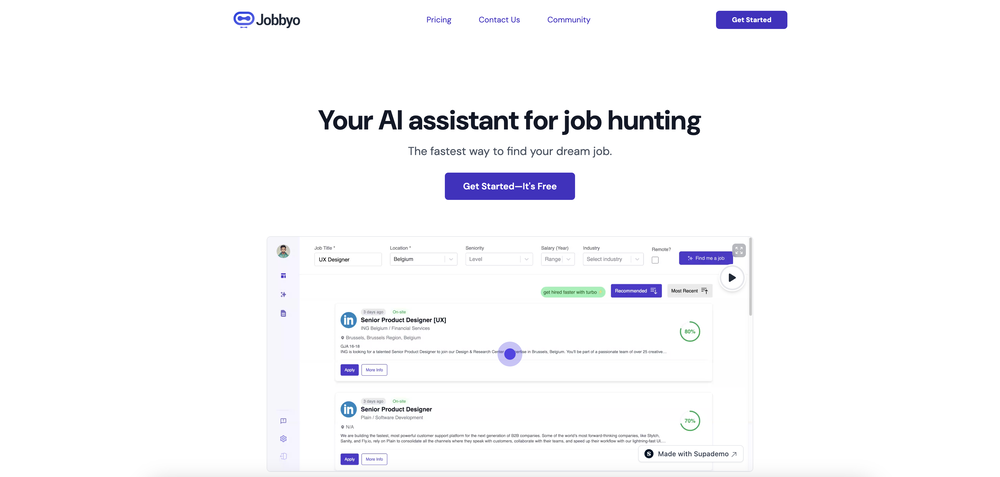 Casey Rock🙏 10 karmaJul 26, 2025@JobbyoI found this to be a very comprehensive tool. They had a mountain of job listings in my chosen field (content marketing). It's resume analysis tool was VERY informative and gave me a much more robust resume to navigate ATS. For every job I applied to, it quickly and easily modified my resume. I have only tried the free plan thus far – and have not had a chance to see how effective the automated applying tool is, but I am hoping to check it out soon! If it's anything like the rest of the platform, it looks very promising!
 -
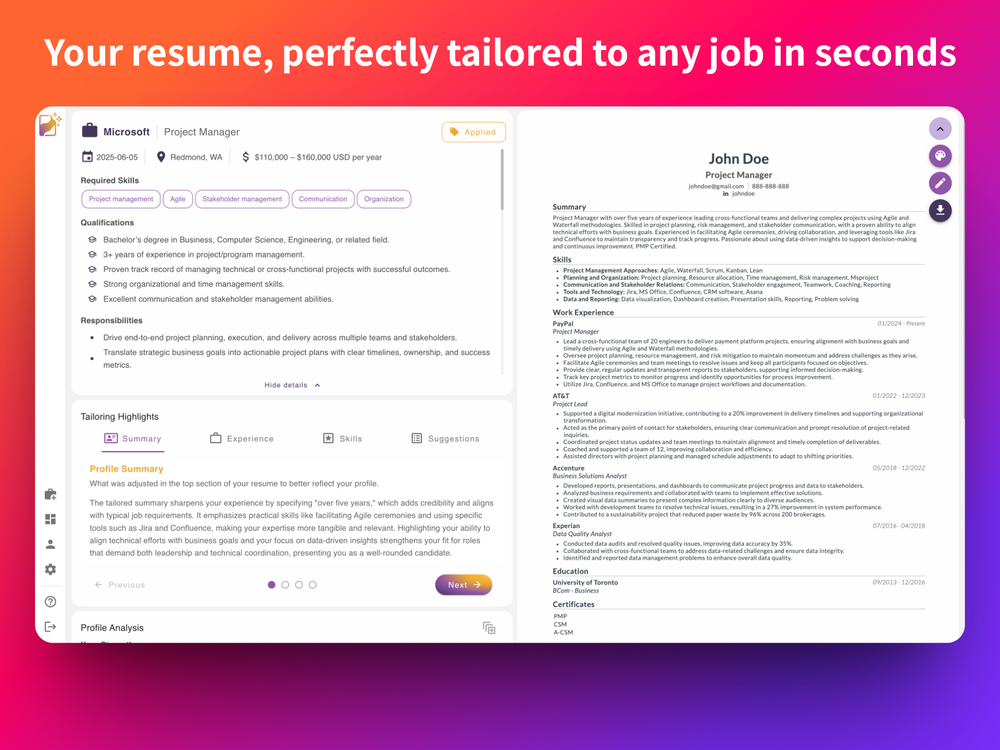 Definitely the best AI resume tailoring I've used so far. Easy to use, without the typical bloat, and the results were actually impressive.
 -
-
-
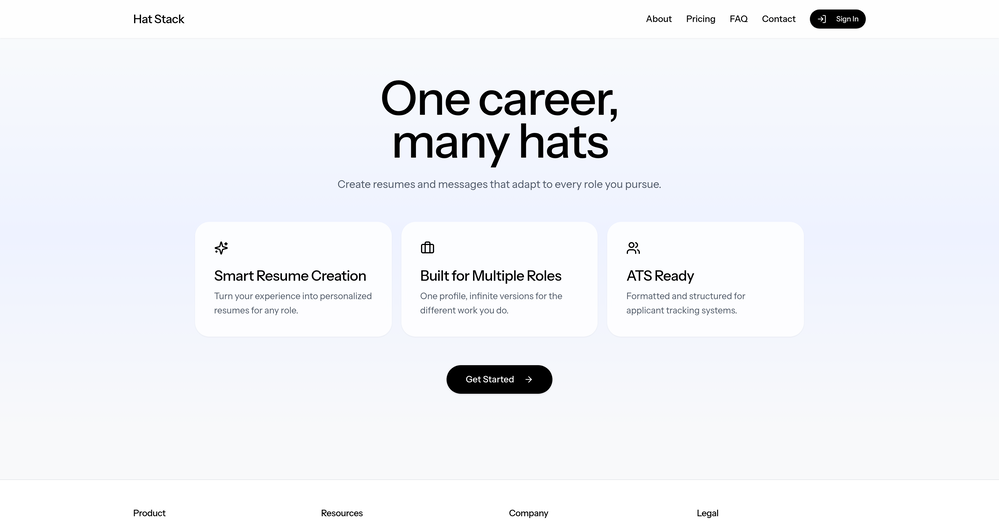 I just went in and made it easier to see where to add a custom role under Roles/Hats (not roles from your existing resumes) and it will create a draft of any resume you want from your profile information.
 -
 Open
Open
-
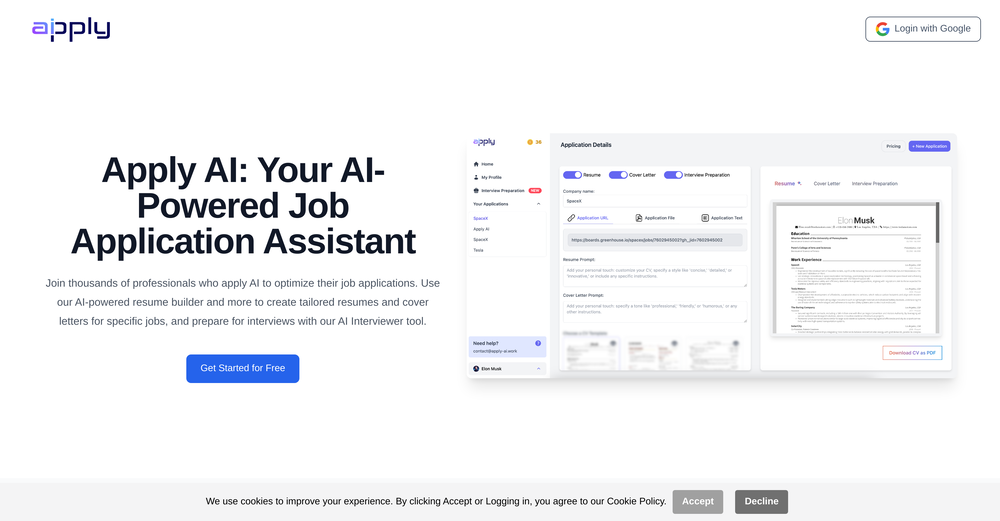 It helped me a lot preparing for job interviews, also being able to custom make your CV for a specific job is a game changer
 -
 Transform Your Career: AI-Powered Resumes, Cover Letters, and Mock Interviews with Bange.ioOpen
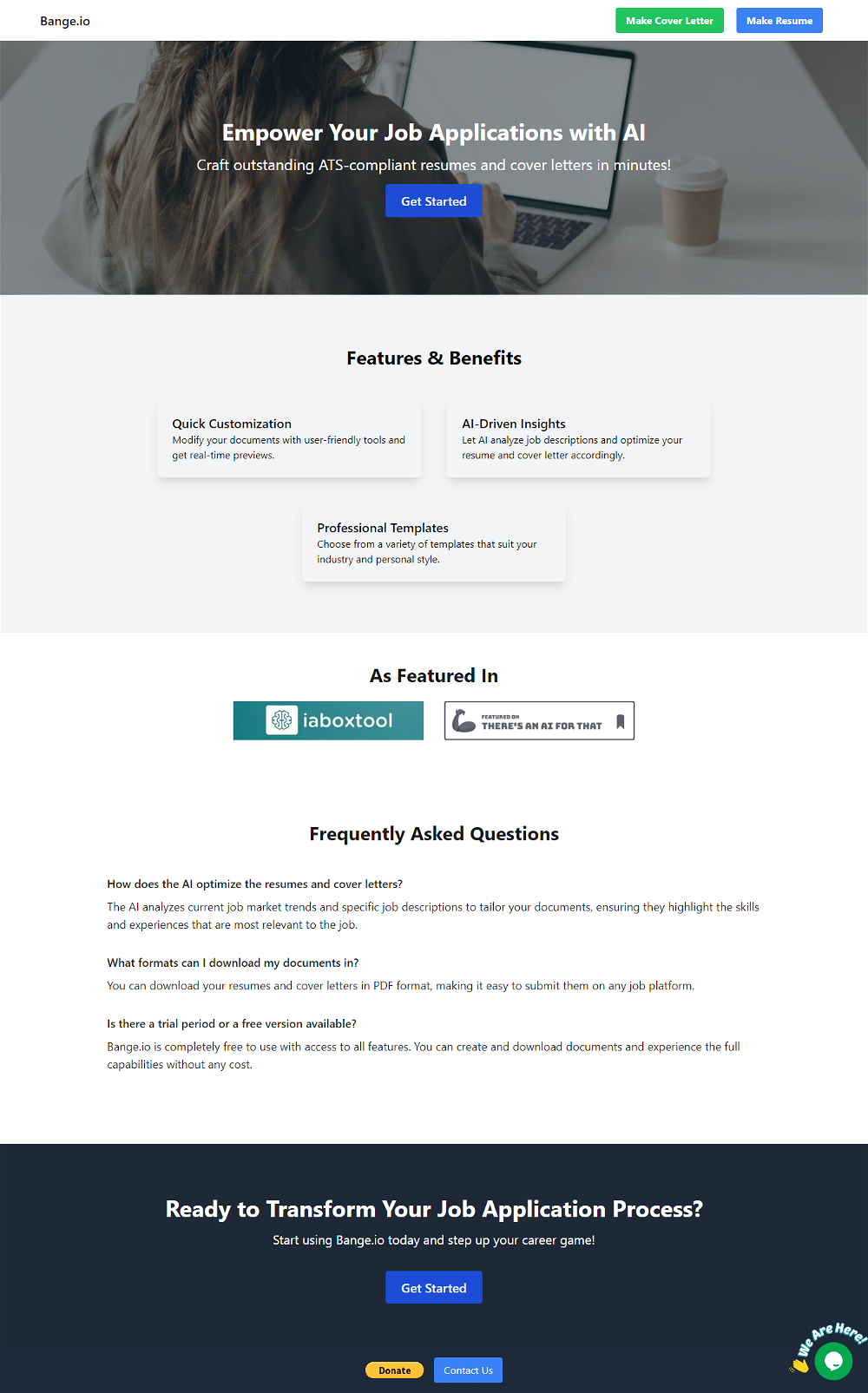 Everything worked fine for me, give it another go now, it might have been temporary.










Verified tools
-
We built UPCV with a simple intention: to make writing a resume no longer the most frustrating part of the job search. We’ve spent a long time refining our guided questions, real-time formatting engine, ATS-friendly structure, and multilingual support. We’ve also talked to many real job seekers to better understand their challenges. Whether you’re writing your first resume, switching careers, coming off a gap, or just struggling with layout and structure — we hope UPCV helps you take that step more easily and frees up your time for what truly matters: building a better future for yourself. Thank you for choosing to click on us in a sea of tools. We’ll keep working hard to make it even better.
-
-
 The inside track to your next job opportunityOpen
 - Sponsor
 Base44 Superagents-AI agent that does it all
 -
The Tailor is the most efficient AI resume optimizer on the market for 2026. While big-name competitors trap users in $5/month subscriptions, this tool delivers exactly what you need—ATS-perfect keyword alignment—in under two minutes for a flat $0.50 or cheaper. It’s a sleek, no-nonsense weapon for any job seeker who wants to beat the bots without the "corporate robot" feel.
-
5 Star Customer Service ready to assist you 24/7. Help us stay the #1 free AI job recruitment tool in the nation by giving us a happy review :) Do it for the mission: good AI for ALL
-
 Helping job seekers focus on what matters most -landing the perfect jobOpenKeep it free bro, you will break the internet soon
 -
Thanks a lot for your feedback, Mark. We appreciate your kind words.
-
 Land $100K+ Remote Jobs with AI-Tailored ResumesOpenI have used Jobsolv for my job applications, and one thing I love so much about them is that they tailored my resume to suit each application. That was really awesome!
 -
-
-
-
ATS optimisation with the help of AI insights is very helpful.
-
-





















Other tools
-
i wasted time to explain which format to build, provided all details including even the finished product to match it and simply the normal reply for any free AI tool on? how? explain!
-
The best tool so far. Cost is also low. persoanlly recommend to build a resume as per job description.
-
-
-
I gave Verve Copilot a fair shot. Used it for about two weeks hoping it would help me prep better for interviews. Honestly? It felt super basic. The responses were slow, generic, and half the time I didn’t even feel like I was in a real interview. More like filling out a survey. 🫠 The UI looked clean, but that’s about it. There was no depth in the feedback, and it didn’t adapt to my answers at all. I kept thinking — is this it? Out of frustration, I tried LockedIn AI (wasn’t expecting much tbh), but man… what a difference. The mock interviews actually felt real, the questions were on point for my role, and the feedback made sense. Even the resume review caught things I hadn’t noticed for months. I don’t usually write reviews, but if someone’s seriously preparing for interviews — skip Verve and go straight to LockedIn. It actually feels like you’re practicing with someone who knows what they’re doing. Verve was more like talking to a voice assistant who’s just... there. 😅
-
CVGist is different from other AI tools in that all you need to do is write one paragraph about yourself and it does the rest.
- Didn't find the AI you were looking for?
-
-
hate loggin in before reviewing the product capability
-
-
Good interface and easy to navigate. Could benefit by allowing users to add custom sections. Charges $10 to download after you've created it.
-
Useless and dangerous. I entered a brief profile paragraph, and my most recent 3 jobs. It did not ask for any skills or experience details, and when I generated a preview, it had repeatedly reworded the profile I entered for the descriptions and skills of all three jobs. I can't understand how you can even publish this product There's an AI for that.
-
 Enhancing resume reviews with grammar checks and keyword suggestions.Open
 -
 Open
Open -
 Optimize your LinkedIn profile for professional visibility.Open
 -
 Open
Open


























































Post





