Go to section
Sponsor
 Flow - 4x faster than typing
🎤 Dictation
Flow - 4x faster than typing
🎤 Dictation
The front page of AI.Used by 90M+ humans.

Generate image
Tasks
Generate text
Free mode
Trending
Leaderboard
Characters
 Mini tools
New
Featured
Lists
Agents
Requests
Jobs
Map
Newsletter
Starter pack
Free tools
Speech to text
Text translator
Remove background
Settings
Edit profile
My tools
Gallery
Dashboard
Inbox
Get featured
Contact TAAFT
For you
Popular
Job impact index
Most saved
Affiliate program
Submit AI tool
Notification preferences
Glossary
Home
Timeline
My profile
Create tool
Deals
Companies
Models
Robots
Papers
Fundraises
Repositories
Devices
Organizations
Events
Prompt Pack
Merchendise
APIs
Features
Tools
Countries
Collections
Videos
Mini tools
New
Featured
Lists
Agents
Requests
Jobs
Map
Newsletter
Starter pack
Free tools
Speech to text
Text translator
Remove background
Settings
Edit profile
My tools
Gallery
Dashboard
Inbox
Get featured
Contact TAAFT
For you
Popular
Job impact index
Most saved
Affiliate program
Submit AI tool
Notification preferences
Glossary
Home
Timeline
My profile
Create tool
Deals
Companies
Models
Robots
Papers
Fundraises
Repositories
Devices
Organizations
Events
Prompt Pack
Merchendise
APIs
Features
Tools
Countries
Collections
Videos
Mini tools
New
Featured
Lists
Agents
Requests
Jobs
Map
Newsletter
Starter pack
Free tools
Speech to text
Text translator
Remove background
Settings
Edit profile
My tools
Gallery
Dashboard
Inbox
Get featured
Contact TAAFT
For you
Popular
Job impact index
Most saved
Affiliate program
Submit AI tool
Notification preferences
Glossary
Home
Timeline
My profile
Create tool
Deals
Companies
Models
Robots
Papers
Fundraises
Repositories
Devices
Organizations
Events
Prompt Pack
Merchendise
APIs
Features
Tools
Countries
Collections
Videos

▼ Latest
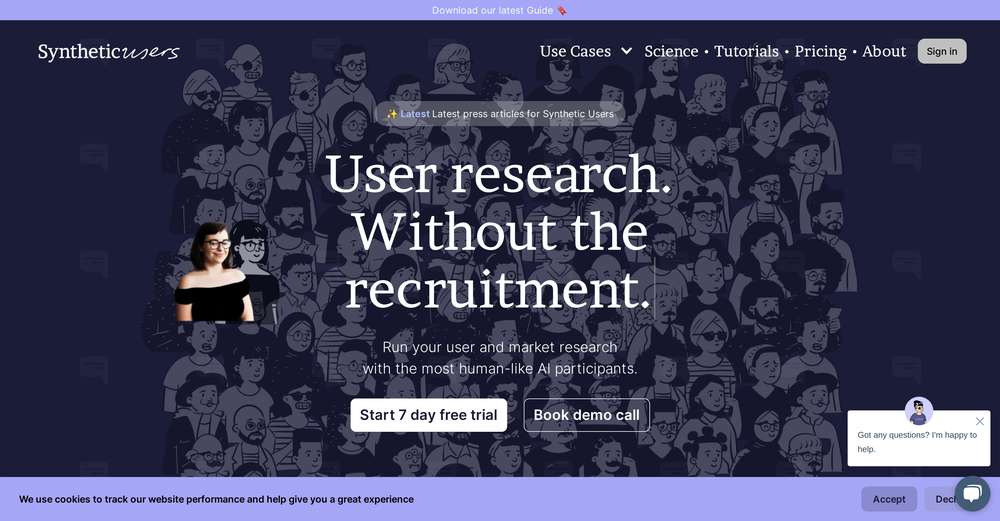
Synthetic users
Free mode
100% free
Freemium
Free Trial

Featured matches
-
 Run synthetic user interviews and validate messaging, landing pages, and product ideasOpen
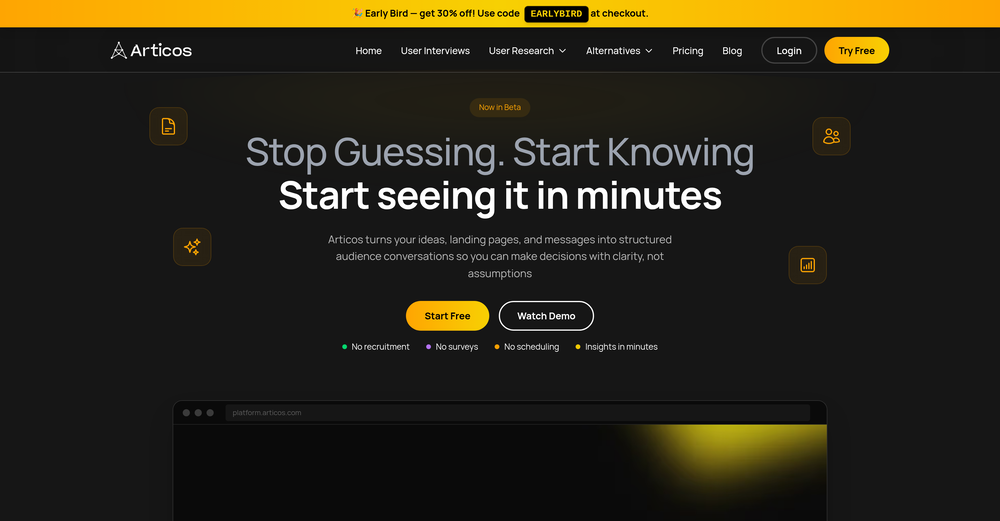 What's New Since the v2 platform rebuild, Articos has added two new research types (Message Testing and Landing Page Testing), a reusable Persona Library, and dozens of workflow refinements across all five steps. New Research Type: Message Testing ---------------------------------- - Test up to 5 message, headline, or value-proposition variants against your personas and see which one resonates -- not just single-variant interviews - Guided setup with message-type categories (headline, value prop, email subject, ad copy, and more) plus a couple of quick context questions - Every persona is interviewed against every variant, so results are a true per-persona and per-segment comparison rather than a split sample - Dedicated Step 4 view: persona list on the left, that persona's variant-by-variant responses on the right - Report ranks a winning variant with a per-dimension scorecard; single-variant tests get a diagnostic "how does this land" read instead of forced winner/loser language - Add another variant straight from a finished report (up to 5) and get a refreshed head-to-head -- it reuses the same personas and questions, so there's no starting over New Research Type: Landing Page Testing --------------------------------------- - Upload or capture a single landing page, pick one goal, and get persona feedback scored against that goal - Single-page scorecard report -- goal-achievement score, UX-dimension breakdown, themes, and recommendations (not a two-way A/B comparison) - Available on the free Trial, not just paid plans - Interview-script edits in Step 3 now reliably persist through execution Persona Library --------------- - Save any persona -- or a whole audience at once -- to a personal library and reuse it across future studies instead of regenerating every time - New Persona Library page with search, filter, and a full read-only detail view (bio, personality traits, attributes) - "Reuse Existing Personas" option when starting a new study (idea validation, A/B testing, and message testing) - Saved personas show a persistent "Saved" badge so you always know what's already in your library Persona Generation & Step 2 --------------------------- - Refine a persona in plain English -- type an instruction ("make her more skeptical of new tools") and the AI regenerates just that persona; review a before/after diff before applying - Persona names are now guaranteed unique and consistent with each persona's origin; gender is a proper generated attribute for better distribution - Step 2 redesigned into a two-pane layout -- stats and per-role breakdown on the left, a filterable persona grid with a slide-in detail drawer on the right - Add a single persona to a role without regenerating the whole set Step 1: Intake & Onboarding --------------------------- - Attach a document to your Step 1 chat (PDF, Word, TXT, or Markdown, up to 10MB) and the AI reasons over it alongside your messages - Upload your own interview script in Step 3 -- the AI extracts your questions and you choose to append them or replace the generated script - One-click starter-example cards on the Step 1 opener for first-time users - Revamped first-run onboarding: choose your role and primary use case right after signup - Self-service "Forgot password" flow with a branded reset email and reset page Reports (Step 5) ---------------- - Reports now generate in the background -- close the tab or refresh and the report keeps building server-side, ready when you return - Live progress on the Step 4 card ("Generating your report" -> "View Report") - Download your report as a PDF from Step 5 - Shared/public A/B report links now include the same participant count, question count, and variant screenshots as your private view Interviews (Step 4) ------------------- - Download every completed transcript at once as a single combined PDF -- works for standard, A/B, and message-testing studies - Download an individual persona's transcript as a PDF from the interview modal - Interviews are more resilient to transient AI hiccups: a mid-interview failure now retries automatically instead of failing outright, and a permanently failed interview shows a clear "failed" state instead of spinning Plans & Billing --------------- - New "Pay per research" option -- buy a one-time research pack (credits that never expire) instead of a monthly plan, right from the upgrade modal - Trial extended to 7 days (up from 3) - Study limits now count completed studies, not started ones -- create and abandon as many drafts as you like; only a finished study with a report counts against your plan or pack - Trial users now see the full product UI, with upgrade prompts appearing at the point of use instead of grayed-out feature
 -
-
-
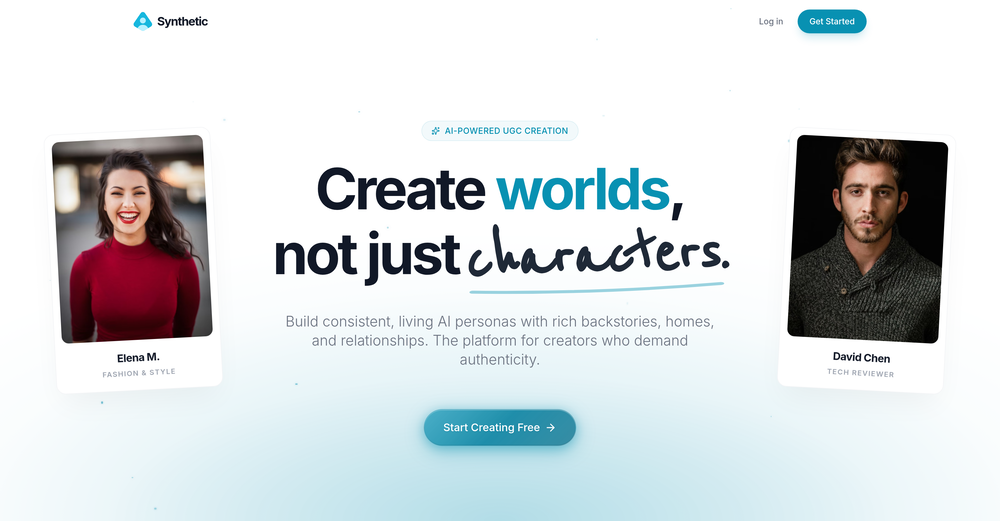
 Create AI personas complete with homes, friends, and pets for authentic UGC.Open
 Antonia Mitrea🙏 487 karmaFeb 10, 2026@SyntheticFantastic results! Crazy consistency and impressive customization




Verified tools
-
 Your All-in-One Solution for Creating, Growing, and Monetizing Your Virtual Influencer.Open
 -
Just tried the tool and printed my first 3D model, and I’m honestly surprised by how good it came out. It was super easy to use, and the final print matched my reference image perfectly. Congrats to the Mimetic Labs team for building such a simple but super cool tool.
- SponsorFlow - 4x faster than typing🎤 Dictation
-
If voice agents break on real conversations, you’re losing leads silently -> ~20% conversion drop. How often do calls actually complete successfully end-to-end?
-
Tried Synexa AI for a quick deployment last week—clean and straightforward. No clutter, just worked.
-
Using Thesys has been a game-changer for us. We can now ship AI features with interactive UIs in a fraction of the time it used to take. It’s simple to use and saves us so much effort.
-
Very accurate.I check videos and audios to detect fakes before sharing viral news






Other tools
-
- Didn't find the AI you were looking for?
-
-
couldn't even use it... i signed up, had to rewrite my prompt, but then i had to sign in, then rewrite my prompt, then sign in...