
 Mini tools
▼ Latest
Word editing
Free mode
100% free
Freemium
Free Trial
Featured matches
-
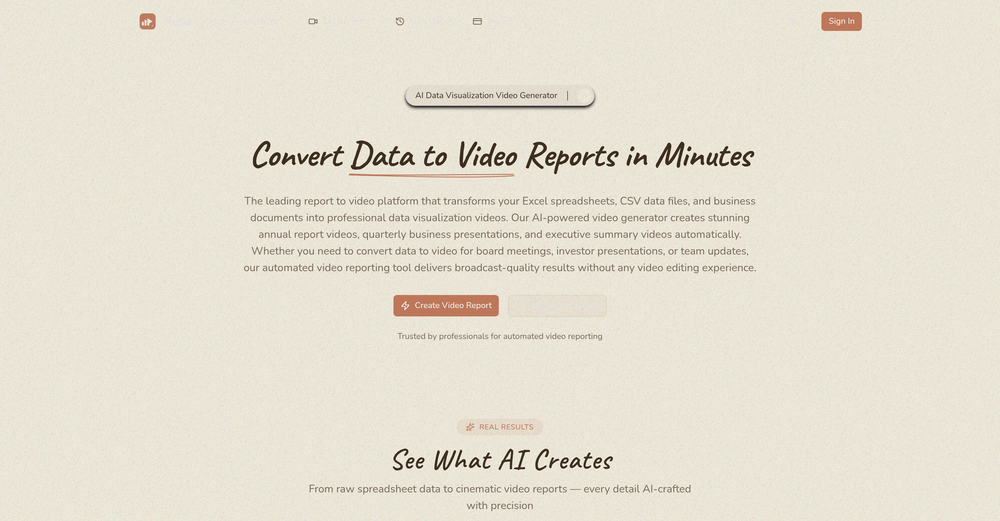
 Ezenma Omo🛠️ 1 tool 🙏 76 karmaFeb 16, 2026@Report Video GeneratorI really gotta let my heart out, got so many great reviews from my peers. It has helped me make my school work so much easier. I work with little children so when i make it cartoonish it's giving me the best one's yet.
 -
-


Verified tools
-
 OpenIf you care about control over your data, this tool is for you! Looking forward to your questions and feedback. Thank you ❤️
 -
 Humanize AI text into undetectable and convincing human content.OpenBest one! The only one that does not add mistakes to fool AI detectors.
 - Sponsor:
 Base44💻 Vibe coding
 -
Love this application. Use it as my go to writing app. Replaced Grammarly and ChatGPT.
-
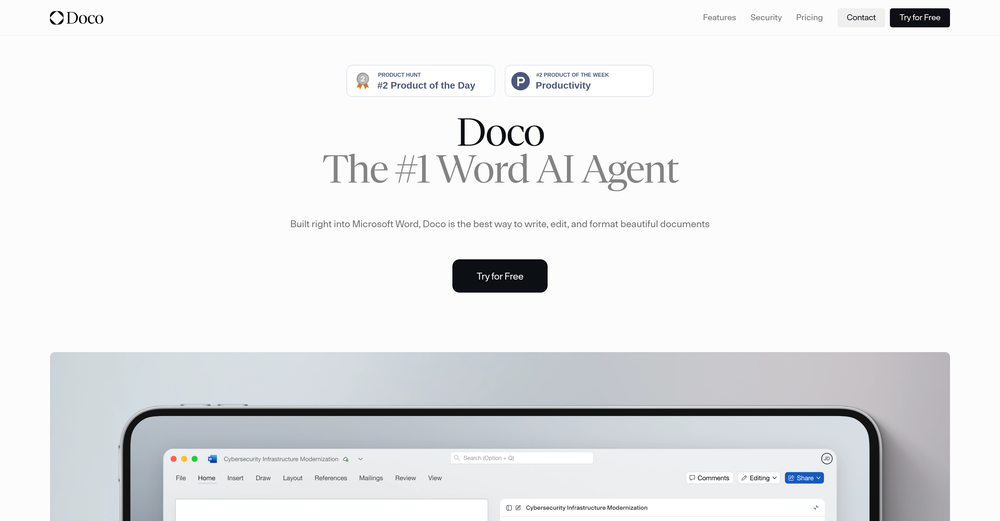
The fact that it's available as a Chrome and Firefox extension makes it super convenient to integrate into my workflow. I love how it not only helps with proofreading and editing but also tracks changes, which is incredibly useful.









Other tools
-
This keyboard app stands out as one of the top choices thanks to its built-in AI assistants. It's not only user-friendly but also exceptionally helpful and distinctive. Whether you're correcting grammar or using writing assistants, I can also create any assistants for fast typing. I created one for my customer support service. This app simplifies the process of accessing LLM directly, eliminating the need to open a browser.
-
Really cool and intuitive tool, it helps me a lot with my articles!
-
handy for quick quote cards. text to image is fast, presets and fonts are decent, exports look clean. free tier’s tight and some templates feel samey, but it does the job, so it's aight xD
- Didn't find the AI you were looking for?
-
works wonderfully, really good for cleaning up writing. just wish the monthly plan was a bit cheaper.
-
its a language simulator but it comes up in text editor results. it only reveals its not an editor after we create an account. the creator has no integrity
-
Hello! I am writing about an error When using Asc Isaac. It is not the answer that appears, but the text of the HTML code. here is the first half of <!DOCTYPE html> <html> <head> <meta name="viewport" content="width=device-width, initial-scale=1" /> <meta charset="utf-8" /> <title>Server Error</title> <style media="screen"> :root { --bg: hsl(250, 24%, 9%); --fg: hsl(0, 0%, 100%); --pink: hsl(270, 60%, 52%); } html,
-
-
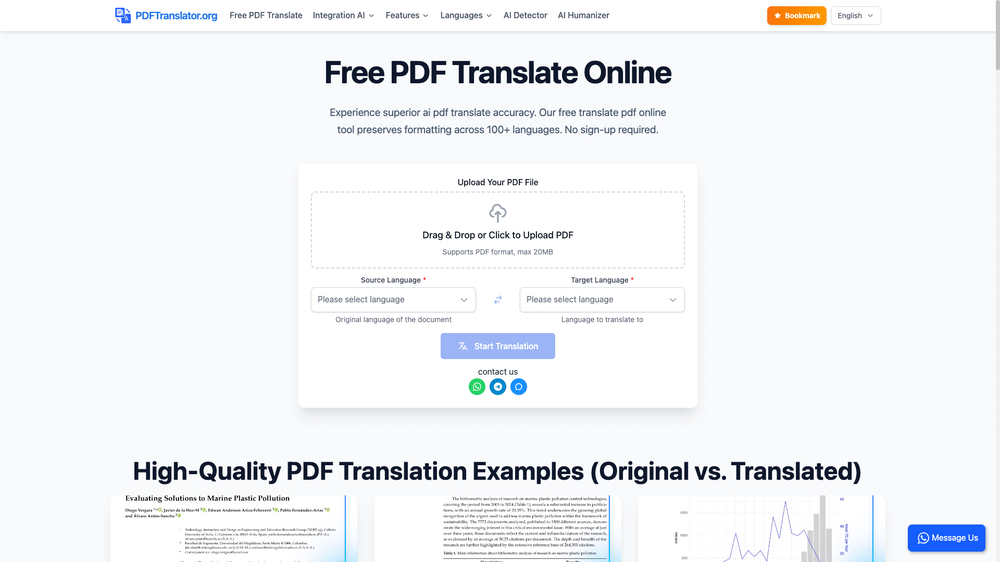
tested the proofreader and it does a good job showing what's off and why. it explains every mistake even when it's just about tone or sounding too casual. i'd add an undo button to quickly check stuff again if needed. works well though.
-
 AI-powered writing companion for faster, creative content.Open
 -
 Open
Open -
 Open
Open



























Post





