 Base44 Superagents-AI agent that does it all
 Mini tools
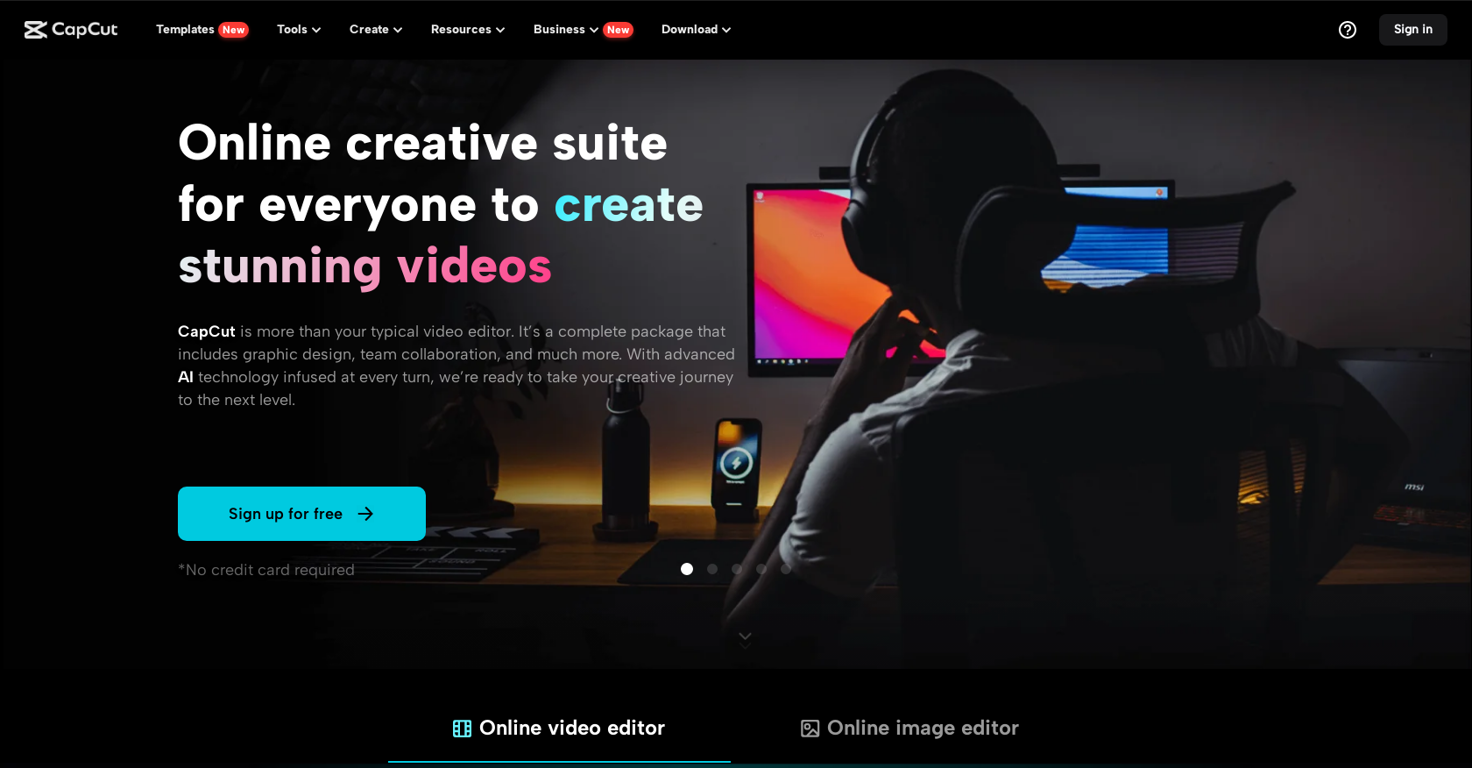
CapCut Online Creative Suite
 Unleash creativity with CapCut's all-in-one online suite
Go to 🎬 Video editing
 ClipFinder
 Gling - AI Video Editing Software for YouTube
 Captions
 Video to Video AI
 GoEnhance
 Picsart
 Selects
 Video Editor AI
 Vidio
Vidio
 Wondershare Filmora
 bigmp4
 AutoCut
 Overlap - AI that clips, edits, and posts
 Videoleap
 AutoEditor
 Tellers
 Jupitrr
 Pixop
Pixop
 FireCut
 NemoVideo
ClipFinder
49,619
Gling - AI Video Editing Software for YouTube
33,044
Captions
31,879
Video to Video AI
19,395
GoEnhance
18,777
Picsart
17,149
Selects
16,560
Video Editor AI
15,191
Vidio
14,347
Wondershare Filmora
13,616
bigmp4
13,455
AutoCut
13,449
Overlap - AI that clips, edits, and posts
12,393
Videoleap
11,584
AutoEditor
10,496
Tellers
10,103
Jupitrr
9,652
Pixop
8,959
FireCut
8,760
NemoVideo
8,420
Go to 🎨 Creativity
📷
Images
(3175)
🔠
Text
(2040)
💻
Software
(1812)
🎥
Videos
(926)
🔊
Audio
(719)
🎨
Art
(544)
🎨
Design
(264)
🌪️
Brainstorming
(204)
🖌️
3D
(60)
📸
Multimedia
(15)
 So You Want To Be A Writer?
 Ancient AI powered spirits
 Minka
Minka
 Jvb ai
 somacguffin
 Cuty
Cuty
 Superfly Stoner
So You Want To Be A Writer?
334
Ancient AI powered spirits
210
Minka
212
Jvb ai
165
somacguffin
163
Cuty
162
Superfly Stoner
135
Go to 🎥 Videos
🔍
YouTube
(149)
🎥
Movies
(147)
🎬
Video editing
(100)
🎬
Animations
(56)
🎥
Short videos
(51)
📽️
Image to video
(38)
🕵️
Faceless videos
(23)
📝
Video captions
(22)
🎥
Product videos
(18)
🎬
Video dubbing
(17)
📹
Video scripts
(17)
🎥
Video avatars
(14)
🎤
Lip sync videos
(9)
🎥
Personalized videos
(5)
🎥
Video analysis
(4)
🎥
Audio to video
(3)
🎥
Interactive videos
(3)
🎬
PDF to videos
(3)
📹
Video thumbnails
(3)
📹
Video ideas
(2)
 freebeat AI
 D-ID
D-ID
 MagicLight
 HeyGen
 Kaiber
 Sora
Sora
 Seedance
 AI Video Generator by RenderFlow AI
 Kling
Kling
 BeatViz AI Music Video Generator
 neural frames
 ViGi
ViGi
 Videnly
 Viddo AI - AI Video Generator
 Chraft AI
 D-ID Creative Reality Studio
 VideoGen
 AI Studios
 CreatorFrames
 Aura AI - AI Video Generator
freebeat AI
465,371
D-ID
179,387
MagicLight
156,628
HeyGen
135,774
Kaiber
125,576
Sora
112,793
Seedance
93,892
AI Video Generator by RenderFlow AI
81,511
Kling
81,192
BeatViz AI Music Video Generator
77,909
neural frames
64,880
ViGi
53,702
Videnly
51,508
Viddo AI - AI Video Generator
50,341
Chraft AI
48,071
D-ID Creative Reality Studio
44,390
VideoGen
41,820
AI Studios
41,648
CreatorFrames
41,648
Aura AI - AI Video Generator
40,859
Inputs:
Outputs:
Unleash creativity with CapCut's all-in-one online suite
Featured alternatives
 RemoveBGVideo
 unbg.video
Chraft AI
unbg.video
Chraft AI
 AI Kiss
ClipFinder
AI Kiss
ClipFinder
 Muapi
Muapi
 Vocallab AI
RemoveBGVideo
851
unbg.video
137
Chraft AI
48,071
AI Kiss
2,462
ClipFinder
49,619
Muapi
2,255
Vocallab AI
108
Overview
CapCut is a comprehensive online creative suite designed to cater to a wide range of video and image editing needs. It offers tools for both personal and commercial purposes, enabling users to create high-quality visual content using a variety of features. The platform is equipped with an array of functionalities, including video and photo editing, audio adjustment, and text integration.For video editing, CapCut provides a robust set of tools. Users can access stock videos, video effects and filters, keyframe animation, speed curves, and more advanced features like transcript-based editing, video stabilization, and upscaling. The audio capabilities include text-to-speech conversion, adding music or sound effects, and noise reduction. The platform also supports splitting audio tracks and integrating audio with video content.
CapCut excels in text management, offering services like video transcription, subtitle addition, speech-to-text conversion, and the conversion of scripts into videos. Additionally, users can generate ad scripts and easily add text to both videos and images.
The image editing tools include an image upscaler, portrait generator, color correction features, a photo colorizer, and more. Users can also remove or generate backgrounds and resize images with ease.
Social media content creators find CapCut particularly useful, with specialized tools tailored for platforms like TikTok, YouTube, Instagram, and Facebook. It offers specific features that make editing TikTok videos, creating YouTube intros, and producing Instagram reels straightforward and fast.
Business users benefit from features tailored for commercial video creation, including ad scripts for various platforms. CapCut also provides a range of marketing tools like batch editing, video and image resizing, product photo enhancement, AI model integration, and more.
The suite is enhanced with AI technology, facilitating creative processes and simplifying workflows. CapCut offers versatile accessibility across various devices. Whether editing online or through our apps, you can effortlessly manage your projects using the same account. CapCut places a strong emphasis on facilitating online team collaboration. It offers robust cloud backup and team collaboration features, enabling seamless sharing of materials and joint review of video projects, all within a unified platform.
CapCut’s user-friendly interface and broad functionality make it an adaptable tool for a diverse range of users, including content creators, social media managers, small business owners, and hobbyists.
Show more
Releases
Get notified when a new version of CapCut Online Creative Suite is released
Notify me
November 20, 2023

Official TikTok
Initial release of CapCut Online Creative Suite.
Author

@tiktok
TikTok's official account on TAAFT, bringing you our latest AI products. Join us for a world of fun, inspiration, and TikTok magic.

Follow
Pricing
Pricing model
Freemium
Paid options from
$19.99/month
Billing frequency
Monthly

Other tools by ByteDance
-
Seed by ByteDance — v1.8Stronger emphasis on real-world complexity evaluation via a 4-part framework (Science Discovery, Vibe Coding, Context Learning, Real-World Tasks) instead of Seed1.8’s broader benchmark grouping. Deeper GUI-agent focus with explicit end-to-end evaluations in heavy “real app” environments like FreeCAD (CAD) and CapCut (video editing), which are not used as named GUI testbeds in Seed1.8. More direct focus on reducing visual hallucinations and improving structured extraction from screenshots, charts, and scanned documents compared to Seed1.8’s more general multimodal capability framing. Tool orchestration is treated as a more central capability axis, highlighting orchestration benchmarks (for example MCP-Mark) beyond the tool-use framing in Seed1.8. The write-up shifts from “generalized real-world agency” toward “intelligence frontier for real-world complexity,” putting more weight on long-horizon, high-value workflows (research, coding projects, context learning) as the organizing target.





Top alternatives
-
 aihai🙏 9 karmaFeb 1, 2026@ClipFinderHighly recommend
 -
 AI-powered video editing for YouTube creators.OpenI bought it. But its pretty slow and laggy
 -
 OpenGoEnhance's production from video to animation is impressive. It can go up to 2k 60fps, so exciting.
 -





Related topics


























#856
 25
25
25





