 Rocket - Think it. Type it. Launch it.
 Mini tools
 Create stunning presentations in seconds with AI.
 PPT.AI
 Slideteam - Presentation Maker
 AI PPT Maker
 workppt
 Twistly
 Xpptx
Xpptx
 SlideAI
 Plus AI for PowerPoint
 SlideFlow
 Slidey
 Autoppt
 Bestppt.ai
 Slidely AI (backed by YC)
 AI PowerPoint Maker
 Free Powerpoint Generator Text
 Younet
 CleeAI
 Avataar's GenAI Creator
 Activepieces
 BigTeam
 Olivya
 Abstra
 DoubleO
 Sreda.ai
 AI Agents
 Pipefy
 Neferdata
 Quixl
Quixl
 Cubeo
Cubeo
 Sema4.ai
 Ridvay
 Cognition by Mindcorp
 Tray.io
 UiPath
 Mr David
 Averi AI
 Digibate
 The AI CMO
 DFIRST AI
 BrandJet AI
 Beno One
 BlueAlpha
 Markifact
 Layers
 ActiveCampaign
 mavic.ai
 Octo
Octo
 Swipe Insight
 BOSCO
BOSCO
 Planist
 Zenie
Zenie
 InstantPersonas
 LiftKit
 Sleek
Sleek
 Social Hub.AI
 MagicSlides.app AI PPT Maker
 Gamma
Gamma
 NextDocs.io
 AI Slide Generator
 GenPPT
 VoxDeck
 okkslides
 PresentationGPT
 SlidesPilot
 Xavier AI
 SlidesAI
 Chronicle
 SlideSpeak
 PresentationsAI
 Alai
Alai
 AI GPT for Slides
 AI Presentation Maker by SketchBubble
 Prezo
Prezo
 Tome App AI
 Beautiful.ai DesignerBot

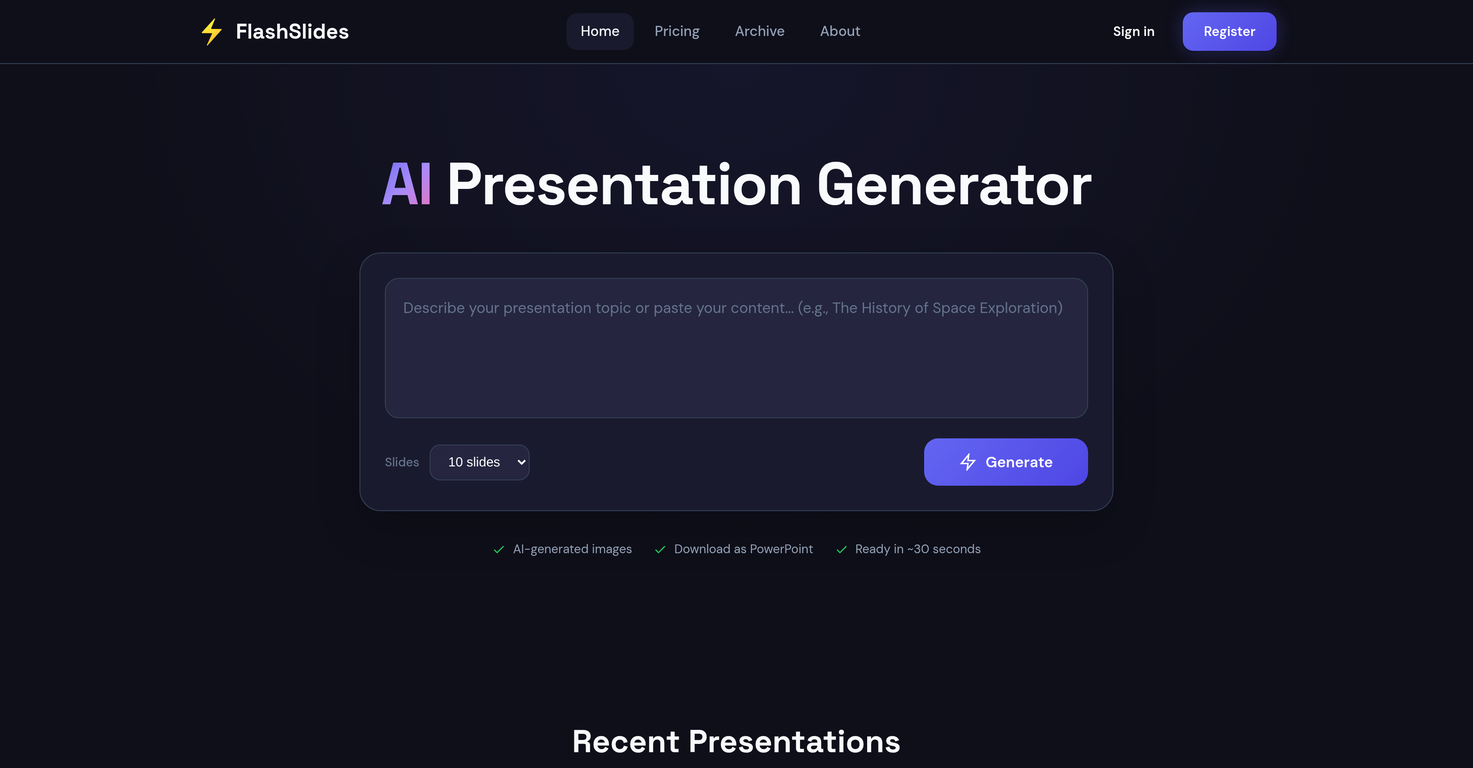
FlashSlides
 Tome App AI
Slidely AI (backed by YC)
Tome App AI
Slidely AI (backed by YC)
 GenPPT AI
Overview
FlashSlides is an AI-powered tool designed to automate the process of creating professional-grade slideshows. Built with the capabilities to cater to a range of users, from students and educators to business professionals and startup founders, it provides a simplified way to generate presentations.
Users input a specific topic, and the AI then generates a comprehensive presentation, consisting of slides with relevant written content and custom, AI-constructed images.
FlashSlides further extends its utility by allowing users to download their presentations in different formats, including PowerPoint and PDF, and also provides a sharing option via a unique URL.
An additional feature includes audience privacy control, where presentations can be set to either public or private according to user preference. Plus, the tool's versatility doesn't end after slide generation; users retain full control over their content and are able to freely edit their downloaded presentation in programs like Microsoft PowerPoint or Google Slides.
Releases


Pricing
Top alternatives
-
 VibeBuddy🙏 3 karmaJul 29, 2025@PPT.AIppt.ai has saved me at least 80% of the time spent on making PPTs. I just need to submit rough ideas or drafts to ppt.ai, and it can create a relatively usable PPT. This is simply amazing! Although some revisions and optimizations are still needed afterward, it’s already a huge relief compared to starting from scratch.
 -
 Generate professional presentations in seconds with AIOpenDid not allow to download the slides.... ideally they should keep it free till sufficient traffic hits the platform and allow people to share feedback.
 -
 OpenThe PowerPoint presentation I made met my expectations very well
 -
It’s more than just a presentation maker, it also helps organize information.A great alternative to PowerPoint or Google Slides when you need something fast and professional. It has become part of my daily workflow at the office.
-
Xpptx: Your One-Click Professional PowerPoint Solution. Making PowerPoint & Slides Creation Easier






Related topics
 1
1





