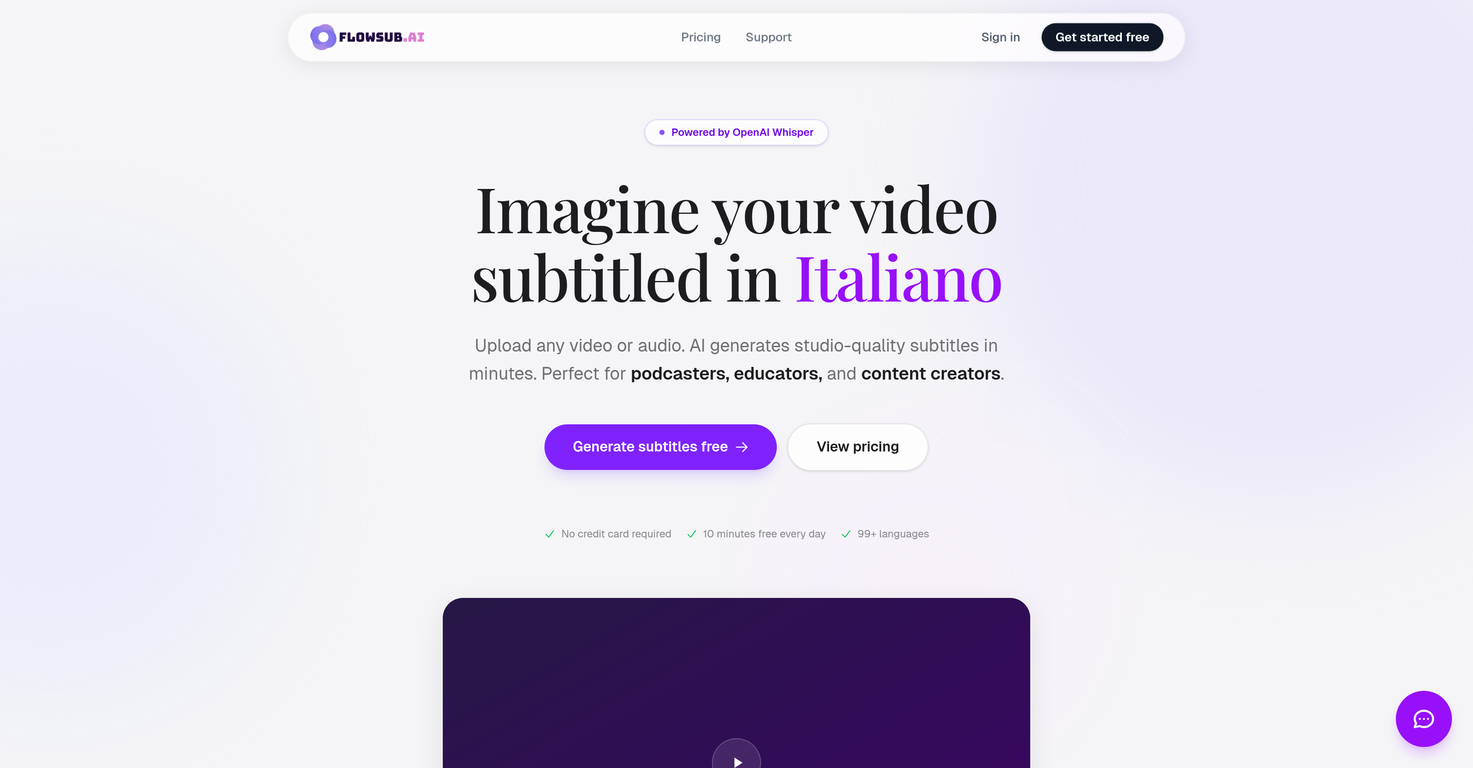
What languages are supported by FlowSub?
FlowSub supports over 99 languages, accommodating for a vast global audience. Languages include, but are not limited to, English, Spanish, French, German, Italian, Portuguese, Russian, Japanese, Korean, Chinese, Arabic, Hindi, Dutch, Polish, Turkish, Swedish, Danish, Finnish, Norwegian, Ukrainian, Czech, Romanian, Hungarian, Greek, Hebrew, Indonesian, Malay, Thai, Vietnamese.
What is the technology behind FlowSub's functionality?
The technology behind FlowSub's functionality is OpenAI's Whisper, an automatic speech recognition system.
Is there a language detection feature in FlowSub?
Yes, FlowSub does have a language detection feature. This feature auto-detects the spoken language in the uploaded file.
Can FlowSub translate subtitles into different languages?
Yes, FlowSub has the capability to translate subtitles into different languages. This service is specifically available for Pro users.
Who are the ideal users of FlowSub?
FlowSub is an ideal tool for podcasters, educators, content creators, and any individual or business in need of accurate and quick subtitle generation or translation.
How is FlowSub beneficial for podcasters?
For podcasters, FlowSub turns every episode into searchable, shareable content with accurate transcripts. This significantly increase the reach of their content.
Can educators use FlowSub to subtitle their lecture videos?
Yes, educators can use FlowSub to automatically generate closed captions for their lecture videos. This makes content more accessible and aids in better comprehension for students.
How can content creators utilize FlowSub?
Content creators can utilize FlowSub for transcribing their video or audio content, translating it to various languages and hence, significantly expanding their reach.
What is the advantage of using FlowSub for subtitling?
The advantage of using FlowSub for subtitling lies in its seamless user experience, the accuracy of the transcriptions, multiple language support, and fast subtitle generation.
Does FlowSub offer a Pro version?
Yes, FlowSub does offer a Pro version. Users can upgrade to Pro for $5.99/month or $49.99/year.
What additional features does the Pro version of FlowSub offer?
The Pro version of FlowSub offers a range of additional features such as unlimited minute transcription, subtitle translation, the option to export in advanced VTT and ASS formats, and video preview with captions.
How can I get started with using FlowSub?
To get started with FlowSub, you just need to sign up for free, upload your video or audio file, and let FlowSub automatically generate accurate subtitles. You can then download these subtitles in SRT, VTT, or TXT format.
Can FlowSub handle multilingual audio and video files?
Yes, given its wide language support (99+ languages), FlowSub is equipped to handle multilingual audio and video files. Its AI auto-detects the spoken language in the uploaded files.
How does FlowSub ensure studio-quality in generated subtitles?
FlowSub ensures studio-quality accuracy in generated subtitles by leveraging the powerful OpenAI Whisper technology. This AI technology analyses the audio precisely, thus delivering highly accurate transcriptions.
How can I use FlowSub for audio transcription?
You can use FlowSub for audio transcription by simply uploading your audio file. FlowSub will automatically transcribe the file, providing you an accurate text transcript in minutes.
What is FlowSub?
FlowSub is an AI-powered tool that specializes in automatic generation of subtitles and closed captions from video or audio files. It's particularly useful for podcasters, educators, and content creators. FlowSub uses OpenAI's Whisper for its operations and supports a variety of languages and file formats for export, including SRT, VTT, or TXT. It also features translation capabilities for Pro users.
How does FlowSub work?
FlowSub works by allowing the users to upload any video or audio file. Then, it utilizes OpenAI Whisper to transcribe those files, ensuring high levels of accuracy. It also offers capabilities such as language detection and translation for Pro users. The generated subtitles can be exported in SRT, VTT, or TXT formats for further use.
What is the quality of subtitles generated by FlowSub?
FlowSub provides high-quality and accurate subtitles. This is due in large part to FlowSub's use of OpenAI’s Whisper which provides near-human level accuracy in transcribing clear audio. However, the quality of the subtitles directly depends on the quality of the audio, clarity of the speaker, and the level of background noise.
Can I use FlowSub for audio transcription?
Yes, FlowSub can be used for audio transcription. Users can upload audio files, and the tool will transcribe these into accurate, studio-quality subtitles or translations. The subtitles can then be exported in various formats like SRT, VTT, or TXT for further use.
Which languages are supported by FlowSub?
FlowSub supports a wide variety of languages, making it a suitable tool for global use. It provides service in over 99 languages including English, Spanish, French, German, Italian, Portuguese, Russian, Japanese, Korean, Chinese, Arabic, Hindi and many more.
How does FlowSub support multilingual functionality?
FlowSub supports multilingual functionality through its ability to generate subtitles in a wide range of 99+ languages. It also provides language detection capabilities. Additionally, for Pro users, the tool offers on-demand translation of the generated subtitles into any supported language.
What file formats can FlowSub subtitles be exported in?
The subtitles generated by FlowSub can be exported in a number of different formats. These include SRT, the most compatible format; VTT, the web standard format; TXT, the plain transcript format; and ASS, the format that supports advanced styling.
How is OpenAI's Whisper used in FlowSub?
OpenAI's Whisper is the AI technology behind FlowSub's functionality. It analyzes uploaded audio and video files and generates precise subtitles with timestamps. The use of Whisper ensures high accuracy and reliability of the transcriptions provided by FlowSub.
What video or audio files types are supported by FlowSub?
FlowSub supports a wide range of video and audio file types. These include MP4, MKV, MOV for video files, and MP3, WAV, M4A, and OGG for audio files.
Is the quality of the generated subtitles dependent on the audio quality?
Yes, the quality of the subtitles generated by FlowSub is dependent on the audio quality. Factors that affect the accuracy of the transcriptions include the clarity of the speaker, the quality of the audio, and the level of background noise.
What is the pricing for FlowSub?
FlowSub has a two-tiered pricing model. There's a Free plan which offers 10 minutes of transcription per day and 99+ languages support with no credit card required. Furthermore, there's a Pro plan which costs $5.99 per month and offers unlimited minutes of transcription, subtitle translation, and several other features.
Is there a free version of FlowSub and what features does it include?
Yes, FlowSub does offer a free version. This includes 10 minutes of transcription per day and support for more than 99 languages. Users aren't required to enter their credit card information to use the free version of FlowSub.
What additional features does the Pro plan of FlowSub offer?
The Pro plan of FlowSub, priced at $5.99 per month, offers several additional features. These include unlimited minutes of transcription, the ability to burn subtitles to videos, and a video preview function with captions. Subtitle translations are also included, along with support for exporting subtitles in various file formats including SRT, VTT, TXT, and ASS.
How quick is FlowSub's subtitle generation?
FlowSub is designed to quickly generate subtitles from uploaded video or audio files. Specifically, the entire process of uploading a file, transcribing it, and providing precise subtitles typically takes between 1 to 3 minutes.
How does FlowSub ensure accuracy in transcript generation?
FlowSub ensures accuracy in transcript generation through the use of OpenAI's Whisper. This AI technology can achieve near-human level accuracy when working with clear audio. However, the accuracy does depend on factors like audio quality, speaker clarity, and the degree of background noise.
How are subtitles translated in FlowSub?
Subtitle translation in FlowSub is part of the service offered to Pro users. This feature allows subtitles to be translated to any of the supported languages on demand, greatly increasing accessibility to a global audience.
Can I use FlowSub for educational purposes?
Yes, FlowSub can certainly be used for educational purposes. Educators can make their courses more accessible by using FlowSub to generate automatic captions for every lecture in minutes. It's also a valuable tool for enabling greater comprehension for learners in multiple languages.
How can FlowSub enhance my content response on social media?
FlowSub can significantly enhance content response on social media. Subtitled videos are found to get 40% more engagement. This heightened engagement is especially true for users who watch on mute or in noisy environments, as the subtitles provide clarity regardless of the audio situation.
Is there a limit to the size of video or audio file I can upload on FlowSub?
Yes, there is a size limit for the video or audio files that can be uploaded on FlowSub. The maximum file size that FlowSub allows for upload is 500 MB.
Can FlowSub be used for podcast transcription?
Yes, FlowSub can be used for podcast transcription. Podcasters can turn each episode into searchable, shareable content with accurate transcripts, thereby making their podcasts more accessible, engaging, and shareable among audiences globally.