Can Video Background Remover process videos frame by frame?
Yes, Video Background Remover processes videos frame by frame. This functionality is facilitated by its cloud-based infrastructure which ensures fast and reliable results.
What is the role of cloud-based infrastructure in Video Background Remover's functionality?
The cloud-based infrastructure of Video Background Remover allows for faster and more reliable video processing. This system allows videos to be processed frame-by-frame in minutes, not hours, meaning better viewer retention compared to manually edited content.
Can Video Background Remover handle complex motion and fine details?
Indeed, Video Background Remover is capable of handling complex motion and fine details like hair strands and transparent objects with industry-leading accuracy. This capability allows for more precise and professional-quality output.
What is the batch processing feature in Video Background Remover?
The batch processing feature in Video Background Remover allows for the simultaneous processing of multiple videos. This feature is ideal for high-volume video production, saving hours of editing time and streamlining the content creation process.
How can e-commerce businesses utilize Video Background Remover?
E-commerce businesses can use Video Background Remover to create clean, professional product demonstrations and testimonials. By removing cluttered backgrounds and replacing them with consistent brand environments, product videos can increase conversion rates by up to 30%.
In what applications can Video Background Remover be used when creating social media content?
Social media content creators can use Video Background Remover to produce engaging content by removing or customizing video backgrounds. This enhances their visual impact and can be particularly effective on platforms like TikTok, Instagram Reels, and YouTube Shorts where the visual element is crucial.
How can Video Background Remover benefit online education?
Educators can use Video Background Remover to enhance their online educational videos. By removing distracting backgrounds and replacing them with virtual classrooms or clean backgrounds, viewer engagement and retention can be improved.
Can I use Video Background Remover to improve the quality of professional presentations?
Professionals can use Video Background Remover to enhance presentations and virtual meetings. It allows for the removal of unwanted backgrounds and the addition of corporate branding or professional imagery, thus reinforcing a professional image and enhancing the quality of the presentation.
How can I use the Video Background Remover?
Users can employ Video Background Remover in a few simple steps: Upload the video file, choose the new background (transparent or custom), let the AI automatically remove the existing background, and then download the professional, customized video.
What is the process of removing and replacing video backgrounds with Video Background Remover?
The process of removing and replacing video backgrounds with Video Background Remover involves uploading the video, choosing a new background (which can be transparent or custom), and letting the AI effectively remove the existing background. The final, edited video can then be downloaded for use.
How does Video Background Remover facilitate online video customization?
Video Background Remover facilitates online video customization by offering options to replace or personalize video backgrounds. This incorporates custom requirements and brand identities, offering a unique and professional touch to various content.
In what areas does the AI automation of Video Background Remover apply?
The AI automation in Video Background Remover applies in areas such as automatic detection and removal of video background, replacing backgrounds with customisable options, and batch processing for handling multiple videos simultaneously.
What is the process to use the Video Background Remover?
Users can use Video Background Remover through four simple steps: Upload the video, choose a new background (either transparent or custom), let the AI automatically remove the existing background, and then download the final video.
How is the Video Background Remover an alternative to green screen usage?
Video Background Remover serves as an alternative to green screens by automatically detecting and removing video backgrounds without requiring any special equipment or setup. This technology makes it easier and more accessible for users to remove or replace video backgrounds effectively.
What is the Video Background Remover tool?
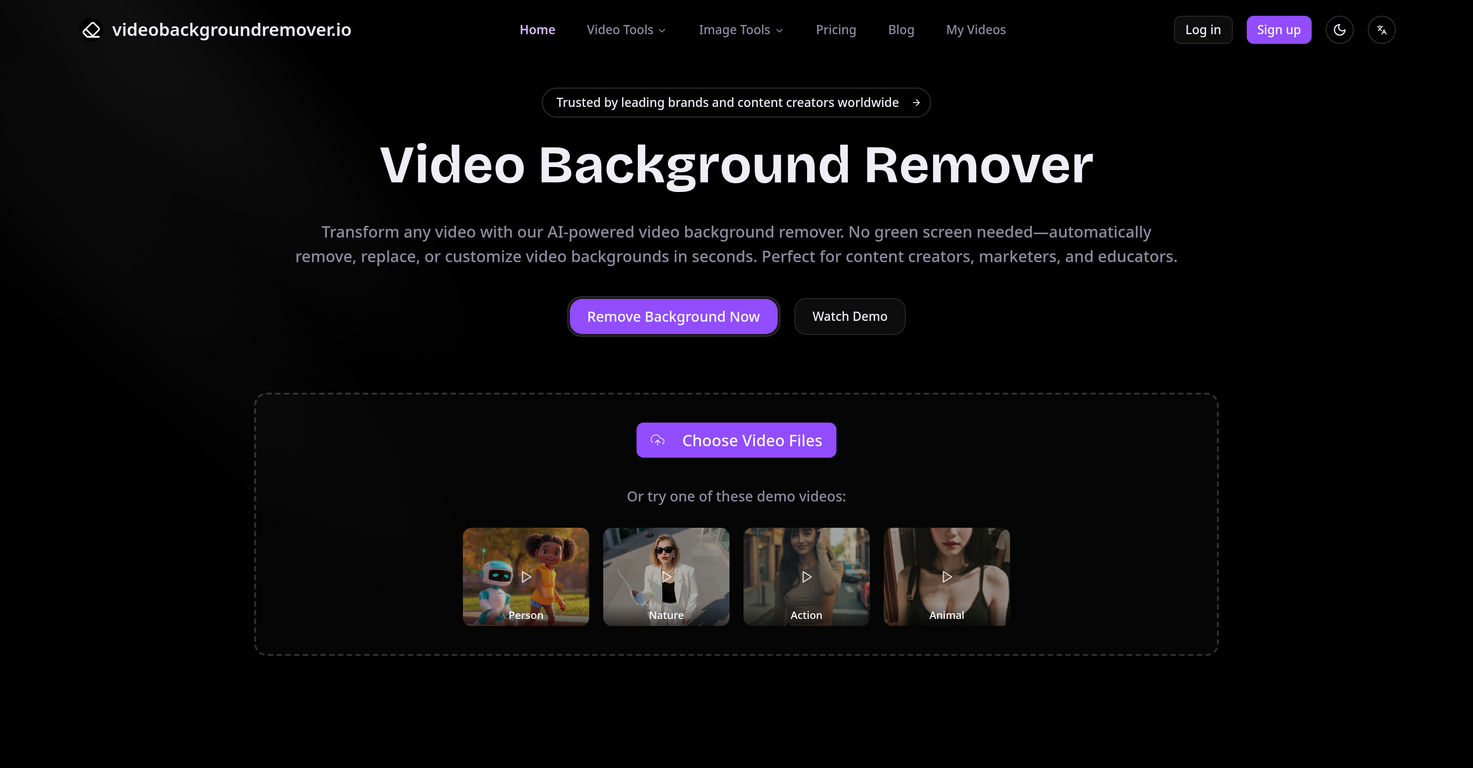
Video Background Remover is an AI-powered tool specifically designed to automatically detect, remove, and replace backgrounds from video files. It eliminates the need for a green screen, making it particularly useful for a variety of applications that include content creation, marketing, and educational purposes.
How does the Video Background Remover tool work?
Video Background Remover works by applying advanced AI and machine learning technologies to auto-detect objects and subjects in the videos. It quickly processes and removes the detected backgrounds. The process involves the user simply uploading their video, selecting the desired background, and letting the AI automatically remove the current backgrounds. The final edited video can then easily be downloaded.
What video formats does the Video Background Remover support?
Video Background Remover supports a variety of popular video formats, accommodating seamless workflow integration. This includes options for transparent backgrounds (WebM, MOV) or other custom formats ensuring that the user's preferred structure is maintained.
What kind of backgrounds can Video Background Remover handle?
The Video Background Remover tool is equipped to handle a wide range of backgrounds. Its advanced AI algorithms enable it to tackle complex scenes and motions with precision and deal effectively with fine details like hair strands and transparent objects.
Can I choose my own background in Video Background Remover?
Yes, Video Background Remover allows users to choose their own backgrounds. They have the option to replace with custom colors, images, or video clips that match the brand identity perfectly, thus providing flexibility and customizability.
Does the Video Background Remover tool have a batch processing feature?
Yes, Video Background Remover comes with a batch processing feature. This feature is particularly beneficial for high-volume video production as it allows for simultaneous processing of multiple videos, thereby saving substantial time.
Can the Video Background Remover tool handle complex motion?
Yes, Video Background Remover is proficient at handling complex motion. It uses industry-leading technologies to ensure accurate handling of complex motion, hair details, and transparent objects.
Does the Video Background Remover tool maintain the video quality after editing?
Yes, the Video Background Remover tool maintains the video quality after editing. AI algorithms are specifically designed to reduce editing errors by up to 35% while preserving fine details, ensuring professional results and preserving full HD (1080p) quality.
Is the Video Background Remover tool suitable for social media content creators?
Indeed, Video Background Remover has been utilized by more than 500,000 content creators for producing engaging social media content. It's particularly effective for quick platform-based uploads like TikTok, Instagram reels, and YouTube Shorts where visual impact is fundamental.
Can the Video Background Remover tool be used for professional presentations?
Absolutely. The Video Background Remover tool is well-suited for professional presentations and virtual events. Users can remove office clutter, add corporate branding or use virtual backgrounds to reinforce their professional image, making it ideal for remote teams and global communications.
Can the Video Background Remover tool be used without a green screen?
Yes, the need for a green screen is eliminated with Video Background Remover. The tool uses AI technologies to detect and remove backgrounds automatically, which significantly simplifies video production and editing.
Is the Video Background Remover tool user-friendly?
Yes, Video Background Remover is user-friendly. It involves a simple process of uploading videos, choosing the background, letting the AI automatically remove the existing backgrounds, and then downloading the final output. The process is streamlined to be efficient and easy.
Does the Video Background Remover tool offer options to customize video backgrounds?
Absolutely, the tool offers customizable options for video backgrounds. Users have the flexibility to replace, remove or customize video backgrounds according to their specific requirements, providing a flexible suite of options to augment their content.
Does Video Background Remover support HD videos?
Indeed, Video Background Remover supports Full HD (1080p) videos. It maintains this high-definition quality throughout the background removal process ensuring professional-grade results that cater to quality presentations and content creation.
How does Video Background Remover handle fine details like hair strands and transparent objects?
Video Background Remover uses advanced algorithms optimized to handle fine details such as hair strands and transparent objects. It preserves these intricate details during the background removal process thereby ensuring a thorough and high-quality output.
Can Video Background Remover be used for e-commerce purposes?
Yes, Video Background Remover has shown substantial benefits in the e-commerce industry. Businesses use it to create clean, professional product videos by removing cluttered backgrounds from product demos and testimonials, thus enhancing product visibility and increasing sales.
What is the processing speed of the Video Background Remover tool?
Video Background Remover is known for its fast processing speed. It uses a cloud-based infrastructure to ensure rapid, reliable results, processing videos frame-by-frame within minutes rather than hours.
Does Video Background Remover tool offer multiple export options?
Yes, Video Background Remover supports multiple export options. It allows the export of videos with transparent backgrounds in WebM or MOV format, or with replaced custom backgrounds in any preferred format. This supports seamless workflow integration.
How do I use the Video Background Remover tool?
Video Background Remover is quite straightforward to use. Firstly, upload the video file, choose the background (transparent or custom), after which the AI removes the background. Finally, download the professionally edited video.
Does Video Background Remover support cloud-based infrastructure?
Yes, Video Background Remover utilizes a cloud-based infrastructure to ensure fast and reliable processing of videos. This feature ensures a significant speed advantage leading to faster turnaround times and highly efficient editing processes.
How would you rate Video Background Remover?
Help other people by letting them know if this AI was useful.