Go to section
Spotlight SureThing.io - "OpenClaw" for BeginnersTask automation
The front page of AI.Used by 90M+ humans.

TAAFT Tutorial
Generate image
Tasks
Generate text
Free mode
Trending
Leaderboard
Characters
 Mini tools
New
Featured
Lists
Agents
Requests
Jobs
Map
Newsletter
Starter pack
Free tools
Speech to text
Text translator
Remove background
Settings
Edit profile
My tools
Gallery
Dashboard
Inbox
Get featured
Contact TAAFT
For you
Popular
Job impact index
Most saved
Affiliate program
Submit AI tool
Notification preferences
Glossary
Home
Timeline
My profile
Create tool
Deals
Companies
Models
Robots
Papers
Fundraises
Repositories
Devices
Organizations
Events
Prompt Pack
Merchendise
APIs
Features
Tools
Countries
Collections
Videos
Mini tools
New
Featured
Lists
Agents
Requests
Jobs
Map
Newsletter
Starter pack
Free tools
Speech to text
Text translator
Remove background
Settings
Edit profile
My tools
Gallery
Dashboard
Inbox
Get featured
Contact TAAFT
For you
Popular
Job impact index
Most saved
Affiliate program
Submit AI tool
Notification preferences
Glossary
Home
Timeline
My profile
Create tool
Deals
Companies
Models
Robots
Papers
Fundraises
Repositories
Devices
Organizations
Events
Prompt Pack
Merchendise
APIs
Features
Tools
Countries
Collections
Videos
Mini tools
New
Featured
Lists
Agents
Requests
Jobs
Map
Newsletter
Starter pack
Free tools
Speech to text
Text translator
Remove background
Settings
Edit profile
My tools
Gallery
Dashboard
Inbox
Get featured
Contact TAAFT
For you
Popular
Job impact index
Most saved
Affiliate program
Submit AI tool
Notification preferences
Glossary
Home
Timeline
My profile
Create tool
Deals
Companies
Models
Robots
Papers
Fundraises
Repositories
Devices
Organizations
Events
Prompt Pack
Merchendise
APIs
Features
Tools
Countries
Collections
Videos

▼ Latest
Ai-powered support
Free mode
100% free
Freemium
Free Trial
Featured matches
-
-
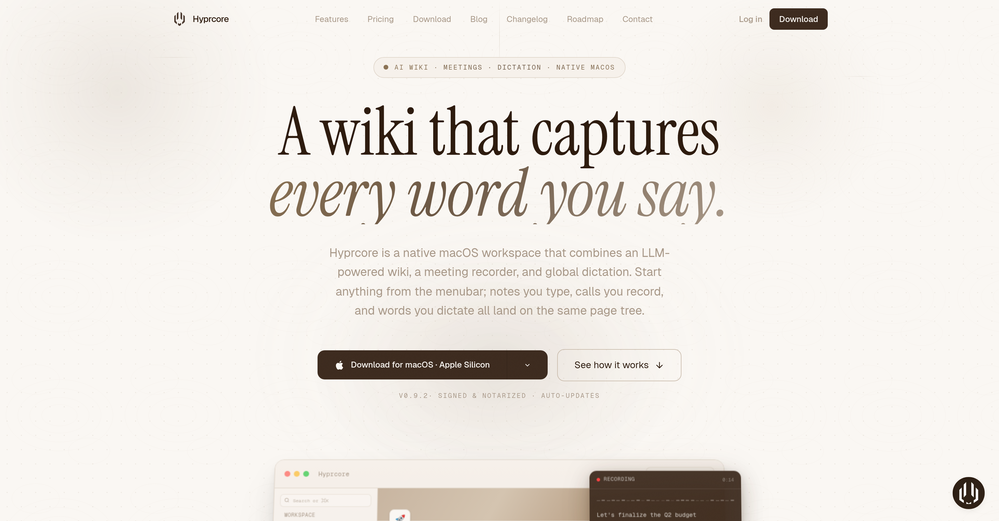
 Zeeshan🛠️ 1 toolMay 9, 2026@HyprcoreAwesome to use, the dictation really helps out while doing dev work
 -
-
 Real-time AI-powered Scripture display and note taker that responds to voice.Open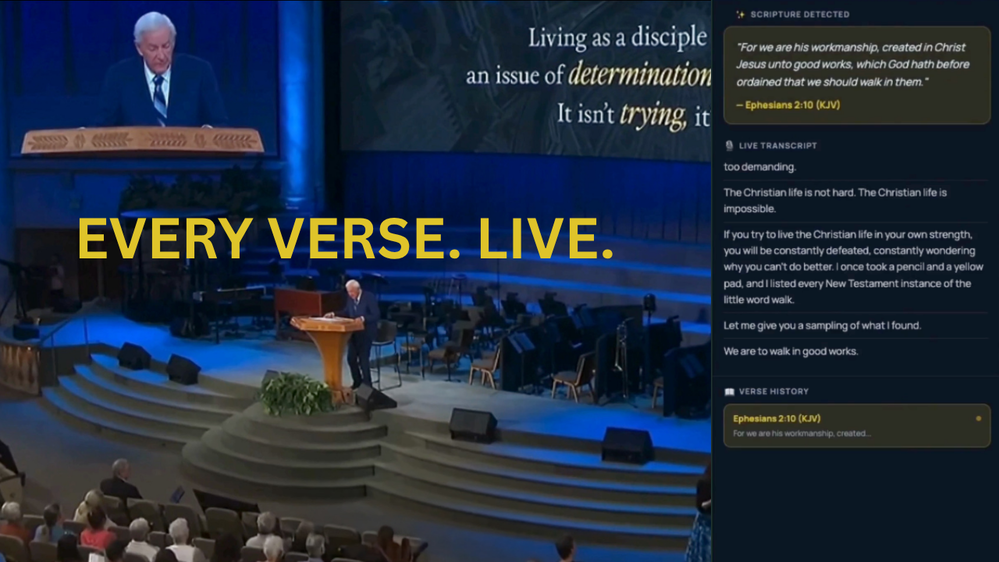
-
 There's nothing here to work withyet.Open
-
 I am a SRED consultant. The ability to upload documents and instantly get SR
 -
 Really love using PR.co. Super easy to set up and our team can share press stuff way faster now. It saves us a ton of time and just makes the whole PR job less stressful.
 -

-
-
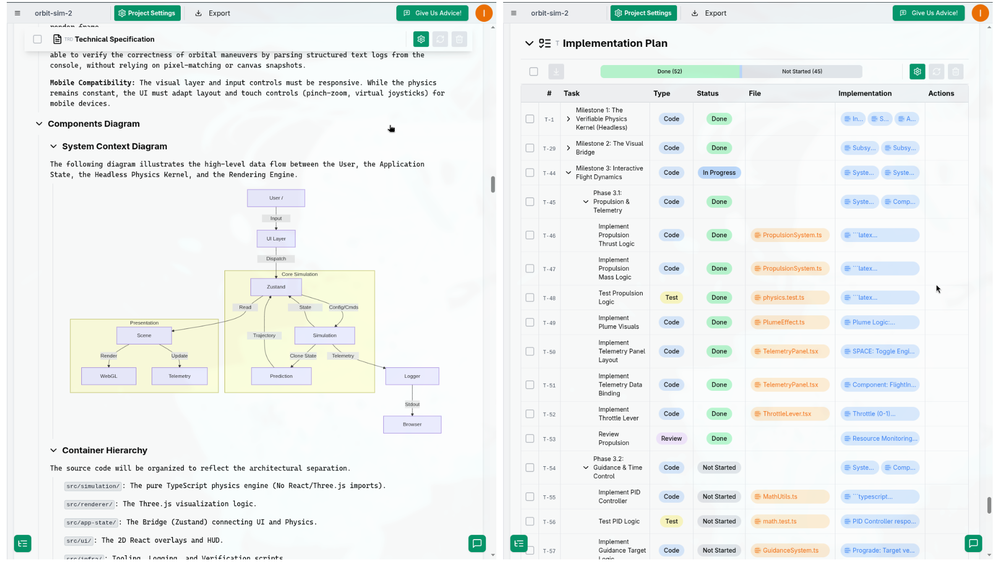 I successfully used this app for creating 50k+ LOC commertial projects. It shifts development effort to more thinking in advance and system design. And then straightforward implementation. Are we at the time of making Waterfall methodology great(er) again?









Verified tools
- SpotlightSureThing.io - "OpenClaw" for BeginnersTask automation
-
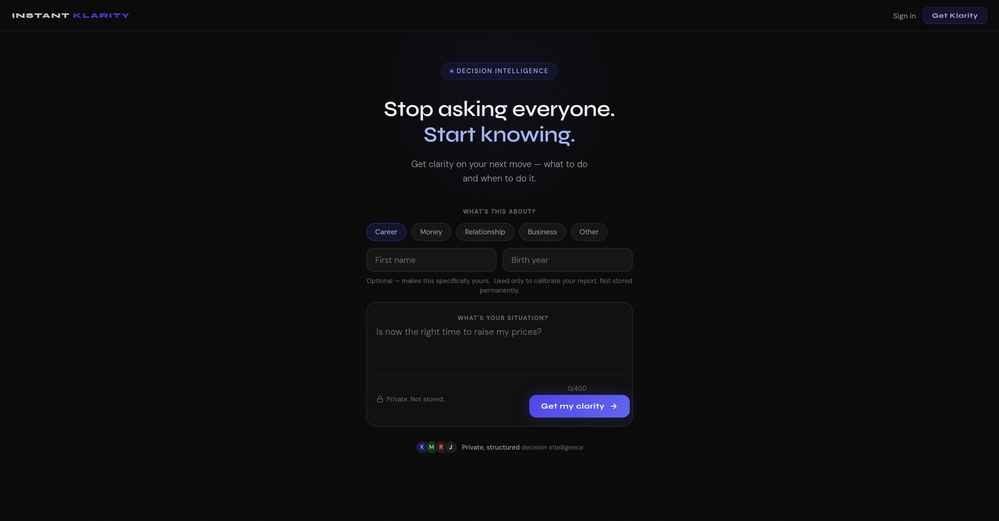
What you’re describing is interesting, but also risky. If users stay for insights but you position around ops efficiency, you’re likely attracting the wrong icp and underpricing the real value. In similar cases, that creates a significant revenue ceiling. Have you tested leading with insight speed / decision advantage instead of scheduling pain?
-
 AI-powered construction site safety and compliance management.Open
 -
 Turn notes into perfect infographics from 500+ designs.OpenHi TAAFT! I'm Henry, the founder of CartoMind. CartoMind offers a fully automated AI workflow to help you quickly organize text content and generate the perfect infographics to match. 【Why did I build this?】 When creating infographics with AI today, users are often forced to choose between two extremes. You either use generic AI image SaaS tools that trap you in complex prompt engineering and steep design learning curves with zero knowledge management, or you use products like NotebookLM. While they are fantastic for knowledge management, their infographic generation is just an afterthought, lacking design freedom and rich templates. 【Here is where CartoMind stands out:】 1. Lightweight knowledge & note management: We support uploading multiple file formats and automatically parsing text, allowing you to freely select the exact knowledge snippets you want to visualize. 2. Fully automated workflow: Based on your selected content, our AI automatically distills the key text elements and instantly matches you with the ideal infographic design from over 500 professional combinations. 3. Massive template library: A rich selection of infographic templates offering a true what-you-see-is-what-you-get experience. 【Who is using it?】 Marketers, educators, social media creators... In fact, anyone who needs to make their domain knowledge "visible" and loves to share it will find it incredibly useful. 【I can't wait for you all to try it out!】
 -
You are absolutely right. There are a lot of founder and certain types of tools that assume their users are experts, making their products very technical. GeekLink is not that kind of product. A creator shouldn't have to know the exact parameters, meanings, and depths behind it. All of that is handled behind GeekLink.
-
-
Really solid on Windows. I’ve tried several similar transcription tools before, but this one feels much better integrated into the system. The customizable global shortcuts are a game changer, you can either just do plain transcription or trigger your own custom prompts/actions with Adifferent hotkeys. A lot of competitors do Aroughly the same thing, but EchoWrite stands out because the basic transcription is essentially free (you just need your own OpenAI API key, which costs next to nothing). If you want the custom prompts and translations, it’s a one-time payment instead of yet another subscription. In 2026 that’s actually pretty fair compared to everything else out there. Big thumbs up.
-
made a presentation for my site with just 1 prompt, lol how did the AI get so much information out of my website lol
-
So far so good, best solution to translate your website. Support team on point too. Strange that nobody talked about this.
-
ARIA app is such a convenient tool for a modern mom like me. Highly recommended
-
 Build professional, on-brand decks — 10x faster. Inside PowerPoint or online.OpenI think Slidely is the only tool that has worked for me when creating my client presentations. The presentations aren't web pages or images like the other tools but actual PowerPoint slides which I really like.
 -
 Your AI-powered hub for seamless social media scheduling and content creation.OpenSadly is not working as described but they have pretty many things planned so maybe in the future it will.
 -
-
 OpenI love this extension, mobile app and desktop software! I use it everyday and everywhere. Generated text are amazing. Well done to the team and continue your incredible work! For me, Voilà is the best AI assistant, copilot and AI writer on the market. I stopped my ChatGPT plus subscription since I discoverer it.
 -
-
-
I handle a large number of tasks simultaneously through VoooAI to complete my creative work, thereby accomplishing the workload equivalent to one month in one day
-
I’ve found Jogg.ai to be super convenient, especially for creating short ad videos for products! If you haven’t tried it yet, you should check out this tutorial: https://www.jogg.ai/blog/4-steps-to-create-your-product-video-ads-in-minutes/
-
Been using ViralReels.co for a few days and it honestly saves me a ton of time editing shorts. The animated captions look really good, and I can turn one video into multiple Reels and Shorts in minutes.
-
Vireel offers the best realistic ai image to video and ai text to video tools. Incredible no watermark quality!
-
-
This is an amazing AIGC tool! The effect is incredible, it can perfectly restore what I want.
-
I paid for the subscription and the video generation has failed. I found no way to access support and the site says no refunds allowed. Hoping to find some help on here with this and I revisit my review
-
 AI-powered social content calendar that automatically creates content.Open
 -
-
 Transform unstructured documents into actionable data instantly.Open
 -
Amazing tool to compare the top AI models. Been waiting for something like this!
-
-
 AI documentation that stays fresh and reduces support tickets.Open
 -
👋 Founder here! Celebrating our launch. If you want to test the pro features, just reach out via the website "Contact" form (mention TAAFT) and I'll set you up! 🚀
-
TradeWind AI is an excellent tool for discovering and reaching global trade customers. It makes finding the right buyers fast, easy, and highly effective.
-
Tried to fix a cropped travel photo and it worked great. The AI naturally expanded the sky and beach, so the image fit a 16:9 YouTube thumbnail without any visible seams or quality loss.
-
I don't know how to use it because it's difficult to use
-
We see so many use cases like conducting workshops, doing role plays, monetizing the content, etc.
-
 OpenIts marketed as free but is not free, its 7 days free trial and $45/ month
 -
 Solve Math Problems Instantly with AI-Powered Step-by-Step ExplanationsOpenI like the AI Math Solver for my math problem.
 -
-
Nice tool, great insights and they have a good chat assistant
-
 Ship Your Full-Stack MVP in Hours, No CodeOpenThe AI tool that turns Figma design into production-ready websites, automates complex backend tasks like auth and payments, adds AI capabilities, and I like their support team service.
 -
 AI-powered chatbot that automates customer support inquiries.Open
 -
 Open👋 Karl, Co-founder here. We built IRL PLAYground because we believe a child’s first contact with AI should be ethical, creative, and human-centered. Not a tool that replaces their teachers and play environments, but one that works alongside them to unlock imagination and the potential of learning spaces. This first release focuses on the invisible work teachers carry: lesson planning, materials, classroom flow. Not flashy, but foundational. We didn’t build an MVP. We built the infrastructure of play. And this is just the start. It’s designed to be in classrooms now, and soon we’ll bring it into the home. If you’re a teacher or parent, we’d love your feedback, all ideas welcome. Share to those that need it, and let’s build this together.
 -
Hey, Zeeshaan here, co-founder of this app. We built this tool to fit frictionlessly into your workflow to make high-quality edits fast. It’s something we needed ourselves, and we've put a lot of effort into crafting a premium product. Hope you find it just as valuable.
-
love that it's still super usable even on the free plan. clean translations, different modes that actually make a difference. a good one right here.
-
Clever email management design and easy to use. I love the kanban board style with summarize and auto response.
-
look nice! I still explore more on this platform, and this tool is the first and the best one I have even used!
-
 Autonomous AI Teammate for Customer Service 24/7 resolves tickets, end-to-end.Open
 -
This AI PDF Summarizer worked really well
-
Ryne AI has been a game-changer for my academic work! The text humanizer feature is amazing – it takes my AI-generated text and makes it sound completely natural. I’ve used the essay composer tool for several assignments, and it’s saved me so much time while ensuring everything meets academic standards. The Bionic Reading Mode is a great touch for improving focus when reading through long texts. Plus, the platform is secure and keeps my work confidential. Overall, it’s an incredible tool for students who need help with writing and staying ahead in their studies. Highly recommend!
-
The Crisp team has done a very good job with this. I'm a very happy customer!
-
Before registration, it was free, but after downloading to your computer, it became paid.
-
Great for small assignments and trying to parse through a large document. Got a subscription last month, pretty cheap which is a good benefit, totally worth the cost.
-
 OpenUnable to tried its functionality as its keep asking to pay
 -
 AI assistant that proactively surfaces the best technical content, data, and actions.Open
 -
there's no free try option you work and then just before the last step it ask for money not worth it its fishy if they don't have a test free option first

































































































Other tools
-
 Open
Open - Didn't find the AI you were looking for?
-
I just used LumiClip to make clips from my long podcast video and Im so amazed how it differs from other ai video clipper tools like Opus or vizard, It does the highlight finding very well and reframe comes our so clean with no editing required. Only thing i would suggest is adding b-roll videos to clips automaticaly.
-
 Open
Open -
I run an early-stage startup. Arka has been pretty amazing for understanding our user adoption data (and then be able to ask follow up questions) in just a few clicks!
-
No no no. This is not what it claims to be. Yes there claim to be a free trial but free trial does not work at all. Its just a workaround.👎🏻
-
Didn't really like the output, made some good directives for me and insight that i haven't came across so far. Not really sure if i will trust it with my main projects though. How safe is it?
-
 Translate Excel files into any language instantly.Open
 -
Great tool! The most complete one if you want to create music video specifically.
-
 Open
Open -
threw in one short essay that I had. I really liked the recommendations section, super clear and helpful. easy to use
-
Seamless to setup and works as an excellent alternative to GitHub Copilot.
-
 Supercharge your music practice with AI-powered tracking and social support.Open
 -
 Open
Open -
I tried many and this is probably the best website builder out here, especially for SaaS projects
-
 Open
Open -
AutoEditor is a tool powered by AI that allows users to create highly customized short videos. It is primarily designed to make video editing easier and more efficient, thus enabling users to focus more on content creation. Distinct features include the automatic generation of subtitles in more than 40 languages, detection of silence or non-relevant content in videos, and the ability to enhance videos by adding b-rolls, watermarks, and other effects. The platform provides an easy-to-use interface for video editing, putting users in complete control of their content. Users can change text, styles, and various other aspects of their videos without prior knowledge in video editing. Furthermore, AutoEditor supports editing of long videos, which can be broken down into smaller parts without pre-cutting them. Videos for editing can be directly processed from YouTube, eliminating the need for separate downloading websites. Users can also customize their captions, save their unique styles as presets, and create videos with a few simple clicks for a fast editing experience. AutoEditor's pricing is designed to be simple and affordable, with plans tailored to suit different needs. Users can also access a free tier to get started. Flexibility is one of its key advantages, providing users the means to edit their videos exactly how they want them. The software works best with videos containing any type of voice or talking, such as podcasts, talk shows, documentaries, educational videos, or speeches.